Business Hours Widget
Create a Business Hours Widget for Your Website
Create a responsive hours display that matches your page, keeps weekly availability clear, and gives visitors direct ways to contact, book, or find your business.

Choose a Template, Image, and Theme
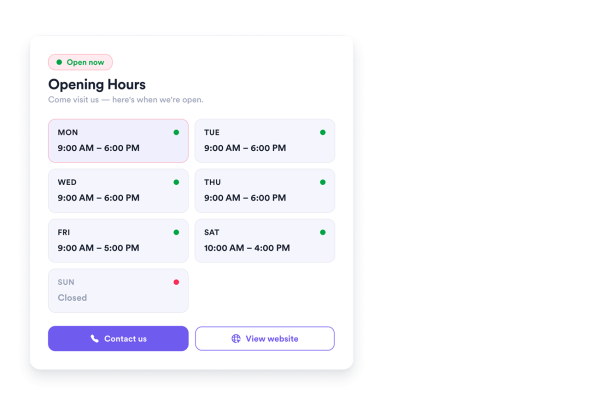
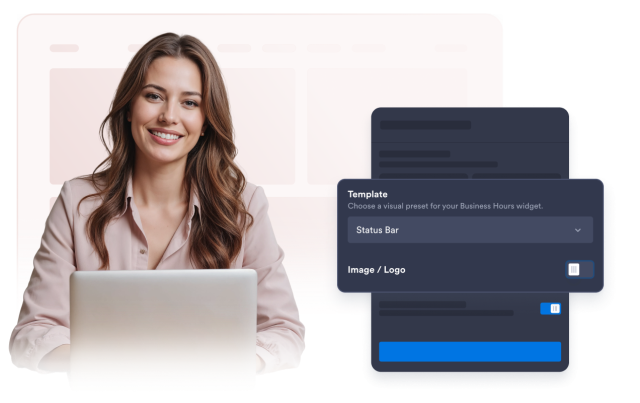
Start with Today Focus, Weekly Table, Status List, Day Cards, Pixel Art, Cover Photo, Split Image, or Status Bar. Control title and description visibility, use a logo or banner in most templates or a photo in Cover Photo and Split Image, and choose a Light, Dark, or Custom theme.
Visual options include:
Display Weekly Hours and Live Status
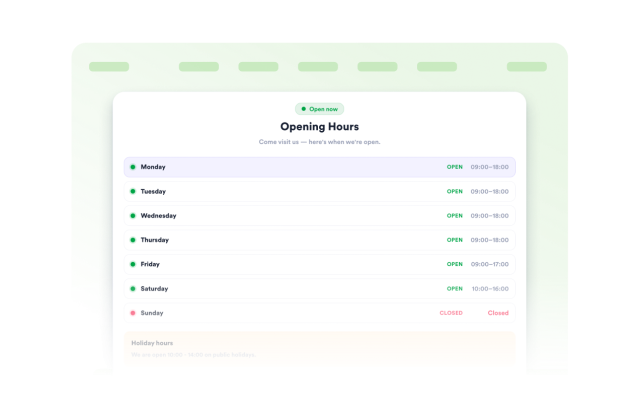
Set opening and closing times for each day, mark days as closed, and choose the time zone used to calculate current status and the next opening or closing message. Show or hide the status badge, and use Additional info for policies or seasonal notes.
Schedule options include:
Add Contact Details and Up to Five Actions
Show or hide your phone number, email address, website, and physical address independently. Create, reorder, duplicate, edit, or remove up to five buttons, and choose a filled or outlined style for each action.
Action options include:
Control Theme, Width, and Alignment
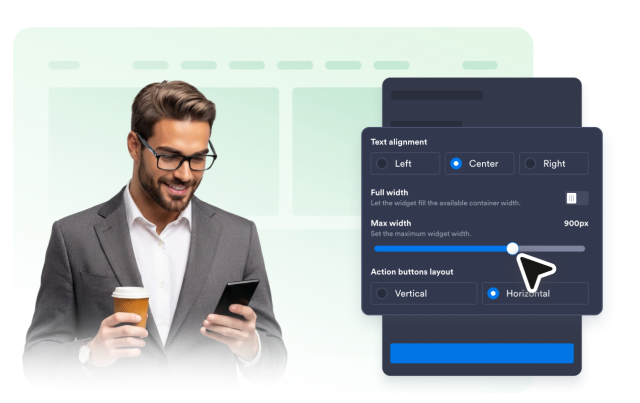
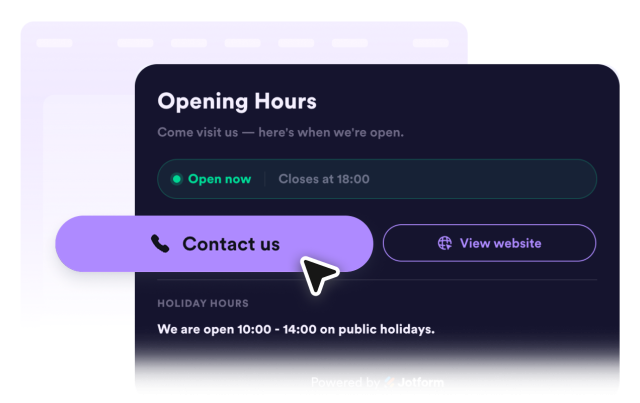
Customize background, primary and secondary text, border, open and closed status, button, and button text colors. Adjust card corners, border style, text alignment, responsive maximum width, and vertical or horizontal button layout.
Customization options include: