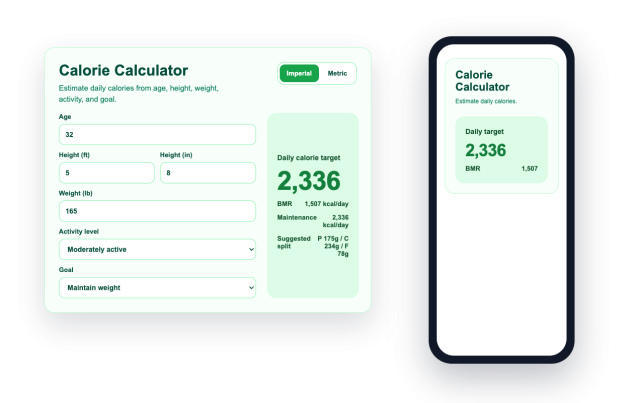
Calorie Intake Calculator Widget
Estimate BMR, TDEE, and Goal Calories on Your Website
Create a no-code calorie calculator that uses visitor details, activity level, and goal to show useful daily calorie estimates in real time.
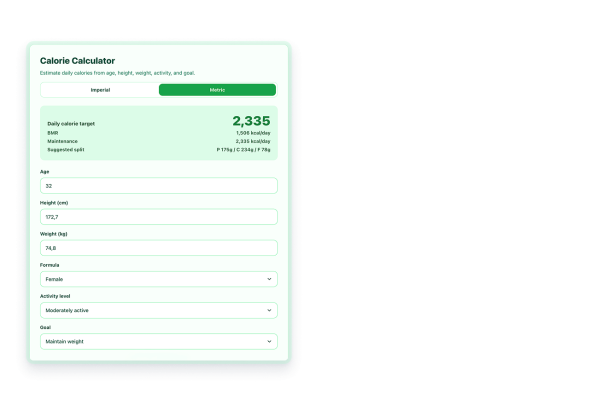

Start With Visitor-Friendly Inputs
Let visitors enter age, height, weight, activity level, and goal with US customary or metric units.
Input controls include:
AgeHeightWeightActivity levelGoal
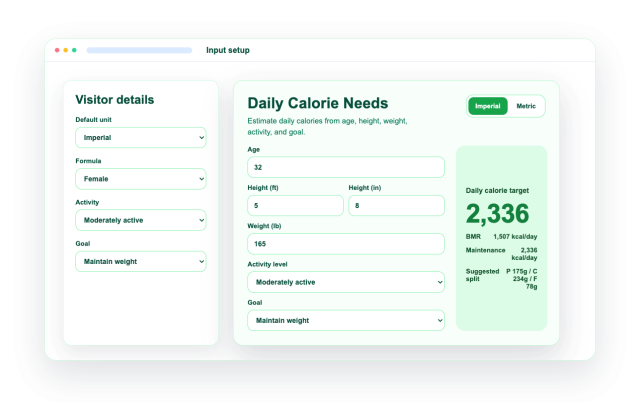
Calculate BMR and Maintenance Calories
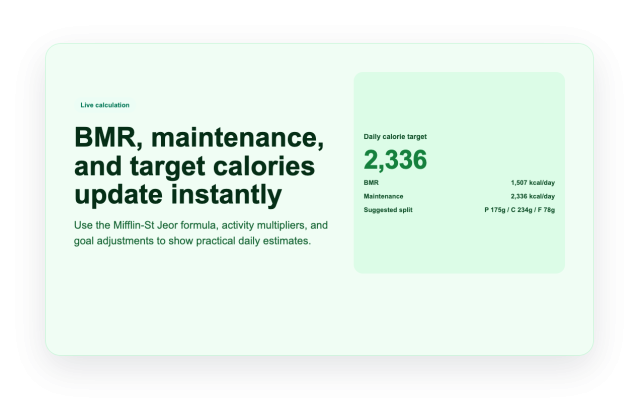
Use the Mifflin-St Jeor equation and activity multipliers to estimate basal metabolic rate and daily maintenance calories.
Result details:
BMRMaintenance caloriesDaily targetkcal/day
Show Goal-Based Calorie Targets
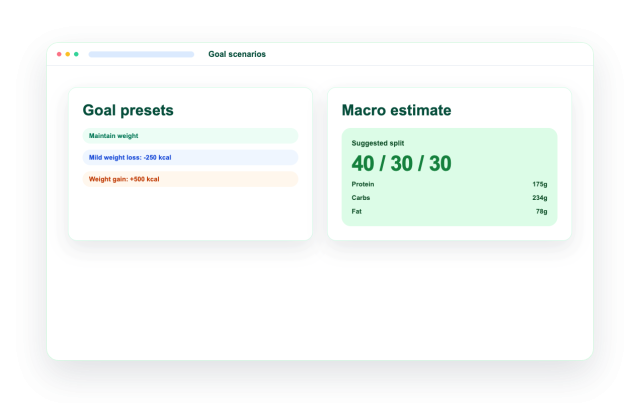
Adjust calories for maintaining weight, mild weight loss, weight loss, mild weight gain, and weight gain scenarios, with an optional macro split.
Goal controls:
MaintainMild lossWeight lossMild gainWeight gain
Style and Place the Calculator Anywhere
Choose themes, colors, result position, widget width, corner radius, section or floating placement, and desktop or mobile visibility.
Layout controls include:
ThemesResult positionFloating modeWidthDevice visibility