eBay Reviews Widget

Tabs for eBay Reviews

eBay Reviews Tabs presents six fictional buyer comments about preowned cookbooks and recipe collections. A Light tabbed layout lets visitors select a reviewer on the left and read the corresponding five-star review in a large panel on the right.
Tabs for eBay Reviews

More eBay Reviews Styles

Floating eBay Reviews Rating Badge632 Used

Floating eBay Reviews Rating Badge

Display a floating eBay rating badge in a light framed card with a thin multicolor stripe. The Postcard finds overview shows a 5.0 average, five stars and a six-review count; automatic transitions rotate through six fictional buyer comments about collectible postcards. Human portraits, reviewer names and eBay source marks accompany the reviews. Clicking opens the full review panel. Dates, review photos, products, branding and CTA are hidden. Replace illustrative feedback with authorized reviews.

Dark Floating Social Media Activity Badge336 Used

Dark Floating Social Media Activity Badge

Keep fictional sample feedback about secondhand vinyl purchases close at hand with a dark floating eBay badge. The compact social-sources style shows an eBay mark, the heading Vinyl buyer notes and a six-review count. Clicking opens a panel with six five-star comments, reviewer names and different human portraits. Dates, review photos, products, branding and CTA are hidden. Replace illustrative comments with authorized reviews.

Floating Multi-Source Reviews Badge688 Used

Floating Multi-Source Reviews Badge

This Floating Multi-Source Reviews Badge is adapted for eBay feedback. The native Light horizontal badge stays at the right side of the page and displays the eBay source mark, a 5.0 average, five gold stars and a six-review count. Selecting the badge opens six fictional buyer comments about pre-owned film camera accessories, paired with human reviewer portraits and names. The samples discuss straps, lens caps, camera cases, accessory pouches, condition notes and careful packing. Dates, review photos, products, branding and CTA are hidden. Replace fictional examples with feedback you are authorized to display. Custom CSS is empty and disabled.

eBay Reviews Bento Testimonial Grid632 Used

eBay Reviews Bento Testimonial Grid

eBay Reviews Bento Testimonial Grid presents six fictional buyer comments about pre-owned books under the heading Finds for your next read. The native Light Bento grid uses tall dark featured cards alongside smaller white quote cards, with human reviewer portraits, names and eBay source marks. The complete sample comments discuss condition notes, covers, editions, careful packing and dust jackets. Dates, review photos, products, branding and CTA are hidden. Replace fictional examples with feedback you are authorized to display. Custom CSS is empty and disabled.

How to create a eBay Reviews widget

Customize your widget

Customize your widget

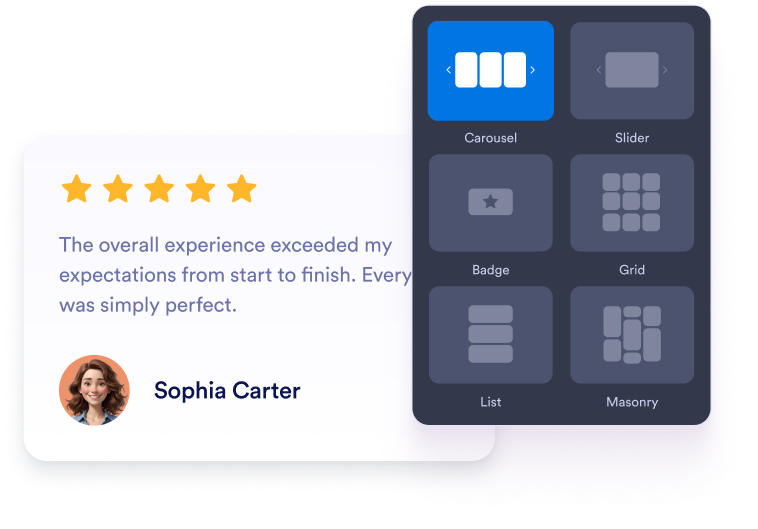
Choose your content, layout, colors, and behavior so the widget fits your website design.

Get the embed code

Get the embed code

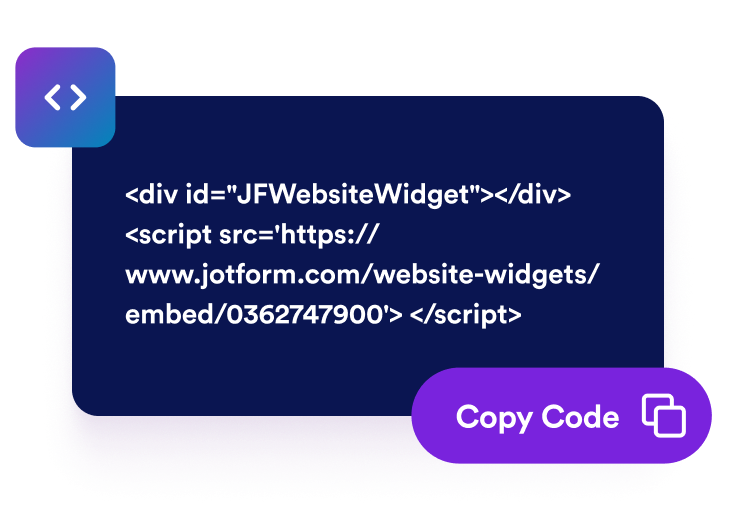
Copy the ready-to-use embed code generated by Jotform. No setup or coding required.

Embed it anywhere

Embed it anywhere

Paste the code into your website and publish. Your eBay reviews will appear right away.

Build buyer confidence with trusted eBay reviews

Guide buyers toward confident purchases

Place positive eBay feedback near product details, purchase buttons, or store information. Reviews from previous customers can address common concerns and give visitors useful context as they decide whether to buy from your business.

Guide buyers toward confident purchases

Add useful review context

Customer feedback adds relevant information to your store and product pages. Although embedded reviews don’t guarantee better search rankings, they can make your website more informative for visitors researching your products, service, and seller reputation.

Add useful review context

Build trust with buyer feedback

Show genuine eBay ratings and reviews directly on your website. Feedback from previous buyers helps visitors assess your store’s reputation and understand the experiences other customers have had before placing an order.

Build trust with buyer feedback

Keep eBay reviews current automatically

Connect your eBay store and let the widget stay synced with eligible ratings and comments. New feedback can appear on your website automatically, reducing the need to copy reviews or update your pages manually.

Keep eBay reviews current automatically

How to embed your eBay Reviews into WordPress

1Get your embed code

After customizing your Jotform website widget, click Try it on your website for free, and copy the generated embed code.

2Open the page editor

Go to the WordPress post or page where you want to display the widget, then add a new block.

3Add a Custom HTML block

Select Custom HTML and paste your Jotform website widget embed code into the HTML field.

4Update and view

Click Update or Publish, then open the page to check your embedded widget.

Why Jotform Website Widgets stand out

Jotform’s widgets make your website more interactive and increase conversions. There are many tools available, from star ratings and testimonial sliders to social proof popups and media embeds. Add widgets to your forms or landing pages to collect data, display proof, and capture leads — no coding required.

Embed widgets without coding

Add Jotform widgets to your website with a simple embed code. Customize the widget, preview how it looks, and paste it into any page that supports custom HTML or embed blocks, all without a developer.

Build more interactive pages

Use Jotform Website Widgets to collect leads, show customer feedback, display social proof, embed media, or add helpful web page tools. Each widget helps visitors interact with your business directly from your website.

Get support when you need it

If you need help setting up, customizing, embedding, or troubleshooting your widget, Jotform’s customer support team is available 24-7. You can move forward with confidence, knowing that help is there when you need it.

Where to use your eBay Reviews Widget

Display buyer feedback on pages where visitors evaluate your products, seller reputation, and service.

Homepage trust sections to introduce your eBay reputation to new visitors.

Product pages to support purchase decisions with relevant buyer experiences.

Category pages to build confidence while shoppers compare products.

Shipping and returns pages to reinforce information about service and delivery.

Promotional landing pages to provide social proof alongside featured products.

Contact and FAQ pages to reassure visitors before they submit a question.

Convert leads into paying customers with the Jotform Form Builder

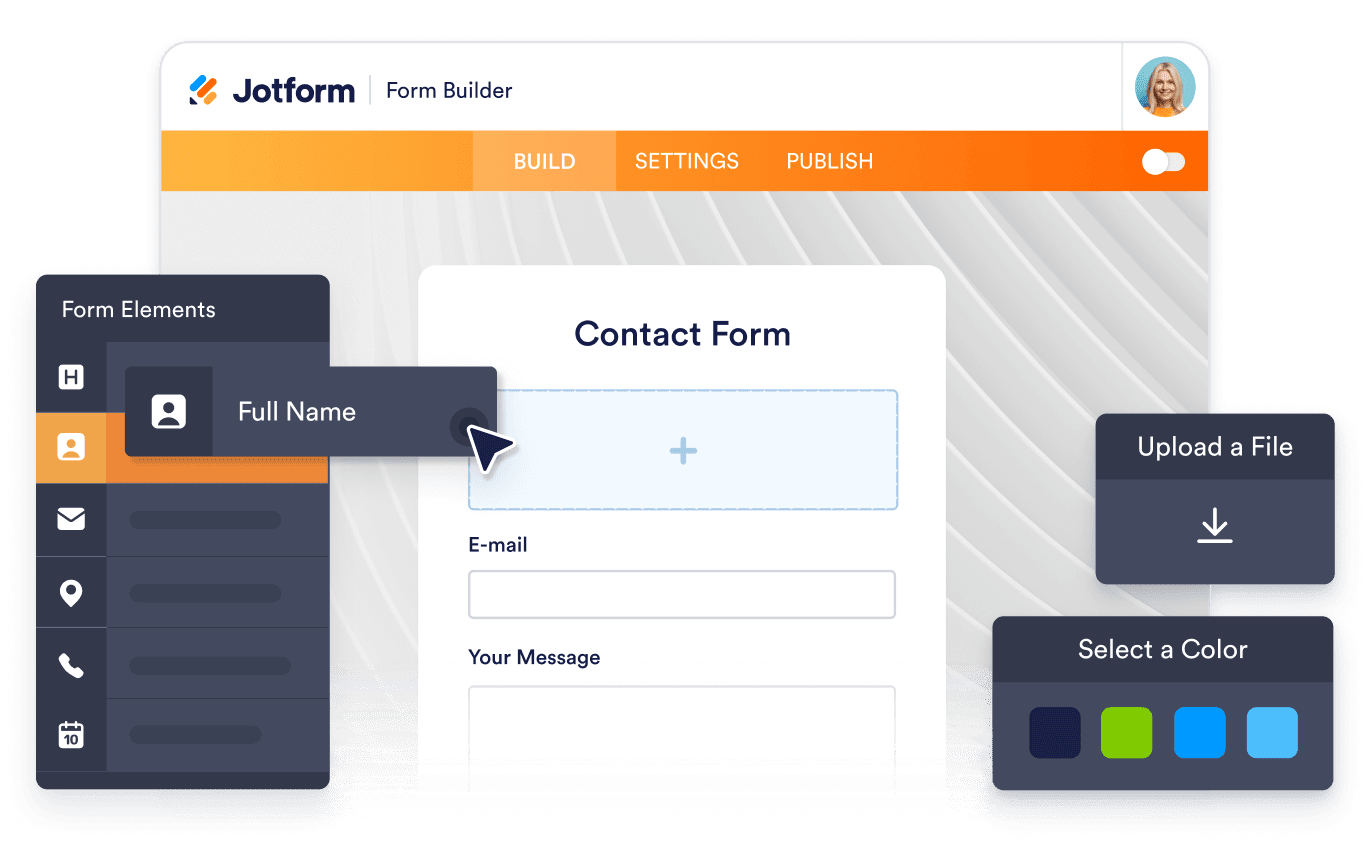
Turn engagement into action with Jotform. Create powerful forms that capture leads, collect payments, and automate responses, all in one place. Every submission lands in your Jotform Inbox, where you can follow up or connect with your favorite apps.

Get Started — It’s Free!
Convert leads into customers

FAQ

  • What is an eBay Reviews Widget?

    An eBay Reviews Widget displays public ratings and customer feedback from your eBay store on your website. It helps visitors evaluate your seller reputation and read previous buyers’ experiences without navigating away from the page.

  • How do I add eBay reviews to my website?

  • What eBay information does the widget display?

  • Can I choose how my eBay reviews appear?

  • Can I customize the widget’s design?

  • Will new eBay reviews appear automatically?

  • Do I need to write code?

  • Is the eBay Reviews Widget free?

  • Which website platforms support the eBay Reviews Widget?