Google Maps Widget
Add Google Maps to Your Business Website
Create a Google Maps widget with saved locations, business details, search, category filters, directions links, four map types, and responsive layouts. Set it up visually and embed it without writing custom map code.
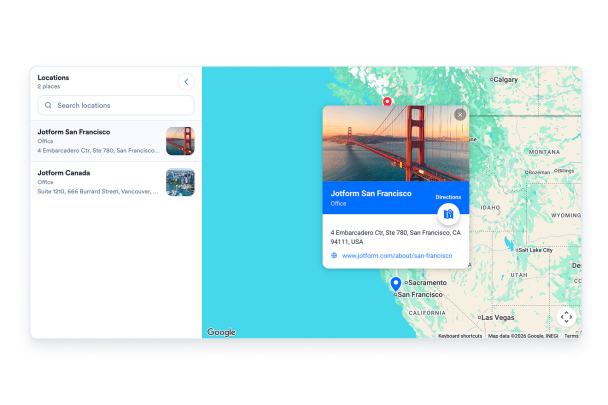

Map every location with full details
Add offices, stores, venues, or service areas to one map. Give each saved location a name, address, phone number, hours, category, rating, description, image, and optional coordinates.
Location fields include:

Let visitors search and pick a location
A side panel lists your saved locations with the details you choose to show. Visitors can search by name or address, filter by category, and select a result to recenter the map.
Panel controls include:
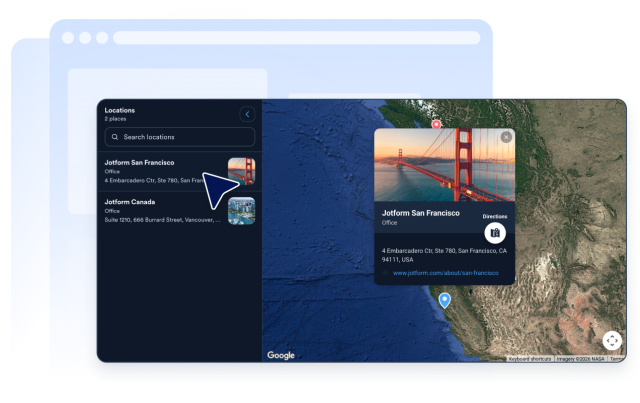
Send visitors straight to directions
Get directions and Open in Google Maps links pass the selected destination to Google Maps. Visitors can continue in Google Maps without copying an address, and you choose whether links open in a new or same tab.
Map actions include:
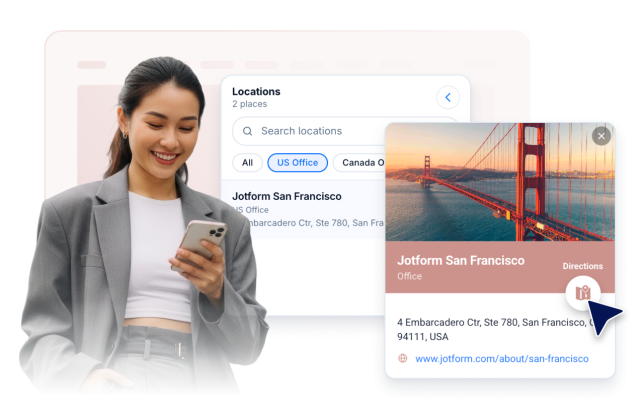
Style the map to match your brand
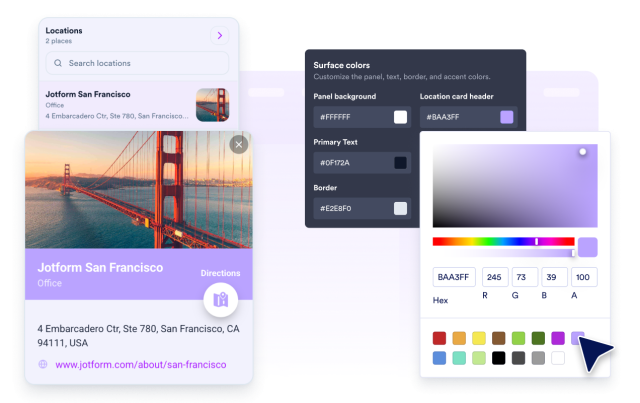
Choose a split or stacked layout, set the panel position, adjust map height and zoom, pick a light or dark theme, and fine-tune panel, text, border, accent, and marker colors. Add scoped custom CSS when you need more control.
Style controls include:
Look sharp on every screen
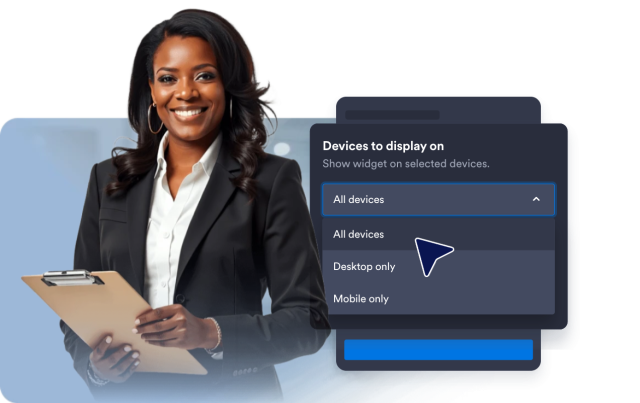
The map and panel reflow on phones and tablets, with split layouts stacking on mobile for readability. Separate desktop and mobile visibility controls let you decide where the widget appears.
Responsive controls include: