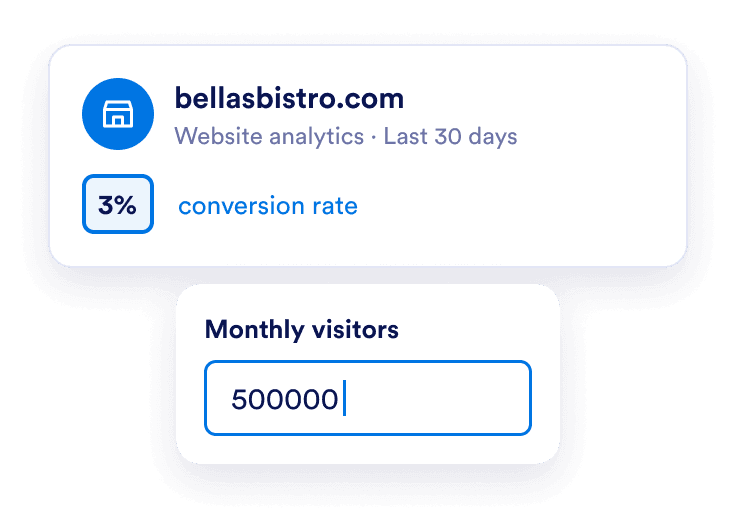
Enter your website numbers
Add your monthly visitors, current conversion rate, and average order value. Use numbers from the same period and website so your baseline is consistent.
Add your monthly visitors, current conversion rate, and average order value. Use numbers from the same period and website so your baseline is consistent.
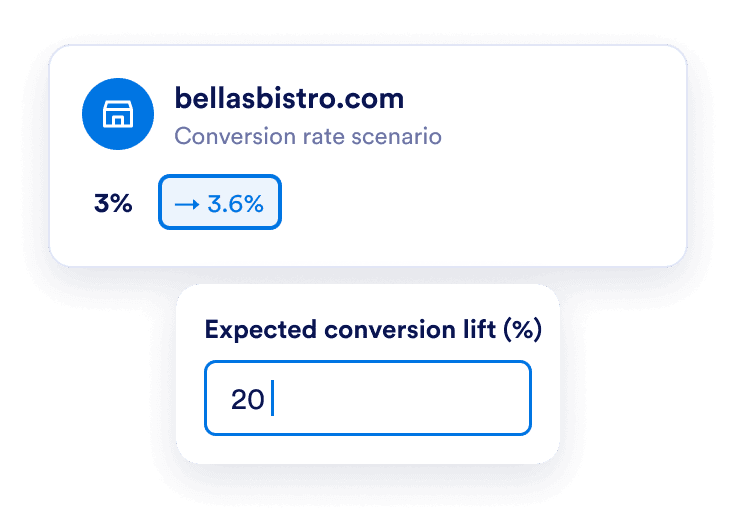
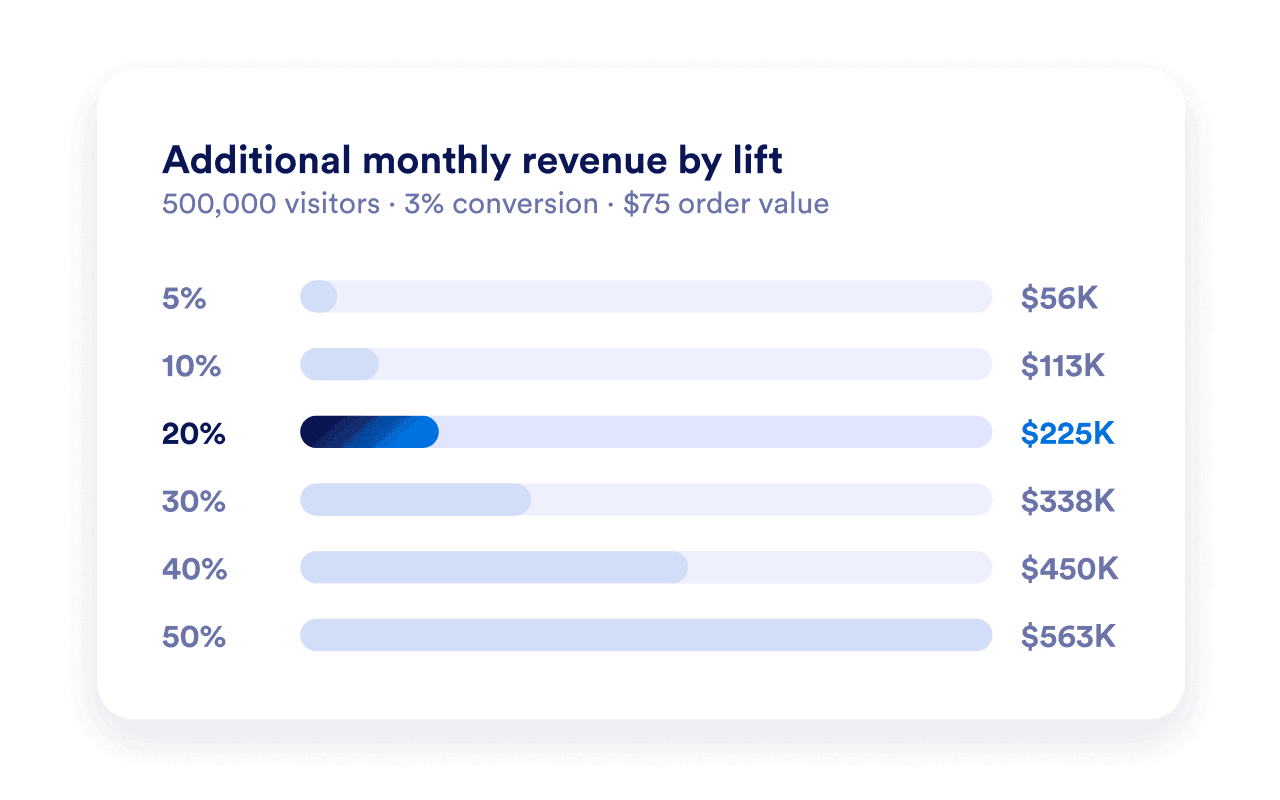
Enter a relative percentage increase you want to explore. For example, a 20% lift changes a 3% conversion rate to 3.6%. This is a scenario you choose, rather than a promised result.
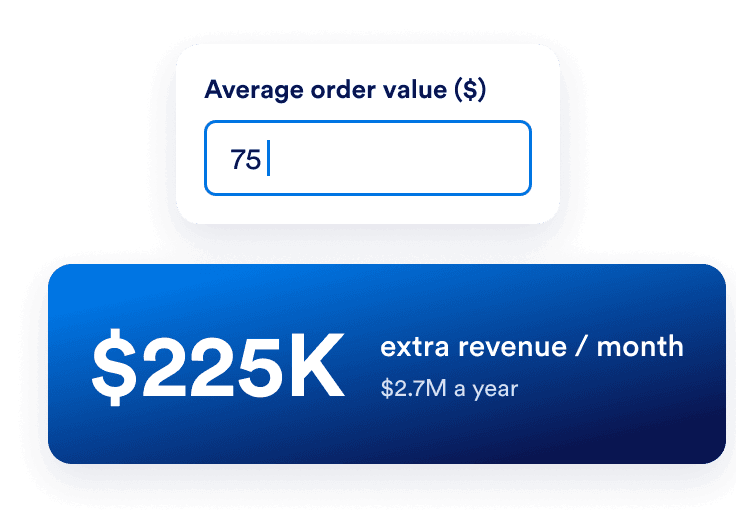
Compare your current and projected monthly revenue, additional conversions, and annual revenue estimate. Change your assumptions to explore another scenario.
Turn a percentage into an estimated number of additional orders and revenue. Start with your own website data to see what a change in conversion rate would mean at your current traffic level.
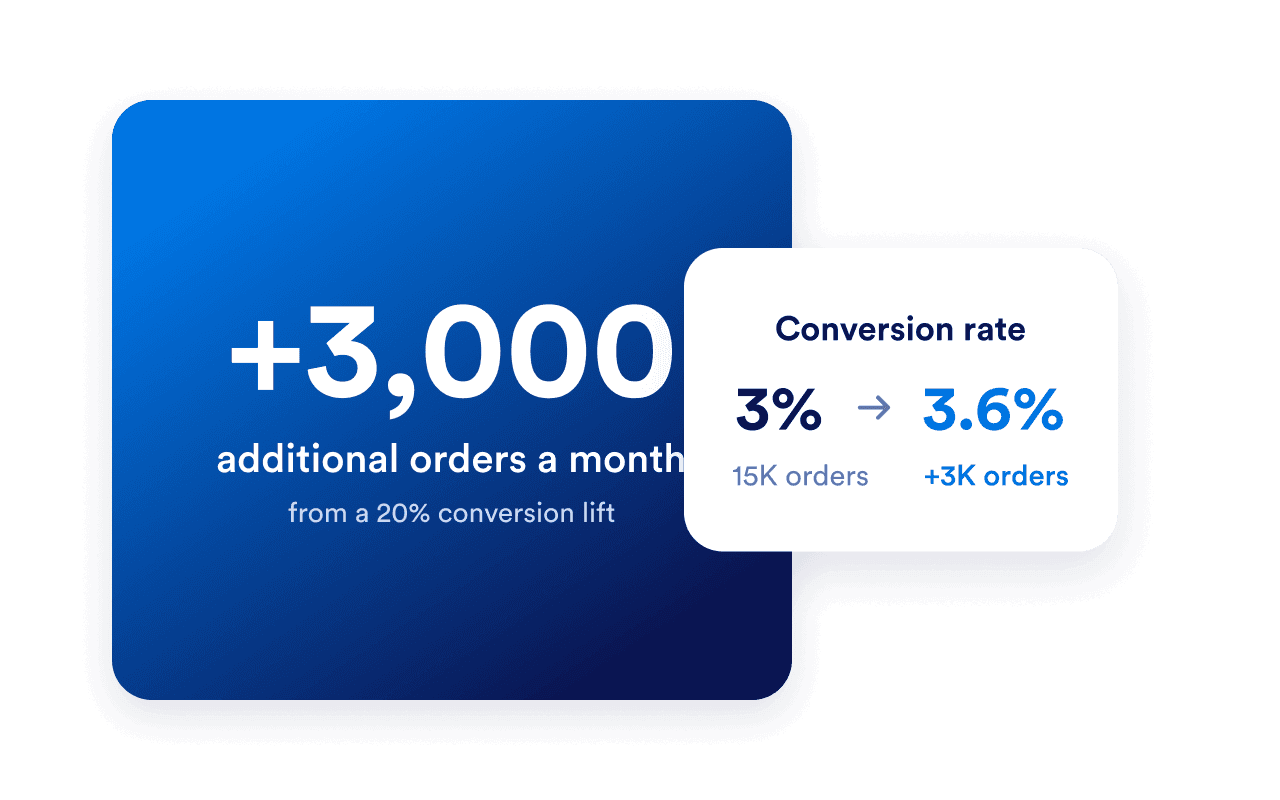
Try a smaller lift and a more ambitious one to compare potential outcomes. Traffic and average order value stay constant in each calculation, so you can see the effect of changing the conversion rate.
Show visitors the audience behind your brand with Jotform’s Social Media Follower Count Widget. Display follower totals and links to your profiles, then measure your actual conversion results to learn what works for your audience.

It models the potential revenue change from an increase in website conversion rate. Enter monthly visitors, your current conversion rate, average order value, and an expected relative conversion lift. The calculator shows additional monthly and annual revenue, additional conversions, and a revenue comparison.
Your revenue estimate will appear here
Fill in all four fields to explore the potential impact of a conversion change.
Estimated additional monthly revenue