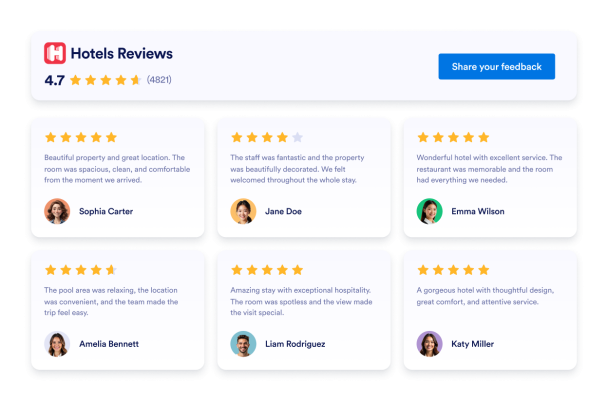
Hotels Reviews Widget

Hotels.com Reviews Widget for Your Website

Bring credible customer feedback closer to important decisions on your website. Jotform’s Hotels.com Review Widget lets you connect Hotels.com reviews, customize their appearance, and embed the display on your website without writing code.

Hotels.com Reviews Widget for Your Website

More Hotels Reviews Styles

Photo Testimonials Slider623 Used

Photo Testimonials Slider

Showcase six fictional sample guest reviews for a modest city guesthouse in a full-width carousel. The comments cover a comfortable bed, an uncluttered room, helpful arrival information, a quiet spot for reading by the window, fresh bed linen, and clear checkout instructions. Each card displays a reviewer portrait and name, a five-star rating, and a room photo used as an illustrative background—not an image of an identified real property. A guesthouse website can use this widget to give visitors a concise preview of the stay. Visitors browse the reviews with the previous and next arrows and can open a review for more detail. The light theme, bold heading, and manual carousel controls keep the focus on the guest comments.

Hotels Reviews Wall of Love528 Used

Hotels Reviews Wall of Love

Hotels Reviews Wall of Love presents six fictional five-star guest reviews about a small guesthouse near an old-town market. A left-aligned source header pairs the Hotels mark with “A cozy base for old-town walks,” an overall rating and six-review count. Native Light Standard cards display stars above complete short comments, with human portraits and reviewer names at the bottom. The sample feedback covers rooms, walking tips, breakfast, a reading nook, arrival and checkout. Dates, review photos, products, branding and CTA are hidden. Replace these fictional examples with authorized feedback. Custom CSS is empty and disabled.

Hotels Reviews Tabs815 Used

Hotels Reviews Tabs

This light, full-width hotel reviews widget presents six fictional five-star guest reviews for a small guesthouse near a public botanical garden. The header, “Notes from our weekend guests,” introduces comments about peaceful rooms, a simple breakfast, a friendly arrival, walks to the gardens, and reading in the courtyard. Reviewer names, portraits, ratings, and a review count are displayed, with Hotels.com identified as the review source. Visitors can select reviewer tabs to read a larger featured review panel and use the previous and next controls to browse the set. This layout suits a guesthouse or hospitality website that wants to show sample guest feedback in a compact, navigable format. The reviews are fictional examples and do not indicate an actual hotel endorsement.

Rainbow Hotels Reviews Wall of Love235 Used

Rainbow Hotels Reviews Wall of Love

Showcase a relaxed weekend-stay theme with this full-width Hotels.com review wall. Its masonry layout presents six illustrative guest comments about a peaceful city base, a quiet courtyard, comfortable rooms, and a warm welcome. Each card displays the reviewer’s name, portrait, and five-star rating, while the heading, “A little calm between city days,” sets a gentle tone for a small city hotel. Designed for hotel teams presenting guest feedback to travelers considering a short city break, the wall gives visitors a quick way to browse the comments. They can select a review to see it in a dialog and use the “Load more” control to explore the displayed reviews.

How to create a Hotels Reviews widget

Choose widget elements

Choose widget elements

Choose the content and elements you want to show to your website visitors and tailor your widget to your needs.

Customize your widget

Customize your widget

Customize your widget's appearance by adjusting colors and other design settings to match your website's style.

Embed it on your website

Embed it on your website

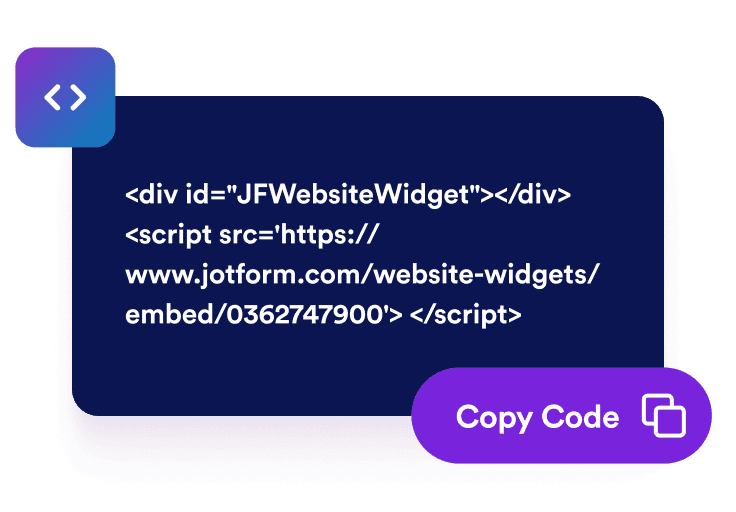
Paste the embed code into a custom HTML or embed block, then publish your page to display the website widget.

Display Hotels.com reviews throughout your customer journey

Support confident customer decisions

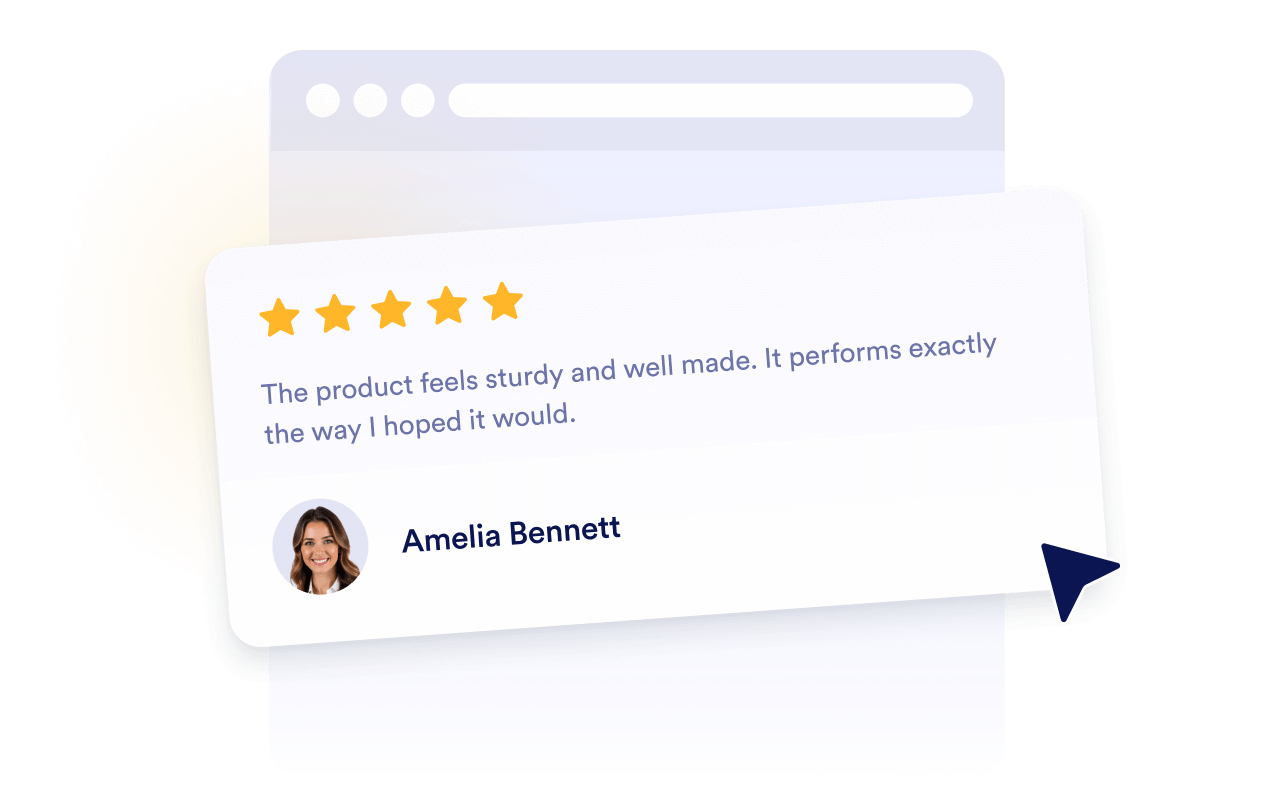
Place positive customer experiences near pricing, signup, checkout, or contact options. Hotels.com reviews give visitors useful context about your products, services, and support as they decide whether your business meets their needs.

Support confident customer decisions

Add useful customer review content

Make key pages more informative with current, experience-based feedback. Embedded reviews don’t guarantee improved search rankings, but they can add relevant information for visitors researching your reputation and comparing available options.

Add useful customer review content

Build credibility with Hotels.com reviews

Display recognizable Hotels.com feedback directly on your website. Customer reviews and ratings provide independent perspectives that can help visitors evaluate your business without leaving the page to look for additional proof.

Build credibility with Hotels.com reviews

Keep Hotels.com reviews updated automatically

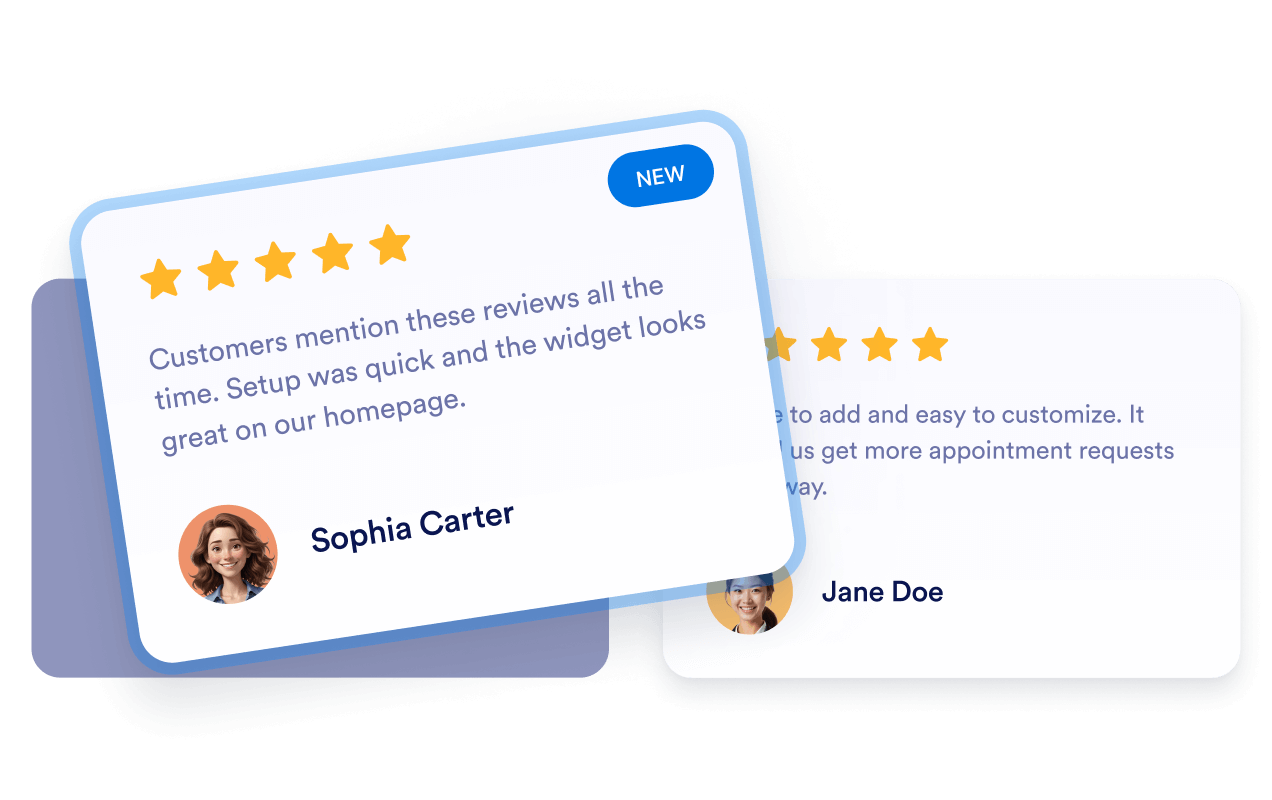
Connect your review source and let the widget stay synced with eligible Hotels.com feedback. New reviews can appear automatically, reducing the need to copy customer comments or update your website manually.

Keep Hotels.com reviews updated automatically

How to embed your Hotels Reviews into WordPress

1Get your embed code

After customizing your Jotform website widget, click Try it on your website for free, and copy the generated embed code.

2Open the page editor

Go to the WordPress post or page where you want to display the widget, then add a new block.

3Add a Custom HTML block

Select Custom HTML and paste your Jotform website widget embed code into the HTML field.

4Update and view

Click Update or Publish, then open the page to check your embedded widget.

Why Jotform Website Widgets stand out

Jotform’s widgets make your website more interactive and increase conversions. There are many tools available, from star ratings and testimonial sliders to social proof popups and media embeds. Add widgets to your forms or landing pages to collect data, display proof, and capture leads — no coding required.

Embed widgets without coding

Add Jotform widgets to your website with a simple embed code. Customize the widget, preview how it looks, and paste it into any page that supports custom HTML or embed blocks, all without a developer.

Build more interactive pages

Use Jotform Website Widgets to collect leads, show customer feedback, display social proof, embed media, or add helpful web page tools. Each widget helps visitors interact with your business directly from your website.

Get support when you need it

If you need help setting up, customizing, embedding, or troubleshooting your widget, Jotform’s customer support team is available 24-7. You can move forward with confidence, knowing that help is there when you need it.

Where to use your Hotels.com Reviews Widget

Embed Hotels.com reviews on pages where visitors assess your reputation and decide whether to purchase, subscribe, register, or make contact.

Homepage trust sections to introduce your rating and customer feedback.

Product and service pages to provide context near important benefits.

Pricing and plan pages to support visitors comparing available options.

Checkout and signup pages to address last-minute uncertainty.

Campaign landing pages to add credible feedback near promotional offers.

About and reputation pages to present customer experiences in one place.

Convert leads into paying customers with the Jotform Form Builder

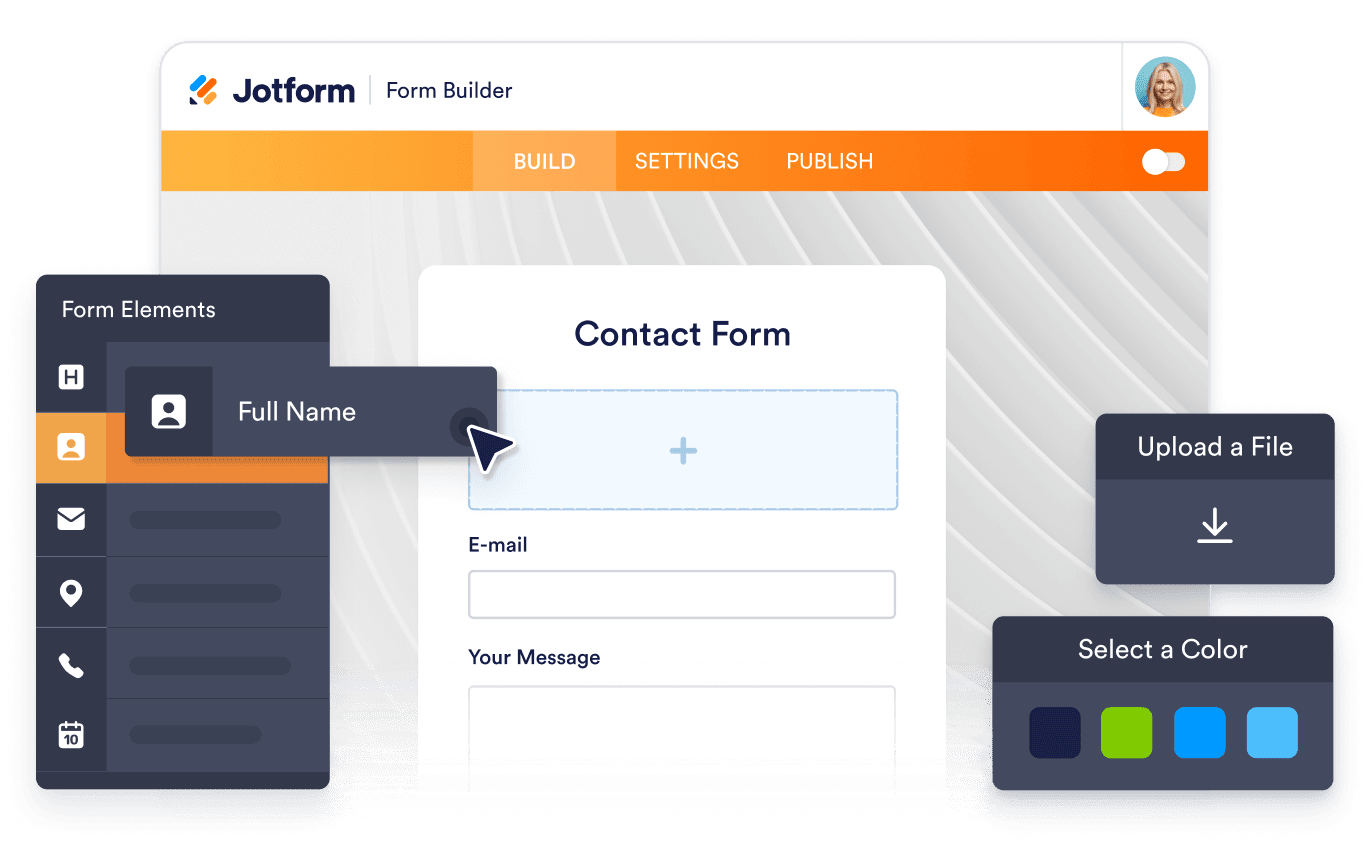
Turn engagement into action with Jotform. Create powerful forms that capture leads, collect payments, and automate responses, all in one place. Every submission lands in your Jotform Inbox, where you can follow up or connect with your favorite apps.

Get Started — It’s Free!
Convert leads into customers

FAQ

  • A Hotels.com Reviews Widget displays eligible customer ratings and feedback from Hotels.com on your website. It gives visitors access to recognizable social proof while they explore your products, services, pricing, or company reputation.