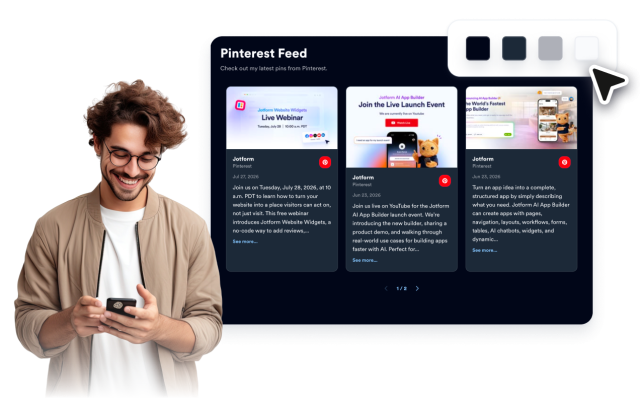
Pinterest Feed Features
Turn Pinterest inspiration into a polished website feed
Display public pins in layouts that look built for your site, with controls for captions, dates, links, popups, colors, spacing, and mobile behavior.
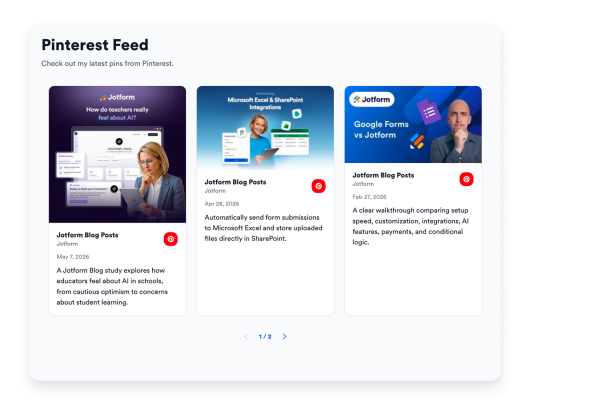

Connect a live Pinterest source
Paste a public board, profile, or username/board path and turn pins into fresh website content.

Show pins in the right format
Choose masonry for inspiration boards, list for updates, or carousel and slider layouts for compact pages.

Keep the feed useful, not noisy
Control captions, dates, badges, popups, and original-pin links so visitors can explore without leaving the page too soon.
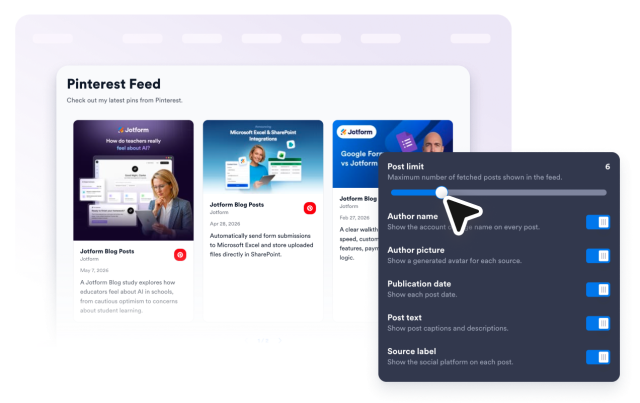
Make Pinterest feel native to your site
Use platform accents or customize colors, spacing, radius, shadows, and CSS to match your brand.