Push Notification Widget
Create Your Own Push Notification Widget in Seconds for Your Website
Explore Push Notification widget features including controlling timing and placement, CTA messages, responsive layouts, and style controls
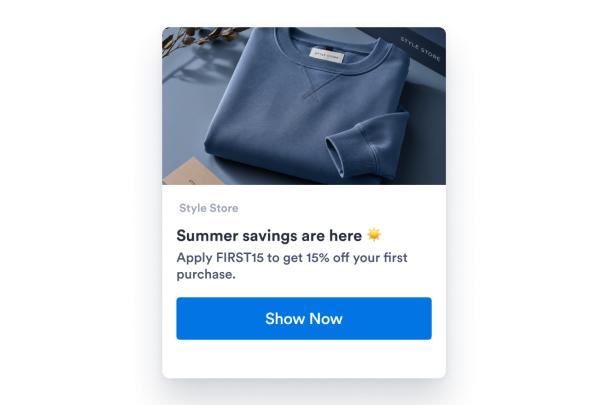

Write a Clear Notification Card
Add the sender name, headline, body copy, image, and CTA button in one focused card so visitors understand the update quickly.
Content controls include:
Sender nameHeadlineMessageImageCTA button
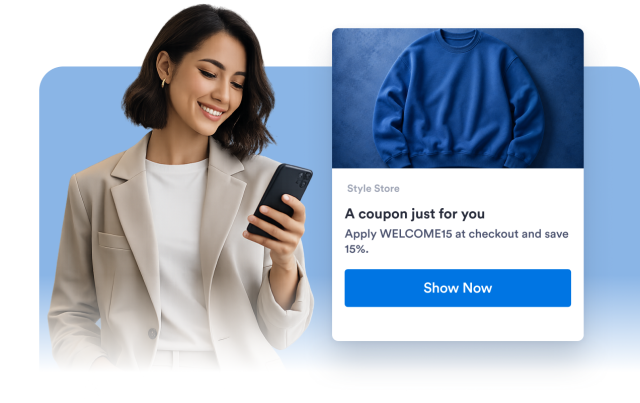
Customize Themes, Colors, and Shape
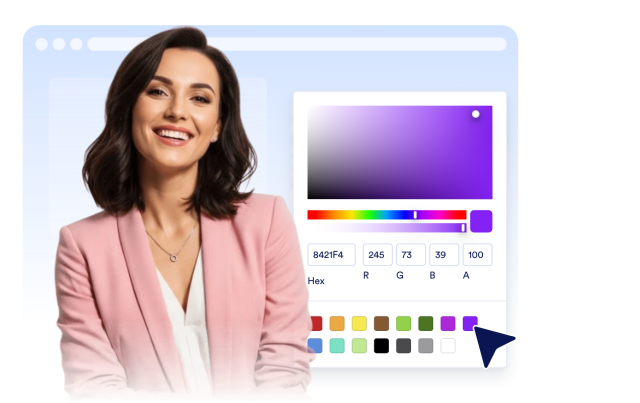
Choose light or dark mode, set notification and button colors, adjust rounded corners, and toggle the shadow.
Style controls include:
Light themeDark themeCard colorsButton colorsShadow toggle
Control Timing and Placement
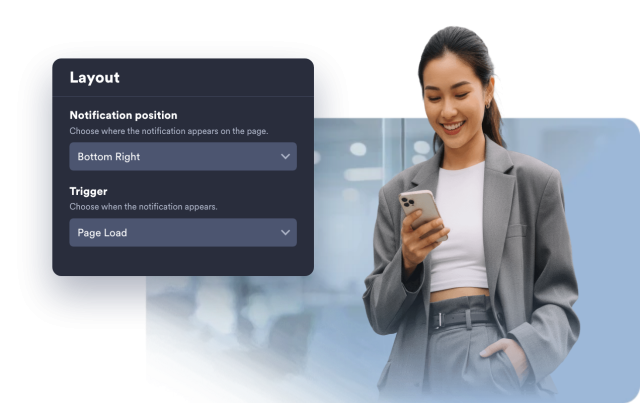
Display the notification right away, after a delay, or from a manual trigger. Place it in any corner and adjust spacing from the screen edges.
Layout controls include:
Page loadDelayManual triggerCorner positionEdge spacing
Tune Visibility and Device Display
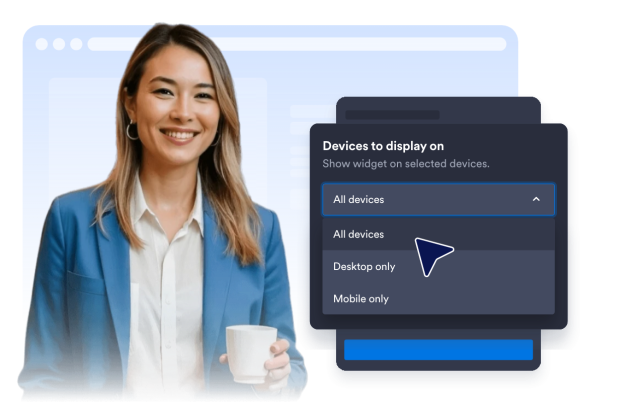
Let visitors close the card, auto-hide the notification, and choose desktop, mobile, or both.
Experience controls include:
Close buttonAuto-hide timerResponsive layoutDesktop displayMobile display