Stocks Widget
Display live market data in a custom Stocks widget
Show stock quotes, crypto prices, forex pairs, and index values in cards, tables, featured views, or a scrolling ticker. Customize the data, layout, colors, and branding without code.
Create Your Stocks Widget - It's Free!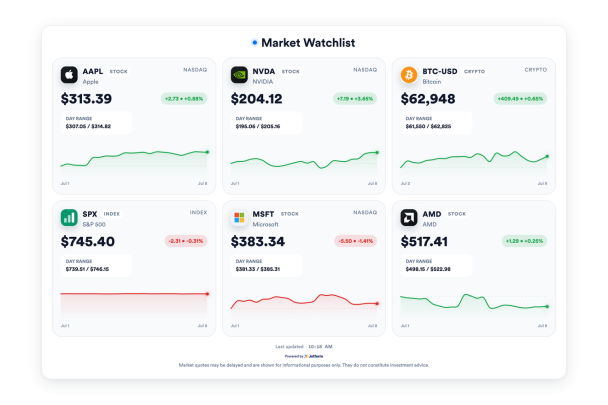

Stocks, Forex, Crypto, and Indices in One Widget
Build one market watchlist for the assets your audience follows. Search symbols, mix stocks with crypto, forex, or indices, and show each item with its name, logo, market badge, and current movement.
Asset controls include:
Ticker, Card, Table, and Featured Layouts
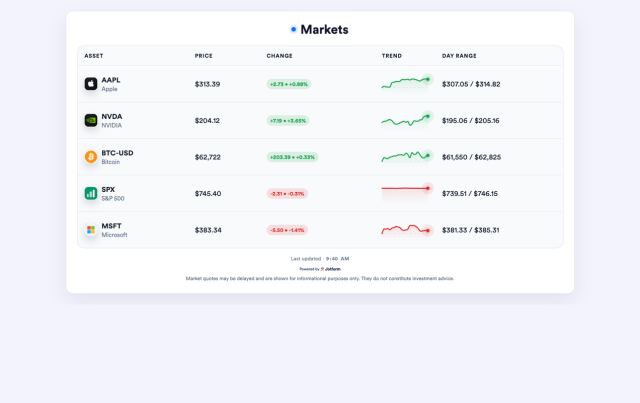
Use a moving ticker for compact market context, a card grid for visual watchlists, a list or table for comparisons, or a featured layout when one asset needs more focus.
Layout options include:
Sparklines, Changes, and Market Details
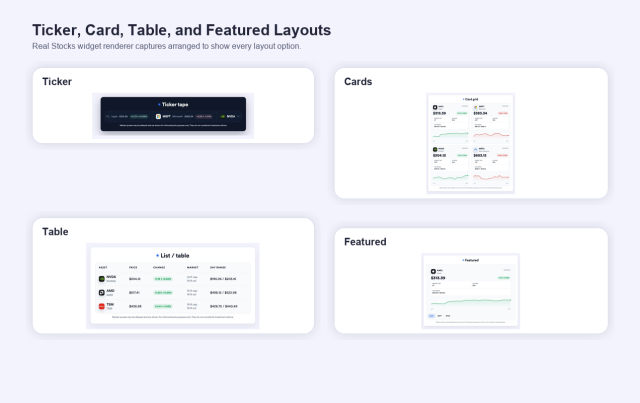
Help visitors scan movement quickly with price changes, percentages, market badges, sparklines, chart timelines, market cap, volume, day range, and updated-time labels.
Display controls include:
Themes and Branding Controls
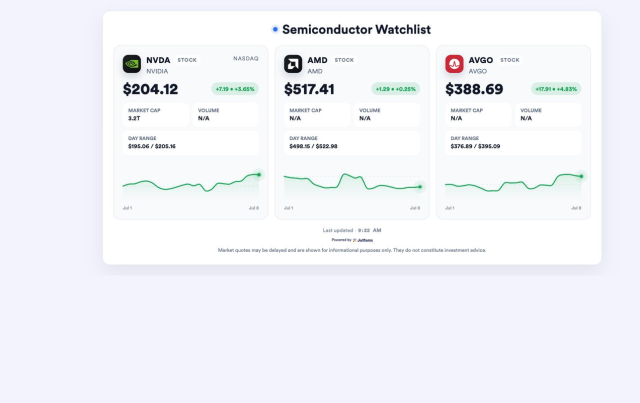
Match the widget to your site with light, dark, auto, or custom themes. Adjust accent colors, card colors, gain and loss colors, width, alignment, corner radius, branding, and scoped CSS.
Style controls include: