
10 best Canary Mail alternatives
With more than a million users worldwide, Canary Mail has built a strong following — especially for its security features. But it’s not perfect. If you’ve run into its customization and automation limitations, need better support for a specific email provider or workflow, or just want a less buggy, more reliable email platform, it might be time to explore Canary Mail alternatives.
Some common user frustrations include
- App stability issues and inconsistencies across operating systems
- Limited AI features
- Restricted user interface (UI) customization
- Email protocol support limited to IMAP/SMTP or EWS (no POP3)
- Lack of task manager, customer relationship management (CRM), and collaboration tool integrations
- A price tag that feels high for the features and functionality
If you’re already weighing your options, you’ve come to the right place. We’ve selected our top 10 favorite encrypted email alternatives that offer a secure yet streamlined email experience.
10 best Canary Mail alternatives to try in 2026
| Tool | Best for | Key feature | Plans/pricing |
|---|---|---|---|
 Jotform Gmail Agent |
AI-drafted email responses |
Brand-consistent AI auto-drafts and smart labeling |
|
 Proton Mail |
Zero-access encryption |
Proton Bridge |
|
 Thunderbird |
Unlimited add-ons for customization |
10,000-plus open-source extensions |
|
 Tuta Mail |
Encryption and productivity |
Encrypted subject lines, calendar, and contacts |
|
 Mailfence |
Productivity suite with end-to-end encryption (E2EE) |
Built-in encrypted collaboration |
|
 Mailbox.org |
German privacy standards with Office integration |
Integrated LibreOffice Online for document editing |
|
 Posteo |
Anonymous privacy |
Anonymous signup with feature syncing |
|
 StartMail |
PGP encryption |
Unlimited disposable aliases with PGP |
|
 Fastmail |
Privacy-focused speed and productivity |
Built-in calendar, notes, and files with JMAP speed |
|
 Zoho Mail |
Encrypted email and AI assistance |
Zia AI assistant with S/MIME and PGP support |
|
1. Jotform Gmail Agent: Best for AI-drafted email responses
This AI-driven email management assistant integrates directly within the Gmail interface. One of the best AI email generators available, Jotform Gmail Agent automatically drafts replies in your brand voice by learning from your past emails, saving you time and helping maintain consistency throughout your customer interactions. It also organizes your inbox using smart labels, filtering irrelevant emails, prioritizing the ones that matter, and earning its spot in the best AI email assistants hall of fame.
- Best for: Professionals in support, sales, IT, and healthcare who manage customer communication or outreach
- How it works: Cloud-based; works directly within the existing Gmail interface; AI-first — no prompts or filters needed
- Jotform Gmail Agent vs Canary Mail:
- Security: Canary Mail offers E2EE with PGP support for the email itself, while Jotform Gmail Agent relies on Gmail’s standard TLS encryption; Canary is more privacy-focused, while Jotform prioritizes productivity within Gmail’s existing security environment
- Usability: Canary Mail is a standalone email client with its own interface across devices; Jotform Gmail Agent works directly within your existing Gmail UI, so there’s no learning curve if you’re already a Gmail user
- AI features: Canary’s AI Copilot can only process your 400 most recent emails and provide basic smart replies and summarization; Jotform Gmail Agent drafts full responses based on your entire email history and writing style, absorbs your brand voice over time, and automatically labels and filters your emails
- Pros
- Filters and prioritizes emails with smart labels
- Auto-drafts replies based on your past messages, but never auto-sends without manual approval
- Integrates natively with Jotform AI Agents for cross-platform support
- Cons
- Currently limited to Gmail only
- G2 rating: 4.5/5
- Plans/pricing
Starter | Bronze | Silver | Gold | Enterprise | |
|---|---|---|---|---|---|
| Monthly price (billed annually) | Free | $34 | $39 | $99 | Custom |
| AI agents | 5 | 25 | 50 | 100 | Unlimited |
| Monthly conversations | 100 | 1,000 | 2,500 | 10,000 | Unlimited |
| Monthly sessions | 10,000 | 100,000 | 1,000,000 | 2,000,000 | Unlimited |
| Monthly call minutes | 50 | 100 | 200 | 300 | 1,000 |
| Monthly SMS | 250 | 300 | 500 | 750 | 1,000 |
| Knowledge base characters | 10 million | 20 million | 50 million | 100 million | Unlimited |
2. Proton Mail: Best for zero-access encryption with external client support

For users who need strong built-in privacy, zero-access encryption, and E2EE, Proton Mail is an ideal alternative to Canary Mail. Its encryption protects your online privacy and communications, even allowing you to send password-protected emails to anyone. Proton Mail is part of the Proton ecosystem, which includes encrypted calendar, cloud storage, and VPN services.
- Best for: Individuals and businesses seeking strong privacy; journalists, activists, or anyone wishing to avoid surveillance and data exploitation by mainstream email providers
- How it works: Cloud-based, but uses client-side encryption; security-first, not AI-driven; no prompts needed — automatic encryption by default
- Proton Mail vs Canary Mail:
- Security: Proton Mail is a complete, encrypted service from the ground up, providing privacy by design; Canary Mail is a secure client that enhances security for existing email accounts
- Usability: Highly productive users with multiple accounts will love Canary Mail’s AI features and unified inbox; if you prioritize privacy above all else, Proton Mail is excellent — especially if you use the Proton Mail Bridge, which allows you to use Proton’s encrypted email with many of the best secure email clients
- AI features: Proton Mail has fewer built-in AI features than Canary; Canary uses AI for convenience, while Proton’s AI features are security-focused
- Pros
- E2EE and zero-access encryption, operates under Switzerland’s strong privacy laws, self-destructing emails and an integrated privacy suite
- Cons
- Limited third-party integrations, lack of SMTP relay makes firewall or service account notifications difficult
- G2 rating: 4.4/5
- Plans/pricing
Proton Free | Mail Plus | Proton Unlimited | Proton Duo | |
|---|---|---|---|---|
| Monthly price (billed annually) | Free | $3.99 | $9.99 | $14.99 |
| Storage | 1 GB | 15 GB | 500 GB | 2 TB |
| Users | 1 | 1 | 1 | 2 |
| Email addresses | 1 | 10 | 15 | 30 |
| Support for custom email domains | 1 | 3 | 3 | |
| Hide-my-email aliases | 10 | Unlimited | Unlimited | |
| Encrypted photo and document storage | ||||
| Advanced account protection |
3. Thunderbird: Best for unlimited customization through add-ons

Thunderbird consolidates multiple email accounts, calendars, and chats into a single desktop application that supports filtering and tagging. It’s community-driven, ad-free, and allows extensive customization through themes and add-ons.
- Best for: Power users, professionals, and anyone seeking a secure client-based email experience
- How it works: Client-based (desktop) application, filter-based, relies on manual actions
- Thunderbird vs Canary Mail:
- Security: Canary’s native E2EE, phishing alerts, and HIPAA compliance features make it ideal for high-security needs; Thunderbird, an open-source alternative, provides strong security through community auditing and encryption support, but requires more manual configuration
- Usability: Canary’s user experience (UX) is more modern, intuitive, and AI-powered; Thunderbird’s experience is traditional and highly customizable, with better extension support, but its learning curve is steeper and its UI more dated
- AI features: Thunderbird relies on add-ons rather than native AI integration; Canary Mail offers advanced, built-in AI productivity and security features
- Pros
- Free, open-source, and highly customizable; superior privacy and security (OpenPGP, S/MIME); unified inbox for multiple accounts and excellent organizational tools
- Cons
- Steep learning curve, no mobile app available
- Plans/pricing
- Thunderbird Mail is free to download, use, and modify
- Thunderbird Pro paid subscription service is expected to launch with an early-bird price of about $9 per month (billed annually)
- G2 rating: 4.3/5
4. Tuta Mail: Best for full-spectrum encryption with built-in productivity
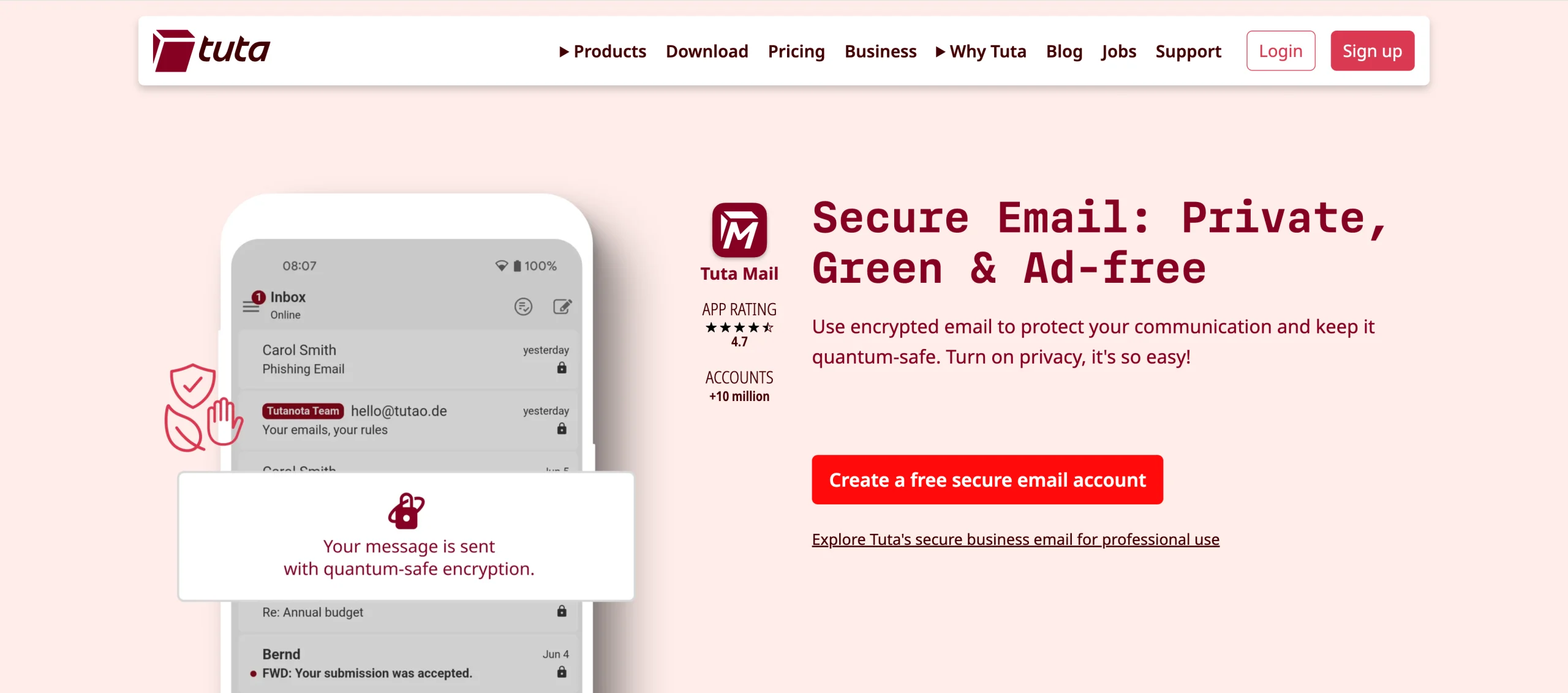
Tuta Mail (formerly Tutanota) is a highly secure, privacy-focused German email provider featuring E2EE for emails, calendars, and contacts. This open-source Canary Mail alternative supports custom domain usage, provides multiple email aliases to protect your main identity, and offers dedicated desktop clients for offline access via various operating systems.
- Best for: Individuals, professionals, and organizations who prioritize privacy, security, and freedom from tracking
- How it works: Cloud-based, filter-based, manual actions (security-first)
- Tuta Mail vs Canary Mail:
- Security: Canary Mail’s user-friendly security is strong, but Tuta excels in maximum, zero-knowledge, quantum-safe privacy
- Usability: Tuta’s security and privacy focus means a more basic, manual interface; Canary’s UI is more modern and user-oriented
- AI features: Unlike Canary Mail’s productivity-geared AI features, Tuta explicitly omits smart features to focus on security
- Pros
- Unparalleled security and privacy with quantum-safe encryption
- Fully open source
- Allows anonymous setup, and supports signup via Tor browser
- Cons
- No third-party email client support (no IMAP/POP3), clunky UX and limited search functionality
- G2 rating: 4.6/5
- Plans/pricing
Free | Revolutionary | Legend | |
|---|---|---|---|
| Monthly price (billed annually) | Free | €3 | €8 |
| Storage | 1 GB | 20 GB | 500 GB |
| Extra email alias addresses | 15 | 30 | |
| Number of calendars | 1 | Unlimited | Unlimited |
| Number of labels | 3 | Unlimited | Unlimited |
| Custom domains | 3 | 10 | |
| Family option | |||
| Email support | Priority |
5. Mailfence: Best for an E2EE productivity suite
Based in Belgium, Mailfence is another secure, privacy-focused email suite that provides end-to-end encrypted (OpenPGP) emails, calendars, documents, and contacts. It features an integrated collaboration and productivity suite, including a private calendar with sharing options, document storage with online editing, and CardDAV-compatible contact management.
- Best for: Privacy-conscious individuals, journalists, activists, and small-to-medium businesses (SMBs) who want to escape mainstream, ad-driven email providers via a secure, GDPR-compliant email suite
- How it works: Primarily cloud-based, designed for web browser access; rules-based; uses both automated rules and user-driven manual prompts
- Mailfence vs Canary Mail:
- Security: Both offer strong, encrypted, and privacy-focused email solutions, but they differ in scope; Mailfence is a complete, secure, web-based Belgian email suite with OpenPGP, while Canary Mail is a user-friendly client focusing on AI-powered E2EE for existing accounts
- Usability: Mailfence is better for users who need a complete, secure, private ecosystem with strong traditional PGP encryption; Canary Mail is better for users who want a fast, feature-rich interface with AI email management
- AI features: Focused more on encryption and privacy, Mailfence currently offers no AI features
- Pros
- Operating under strict Belgian privacy laws means top-tier privacy and security
- Integrated collaboration suite includes calendar, document storage, and chat
- Data sovereignty (no third-party cloud providers)
- Cons
- Closed-source code, accounts deleted after seven months of inactivity, some reports say recovery options are restricted to paying customers
- G2 rating: 4.7/5
- Plans/pricing
Free | Base | Entry | Pro | Ultra | |
|---|---|---|---|---|---|
| Monthly price | Free | $2.50 (billed annually) | $3.50 (billed annually) | $9.50 (billed half-yearly) | $29.00 (billed monthly) |
| Storage | 1 GB | 11 GB | 40 GB | 78 GB | 225 GB |
| Email storage | 500 MB | 5 GB | 10 GB | 30 GB | 60 GB |
| Documents | 500 MB | 6 GB | 30 GB | 48 GB | 165 GB |
| Aliases | 10 | 50 | 100 | 200 | |
| Support | Knowledge base | Priority (email + phone) | Priority (email + phone) | ||
| Availability | iOS, Android, progressive web application (PWA) | iOS, Android, PWA | iOS, Android, PWA, POP, IMAP, SMTP, ActiveSync | iOS, Android, PWA, POP, IMAP, SMTP, ActiveSync | iOS, Android, PWA, POP, IMAP, SMTP, ActiveSync |
| Users management | |||||
| Custom email domain |
6. Mailbox.org: Best for German privacy standards with Office integration
Mailbox.org is a secure, ad-free, paid German email provider that offers an encrypted “digitally sovereign workplace.” A privacy-focused alternative to mainstream providers like Outlook and Google, Mailbox.org integrates email, cloud storage, video conferencing, and Office tools.
- Best for: Anyone looking for a secure, ad-free, GDPR-compliant email alternative to Gmail or Microsoft 365
- How it works: Cloud-based, filter-based, a combination of prompts and manual actions for setup and administration
- Mailbox.org vs Canary Mail:
- Security: Mailbox.org provides a secure, private email hosting service; Canary Mail is an email client that makes existing email accounts more secure
- Usability: Canary excels in mobile and desktop usability, but it requires trusting a third-party app; Mailbox.org’s UX is less fancy but highly secure
- AI features: Mailbox.org focuses on encryption and data protection, offering minimal AI
- Pros
- Privacy-first, GDPR-compliant approach
- Encryption options include PGP encryption in webmail (“Mailbox.org Guard”), automatic incoming email encryption, and full mailbox encryption
- Independent infrastructure — two geographically separated data centers in Berlin for better control and security than outsourced competitors
- Cons
- Complex and technical setup, described as being designed by engineers for engineers rather than general users
- Dated, low-contrast UI and UX
- G2 rating: 4/5
- Plans/pricing
Light | Standard | Premium | |
|---|---|---|---|
| Monthly price (billed annually) | €1 | €2.50 | €7.50 |
| Mail storage | 2 GB | 10 GB | 25 GB |
| Drive memory | 5 GB | 50 GB | |
| Aliases | 3 | 25 | 25 |
| Support | Limited | Standard | Standard and telephone |
| Custom domain support | |||
| Calendar, address book, Office, Meet, family accounts |
7. Posteo: Best for anonymous privacy with calendar syncing
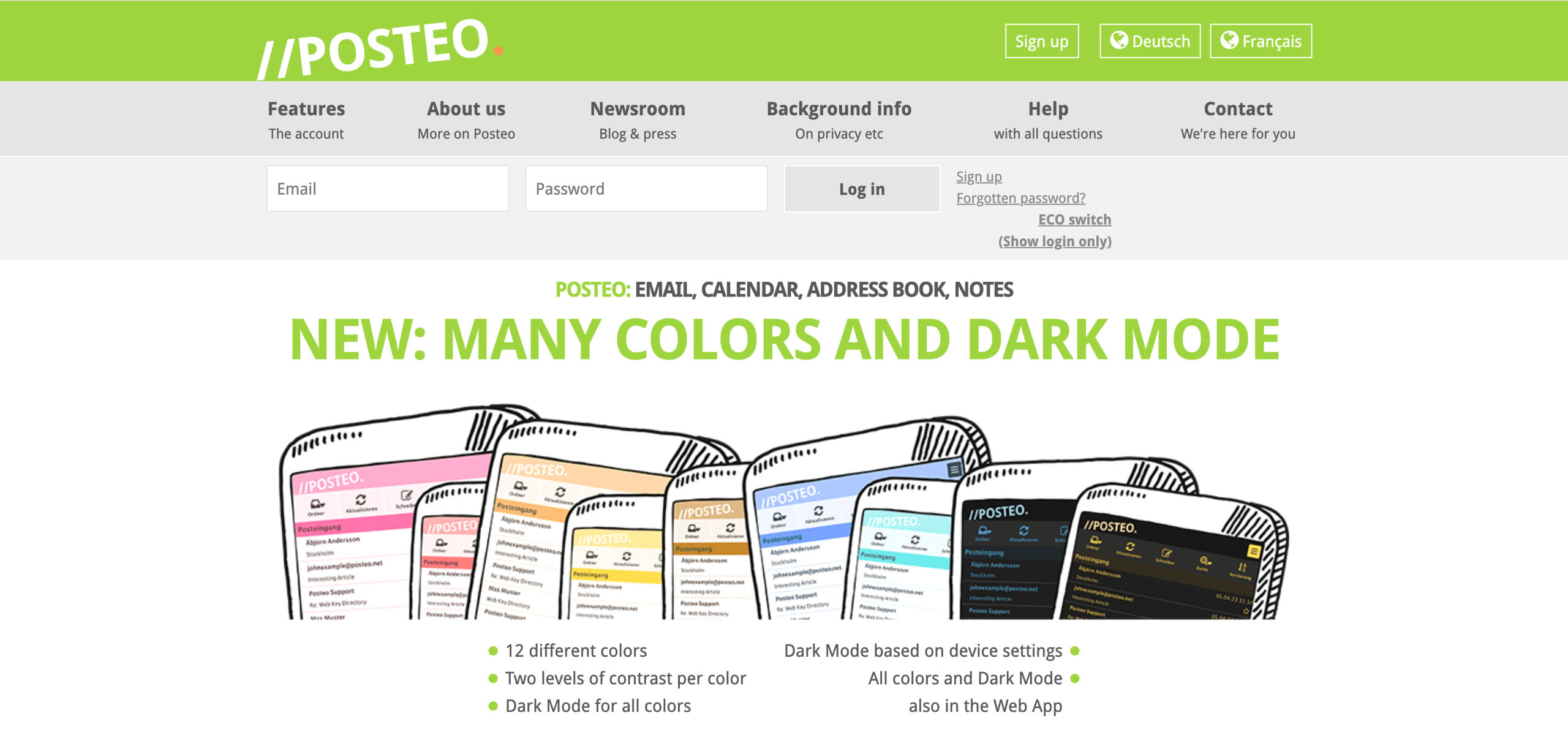
Another Berlin-based service, Posteo is a secure, sustainable email provider with a heavy focus on user privacy, allowing anonymous registration. It’s well-regarded for being independent and self-financed.
- Best for: Individuals, freelancers, and activists concerned about privacy and looking for an affordable, ad-free, sustainable email service and strong encryption
- How it works: Cloud-based (web-based), but supports use with third-party email clients; filter-based; manual actions
- Posteo vs Canary Mail:
- Security: Posteo is a secure, privacy-focused email provider emphasizing anonymity; Canary Mail is a mainly client-side encrypted email app focused on AI features, user-friendly PGP, and threat detection
- Usability: Canary Mail’s modern UX is superior for casual users; Posteo, though very secure, has a basic, functional, and dated web interface.
- AI features: Posteo offers no AI features, focusing instead on security and sustainability
- Pros
- Powered by green electricity, comprehensive security and encryption, supports standard protocols (IMAP, POP3, SMTP, CalDAV, CardDAV) for easy third-party client integration
- Cons
- Lacks custom domain support, advanced features, or a native mobile app
- Limited storage or collaboration tools
- G2 rating: Not yet rated
- Plans/pricing
- Paid plan is €1 per month for 4 GB email storage, 50 MB maximum attachments sent, 100 MB maximum attachments received, two aliases, and three calendars; you may add additional and optional features as needed:
- Additional storage: €0.25 per GB per month
- Additional aliases (up to 20): €0.10 per month
- Additional calendars: €0.10 per month
- Optional S/MIME certificate (one-year validity): €3.65 per year
- Paid plan is €1 per month for 4 GB email storage, 50 MB maximum attachments sent, 100 MB maximum attachments received, two aliases, and three calendars; you may add additional and optional features as needed:
8. StartMail: Best for PGP encryption with unlimited aliases
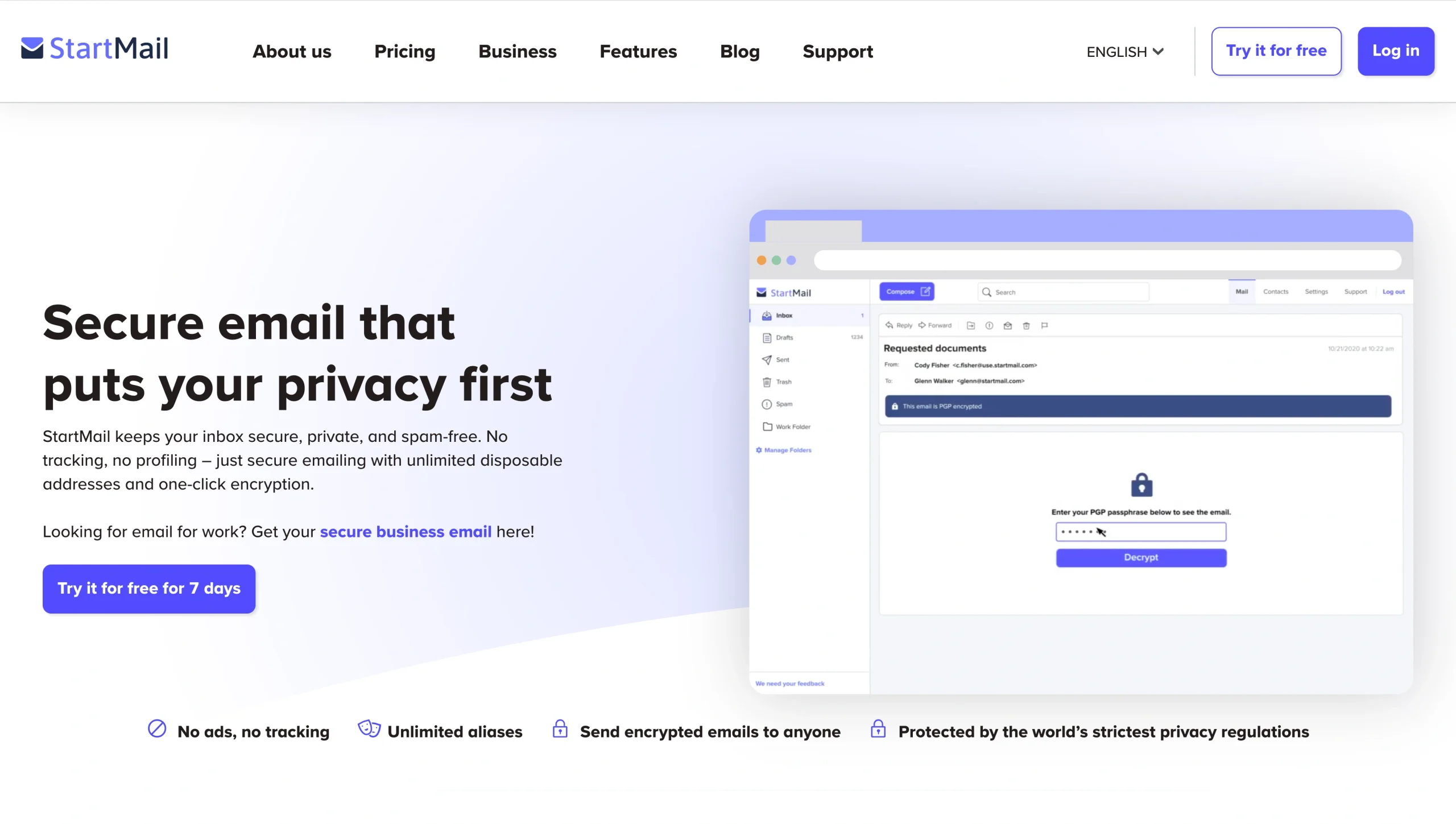
StartMail is among the best email clients with PGP encryption. It verifies sender identity, encrypts your messages, blocks tracking, hides your IP address, and provides unlimited email aliases to protect you from spam, ads, and surveillance. Its simple one-click encryption and commitment to data privacy make it a popular alternative to Gmail, Outlook, and other mainstream providers.
- Best for: Individuals, small businesses, and professionals wishing to migrate from mainstream services to a secure, ad-free, GDPR-compliant alternative
- How it works: Cloud-based (webmail), but supports client-based IMAP/SMTP configuration; filter-based; manual user actions
- StartMail vs Canary Mail:
- Security: StartMail is its own secure, privacy-focused, subscription-based webmail provider; Canary Mail is a secure client application that adds encryption to existing accounts
- Usability: Canary Mail provides a polished UI with various additional features; StartMail is a secure, encrypted email service with an interface similar to other standard webmail providers
- AI features: As a privacy-first service, StartMail lacks integrated AI features
- Pros
- Strong privacy and security, compliant with strict Dutch privacy laws
- Unlimited aliases and burner emails
- Ability to send encrypted email to non-StartMail users via a password-protected link
- Cons
- No free tier, and payment information is required upfront, even for the seven-day free trial
- Limited features (e.g., no built-in calendar)
- G2 rating: Not yet rated
- Plans/pricing
Personal | Business | |
|---|---|---|
| Monthly price (billed annually) | €4.99 | €6.99 |
| Storage | 20 GB | 30 GB |
| Email aliases | Unlimited | Unlimited |
| Add unlimited domains |
9. Fastmail: Best for privacy-focused speed with productivity features
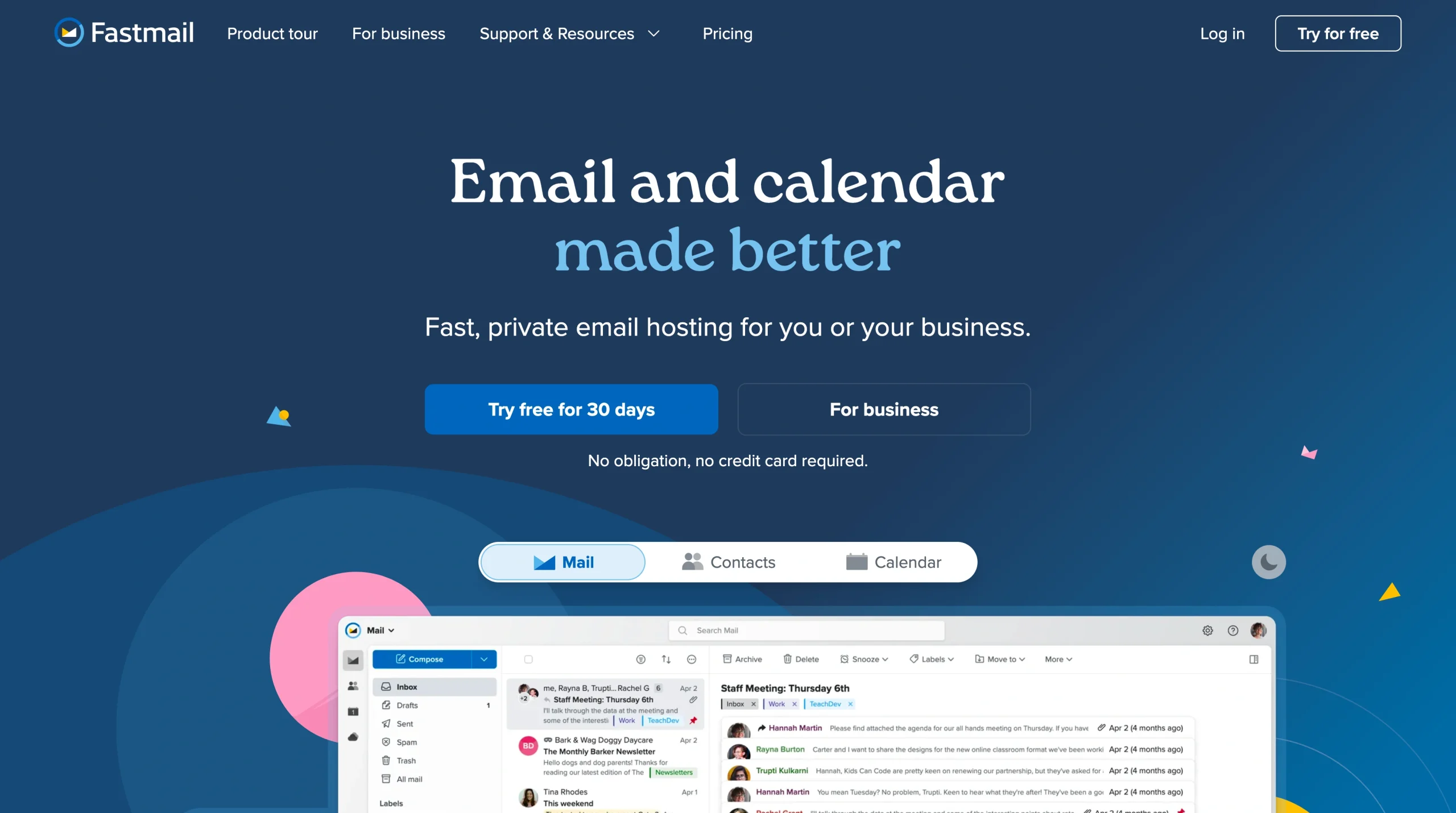
Fastmail, one of the most popular privacy-first email tools, is a secure, paid email service provider that offers ad-free email, calendars, and contacts. It’s designed for efficiency, supports custom domains, and utilizes masked emails to protect user privacy.
- Best for: Anyone requiring a secure, fast, reliable alternative that supports custom domains and provides great email management tools
- How it works: Cloud-based (via web interface), filter-based, combines manual user actions with automated rules/filters
- Fastmail vs Canary Mail:
- Security: While Fastmail is a secure, independent email host, Canary Mail is a security-focused email client that works with existing accounts like Gmail
- Usability: Fastmail is best for fast, straightforward, secure email; Canary is a feature-rich desktop/mobile email client
- AI features: Fastmail doesn’t offer built-in AI writing or organizational tools
- Pros
- Superior custom domain support, “Masked Email” privacy protection, no ads or data scanning
- Cons
- Lack of built-in E2EE for messages, no free plan, storage and integration limitations
- G2 rating: 4.3/5
- Plans/pricing
Individual | Duo | Family | |
|---|---|---|---|
| Monthly price (billed annually) | $5 | $8 | $11 |
| Private inboxes | 1 | 2 | 1 for each user |
| Total storage | 60 GB | 120 GB | 360 GB |
| Calendars | Personal and work | Private for you and calendars to share | Private for you and shared family calendars |
| Contacts | Import or build automatically | Get one private and one shareable address book | Get one private and one shareable address book |
| Manage users’ storage, privacy, and security | |||
| Make account changes to multiple users at once |
10. Zoho Mail: Best for scalable, ad-free email with AI assistance

Zoho Mail is a secure, ad-free email service for businesses and professionals, but it’s also a feature-packed communication and productivity suite that includes an integrated calendar, contacts, tasks, and notes.
- Best for: Startups, SMBs, and nonprofit organizations that need an affordable yet secure (and ad-free) email service
- How it works: Cloud-based, filter-based with AI features, combines AI-powered prompts with manual user actions
- Zoho Mail vs Canary Mail:
- Security: Unlike Canary Mail, which focuses on user-side encryption across multiple platforms, Zoho Mail is a secure, comprehensive hosting service with its own server-side protection, data loss prevention, and compliance tools for GDPR and HIPAA
- Usability: Among individual productivity email apps, Canary Mail wins with its sleek interface; Zoho Mail’s integrated suite with admin controls is better suited for business environments
- AI features: Canary’s AI features lean heavily toward productivity with smart drafting, email summarization, and tone adjustment; Zoho’s Zia AI focuses more on secure, contextual assistance, like smart search and email management within a broader business suite
- Pros
- Deep integration with the Zoho ecosystem, which includes CRM, Books, Projects, and integrated collaboration tools
- Ad-free, privacy-focused environment with enhanced security features
- Cost-effective and scalable via affordable pricing tiers
- Cons
- Unintuitive UI with a steep learning curve for new users, limited integrations and features compared to Outlook or Gmail
- G2 rating: 4.4/5
- Plans/pricing
Mail Lite | Workplace Standard | Mail Premium | Workplace Professional | |
|---|---|---|---|---|
| Monthly price (billed annually) | $1 | $3 | $4 | $6 |
| Mail storage per user | 5 GB | 30 GB | 50 GB | 100 GB |
| Retention storage per user | 50 GB | 100 GB | ||
| File storage per team | 100 GB | 1 TB | ||
| Unified communication suite | ||||
| Collaborative office suite | ||||
| Mobile access management | ||||
| Mail data loss prevention |
Find the email tool that puts you in control
Not every email tool will work for every user, but every user deserves to feel secure and confident in their inbox. Whether you prioritize zero-knowledge encryption, AI-fueled productivity, or workflow integration, the Canary Mail alternative that will be best for you depends on how you work, not just which features look good on paper.
We recommend testing two or three alternatives to Canary Mail to see which one feels most intuitive and supports your daily communication needs. Tools like Jotform Gmail Agent balance productivity and privacy without compromising your control, while others like Proton Mail or Tuta Mail lean heavily into security-first design. Whichever you choose, it should serve you — not the other way around.
This article is for anyone comparing secure email apps and privacy-first providers, including people who want end-to-end encryption, better inbox reliability, and more control over workflows, integrations, and daily communication across devices.











































Send Comment: