
Top 8 Gmelius alternatives
The modern professional spends close to nine hours per week managing their email. So, it’s no wonder many businesses are seeking ways to simplify email for their team. For some, this means investing in email collaboration tools like Gmelius, though this solution isn’t necessarily the right fit for everyone.
Gmelius may offer features like a shared inbox and artificial intelligence (AI) assistants, but other solutions offer these features and more. There are several Gmelius alternatives that may better suit your needs, budget, or preferred work style — while providing similar email management efficiency.
Need help figuring out which option works best for you? We’ve narrowed down the top solutions below and compared their key features, pricing, and benefits.
Why consider Gmelius alternatives?
Gmelius can be a powerful team email management solution, but many users report experiencing
- A lack of advanced features
- Issues with email management
- Sub-par performance
- A steep learning curve
- Compatibility issues
If you’re a current Gmelius user encountering any of these issues, it might be time to switch solutions. There are plenty of email collaboration tools on the market — some with additional features, some more budget-friendly options, or some that are better suited to scaling for increased long-term value.
Whatever you’re looking for in an email management solution, there’s likely a Gmelius alternative that will meet your needs.
Key factors to look for in a Gmelius alternative
When shopping for a Gmelius alternative, there are a few considerations you should keep in mind to narrow your options:
- Essential features: Some Gmelius alternatives may offer advanced capabilities, but it’s important not to miss out on the features that drew you to Gmelius in the first place. Things like shared inbox, customer relationship management (CRM), service level agreement (SLA) tracking, and automation are essential for an effective email management solution.
- Integrations: Without the right integrations, you’ll waste time and resources on manual data transfer. Your team email management solution should connect with Gmail, Slack, CRM platforms, or any other essential software already in your tech stack.
- Pricing: Evaluate each solution and the features it offers at various price points. Consider which capabilities are most valuable to you, how many team members will need access, short-term vs long-term costs, and whether you may be eligible for any discounts. These factors will help you weed out solutions that are outside your budget.
- Scalability: Finding a solution that can grow alongside your operations is crucial to building a long-lasting partnership that you can depend on as you scale.
Use these considerations as a roadmap while we walk you through our top choices for team email management solutions on the market today.
The best Gmelius alternatives
Whether you’re looking for more advanced features, better performance, or just a solution that’s more compatible with your tech stack, we’ve compared our top eight Gmelius alternatives to help you find the right one for your operation. (Note: Prices listed are for plans billed annually, unless otherwise specified.)
1. Jotform Gmail Agent
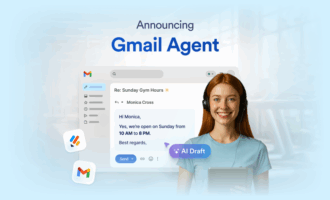
Jotform Gmail Agent is an AI agent solution built for those who rely on Gmail for AI email marketing, customer service, and more. This solution can pull data from past replies to draft email responses that align with your brand, allowing you to respond quickly and professionally. And don’t worry — you can approve all final messages before they’re sent, making this solution one of the best AI email generators on the market.
But what are AI agents? Jotform AI Agents are AI-powered assistants that can help tackle the repetitive tasks on your plate. Gmail Agent, in particular, is among the best AI email assistants you can find — helping with everything from drafting email responses to organizing your cluttered inbox with smart filters.
Gmail Agent can also integrate with other Jotform solutions to extend automation throughout your other workflows — working off a unified knowledge base to increase efficiency and consistency.
- Best for: AI agents
- Developer: Jotform
- Key features: AI drafting, smart filters, Gmail workflow automation
- Pros: User-friendly, free version, integrates directly with Gmail
- Cons: Newer to the market, limited capabilities compared to some solutions, drafting focused
- Plans/pricing: Free version; paid plans range from $34 to $99 per month, and custom enterprise pricing is available
- G2 rating: 4.4/5
2. Drag
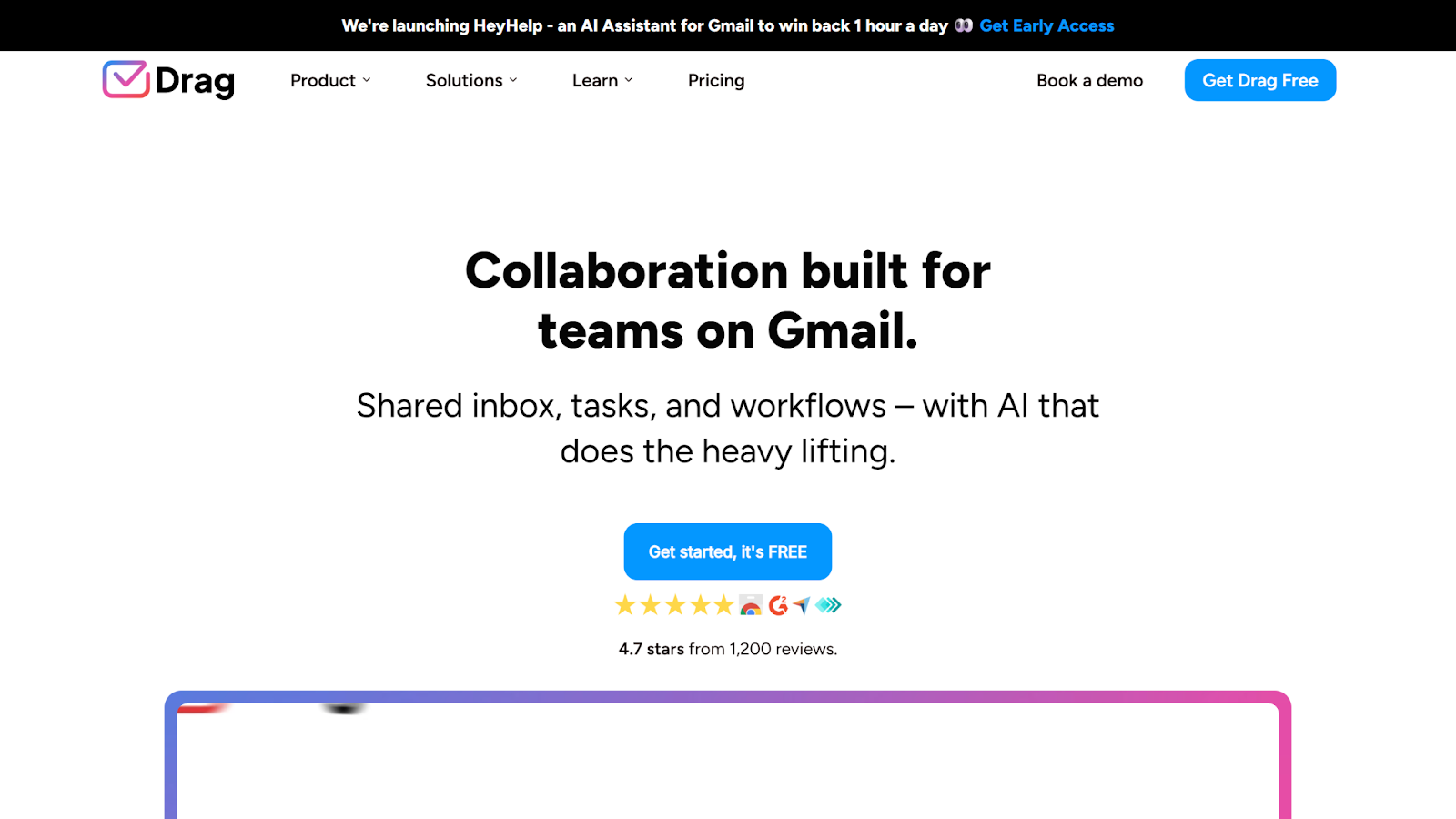
Drag, also known as DragApp, is an email assistant designed to help teams work better together with features like shared inbox, notes, and templates.
This team email management solution offers workspaces for WhatsApp, tasks, contacts, and files, expanding your collaboration capabilities. Drag also offers AI assistants, though they’re only available in the higher-tier plans.
- Best for: Team collaboration
- Developer: DragApp.com
- Key features: Shared inbox, workflow automation, assignments
- Pros: Automated drafting, multi-channel management, unlimited users
- Cons: Limited access to AI tools, commonly reported technical issues, lack of customization
- Plans/pricing: Free seven-day trial; paid plans range from $12 to $24 per user per month, and custom enterprise pricing is available for teams of over 50 users
- G2 rating: 4.5/5
3. Hiver
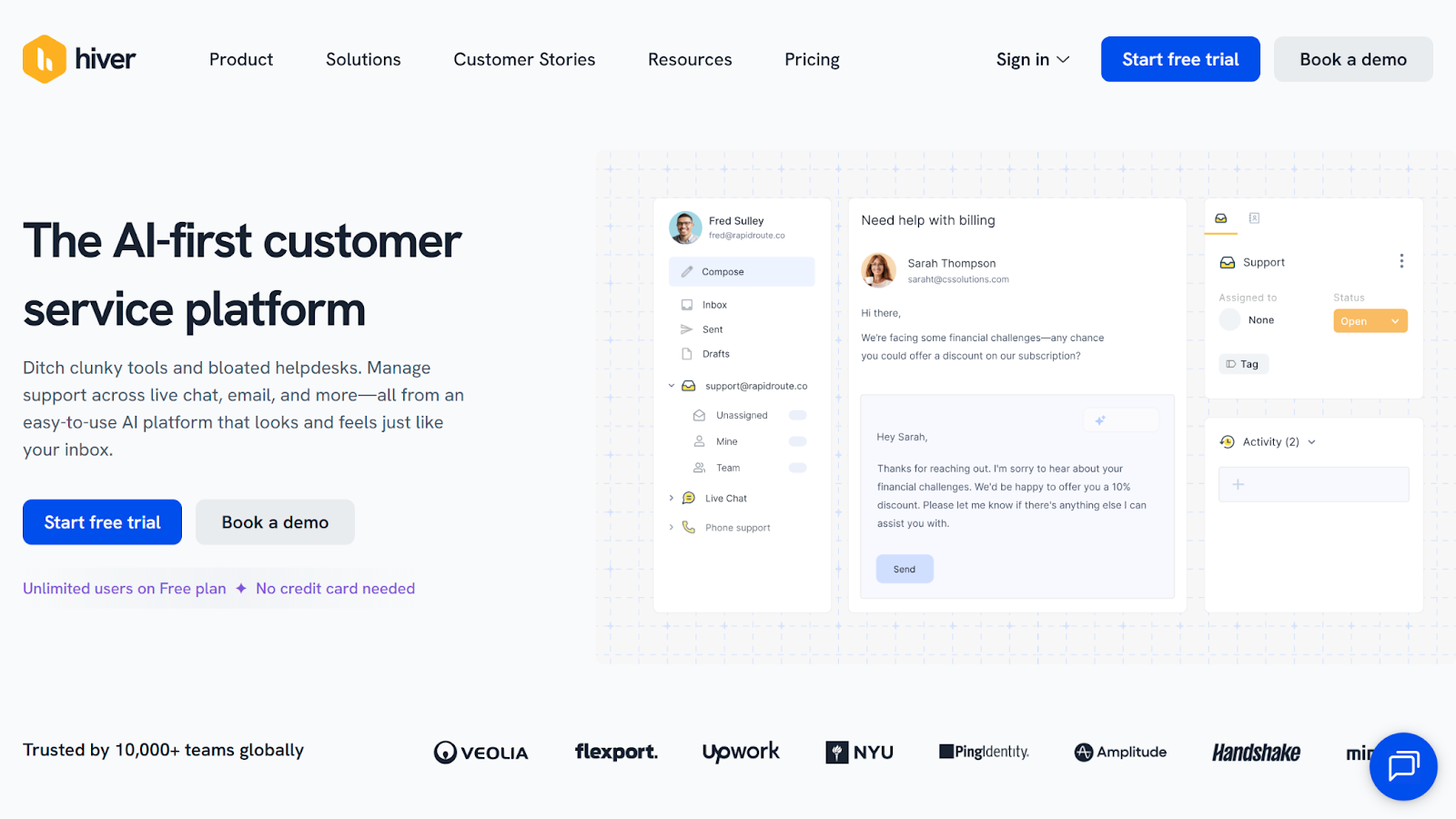
Hiver is an AI-first, customer support Gmail assistant, offering access to a variety of email collaboration tools like an omnichannel inbox, SLA tracking, workflow automation, and more.
Also including customer support-specific features, such as ticketing and customer portals, Hiver is for users looking for a more well-rounded solution. It stands out from the pack due to its robust free plan, which offers a wide range of capabilities.
- Best for: Free plan
- Developer: GrexIt, Inc.
- Key features: Multi-channel shared inboxes, customer service platform, AI automation
- Pros: Deep integration library, easy to use, powerful customer support
- Cons: Limited email features, AI not included in free plan, bug issues
- Plans/pricing: Free version; paid plans range from $19 to $49 per user per month, and custom enterprise pricing is available
- G2 rating: 4.6/5
4. Front
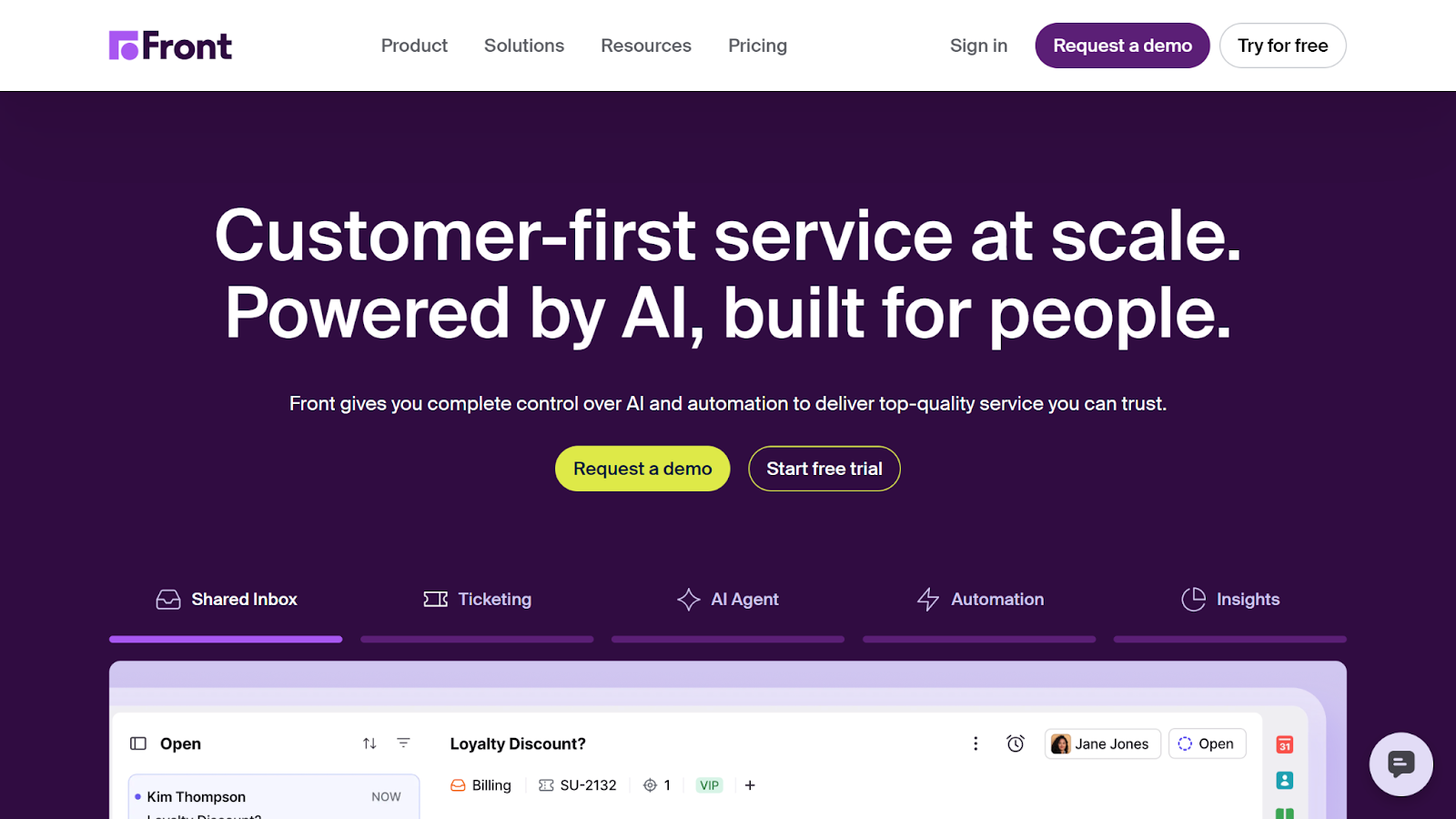
Front is an advanced AI Gmail productivity platform that combines shared inbox software with a robust customer support suite. Overall, this solution provides a powerful range of features compared to some others — with a competitive price tag to match.
That said, one common complaint among users is that this solution often has issues with email management. Front may be better suited for teams in need of automation or a support platform, rather than dedicated Gmail add-ons.
- Best for: Range of features
- Developer: Front App
- Key features: Shared inbox, ticketing, analytics
- Pros: Depth of features, easy to use, advanced AI tools
- Cons: Expensive, reported email management issues, AI features are almost all add-ons in lower tiers, customer support-focused
- Plans/pricing: Free 14-day trial; paid plans range from $25 to $105 per seat per month, with limited seat numbers per tier
- G2 rating: 4.7/5
5. Missive
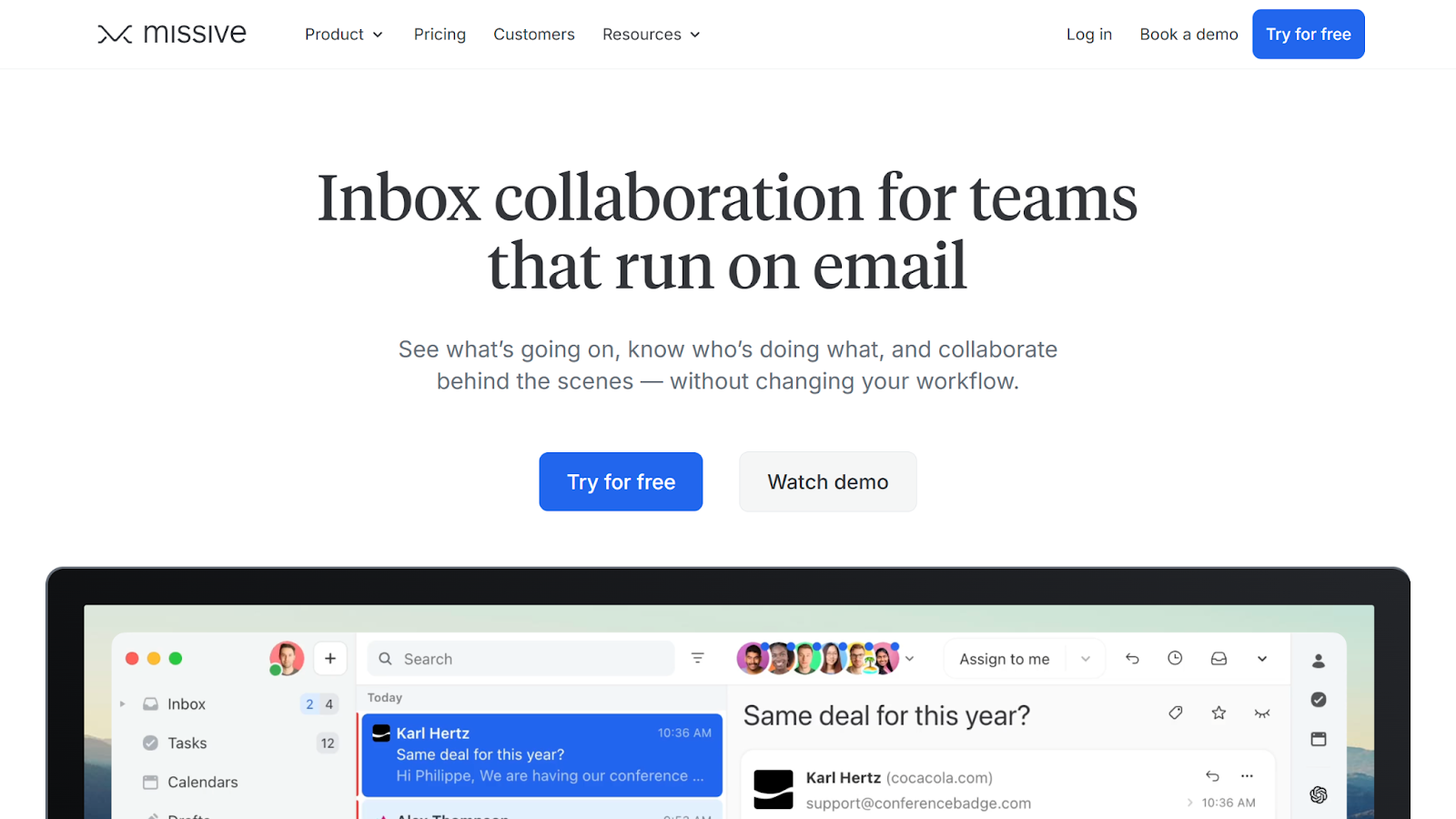
Designed to keep your team in the know, Missive offers features like a collaborative space and internal threads to ensure your team won’t lose visibility on crucial email communications.
This Gmail productivity platform also makes for more efficient email management through a unified inbox and automation tools that allow you to take control of your workflows. However, keep in mind that Missive’s AI tools are reserved for higher-tier plans.
- Best for: Team visibility
- Developer: Missive
- Key features: Unified inbox, internal threads, AI automations
- Pros: Email collaboration tools, team-focused features, free version
- Cons: Steep learning curve, search functionality issues, limited feature scope, email management-focused, AI limited to upper tiers
- Plans/pricing: Free version; paid plans range from $14 to $36 per user per month
- G2 rating: 4.7/5
6. Zendesk
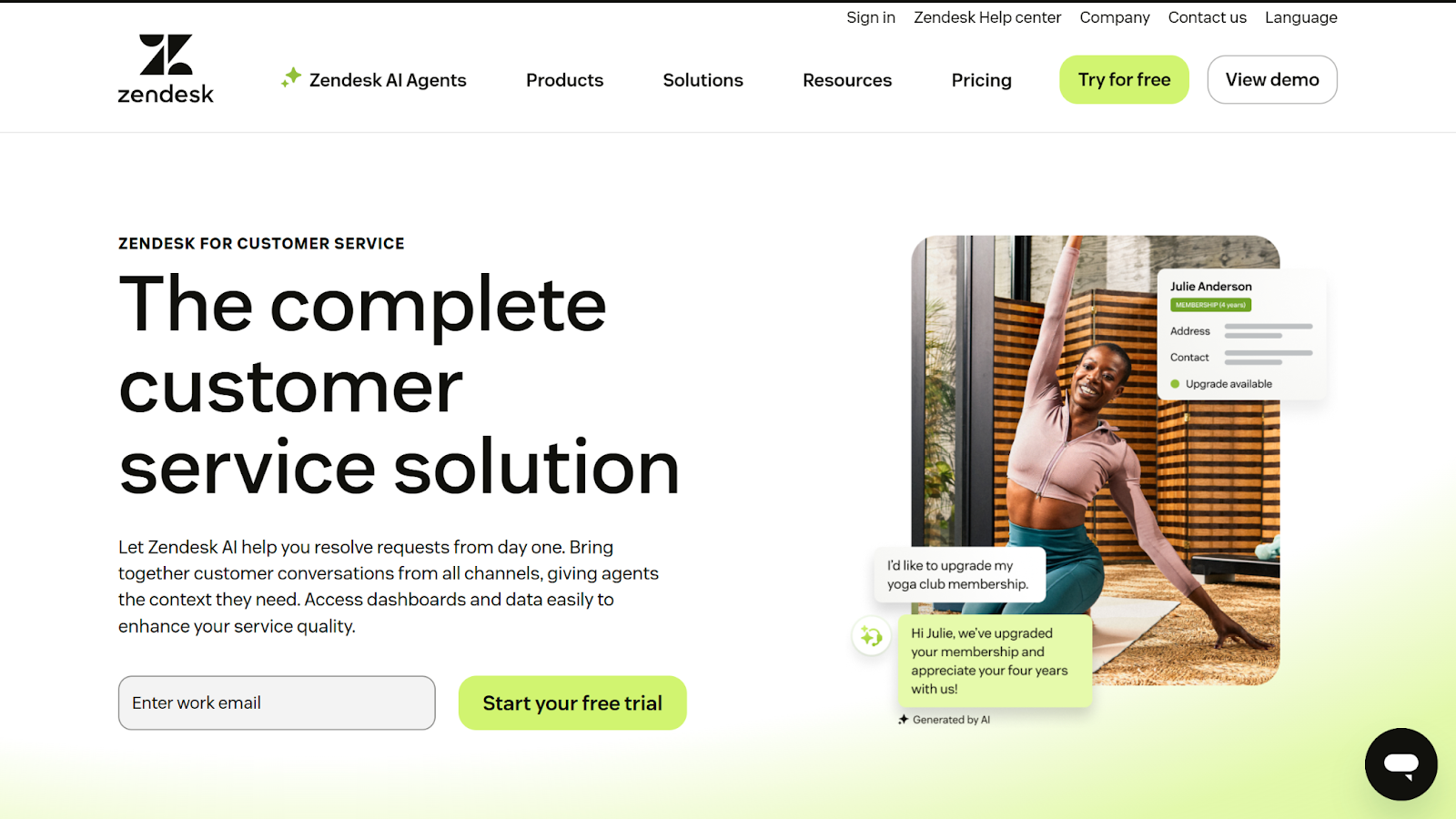
Known for its customer service platform, Zendesk is one of the most expansive solutions on this list when it comes to customer service features. Part of this platform includes email tools like generative AI replies and email support management.
However, out of all the Gmelius alternatives on this list, Zendesk is the least email-focused. It can act as an effective CRM for Gmail or a customer support solution with email capabilities, but it doesn’t provide some of the more email-specific tools that other alternatives might.
- Best for: Customer support
- Developer: Zendesk
- Key features: AI agents, email support, ticketing
- Pros: Powerful customer support tools, email and ticket management, AI features
- Cons: Limitations on AI features, lacking advanced email features, customer-service focused, expensive
- Plans/pricing: Free 14-day trial; paid plans range from $19 to $169 per agent per month, AI features like advanced AI agents and automated resolutions cost extra
- G2 rating: 4.3/5
7. Superhuman
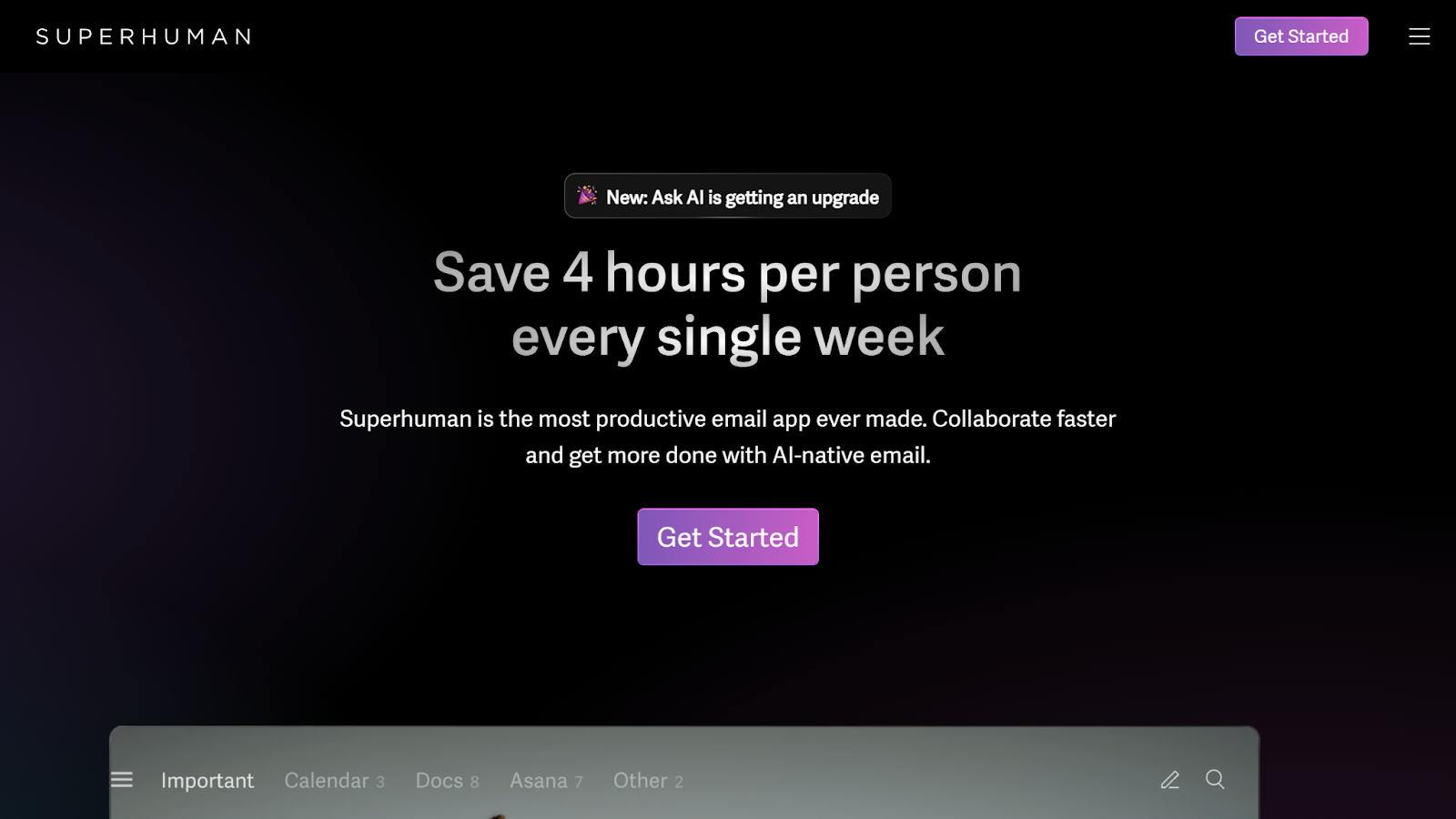
Superhuman is all about transforming your Gmail inbox into a productivity machine. Powered by its Superhuman AI, this email management platform allows you to automatically label, sort, reply, snooze, and more.
Out of all the solutions on this list, Superhuman is likely the most similar to Gmelius in terms of functionality and pricing. However, Superhuman’s features are less team-oriented than Gmelius, instead focusing on speed and efficiency for email power users.
- Best for: Email productivity
- Developer: Superhuman
- Key features: AI drafting, instant reply, auto labeling
- Pros: Drives efficiency for power users, high time savings, powerful inbox management
- Cons: Separate user interface, lack of team-oriented features, steep learning curve
- Plans/pricing: Free 30-day trial; paid plans range from $25 to $33 per user per month, and custom enterprise pricing is available
- G2 rating: 4.7/5
8. Keeping
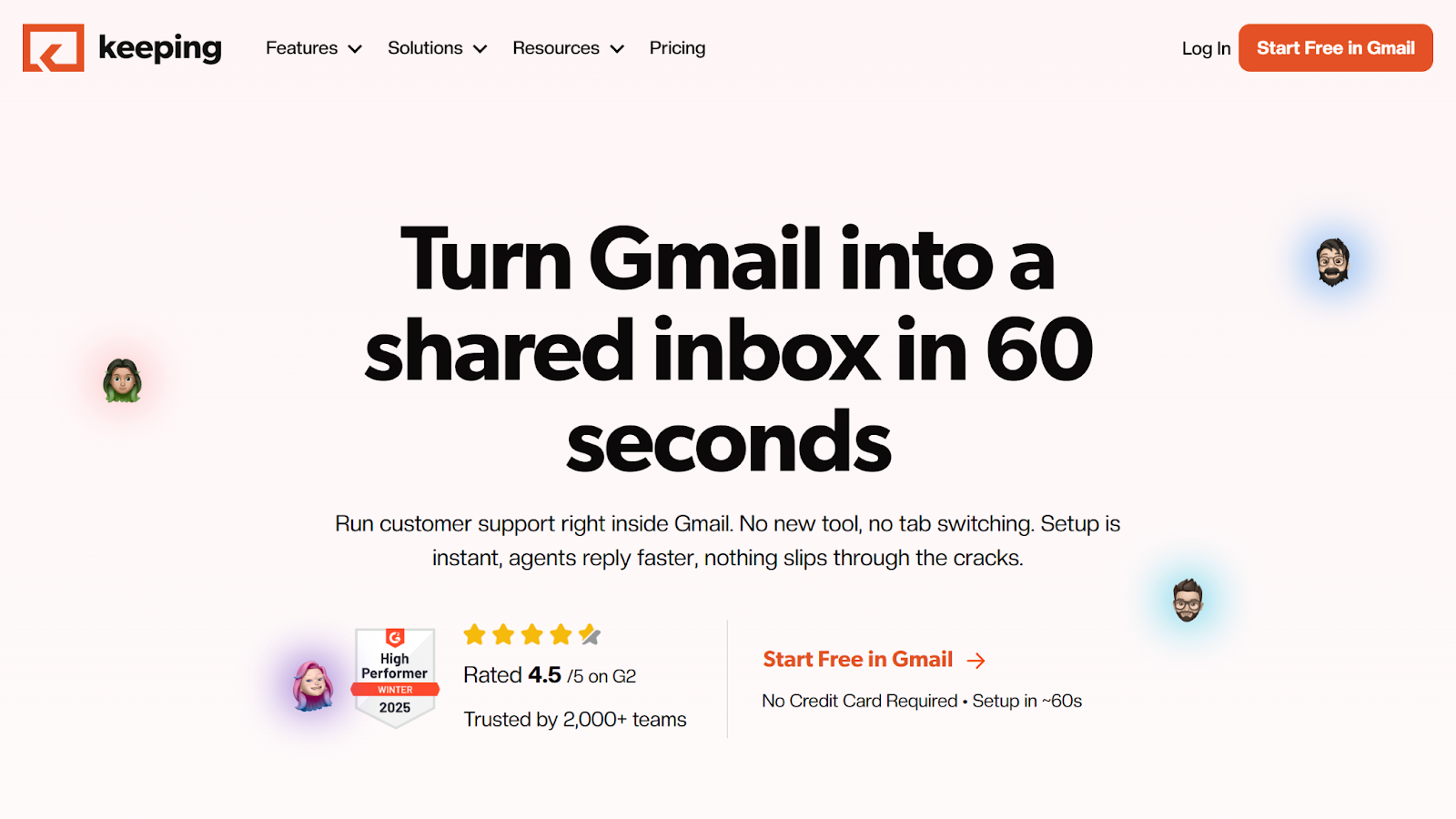
If you want a solution that allows you to operate directly within Gmail, Keeping may be for you. It instantly transforms your Gmail into a shared inbox that unifies your email accounts, improves visibility, and reduces redundancies.
This Gmelius alternative is streamlined and straightforward, providing your team with a quick and effective way to optimize your email workflows. However, some users report that Keeping can be difficult to get to grips with, with complex issues that can be challenging to navigate.
- Best for: Native Gmail shared inbox
- Developer: Keeping
- Key features: Unified Gmail inbox, workflow automation, email analytics
- Pros: Native Gmail interface, quick implementation, popular integrations
- Cons: Steep initial learning curve, limited scope of features, tier usage limitations, reported functionality issues
- Plans/pricing: Free 14-day trial; paid plans range from $12 to $49 per user per month
- G2 rating: 4.5/5
How to choose the top tool for your team
Beyond tangible factors like features and price, there are several other considerations to keep in mind when narrowing your search for Gmelius alternatives. These include
- Team size: The number of users who will need access to this software (both now and in the future) will affect pricing as well as determine necessary features, scalability requirements and, ultimately, which plan works best for you.
- Technical needs: Is your solution’s user interface straightforward? Is it secure? Is it easy to implement? Don’t forget to factor in your team’s usability needs before making your final decision.
- Existing software stack: Does your new Gmail productivity tool connect to other software in your current tech stack? Your solution should integrate with the platforms you already use to avoid costly manual data transfer.
- Trial periods and demos: Getting a feel for an email collaboration tool before you invest can be crucial to your decision-making process. Check to see if your chosen solution offers a free trial to explore its capabilities before committing.
- Free versions: Some solutions’ free versions may offer enough capabilities for individual users or small teams. Keep an eye out for these and consider whether they meet your needs.
- Support responsiveness: You need to know that your team will have the help they need if and when they run into issues. Explore user reviews to determine whether the solutions you’re considering offer support services that will kick in in times of crisis.
Use these factors to filter out solutions that don’t match up with your expectations.
Streamline your email workflows with the right solution
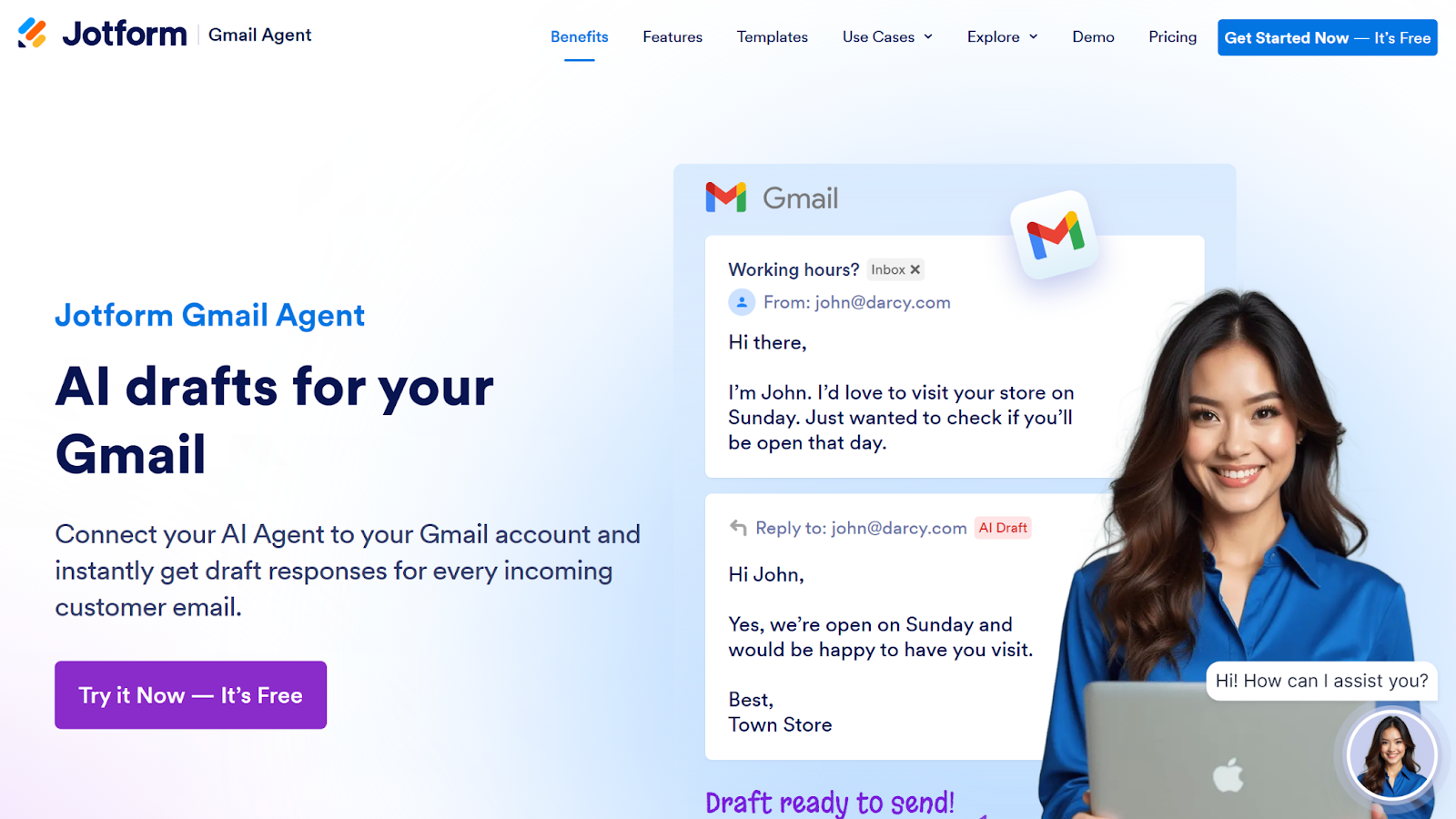
Now that you have a list of powerful Gmelius alternatives to explore, you can try them for yourself. Hands-on experience from a free version or trial can provide valuable perspective on a tool’s features, usability, and overall fit for your workflow.
Looking for a place to get started? Jotform Gmail Agent is free to use and can enhance your email collaboration. See how it stacks up against other popular Gmelius alternatives today.
This blog post is for website operators, marketing teams, customer support managers, and anyone who wants to find the best alternatives to Gmelius to improve Gmail-based team email collaboration, shared inbox management, and workflow automation.














































Send Comment: