Customer service software plays a critical role in customer experience in 2026. Customers expect your brand to be available 24-7, and that’s where software with chatbots comes in.
Many organizations need live chat, automation, and reliable case management alongside escalation paths and reporting. With budgets tightening, finding the right platform can be a challenge.
Zendesk and LivePerson are two popular options for customer service software. Zendesk is widely known as a help desk and omnichannel support platform built around ticketing, self-service, and structured workflows. LivePerson takes a conversation-first approach, focusing on real-time messaging, AI-driven engagement, and large-scale conversational experiences.
The comparison that follows takes a closer look at Zendesk and LivePerson and ultimately aims to help you choose the right tool for you.
Zendesk strengths and highlights
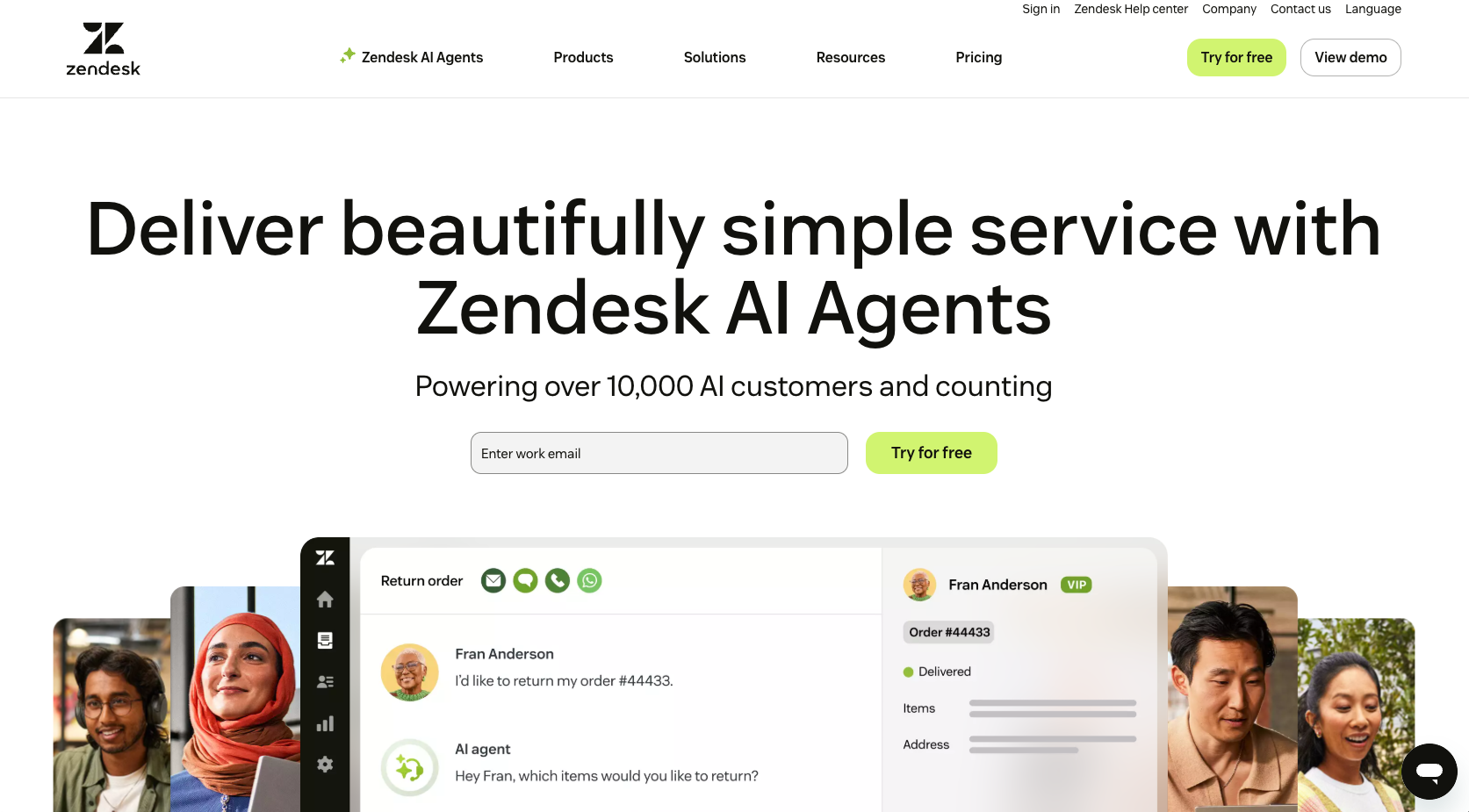
While the next section offers a deep dive into the platform’s features, here’s a quick look at some of Zendesk’s strengths:
- Fast time to value: Zendesk is known for speedy setup and intuitive onboarding, allowing you to launch core support workflows quickly and without technical skills.
- Ticketing and case management: Service-level agreement (SLA) tracking, escalation rules, and agent collaboration tools make Zendesk well suited for structured, end-to-end customer support operations.
- Strong self-service capabilities: Built-in knowledge base tools, AI-powered article recommendations, and ticket deflection features help reduce agent workload while improving customer resolution speed.
- Extensive integrations: Zendesk offers a large integration ecosystem, including native connectivity with Salesforce, enabling smoother data flow between support, sales, and customer relationship management (CRM) teams.
- User-friendly interface: Agents benefit from a clean, unified workspace that’s easy to learn, reducing training time and operational friction.
- Predictable total cost of ownership (for many teams): For small to mid-sized organizations, Zendesk delivers strong value relative to feature depth and reliability.
Tempted to try Zendesk but want to explore your options first? Check out these two comparison articles — HubSpot versus Zendesk and Intercom versus Zendesk — before making your decision.
LivePerson strengths and highlights
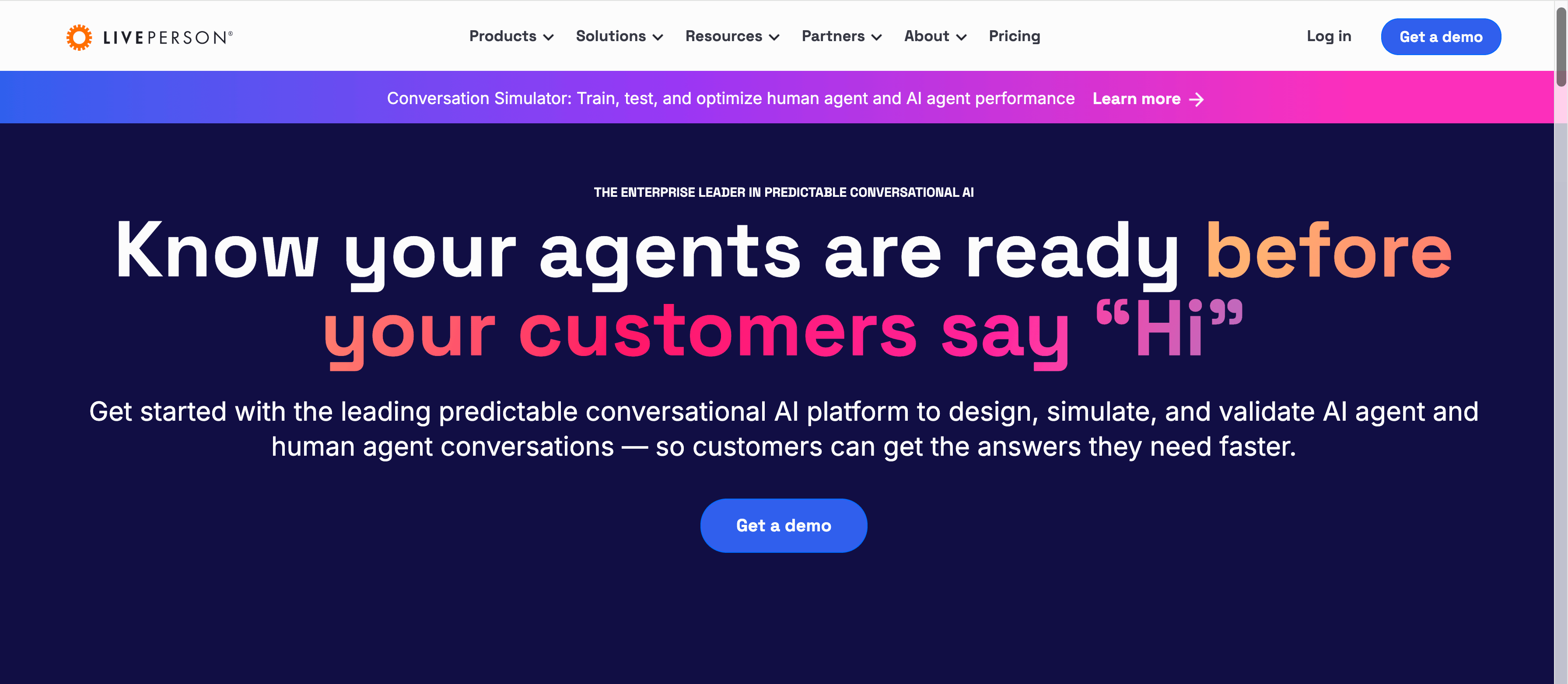
We’ll take a closer look at features in the next section, but here are some of LivePerson’s particular strengths:
- AI-first, messaging-centric platform: LivePerson is built around conversational AI and persistent messaging, making it ideal for brands that want to engage customers through real-time, dialogue-driven interactions rather than traditional ticket-based support.
- Real-time messaging across digital channels: The platform supports messaging on web, mobile, and popular digital channels, enabling continuous conversations across sessions and devices.
- Enterprise-grade scalability: LivePerson is designed to support large-scale conversational AI deployments, making it well suited for global enterprises handling high volumes of customer interactions.
- Advanced conversation analytics: Strong analytics tools provide insight into customer intent, conversation outcomes, bot performance, and engagement trends.
- Voice bot support: In addition to text-based messaging, LivePerson offers voice bot capabilities, allowing organizations to extend automation into voice-driven customer interactions.
- Optimization for complex messaging environments: LivePerson works best for organizations with dedicated resources and sophisticated conversational strategies.
Platform features: A deep dive
There are many overlaps between Zendesk and LivePerson chatbots. Here’s how each tool stands on popular features:
 Zendesk |  LivePerson | |
|---|---|---|
| Self service | AI-powered knowledge base, automated article suggestions, and ticket deflection designed to reduce agent workload AI agents also available | Handled through conversational AI bots |
| Case management & escalation | Unified ticketing system with SLAs, prioritization, internal notes, and escalation workflows | Messaging-only approach with no native end-to-end case management or structured escalation |
| Live chat & messaging | Live chat integrated into a multichannel agent workspace alongside email and tickets | Messaging-first platform focused on persistent conversations, with limited traditional calling |
| Omnichannel support | Broad channel support, including email, chat, voice, social, and messaging in one interface | Primary focus on digital messaging channels, with limited traditional voice capabilities |
| Integrations | Large, mature integration ecosystem, connecting CRM, analytics, and business tools | Smaller, more specialized integration catalog, often requiring enterprise-level setup |
| AI capabilities | AI-driven ticket deflection, agent assist, and generative AI for faster resolution | Conversational AI focused on intent detection and bot-driven engagement |
| Triggers, workflows & analytics | Advanced automation with triggers, macros, workflow rules, and cross-channel analytics | Strong conversation analytics, but automation largely limited to messaging workflows |
Self-service
Zendesk excels at self-service through AI-powered knowledge base management, automated article suggestions, and ticket deflection, helping customers resolve issues without agent involvement if they want to.
LivePerson focuses less on structured content management, offering more limited tools for maintaining and scaling traditional help centers.
Case management and escalation
Zendesk provides unified ticket workflows that support end-to-end case management, including prioritization, SLAs, internal notes, and escalation paths.
LivePerson takes a messaging-only approach, which works well for conversations but lacks native, full life cycle case tracking and escalation beyond the chat experience.
Live chat and messaging
Zendesk supports live chat within a broader, multichannel agent workspace, allowing teams to manage chats alongside email, tickets, and other channels.
LivePerson is built around persistent messaging, prioritizing conversational continuity, but offers limited traditional calling and less flexibility for teams that rely on mixed support channels.
Pro Tip
Struggling to understand the limitations of a chatbot? Read this article: What is a chatbot?
Omnichannel support
Zendesk delivers true omnichannel coverage, including email, chat, voice, social, and messaging. Users can manage everything from a single interface.
LivePerson focuses primarily on digital messaging channels, offering more limited traditional voice support as compared to full-service help desk platforms.
Integrations
Zendesk benefits from a large, mature integration ecosystem, making it easier to connect with CRMs, analytics tools, and business systems.
LivePerson’s integration catalog is smaller and more specialized, often requiring additional configuration or enterprise-level implementation.
AI capabilities
Zendesk uses AI to power ticket deflection, agent-assist tools, and generative responses that improve efficiency across support teams.
LivePerson emphasizes conversational AI, intent detection, and bot-driven engagement, but its AI capabilities are more narrowly focused on messaging experiences.
Triggers, workflows and analytics
Zendesk offers robust automation through triggers, macros, and workflow rules, paired with detailed reporting and analytics across all channels.
LivePerson provides strong conversation analytics, but its automation options are more limited outside of messaging-specific use cases.
An alternative tool: Jotform AI Chatbot Builder
Jotform AI Chatbot Builder is a no-code solution that enables teams to deploy AI-powered conversational bots quickly, without software development kits (SDKs), custom development, or heavy setup. It’s designed for speed and flexibility, making it easy to add AI-driven conversations to websites and forms with minimal effort.
Unlike full-scale help desk platforms, Jotform AI Chatbot focuses on structured conversations to collect data, qualify users, and trigger workflows. This makes it a practical Zendesk alternative for any business looking for automation and engagement without the overhead of a full ticketing ecosystem.
Jotform is best suited for teams that need chat-based engagement paired with workflows and CRM integrations.
Key capabilities of Jotform include
- AI-driven conversational flows for websites and forms
- Native CRM and Salesforce integrations
- Handoffs to live agents
- Multilingual support
- Lightweight deployment across WordPress sites and web pages
Jotform overlaps with Zendesk in a number of ways. Like Zendesk, Jotform can
- Automate chats
- Handle FAQs
- Qualify leads or support questions
But Jotform also has some sought-after features that Zendesk simply doesn’t have:
- No-code deployment so you can get up and running without a team of engineers
- Built-in CRM sync that translates human-like chat conversations into structured data that’s added directly to your chosen CRM
- Lean support suited for engagement use cases rather than a full-scale help desk
Curious about how Jotform AI Chatbot Builder compares to Zendesk? Check out our Jotform vs Zendesk comparison page to see how the two stack up side by side.
Which product should you choose?
Choose Zendesk if you need robust escalation paths, mature agent tools, and unified omnichannel support that brings tickets, voice, chat, and self-service into a single, structured workflow.
Choose LivePerson if you’re looking for real-time conversational experiences, messaging-first customer interactions, and large-scale bot engagement.
Choose Jotform AI Chatbot (optionally, with Jotform Salesforce Agent) if you want fast deployment, AI-driven conversations, and seamless integration with CRM and support workflows without relying on heavy development resources.
Pro Tip
Use Jotform AI Chatbot together with Jotform Salesforce Agent to route chats into cases or CRM leads and to automate follow-ups, combining chat and support in a single system. Or, if you want to use Zendesk but prefer the look of Jotform AI Agents, you can use both with the Jotform-Zendesk integration.
Choosing the right customer service software for you
Zendesk and LivePerson each solve different parts of the customer service challenge. While Zendesk excels at structured support, case management, and omnichannel workflows, LivePerson is built for conversational engagement and messaging-first experiences. The difficulty for many organizations comes in unifying these two worlds into a single, efficient support model.
That’s where Jotform excels.
Jotform’s AI Chatbots, paired with the Jotform Salesforce Agent, address these two key needs, acting as a connective layer between real-time conversations, CRM data, and support workflows — all without complex integrations or development overhead. Assess your support maturity, CRM requirements, and automation goals to choose the right core platform. Then layer in Jotform tools to deliver faster, more connected, and conversation-driven customer support.
This article is for anyone comparing customer service platforms and chatbot tools, including teams that manage support, messaging, and automation, and want to understand how ticketing, self-service, integrations, and AI features fit different workflows.







































































Send Comment: