
The 10 best Shortwave alternatives
Email has evolved beyond simple messaging — it’s now central to how teams collaborate, schedule meetings, and automate workflows. Shortwave recognizes this shift, offering AI-powered features and a sleek interface that modernizes the Gmail experience.
For power users, Shortwave delivers impressive capabilities: live email threads for team collaboration, intelligent automation, and seamless scheduling tools. But as your team grows and your needs evolve, even feature-rich platforms can fall short, which is exactly why exploring Shortwave alternatives is worth your time.
Why look for a Shortwave alternative?
For such an advanced email tool, Shortwave has serious drawbacks. It works only with certain email providers, such as Gmail, Yahoo, and Zoho. Outlook users can access very limited features, and the rest of Microsoft 365 is completely unsupported. Pricing is high, with business plans starting at $24 per user, per month for an annual subscription.
Also lacking are Shortwave’s collaboration tools. While they do exist, they’re best suited for small, individual teams handling everyday tasks. Trying to manage multiple group email inboxes, projects, and calendars with Shortwave can quickly grow unwieldy because of its collaboration complexity.
If you’re in the market for an AI agent to manage your email but not sold on Shortwave, we have you covered. This article breaks down 10 Shortwave alternatives that offer AI-driven, fast, and collaborative email workflows.
10 best Shortwave alternatives to try in 2026
| Tool | Best for | Unique feature | Pricing |
|---|---|---|---|
 Jotform Gmail Agent |
Support teams |
Automatically drafts email replies based on your voice |
|
 Spike |
Unified inboxes |
Bundles team chat, email, and conferencing in one platform |
|
 Missive |
Team tools |
Integrates with your preferred AI chat tool |
|
 Superhuman Mail |
Outlook users |
Applies smart labels to incoming emails |
|
 Drag |
Sales emails |
Drafts sequential follow-up emails to close deals |
|
 Hiver |
Customer service support |
Combines all customer channels into a unified platform |
|
 Fyxer |
Meeting and follow-up support |
Includes Notetaker = for online meetings |
|
 Spark Mail |
Limiting email distractions |
Organizes your inbox with light AI support |
|
 SaneBox |
Freeing up inbox space |
Lets you choose the features you need |
|
 Notion Mail |
Managing email and website from one platform |
Splits inbox into customizable groups |
|
1. Jotform Gmail Agent: Best for Gmail users
Jotform Gmail Agent ranks among the best Shortwave competitors. It offers many of the same features, including AI-drafted replies, message triage, and customizable workflows.
Built for fast-moving teams in support, sales, IT, and healthcare, Jotform Gmail Agent can create tasks and connect with your calendar. This supports simplified workflows that enhance team collaboration.
Compared to Shortwave, Jotform Gmail Agent is far more intuitive. Its simple user experience design and practical features make it a joy to use, even for less tech-savvy employees.

How it works
Jotform Gmail Agent connects directly to your inbox. After linking your account, you can train Jotform on previous emails to understand response patterns. It proposes a suggested reply to new emails, but you retain send approval authority.
Jotform Gmail Agent also applies smart labeling to incoming emails. Labels provide visibility into messages that require an urgent response, helping you stay on top of important work.
With Jotform Gmail Agent, you can define custom behaviors and actions based on specific triggers. It integrates with other powerful Jotform AI Agents to create a shared knowledge base across email and forms.
- Pros
- Automatically drafts replies based on your email history
- Provides transparent and customizable controls
- Labels emails based on content, enabling efficient message organization
- Cons
- Currently supports only Gmail
- Pricing
- Free: Up to five AI agents, 100 monthly conversations.
- Bronze: Up to 25 AI agents, 1,000 monthly conversations. Starts at $34 per month.
- Silver: Up to 50 AI agents, 2,500 monthly conversations. Starts at $39 per month.
- Gold: Up to 100 AI agents, 10,000 monthly conversations. Starts at $99 per month.
- Enterprise: Unlimited AI agents and monthly conversations. Custom pricing.
2. Spike: Best for collaboration
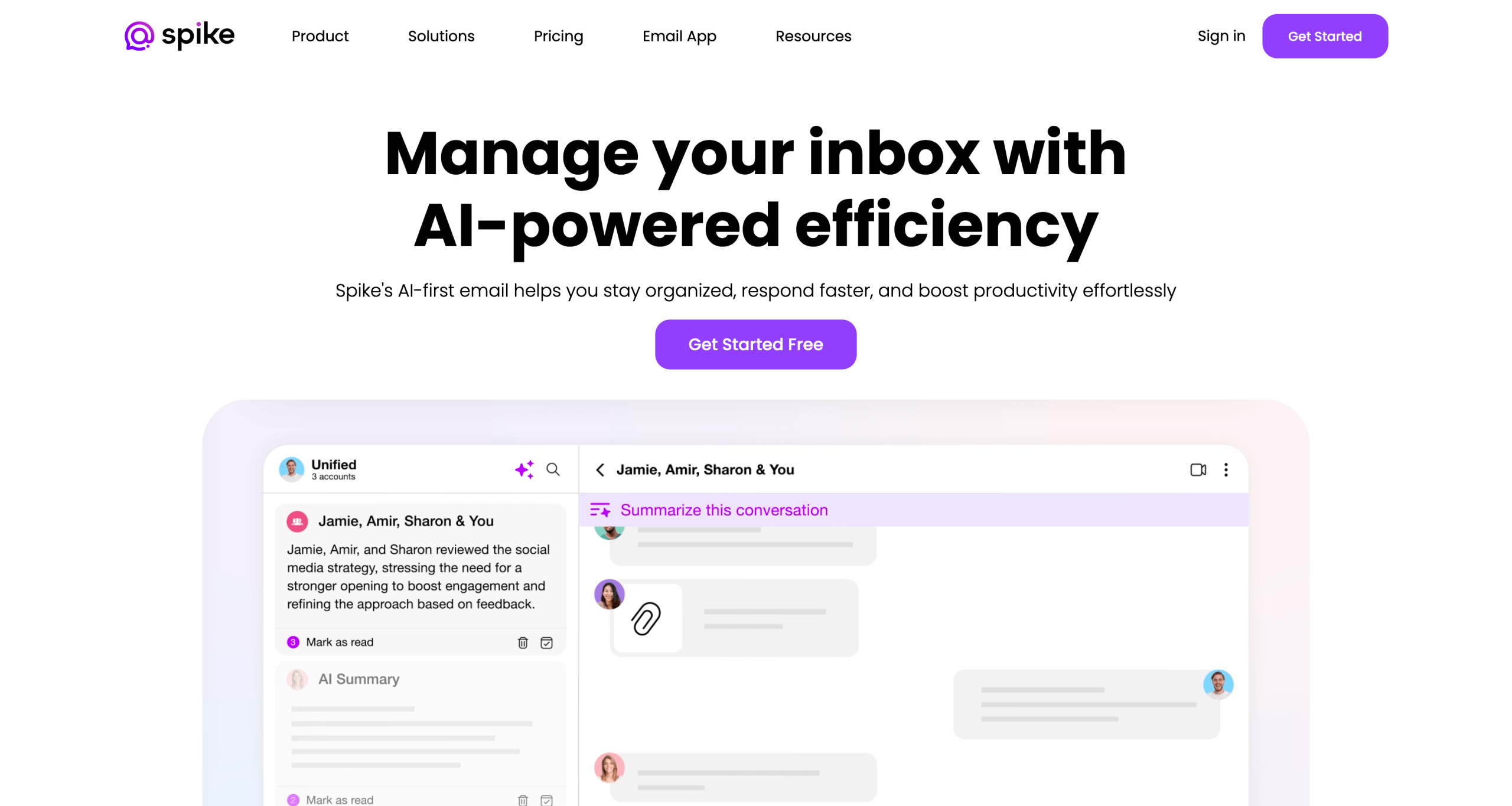
Spike goes all in on AI-driven team collaboration features. It combines email, chat, videoconferencing, and task organization in its shared email inbox software.
Compared with Shortwave, Spike stands out for its advanced collaboration tools. However, users looking for individual email management support may find Spike lacking.
How it works
Spike creates a unified, shared inbox for team and group emails. Participants can assign tasks, track responses, and engage in chat through the inbox. It also provides labeling tools to monitor in-progress and closed tasks.
- Pros
- Unifies shared email inboxes into one workspace
- Connects with any email client, including Gmail and Outlook
- Cons
- Limited features for solo users
- Pricing
- Free: Available for teams with an @spike.team domain. Includes 15 GB storage space per user.
- Pro: Unified inbox of up to three email addresses. Starts at $5 per month.
- Ultimate: Unified inbox for unlimited email addresses. Starts at $10 per month.
3. Missive: Best for team customization
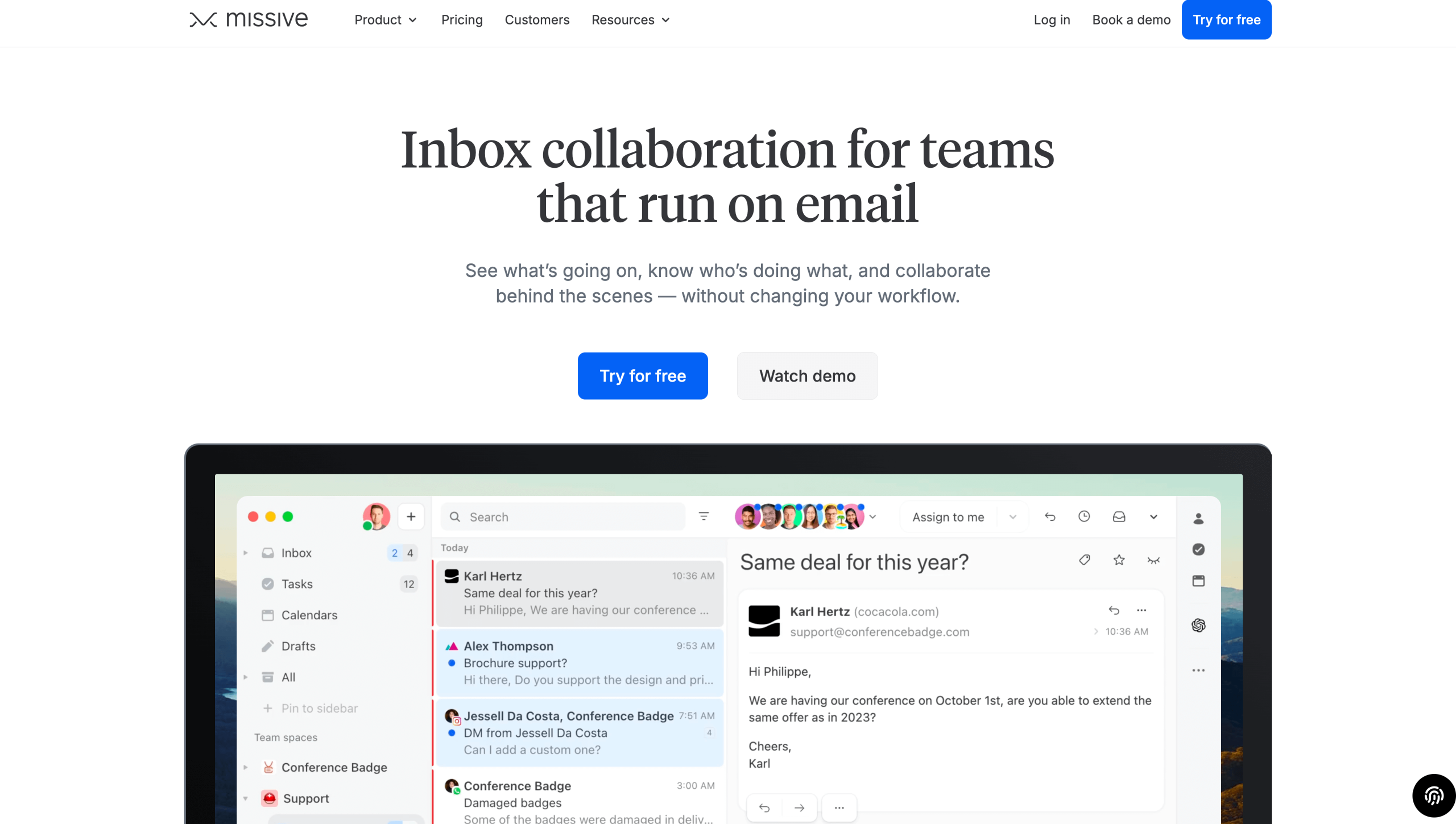
Missive’s email platform provides a powerful alternative to Shortwave. It combines collaborative inbox tools with fully customizable AI features.
Automations within Shortwave are rules-based, and you can create custom workflows to handle frequent tasks. However, this requires some up-front effort, so those looking for an out-of-the-box solution may want to consider other options.
How it works
Missive combines individual and unified inboxes in one place. Each user can create their own filters and workflows to manage tasks and monitor project status. Unique to Missive is its AI integration. Instead of using a built-in solution, users can integrate their favorite AI tools to generate email responses. This flexibility makes it one of the best AI email generators.
- Pros
- Integrates with over 25 apps, including ChatGPT, Salesforce, and Asana
- Supports email from all providers, including Outlook and Gmail
- Cons
- Requires tech expertise to set up
- Pricing
- New users can sign up for a free 30-day trial. Paid plans include:
- Starter: Includes email, SMS, and social media. Starts at $14 per month.
- Productive: Adds integrations and automations. Starts at $24 per month.
- Business: Includes advanced security tools and analytics. Starts at $36 per month.
- New users can sign up for a free 30-day trial. Paid plans include:
4. Superhuman Mail: Best for Outlook users
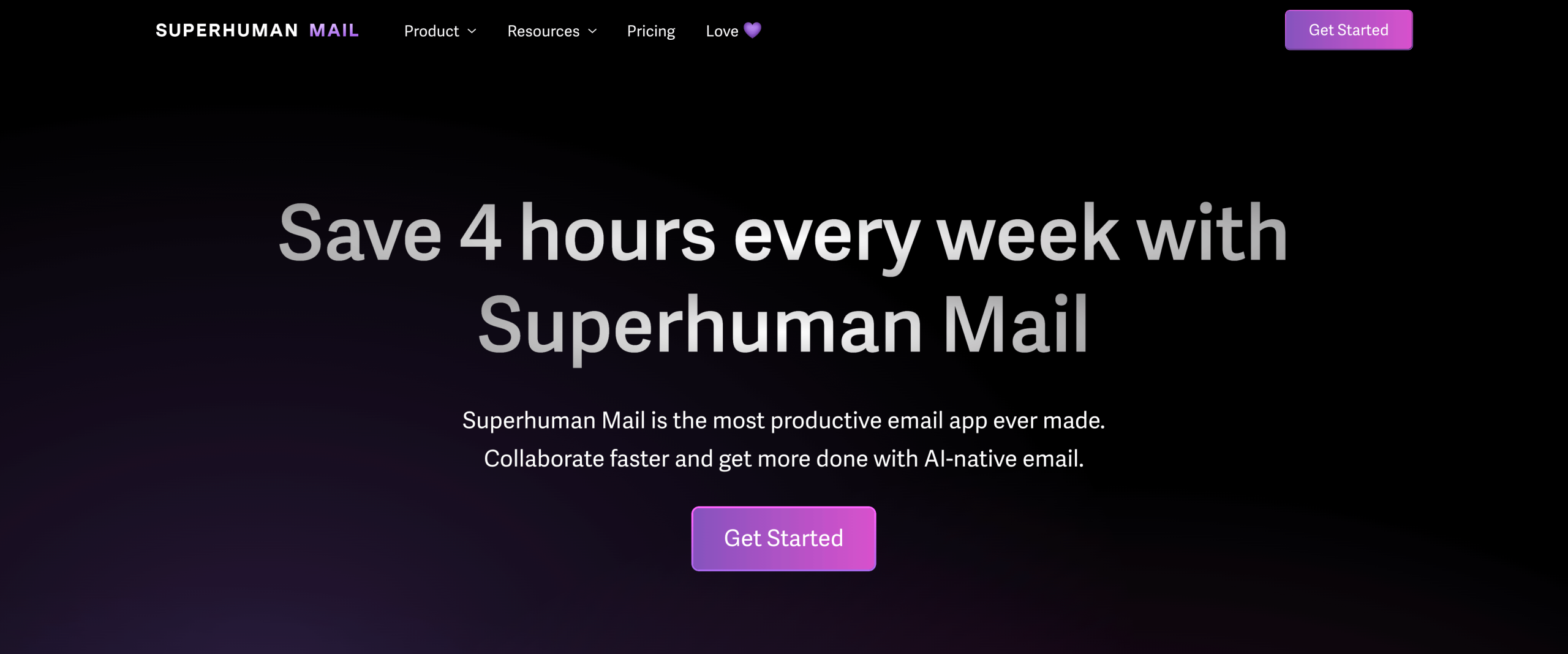
Superhuman Mail’s features closely mirror Shortwave’s. The main difference is that Superhuman fully supports Outlook, while Shortwave doesn’t. However, Superhuman doesn’t provide as many integrations as Shortwave does. While it can integrate with HubSpot and Salesforce, it doesn’t support Asana or GitHub, which is a drawback for product-focused teams.
How it works
Superhuman applies custom, automatic labels to incoming messages for efficient inbox management. It suggests AI-generated email replies that match your tone and voice.
- Pros
- Triages email based on importance
- Supports live sharing of emails for easy team collaboration
- Cons
- Works only with Gmail or Outlook
- Pricing
- New users can sign up for a free two-month trial. Paid plans include:
- Starter: Includes AI tools, team collaboration, and calendar. Starts at $25 per month.
- Business: Includes advanced AI tools and integrations. Starts at $33 per month.
- Enterprise: Includes advanced security and analytics. Custom pricing.
- New users can sign up for a free two-month trial. Paid plans include:
5. Drag: Best for sales and marketing teams
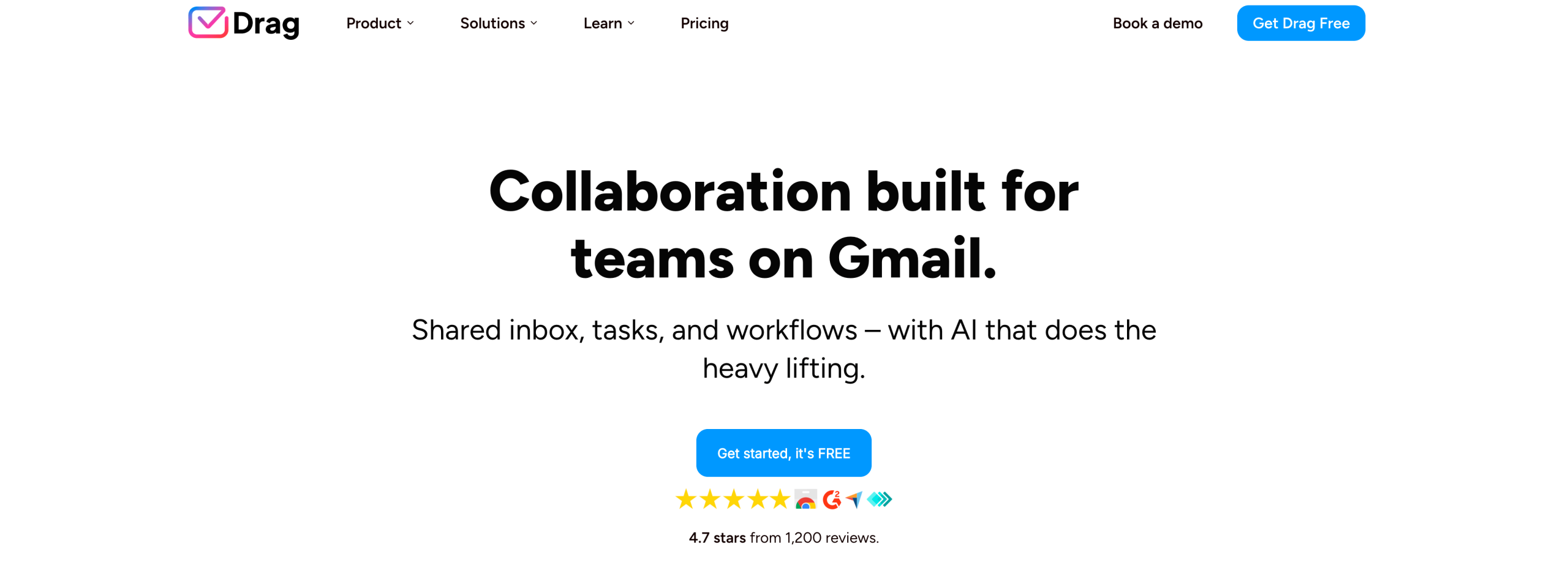
Drag’s email management tools are designed exclusively for Gmail and WhatsApp. Features include AI reply drafts, auto-tagging for organization, and task management checklists.
Email marketing and sales teams can benefit from Drag’s templates and automated sequences. For example, teams can schedule follow-ups with customers and use AI to personalize them. Another benefit is its analytics, which provide email marketing tips for monitoring send and response times.
Drag and Shortwave have similar capabilities. However, one area where Drag is lacking is integrations. It doesn’t currently integrate with external platforms such as Salesforce or Asana, which Shortwave offers.
How it works
Drag supports individual and unified team email management. It includes AI tagging to filter out unnecessary emails and organize your inbox.
- Pros
- Supports scheduled, personalized follow-ups
- Provides built-in analytics to track email reads and clicks
- Cons
- Limited automation features
- Pricing
- Drag offers a free seven-day trial for all plans. Paid subscriptions include:
- Starter: Includes basic automations and email templates. Starts at $12 per month.
- Plus: Includes AI assistants and six months of analytics. Starts at $18 per month.
- Pro: Includes WhatsApp support and application programming interface access. Starts at $24 per month.
- Drag offers a free seven-day trial for all plans. Paid subscriptions include:
6. Hiver: Best for customer service
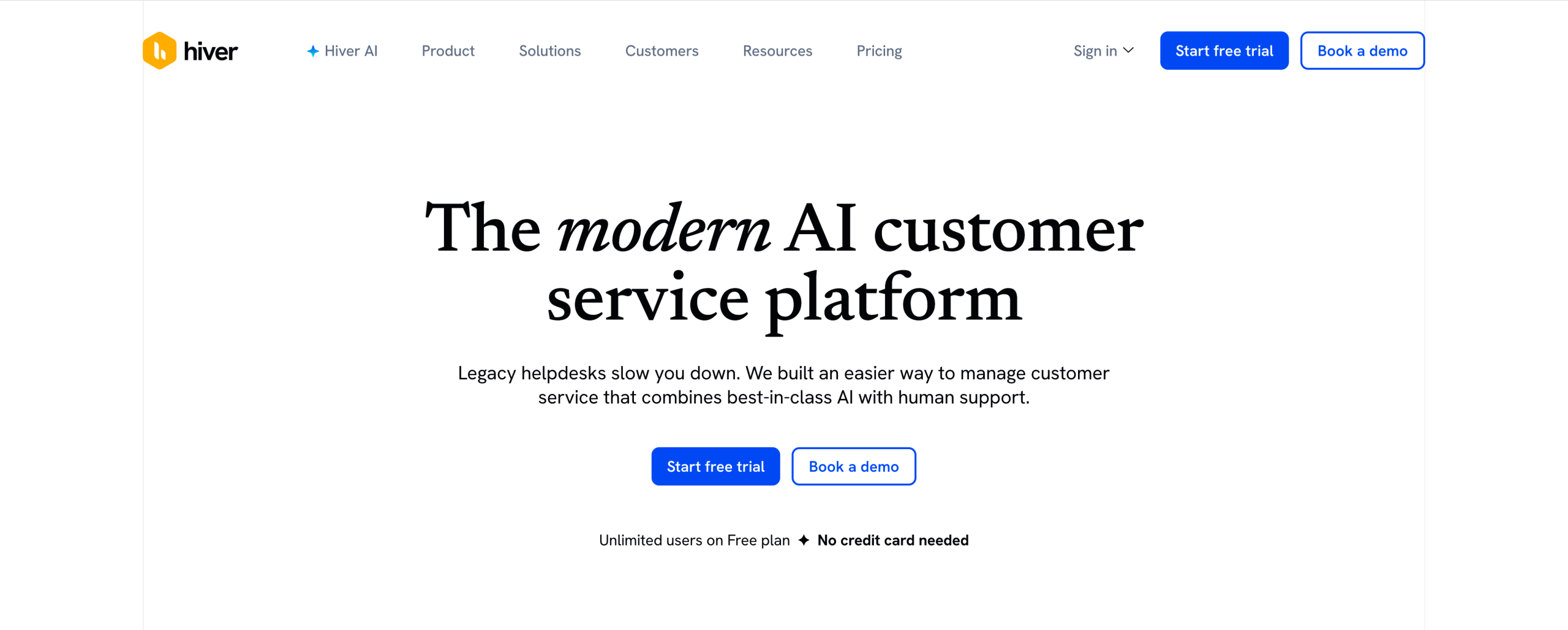
Hiver integrates chat, email, Slack, and social media in one tool. Its extensive AI features make it a worthy Shortwave alternative, especially for customer support teams.
Hiver’s AI features are more advanced than Shortwave’s. Not only can it summarize emails and draft responses, but it also can be used to create customer service AI agents. These agents can handle basic customer service tasks on your behalf with minimal input.
How it works
Hiver combines all your customer support channels in one place. This makes it one of the best productivity email platforms because you won’t need to worry about switching between software. It includes customizable workflows to automate ticket routing and label messages.
- Pros
- Extensive AI features, including triage, customer sentiment analysis, and customizable AI agents
- Supports shared inboxes for customer service teams
- Cons
- Advanced AI tools available only with pricey plans
- Pricing
- Free tier: Includes unified platform and Slack integrations. No AI features.
- Growth: Includes automated workflows, analytics, and more integrations. Starts at $25 per month.
- Pro: Includes AI agents and AI Copilot. Starts at $65 per month.
- Elite: Includes advanced security features and skill-based routing. Starts at $105 per month.
7. Fyxer: Best for meeting support
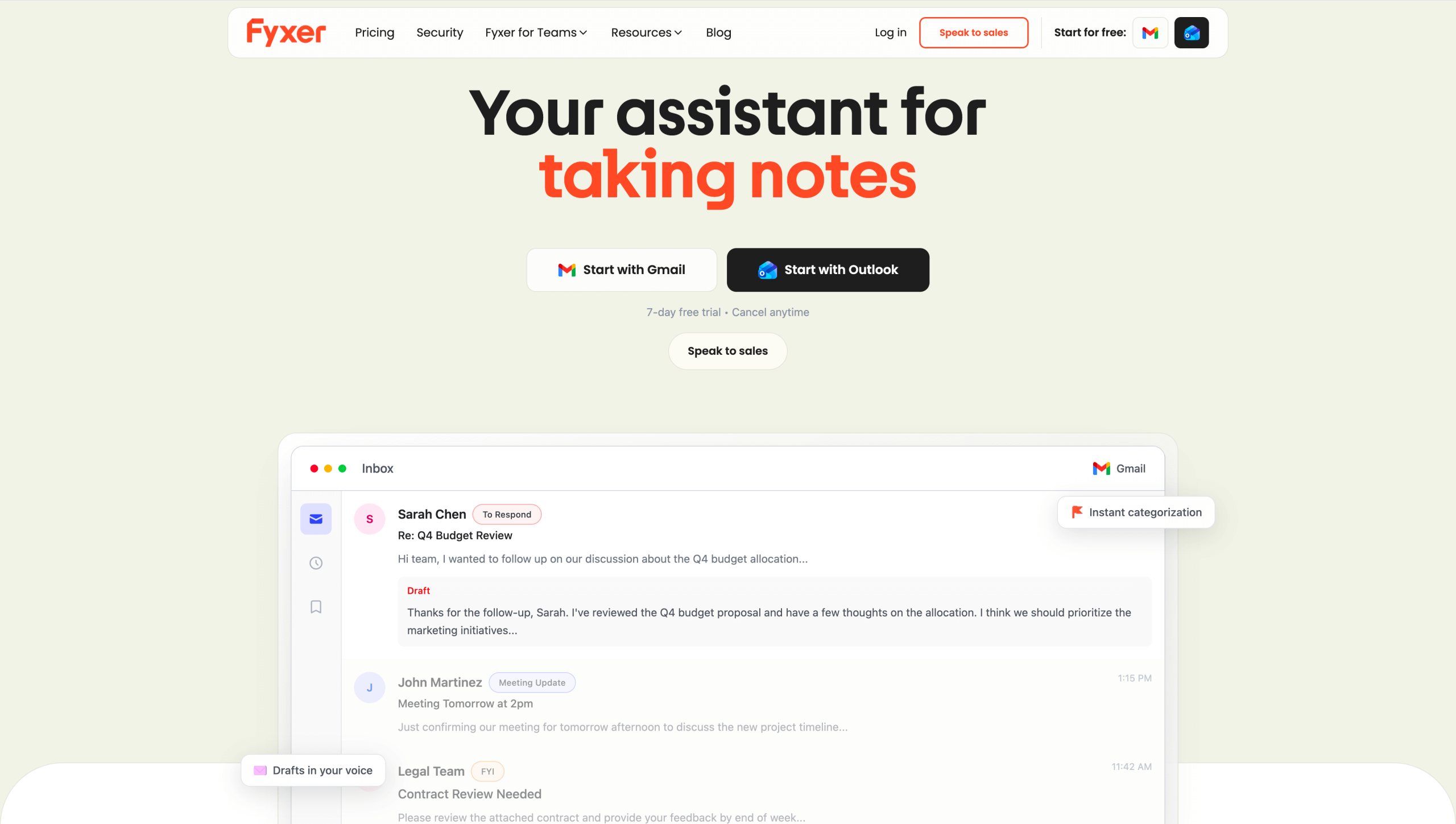
Fyxer provides the basics you’d expect from AI email client tools, including smart labeling and AI-drafted replies. But it ranks among the best AI email assistants for note-taking, a feature unavailable inShortwave.
Fyxer acts as your personal secretary, composing notes during online meetings. You’ll receive a summary once the meeting ends, which you can share with meeting participants. It’s compatible with Gmail and Outlook.
How it works
Fyxer organizes your email with actionable labels so you never lose sight of what’s important. Also helpful are its AI replies, which it generates in your voice based on your writing patterns.
- Pros
- Plugs into online meetings and takes notes
- Organizes emails with automated labeling
- Cons
- Integrations limited to HubSpot
- Lacks collaboration tools
- Pricing
- Fyxer offers a seven-day free trial for new users. Paid plans include:
- Starter: Includes organization for one inbox, AI-draft replies, and Notetaker. Starts at $22.50 per month.
- Professional: Includes organization for multiple inboxes, meeting scheduling, and access to Fyxer Chat. Starts at $37.50 per month.
- Enterprise: Includes customized security controls and dedicated customer support. Custom pricing.
- Fyxer offers a seven-day free trial for new users. Paid plans include:
8. Spark Mail: Best for managing distractions
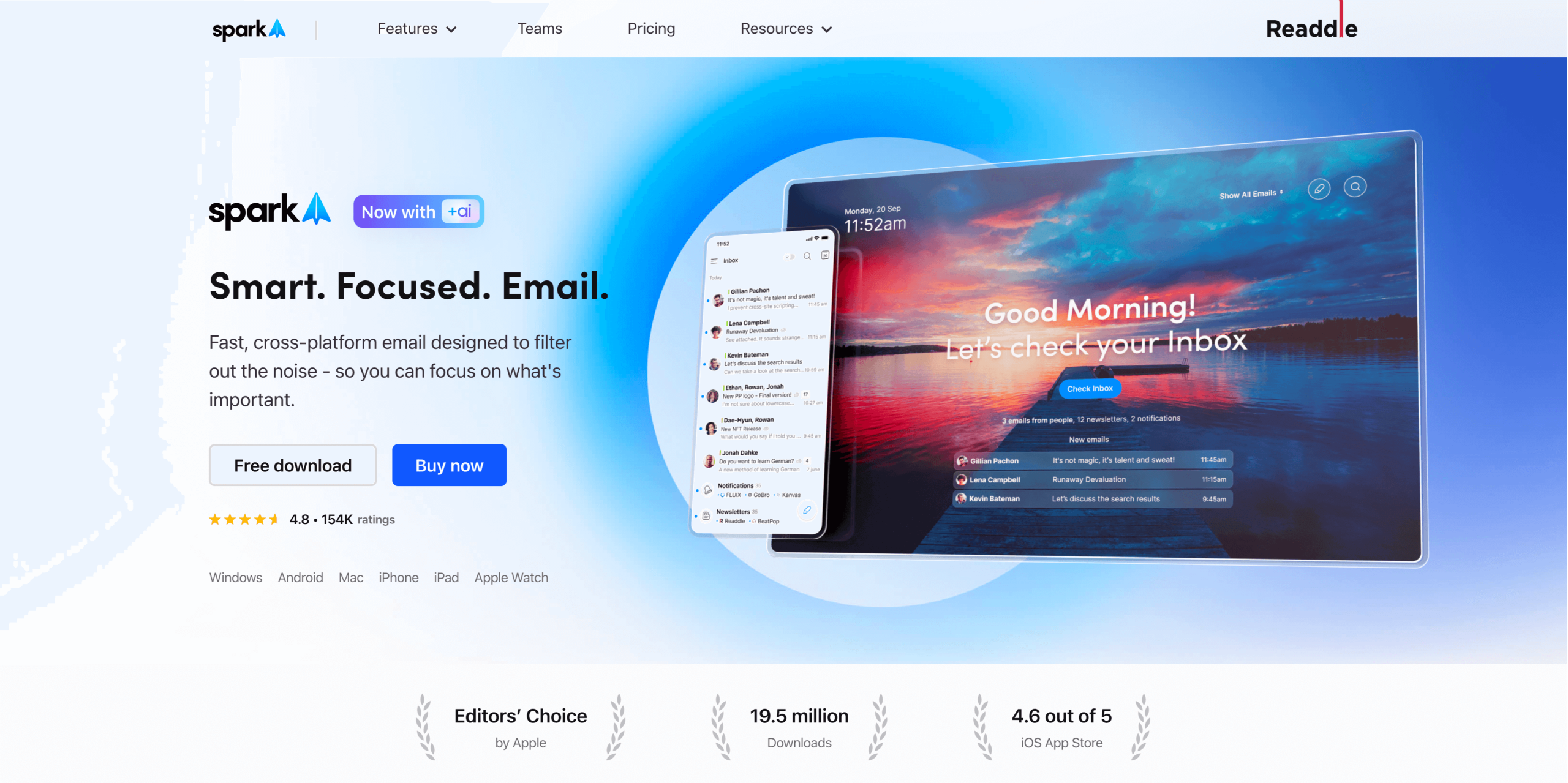
Spark Mail offers an affordable alternative to Shortwave users who need basic AI support without all the bells and whistles.
With Spark Mail, you can set emails to arrive in batches, eliminating constant distractions. Like Shortwave, Spark Mail includes support for a unified inbox, shared threads, and private comments. However, don’t expect full-fledged AI-generated responses; its AI tool acts more as a suggestion feature, drafting short replies you can enhance.
How it works
Bogged down by an overflowing inbox? Spark Mail can help with that. It separates emails by importance, prioritizing the messages that matter. Spark AI features also summarize messages and draft tailored replies for your approval.
- Pros
- Supports cross-platform use across iOS, Windows, and Android devices
- Costs less than many other AI-powered email solutions
- Cons
- Limited team collaboration features
- Pricing
- Free: Includes email essentials, calendar, and team support for two collaborators.
- Plus: Adds AI summarization, quick replies, and meeting notes. Starts at $8.25 per month.
- Pro: Supports shared inboxes and unlimited collaboration. Starts at $16.58 per month.
- Enterprise: Provides enhanced security features. Custom pricing.
9. SaneBox: Best for managing a chaotic inbox
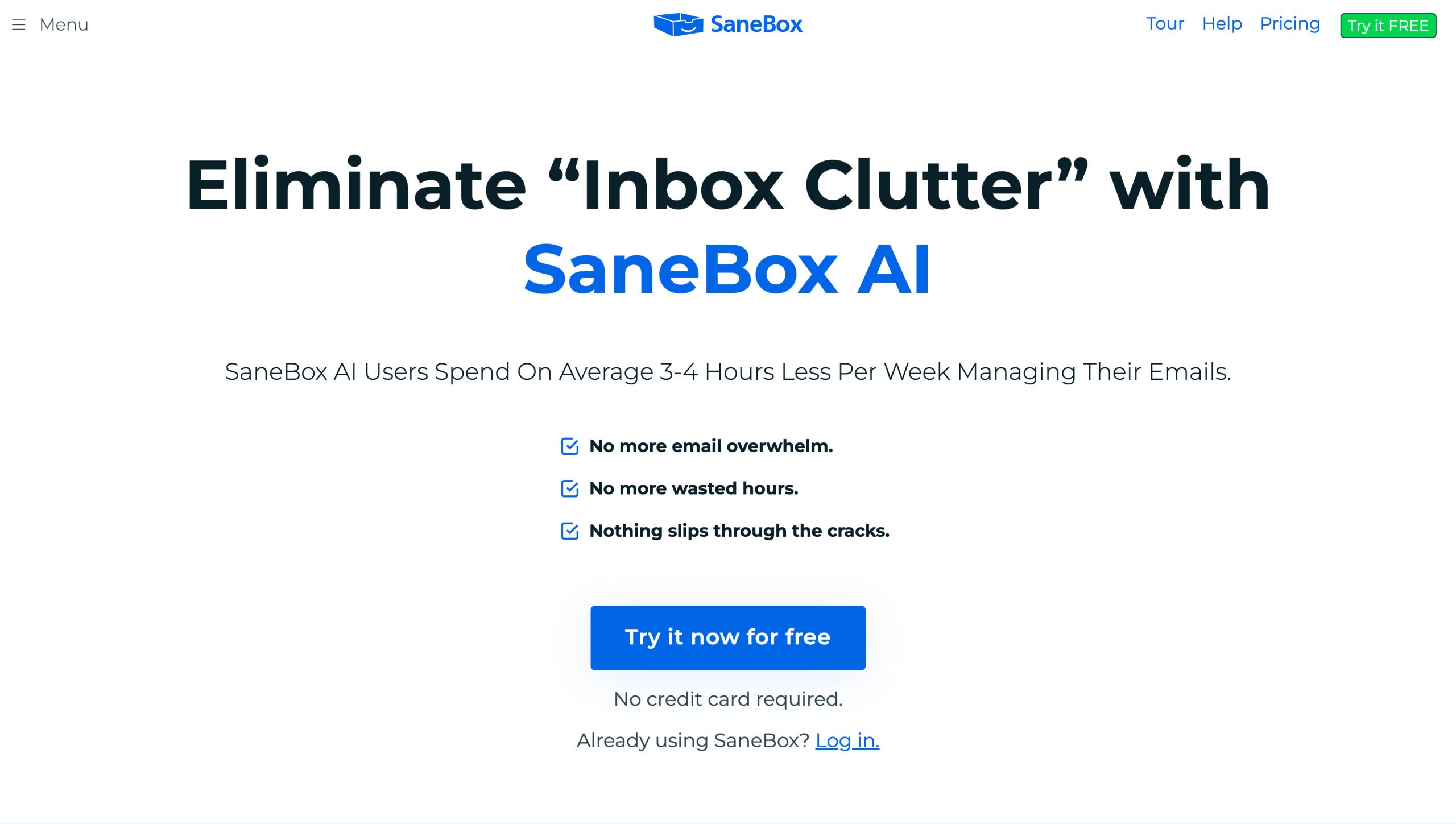
SaneBox is geared toward individual users overwhelmed by an overflowing inbox. Like Shortwave, it filters messages by priority and deletes unwanted ones.
If you’re hitting limits on email storage capacity, SaneBox will instantly free up space. However, it doesn’t currently support AI-generated drafts or shared inboxes.
How it works
SaneBox works behind the scenes of your preferred email client. Its AI tools spruce up your inbox, removing old messages in seconds.
- Pros
- No separate user interface to learn
- Customer support available with all plans
- Cons
- No team collaboration features
- Pricing
- Snack: Includes email organization and deep-cleaning tools. Starts at $4.13 per month.
- Lunch: Includes six power tools of your choice. Starts at $7.04 per month.
- Dinner: Includes all power tools, plus phone support. Starts at $20.79 per month.
10. Notion Mail: Best for an all-in-one workspace
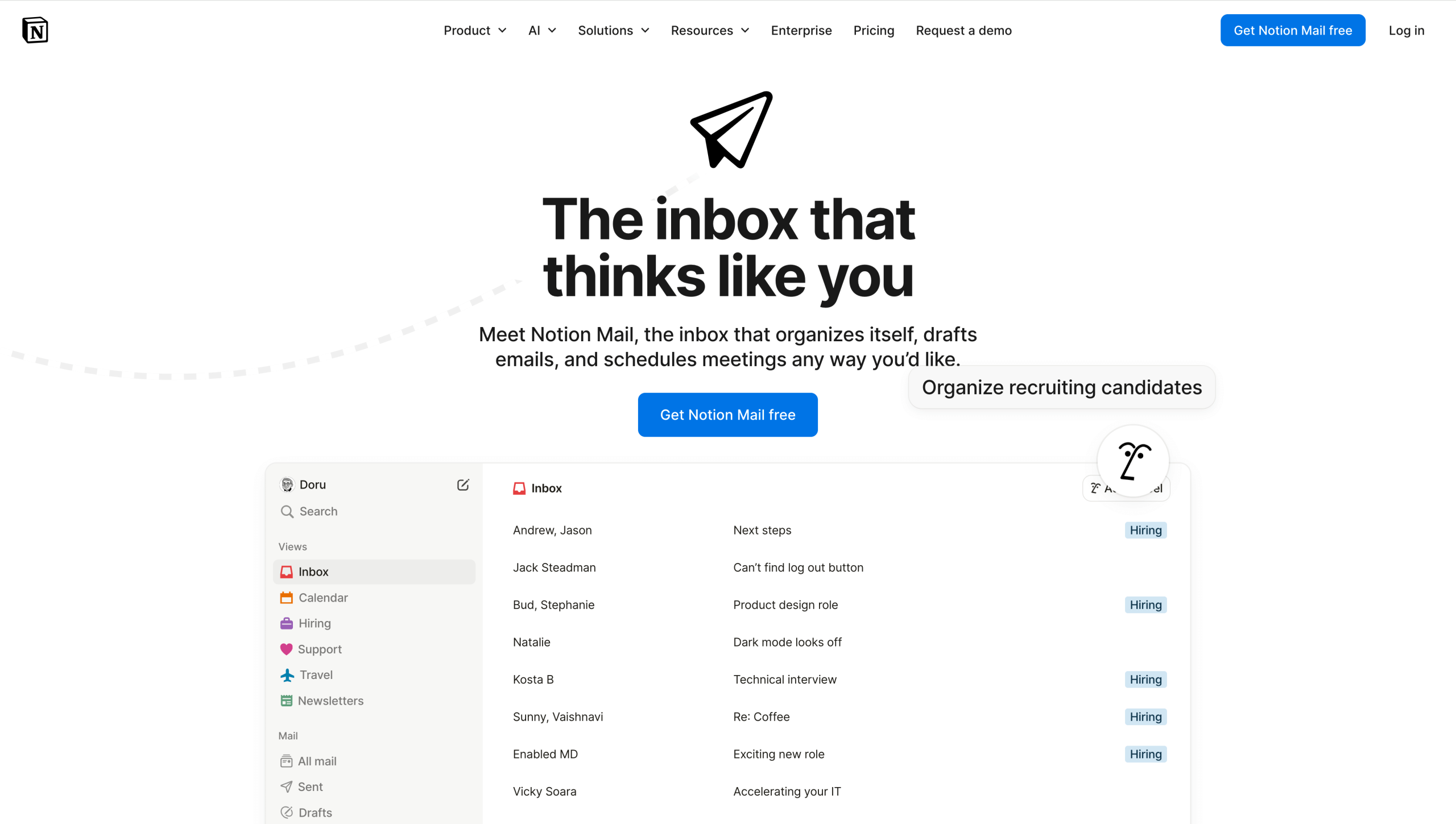
Notion Mail and Shortwave have similar features, including smart labeling, AI-generated quick responses, and built-in scheduling. But while it includes a team workspace, it falls short on email collaboration tools such as threads. For this reason, Notion Mail is ideal for individuals and teams that don’t require unified inbox support.
Notion’s AI tools are extensive and include meeting note transcription, cross-platform support, and a customizable AI agent to handle tasks. Paid plans include web publishing and database management support.
How it works
Notion Mail auto-labels emails as they arrive so you can stay on top of what’s important. Its AI tools can draft and proofread messages for quick sending.
- Pros
- Creates a custom split inbox based on your requirements
- Drafts reusable email templates
- Cons
- Compatible only with Gmail
- Pricing
- Free: Provides support for individuals. No AI features.
- Plus: Includes team space for up to 100 people. Starts at $10 per month.
- Business: Includes AI features. Starts at $20 per month.
- Enterprise: Offers advanced security features. Custom pricing.
How to choose the right Shortwave alternative for your team
Finding a Shortwave alternative for Gmail and other email clients starts with understanding your needs. Base your decision on the factors that matter most to you, whether that’s pricing, AI features, collaboration tools, or integrations. Things to keep in mind include:
- Use requirements: Do you need team collaboration features such as comments and threads? Or will employees use the tool to manage their own inbox?
- Cross-platform needs: Will team members use the platform across multiple email clients or operating systems?
- AI preferences: Do employees want an AI-first, automation-friendly email solution or a passive tool with customization options?
- Integrations: Should the email solution integrate into other tools in your workflow, such as a CRM platform?
Modern email platforms are so advanced that they can act on your behalf, scheduling appointments and replying to messages. But this may not be ideal for complex workflows. Choosing a tool that includes “approval before send” and shared context across teams allows your team to retain control over messaging while still boosting productivity.
Find the email tool that matches your flow
Shortwave is a robust platform with plenty of useful AI-powered features. However, other tools may be a better fit for specific team use cases or solo requirements.
If you’re searching for a new email tool, take advantage of free trials and test-run a few options. Shopping around can help you narrow your choices to a tool that matches your collaboration style.
Jotform Gmail Agent is ideal for teams that need full inbox visibility, AI-powered replies, and workflow alignment without losing control. Give it a spin to see how it works for you!
This article is for people comparing AI-powered email clients and shared inbox tools, and for teams that want faster replies, better inbox organization, and smoother collaboration across email providers without losing control of approvals and workflows.















































Send Comment: