Canva AI Presentation Generator Alternative
With Jotform’s Canva AI presentation generator, you simply upload your content — and AI creates an eye-catching presentation with layouts, visuals, and real-time narration. Whether you’re presenting to clients, training a team, or pitching an idea, you can interact with your audience live and let them ask questions during the show. No design skills or editing tools required — just smart, fast, presentation magic.
How it works
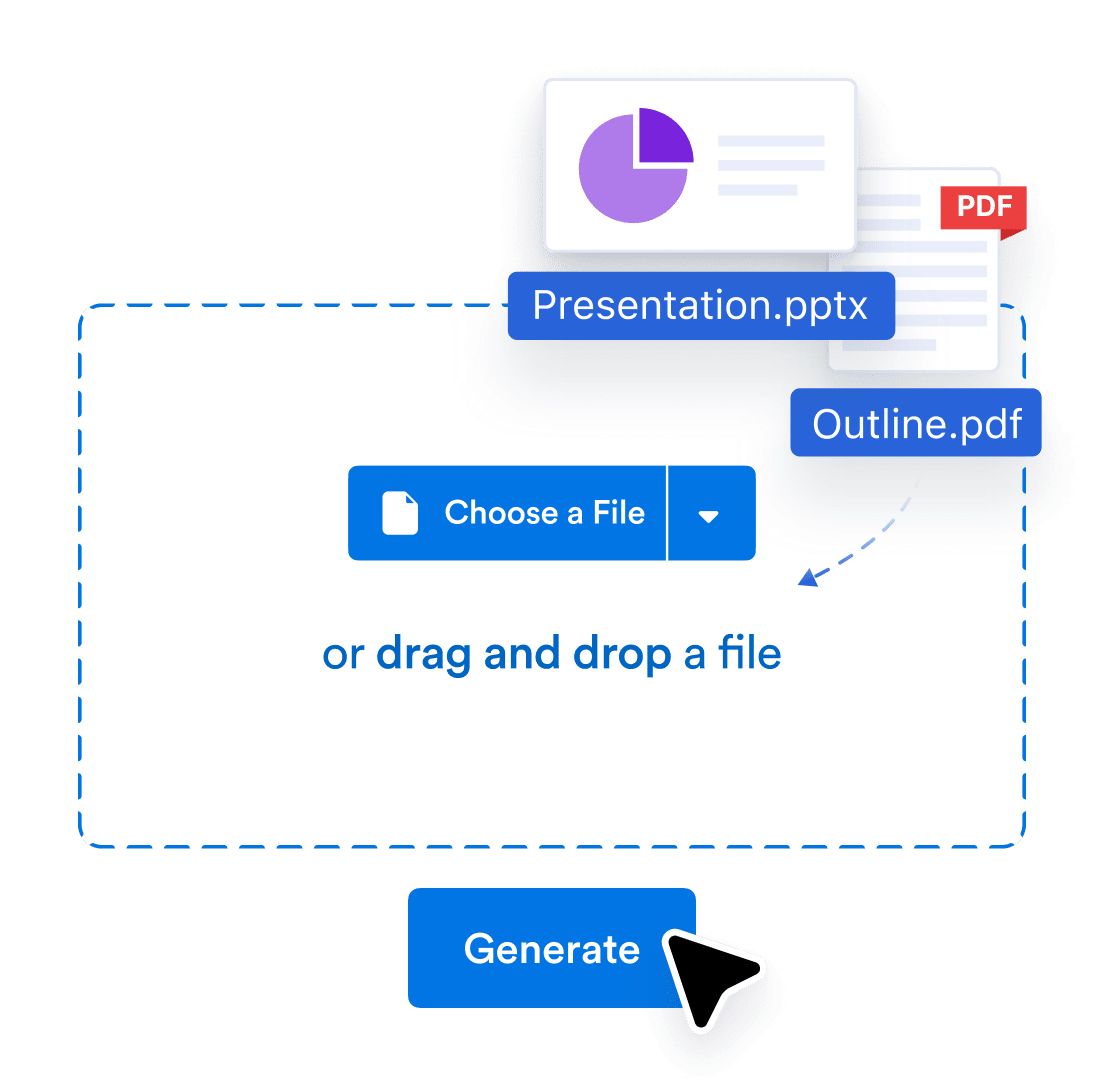
Upload
Upload your PDF or PPTX, or share link of Google Slides. We’ll turn it into an interactive, voice-narrated experience.

Customize
Edit the script, change the voice and language, and tweak how people interact with your agent and brand.

Share
Send a link or embed it anywhere. Your audience can explore, ask question and get answers in real time.
Smarter way to present with Jotform
Instantly turn documents into presentations
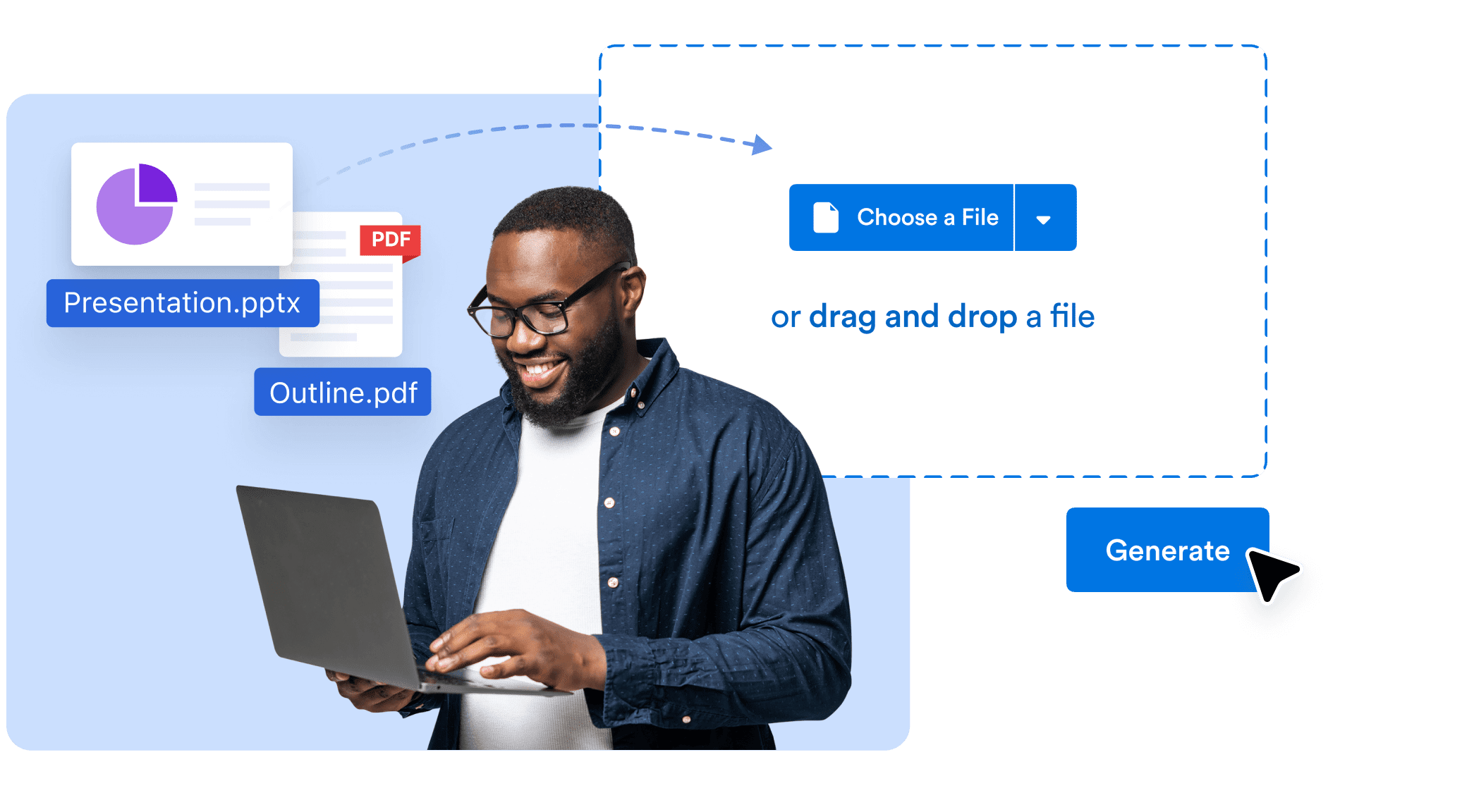
Upload a PDF, Google Doc, PPTX, or text — and let AI convert it into a complete, professionally designed slide deck. Visuals, structure, and flow are all handled in seconds so you can focus on delivering your message.
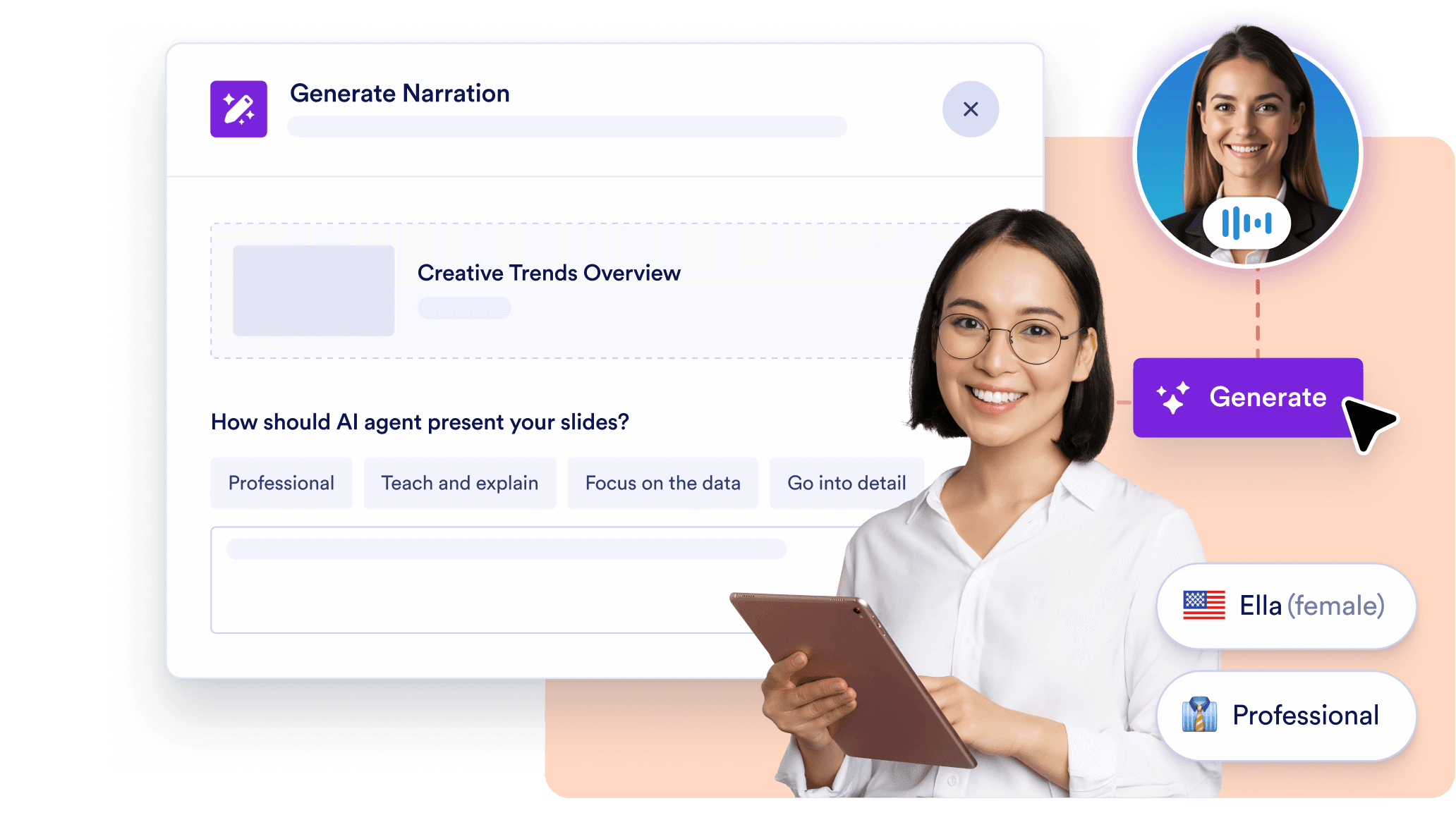
AI voice narration built in
No need to record audio. Each slide is narrated by an AI voice that guides your audience through the presentation. You choose the voice, tone, language, and can even customize the narration script for each slide.
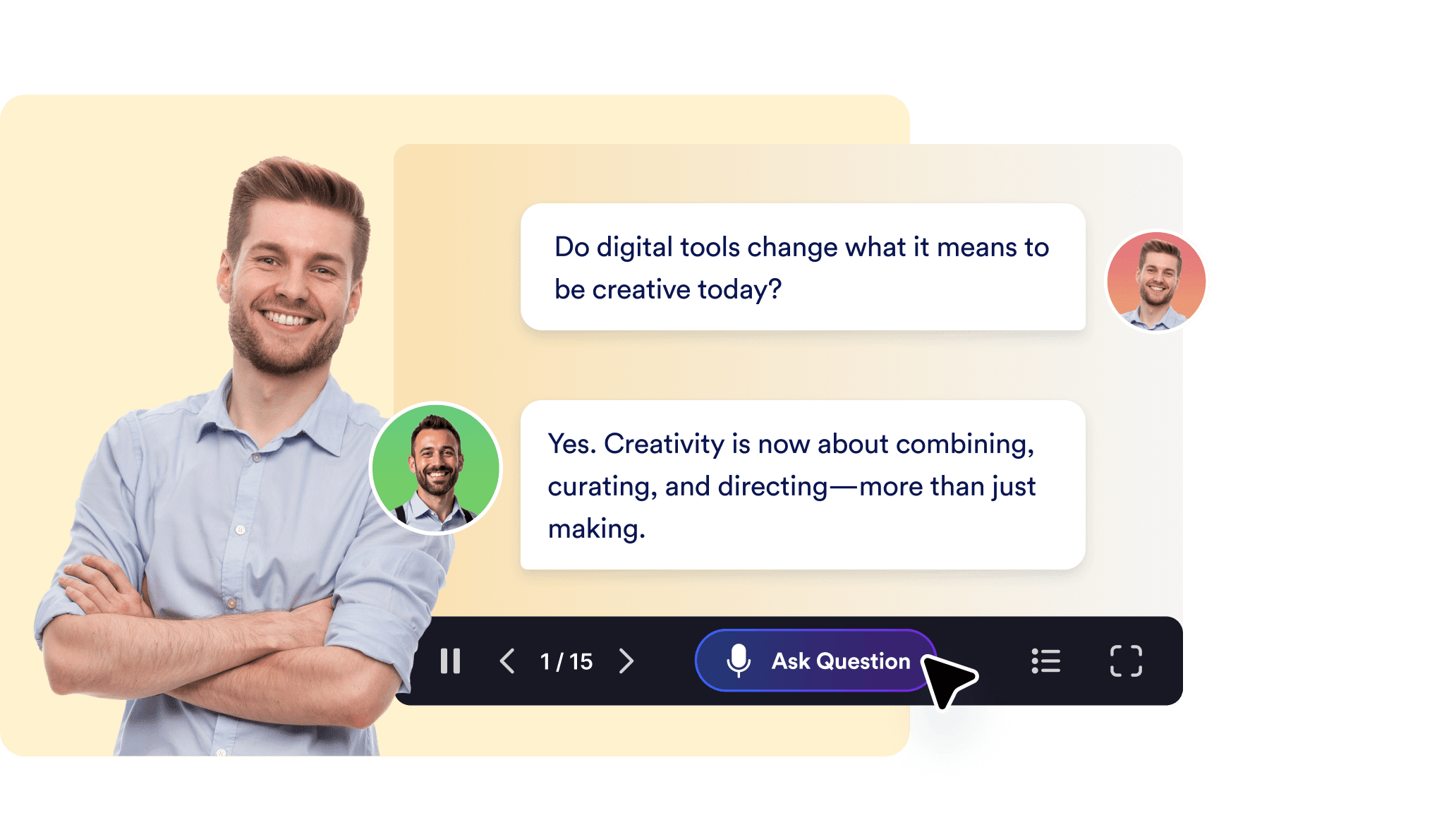
Live audience interaction with Q&A
Keep viewers engaged with real-time interactivity. Your audience can ask questions during the presentation, and the AI will respond on the spot — turning one-way slide decks into dynamic conversations.
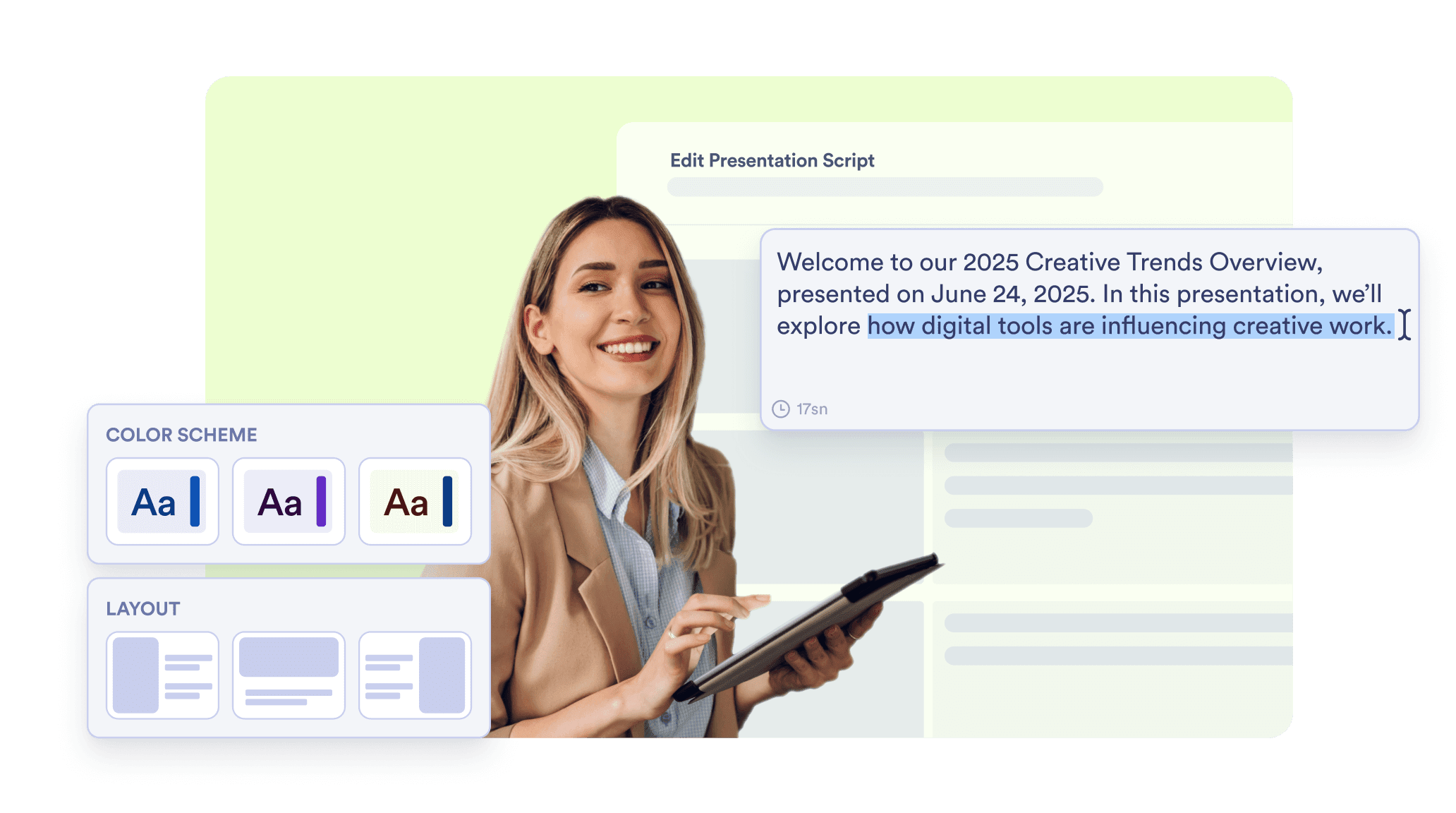
Fully editable slide designs and styles
Easily adjust any part of your presentation. Regenerate visuals, rewrite slide content, change presentation styles, or refine narration — all in a simple, no-code editor designed for speed and creativity.
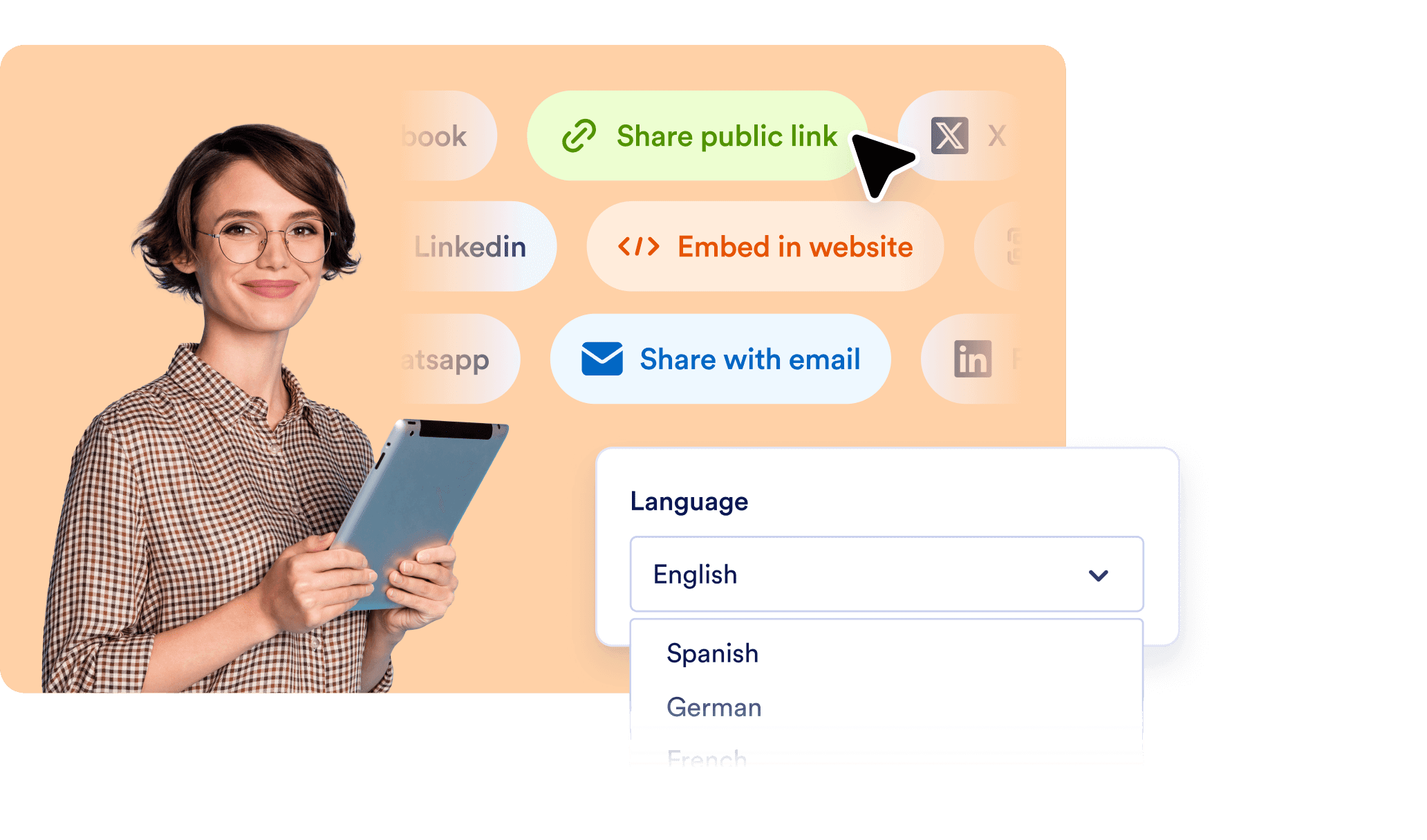
Multilingual, shareable, and always ready
Narrate and interact in over a dozen languages. Generate shareable links for each presentation and use built-in integrations like forms and scheduling to take action right from your slides.
Don’t Just Present — Have a Conversation
Generate beautiful presentations from documents in seconds. Narrate slides with lifelike AI voices. Let viewers ask questions — live.
FAQ
What is an AI presentation generator and how does Jotform’s version work?
An AI presentation generator uses artificial intelligence to automatically create slides based on your written content or prompt you provide. With Jotform, you simply upload a document such as a PDF, and the system instantly generates a clean, well-designed slide deck. It also narrates each slide using an AI voice, giving your audience a guided experience without the need for manual design or recording.
What types of files can I upload to generate a presentation?
Can I edit the slides after they’re generated?
Does it include voice narration for the slides?
Can my audience ask questions during the presentation?
Is the AI Presenter multilingual?
Can I use the Presentation AI Agent for more than one presentation?
Can I track how viewers engage with my presentations?
Is it possible to collect feedback or responses from the audience?
How can I share my AI-generated presentation?