Microsoft Powerpoint AI Generator Alternative
Whether you're starting from a Word document, a report, or an existing PowerPoint file, Jotform’s AI presentation generator transforms your content into a polished, narrated slideshow — ready to share, present, and personalize. Add voiceovers without recording, allow live questions from viewers, and customize everything from slide design to tone of voice.
How it works
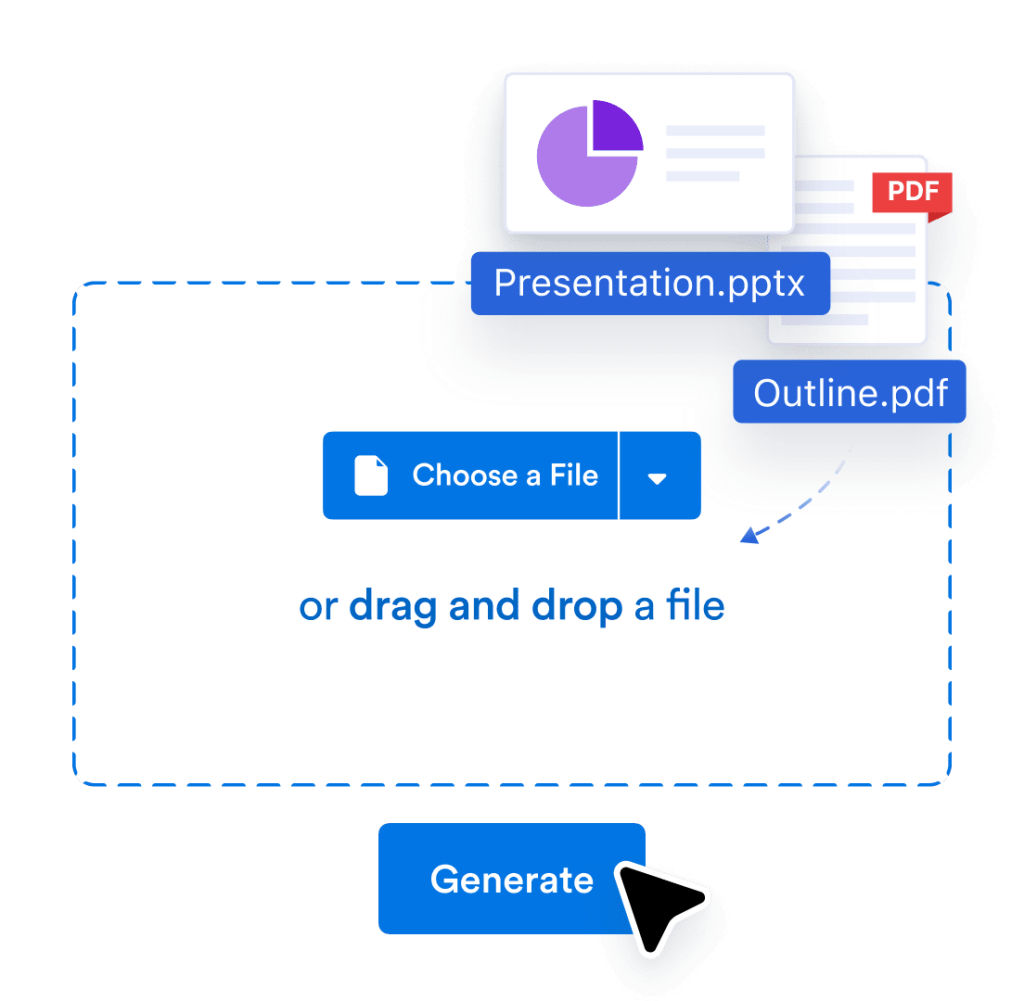
Upload
Upload your PDF or PPTX, or share link of Google Slides. We’ll turn it into an interactive, voice-narrated experience.

Customize
Edit the script, change the voice and language, and tweak how people interact with your agent and brand.

Share
Send a link or embed it anywhere. Your audience can explore, ask question and get answers in real time.
Smarter way to present with Jotform
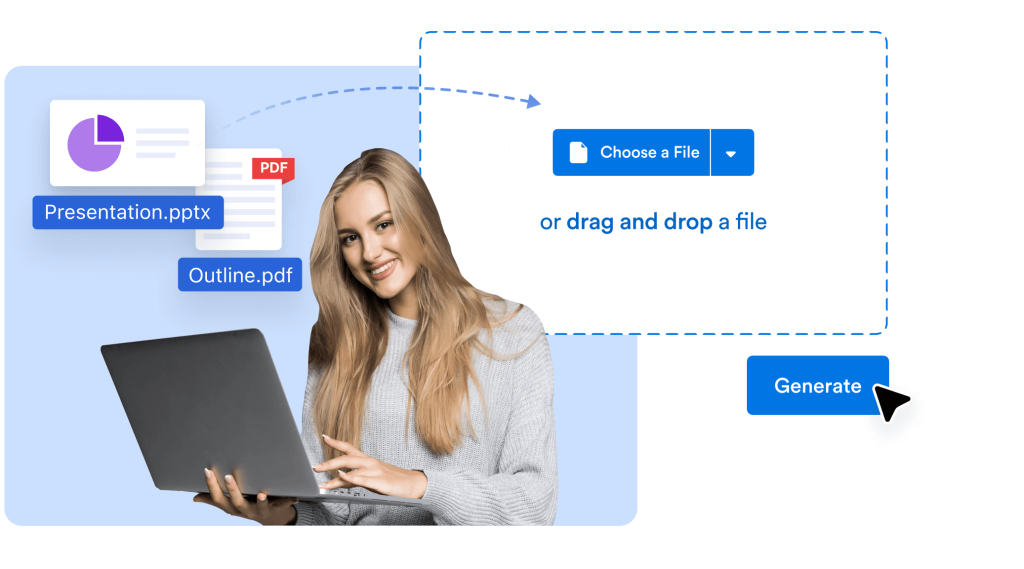
Upload PowerPoint files and generate smart slides
You can upload Microsoft PowerPoint (.pptx) files, PDFs, or even raw documents, and instantly convert them into AI-enhanced presentations. The structure is preserved, visuals are added where needed, and narration is automatically generated — saving hours of manual work.
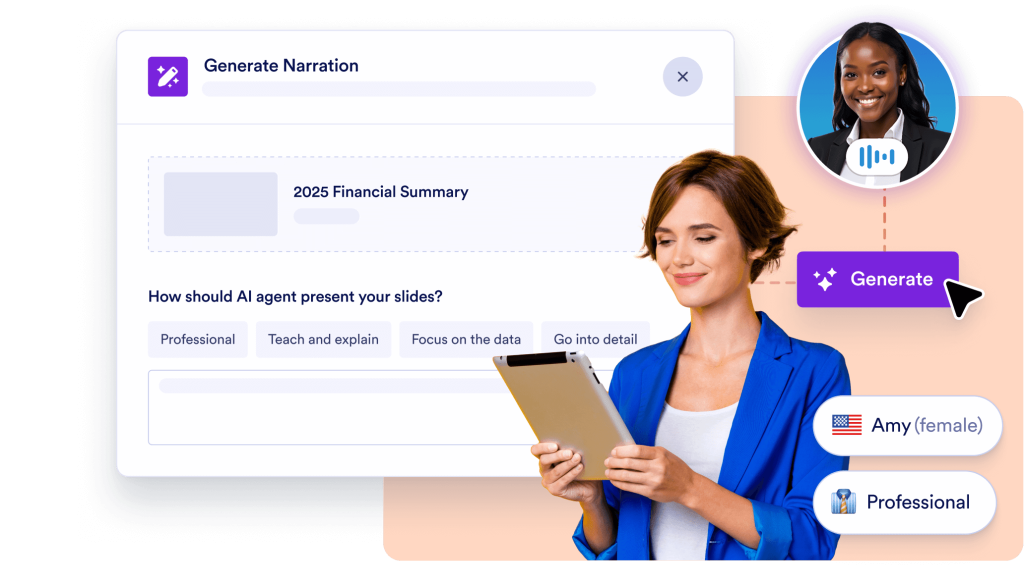
AI narration with full voice control
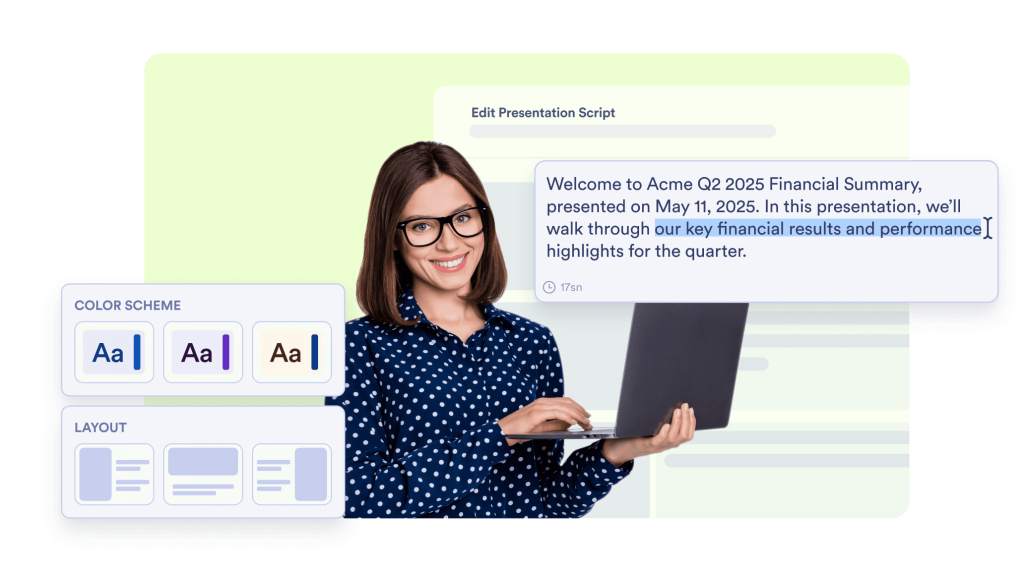
Skip the voiceover software. Every slide is automatically narrated with your choice of AI voice — professional, casual, formal, or friendly. You can edit the narration script, select the voice and accent, and make your presentation sound exactly how you want it.
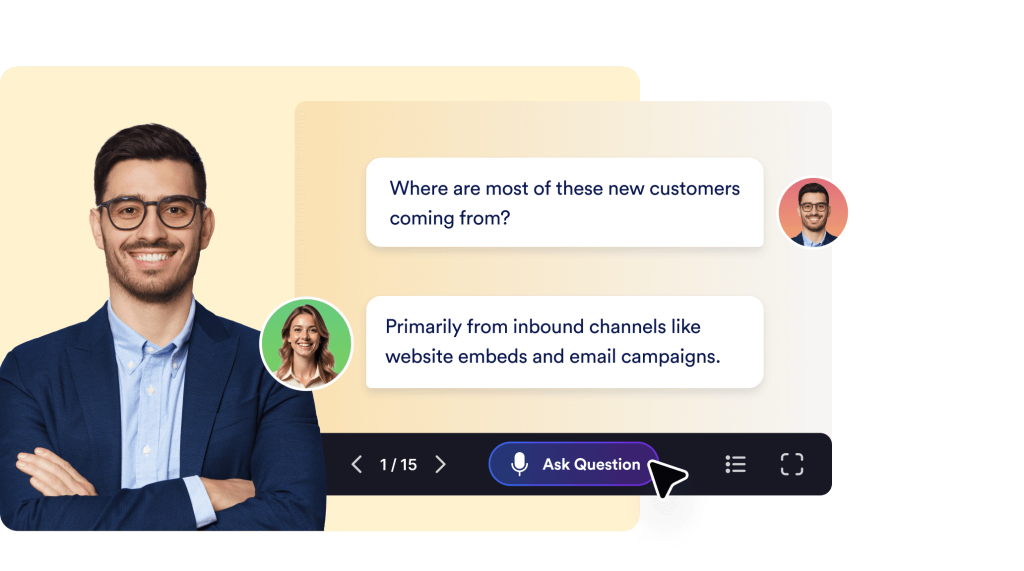
Live interaction with smart Q&A
Audience members can ask questions during your presentation, and the AI will respond in real time — just like a live presenter. Whether you're teaching, pitching, or onboarding, this feature keeps your viewers engaged and informed.
Compatible, customizable, and presentation-ready
Jotform’s AI-generated slides are designed with professional layouts and can be customized further to match your branding. You can tweak the content, change slide styles, or regenerate entire sections to get a look and feel you love — while maintaining compatibility with your PowerPoint-based workflow.
Multilingual, shareable, and action-driven
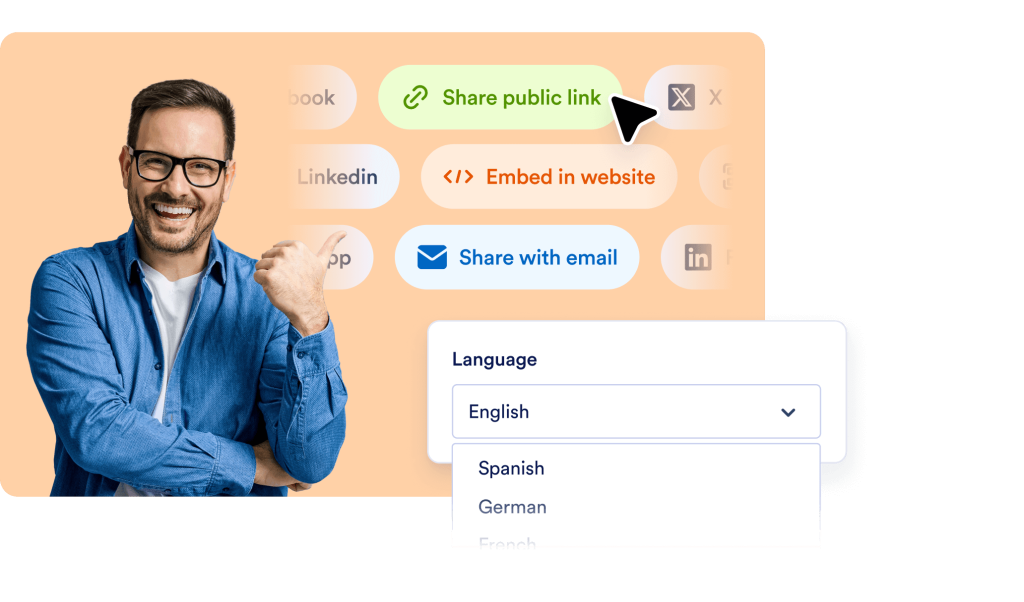
Your AI presentation can be narrated and interacted with in multiple languages. Share it via a direct link, embed it on your site, or use it in training and onboarding. You can also embed forms, trigger follow-up actions, or gather feedback — all inside the presentation experience.
Don’t Just Present — Have a Conversation
Generate beautiful presentations from documents in seconds. Narrate slides with lifelike AI voices. Let viewers ask questions — live.
FAQ
What is a Microsoft PowerPoint AI generator?
A Microsoft PowerPoint AI generator is a tool that automatically creates, enhances, or narrates PowerPoint-style presentations using artificial intelligence. With Jotform’s AI-powered system, you can upload existing PowerPoint files or other documents, and the platform will instantly turn them into fully narrated, visually engaging presentations — complete with smart interactivity and customization options.
Can I use my existing PowerPoint (.pptx) files with this tool?
How is this different from traditional PowerPoint editing or design tools?
Does it support automatic voice narration?
Will my audience be able to ask questions during the presentation?
Can I present in different languages?
Is the presentation compatible with PowerPoint or exportable?
Can I customize the design and content after AI generation?
Is it possible to use this for multiple presentations or projects?
How do I share my AI-generated presentation?