# Jotform AI Chatbot for WordPress Websites

## Jotform AI Agents

# AI Chatbot for

 WordPress Websites

Transform your WordPress site into a 24-7 customer service hub with an AI-powered chatbot embedded directly in your site. Answer questions, support visitors, and capture leads instantly.

[Get the Plugin — It's Free](https://link.jotform.com/1zP9zkjpi2)

**4,000+**Active installations|

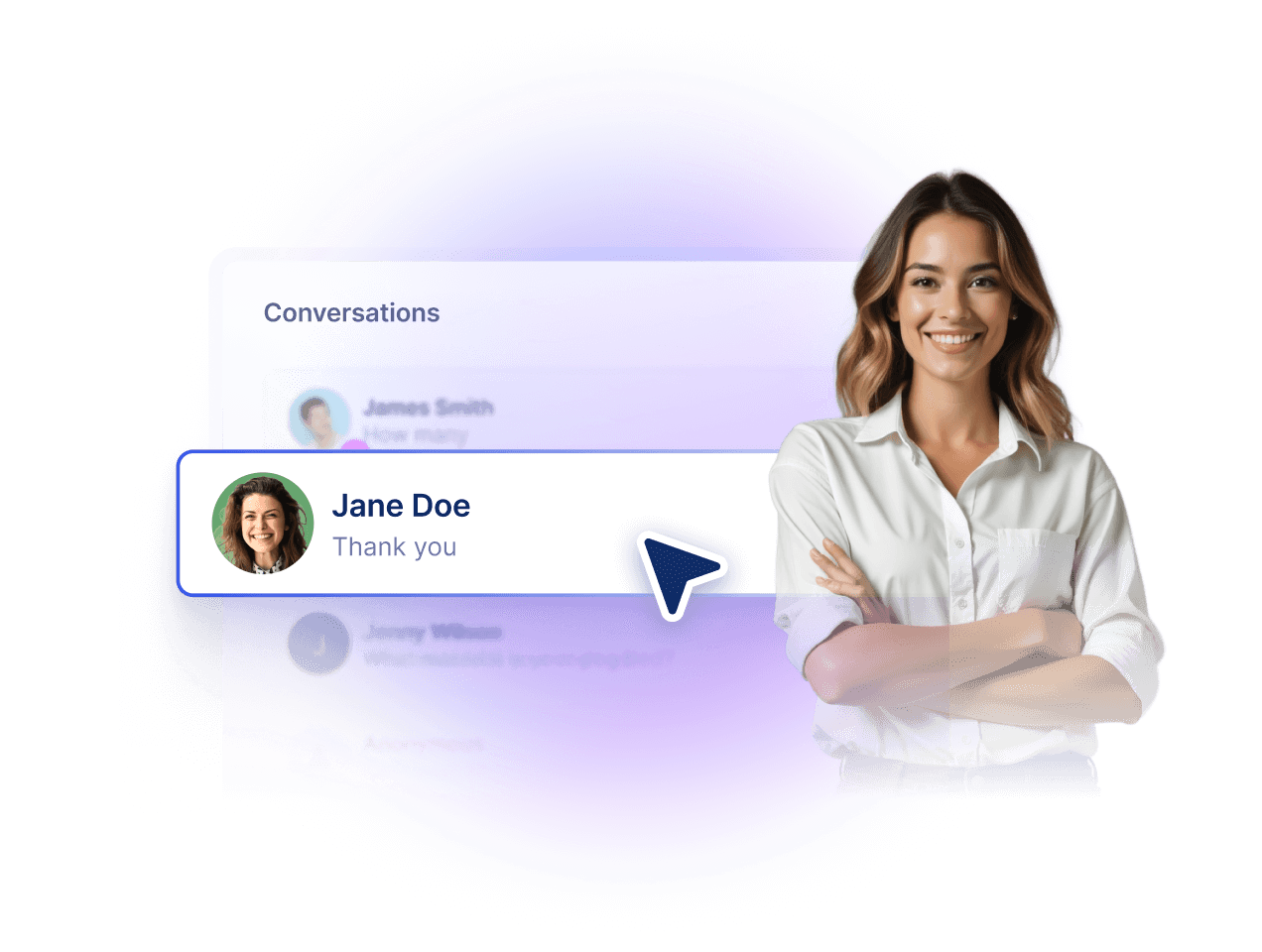
![Image 1: A woman wearing a headset smiles while holding a tablet and providing support.](https://cdn.jotfor.ms/image/r/aHR0cHM6Ly9jZG4uam90Zm9yLm1zL3AvYWkvY2hhdGJvdC1mb3Itd29yZHByZXNzL2Fzc2V0cy9pbWctbWluL2hvbWVwYWdlL2ludHJvZHVjdGlvbi9naXJsLnBuZw==/girl.png?w=1024&t=1)

## Power your site with **Jotform AI Chatbot**

No more unanswered questions or long support wait times. Give your visitors instant answers, real support, and a reason to come back.

🛍️ E-commerce

📚 Education

🏥 Healthcare

💄 Beauty & Personal Care

🏡 Real Estate

### Demo it on your site

Enter your domain and see Jotform AI Chatbot for WordPress live on your website in seconds.

Demo AI Chatbot

Please enter a valid URL.

## Build. Customize. **Publish.**

![Image 2: Connect your WordPress](https://cdn.jotfor.ms/image/r/aHR0cHM6Ly9jZG4uam90Zm9yLm1zL3AvYWkvY2hhdGJvdC1mb3Itd29yZHByZXNzL2Fzc2V0cy9pbWctbWluL2hvbWVwYWdlL2hvdy0xLnBuZw==/how-1.png?w=40&t=1)

### Connect your WordPress

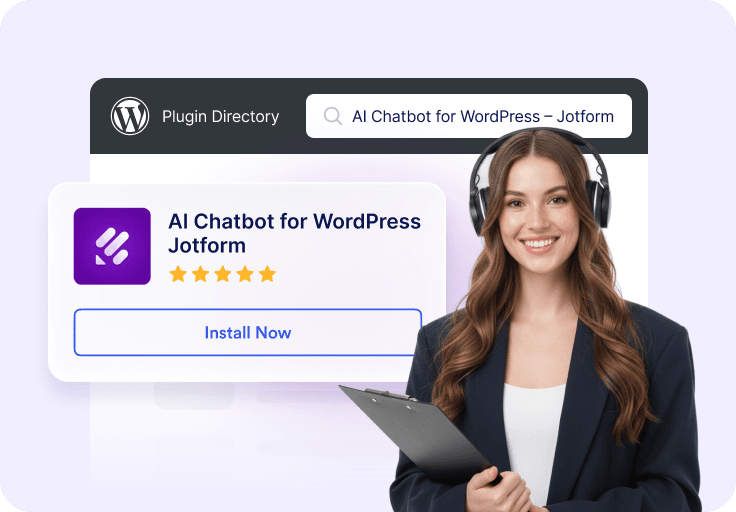
Install the AI Chatbot for WordPress plugin directly from your WordPress dashboard. **No coding** or complex setup required.

![Image 3: Customize your chatbot](https://cdn.jotfor.ms/image/r/aHR0cHM6Ly9jZG4uam90Zm9yLm1zL3AvYWkvY2hhdGJvdC1mb3Itd29yZHByZXNzL2Fzc2V0cy9pbWctbWluL2hvbWVwYWdlL2hvdy0yLnBuZw==/how-2.png?w=40&t=1)

### Customize your chatbot

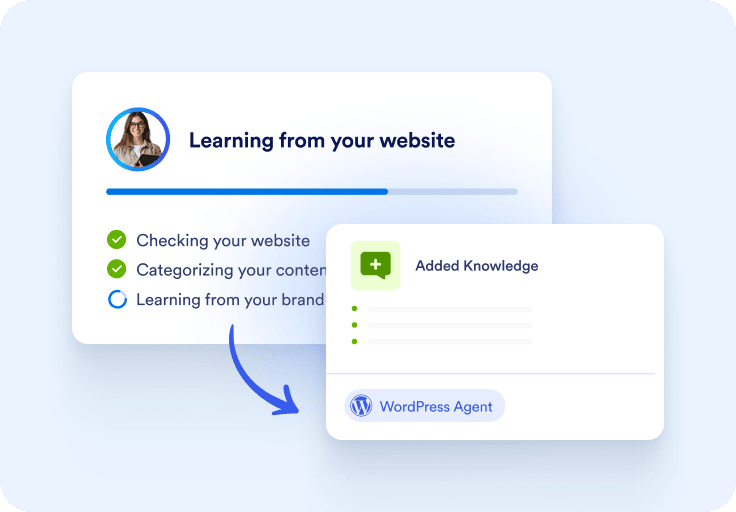
Train your AI chatbot with your site’s content **automatically**. Choose its tone, style, visibility, and responses to match your brand voice.
![Image 4: Ready to go!](https://cdn.jotfor.ms/image/r/aHR0cHM6Ly9jZG4uam90Zm9yLm1zL3AvYWkvY2hhdGJvdC1mb3Itd29yZHByZXNzL2Fzc2V0cy9pbWctbWluL2hvbWVwYWdlL2hvdy0zLnBuZw==/how-3.png?w=40&t=1)

### Ready to go!

Publish your agent **instantly**. Visitors can now chat with your AI chatbot for support, inquiries, or lead capture.

## Beyond a chatbot: smarter support for WordPress

With 24-7 availability and effortless setup, AI Chatbot is the leading choice for customer service for every WordPress user.

### Set up with ease

Installation takes minutes. Launch confidently with seamless performance from the start.

### Engage visitors 24-7

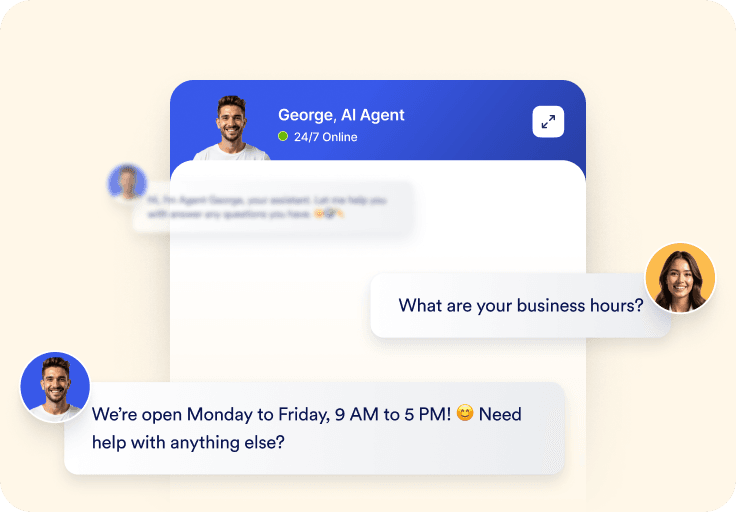
Always active—answering questions and guiding visitors even when you’re offline. Greeting visitors, answering questions, and guiding them through your website even when you’re offline.

### Customizable branding

Align chatbot design with your website for a seamless, on-brand experience. Give your visitors a consistent look and feel to strengthen trust and brand recognition.

### Multilanguage support

Expand globally with an agent that understands and responds in multiple languages, ensuring all your visitors feel welcomed.

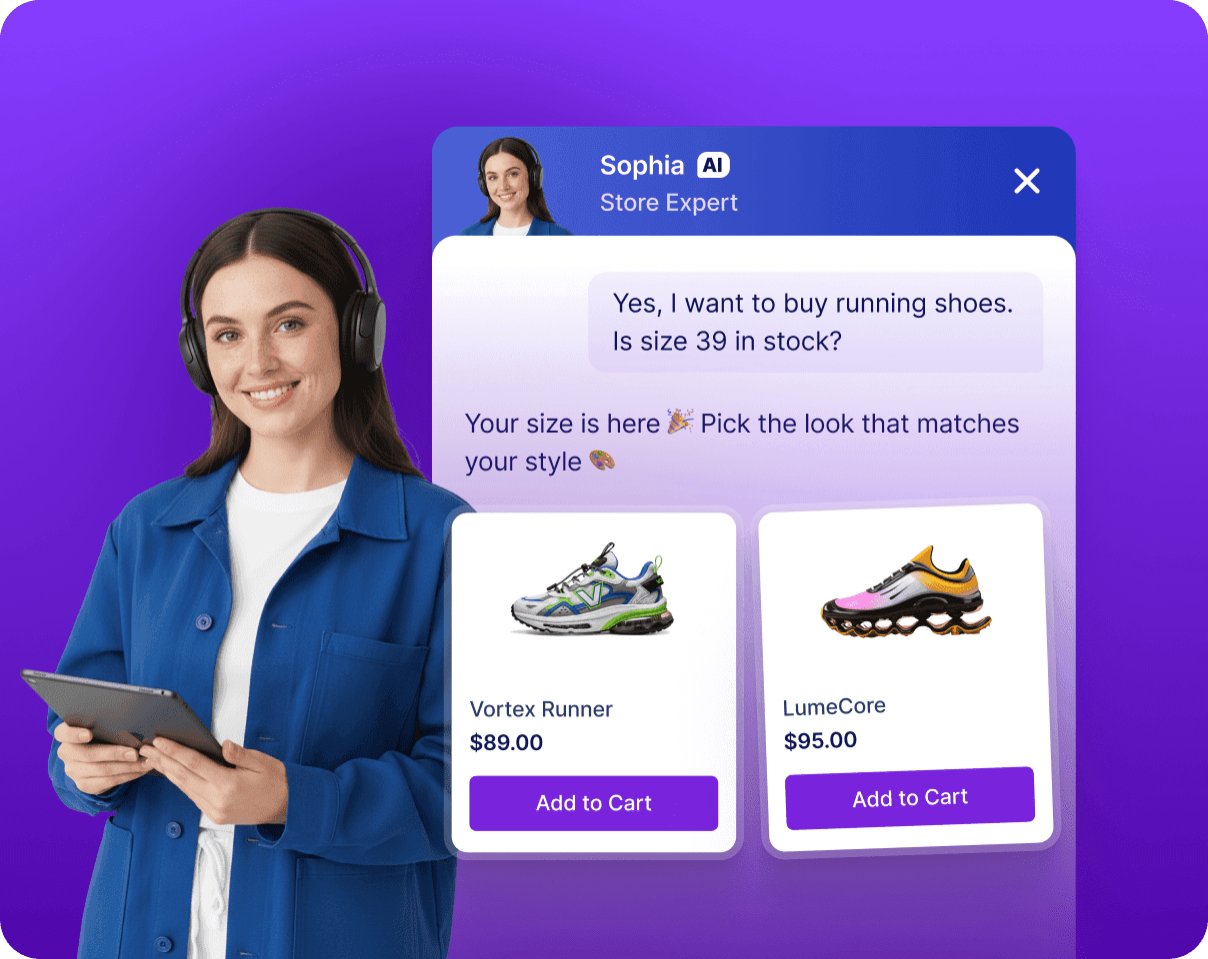
### Integrate with **WooCommerce**

Support online stores by answering product questions, assisting with order tracking, reducing cart abandonment, and driving more completed purchases.
![Image 5: Integrate with WooCommerce Mobile](https://cdn.jotfor.ms/image/r/aHR0cHM6Ly9jZG4uam90Zm9yLm1zL3AvYWkvY2hhdGJvdC1mb3Itd29yZHByZXNzL2Fzc2V0cy9pbWctbWluL2hvbWVwYWdlL2ZlYXR1cmVkL2ZlYXR1cmUtNS1tb2JpbGUucG5n/feature-5-mobile.png?w=40&t=1)

## Automated. **Effortlessly.**

*   ### Auto train

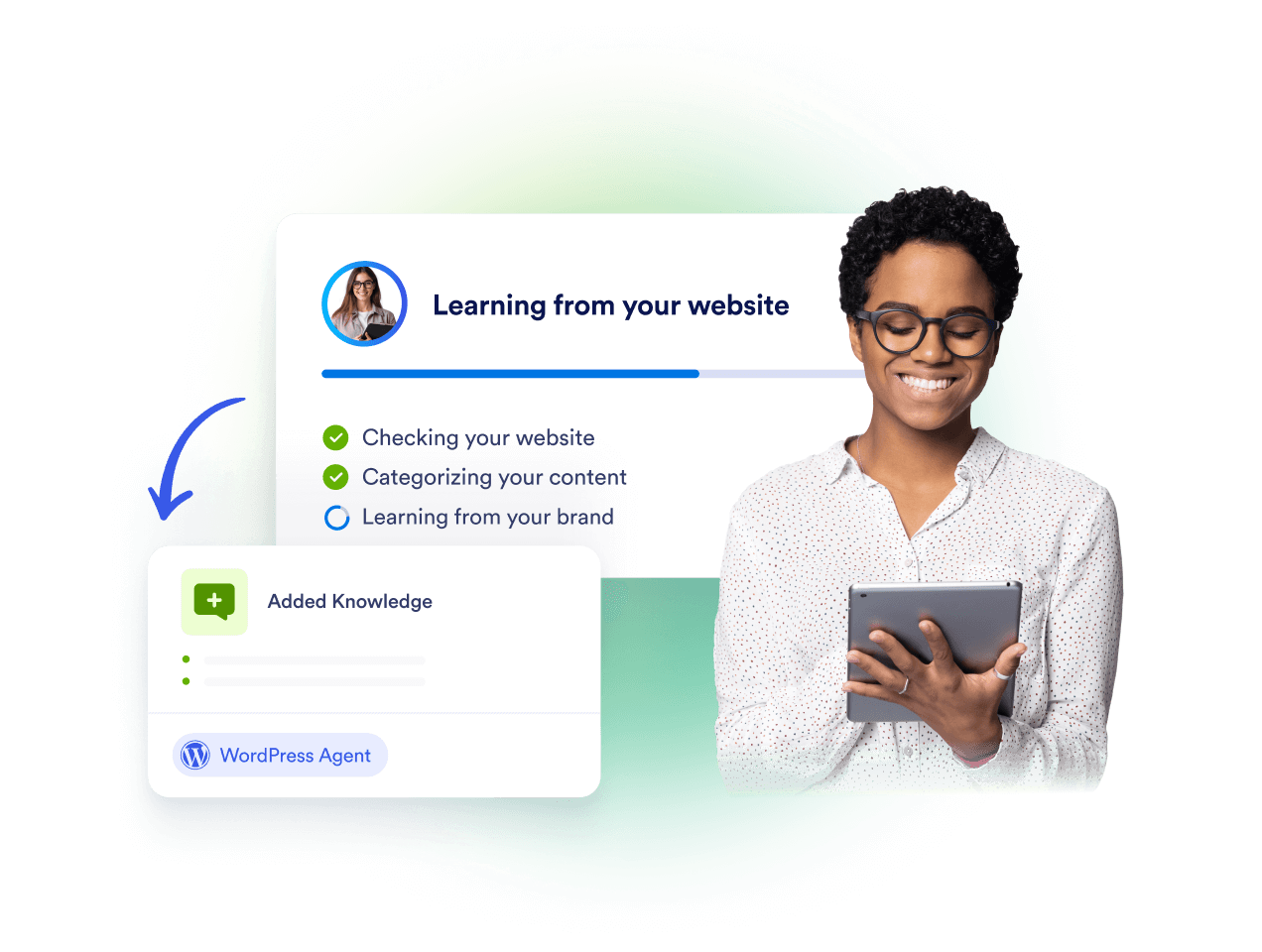
  ![Image 6: Slide Image 1](https://cdn.jotfor.ms/image/r/aHR0cHM6Ly9jZG4uam90Zm9yLm1zL3AvYWkvY2hhdGJvdC1mb3Itd29yZHByZXNzL2Fzc2V0cy9pbWctbWluL2hvbWVwYWdlL2FjY29yZGlvbi8xLnBuZz92PTI=/1.png?w=40&t=1) Automatically crawl your website and update responses whenever you add or edit content. This ensures your visitors always get the most accurate and up-to-date answers without extra work.  
*   ### Chatbot visibility

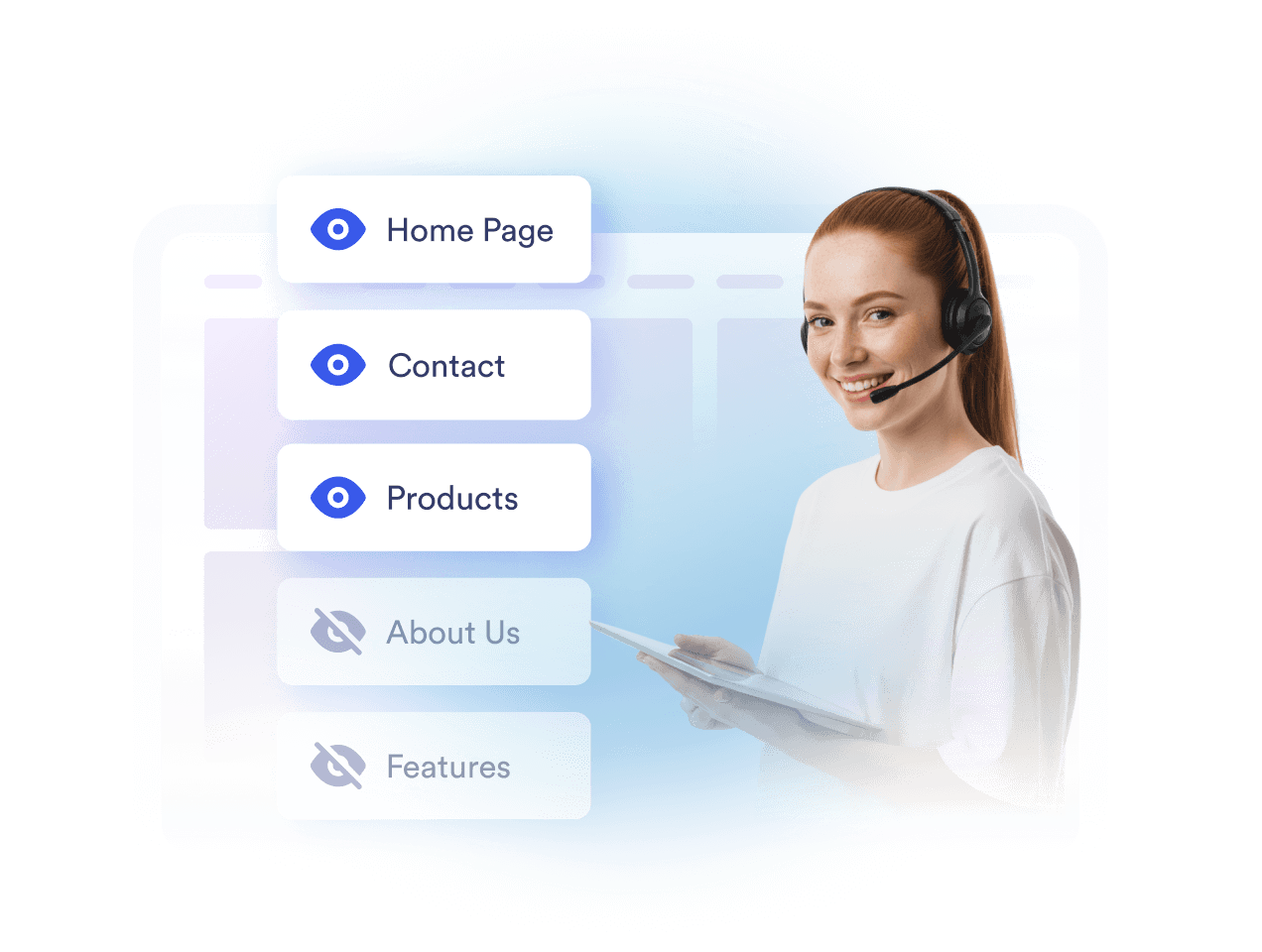
  ![Image 7: Slide Image 2](https://cdn.jotfor.ms/image/r/aHR0cHM6Ly9jZG4uam90Zm9yLm1zL3AvYWkvY2hhdGJvdC1mb3Itd29yZHByZXNzL2Fzc2V0cy9pbWctbWluL2hvbWVwYWdlL2FjY29yZGlvbi8yLnBuZz92PTI=/2.png?w=40&t=1) Control exactly where and when the chatbot appears across your site. Choose specific pages or scenarios so your chatbot appears only where it has the most impact.  
*   ### Form assistance

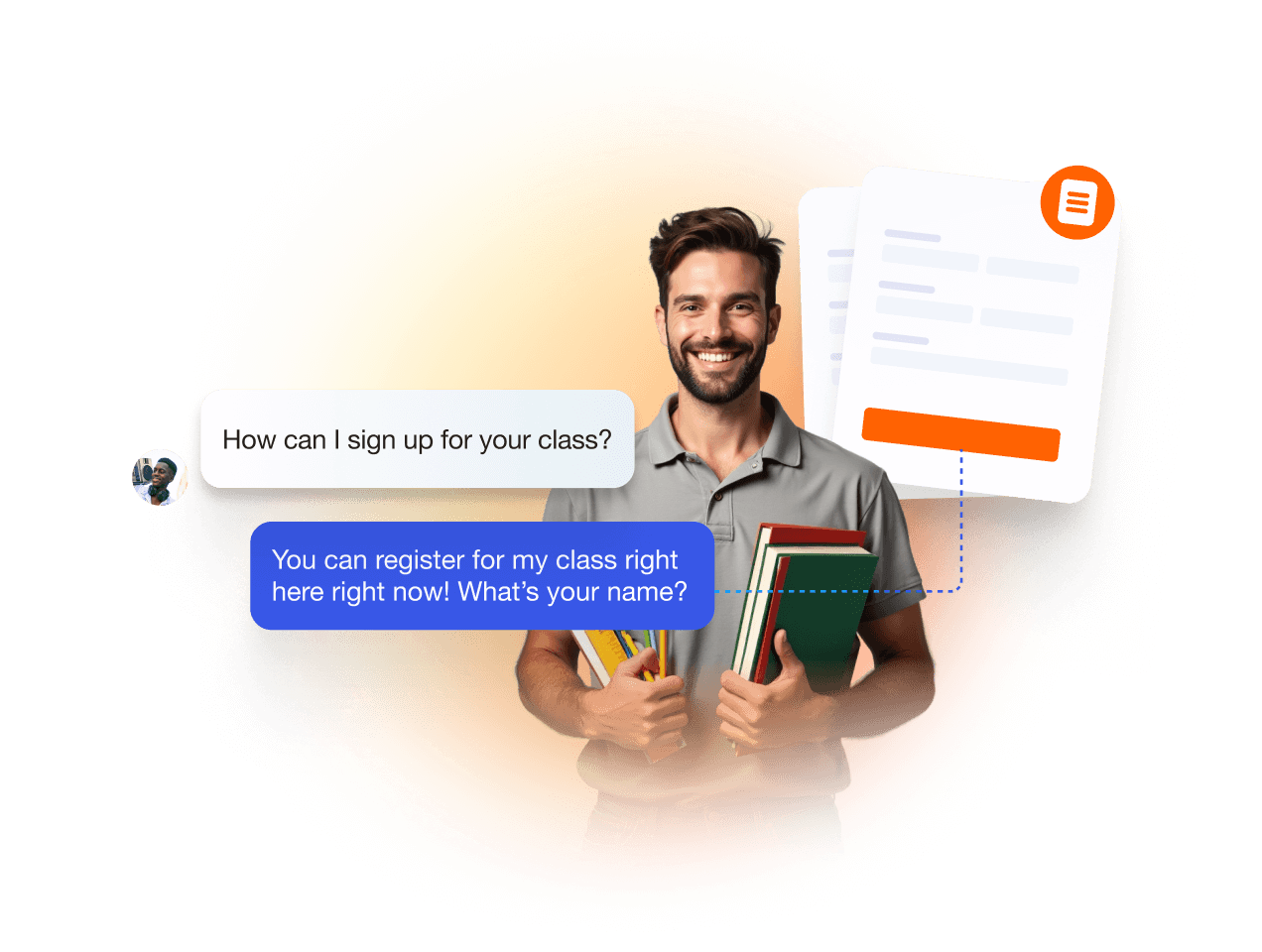
  ![Image 8: Slide Image 3](https://cdn.jotfor.ms/image/r/aHR0cHM6Ly9jZG4uam90Zm9yLm1zL3AvYWkvY2hhdGJvdC1mb3Itd29yZHByZXNzL2Fzc2V0cy9pbWctbWluL2hvbWVwYWdlL2FjY29yZGlvbi8zLnBuZz92PTI=/3.png?w=40&t=1) Turn forms into guided conversations, reducing errors and improving completion rates. Visitors enjoy a smoother, friendlier experience that makes form submissions feel effortless.  
*   ### Chatbot conversations

  ![Image 9: Slide Image 4](https://cdn.jotfor.ms/image/r/aHR0cHM6Ly9jZG4uam90Zm9yLm1zL3AvYWkvY2hhdGJvdC1mb3Itd29yZHByZXNzL2Fzc2V0cy9pbWctbWluL2hvbWVwYWdlL2FjY29yZGlvbi80LnBuZz92PTI=/4.png?w=40&t=1) Manage and review all user chats from your WordPress dashboard for better insights and engagement. Track trends, spot opportunities, and respond instantly without leaving your site.  
*   [View all features](https://www.jotform.com/ai/chatbot-for-wordpress/features/)  

## Add **tools** that do more

Extend your agent with powerful tools — manage bookings, send emails, share files, and guide visitors without leaving your site.

[Get the Plugin — It's Free](https://link.jotform.com/1zP9zkjpi2)

Show list of items

Allow your agent to provide a list of helpful links.

Send Slack messages

Stay updated in real time with automated Slack alerts from your AI Agent.

Show images

Use images to show steps, offers, or campaign graphics, promotions, or troubleshooting.

Set appointment in Google Calendar

Let your AI agent manage customer reservations based on your availability.

Send email notifications

Allow your agent to compose and send emails as needed.

Find in website

Set up your agent to search your site and deliver helpful content to customers.

Get consent

Enable your AI agent to request customer consent during conversations.

Forms

Allow your agent complete forms to gather customer feedback and data.

Show list of items

Allow your agent to provide a list of helpful links.

Send Slack messages

Stay updated in real time with automated Slack alerts from your AI Agent.

Show images

Use images to show steps, offers, or campaign graphics, promotions, or troubleshooting.

Set appointment in Google Calendar

Let your AI agent manage customer reservations based on your availability.

Send email notifications

Allow your agent to compose and send emails as needed.

Find in website

Set up your agent to search your site and deliver helpful content to customers.

Get consent

Enable your AI agent to request customer consent during conversations.

Forms

Allow your agent complete forms to gather customer feedback and data.

Trigger workflow

Automatically launch workflows the moment a customer completes a purchase.

Take photo

Let customers snap and send photos directly in the chat.

Set appointment

Let your agent schedule customer appointments based on your availability.

Show video

Bring your storefront to life with smart, in-chat video responses.

Send to Google Drive

Allow your agent to collect documents, images or videos and send it to Google Drive.

![Image 10: Google Maps Icon](https://cdn.jotfor.ms/p/ai/chatbot-for-wordpress/assets/img-min/homepage/maps-icon.svg)

Show location

Allow your agent to display your store location using Google Maps.

Ask for information

Allow your agent to collect information, values, or data from customers during chat.

Show checklist

Allow your agent to display a checklist and guide customers through each step.

Trigger workflow

Automatically launch workflows the moment a customer completes a purchase.

Take photo

Let customers snap and send photos directly in the chat.

Set appointment

Let your agent schedule customer appointments based on your availability.

Show video

Bring your storefront to life with smart, in-chat video responses.

Send to Google Drive

Allow your agent to collect documents, images or videos and send it to Google Drive.

![Image 11: Google Maps Icon](https://cdn.jotfor.ms/p/ai/chatbot-for-wordpress/assets/img-min/homepage/maps-icon.svg)

Show location

Allow your agent to display your store location using Google Maps.

Ask for information

Allow your agent to collect information, values, or data from customers during chat.

Show checklist

Allow your agent to display a checklist and guide customers through each step.

Show list of items

Send Slack messages

Show images

Set appointment in Google Calendar

Send email notifications

Find in website

Show list of items

Send Slack messages

Get consent

Forms

Trigger workflow

Take photo

Set appointment

Get consent

Forms

Get consent

Forms

Trigger workflow

Take photo

Show video

Send to Google Drive

![Image 12: Google Maps Icon](https://cdn.jotfor.ms/p/ai/chatbot-for-wordpress/assets/img-min/homepage/maps-icon.svg)

Show location

Ask for information

Show checklist

Show video

Send to Google Drive

Show video

Send to Google Drive

5/5 Trusted by 4,000+ websites

## Real Feedback, Real Results

Every result tells a story. Explore the journeys of those who turned challenges into opportunities with us.

Jotform’s AI chatbot for WordPress is an amazing addition to an already outstanding platform. My AI Agent gives clients instant answers to frequently asked questions — without having to wade through a whole list of FAQs. The agent integrates seamlessly into WordPress and the building/customizing interface is intuitive and easy to learn. I love my AI assistant, and so do my clients.

![Image 13: Avatar of Rebecca Evanko,](https://cdn.jotfor.ms/image/r/aHR0cHM6Ly9jZG4uam90Zm9yLm1zL3AvYWkvY2hhdGJvdC1mb3Itd29yZHByZXNzL2Fzc2V0cy9pbWctbWluL2hvbWVwYWdlL3JlYmVjY2EtZXZhbmtvLnBuZw==/rebecca-evanko.png?w=40&t=1)Rebecca Evanko, Executive Director

I can’t get over how Jotform keeps adding new uses and capabilities that help make my job easier! I have zero website building training, yet I was able to successfully integrate the AI chatbot into our site simply by following the directions provided. I appreciate how the chatbot gathers information within our site to answer questions I haven’t yet trained it for.

![Image 14: Avatar of Janice Walters,](https://cdn.jotfor.ms/image/r/aHR0cHM6Ly9jZG4uam90Zm9yLm1zL3AvYWkvY2hhdGJvdC1mb3Itd29yZHByZXNzL2Fzc2V0cy9pbWctbWluL2hvbWVwYWdlL2phbmljZS13YWx0ZXJzLnBuZw==/janice-walters.png?w=40&t=1)Janice Walters, Chief Learning Officer

Jotform’s AI chatbot for WordPress has completely transformed the way we manage user interactions, keeping our pipeline clear and customer experience positive. It has become an essential part of my marketing ‘Swiss Army toolset’ — user-friendly, reliable, and incredibly effective. We’re excited to continue this journey with Jotform and look forward to what’s ahead.

![Image 15: Avatar of Gonzalo Bustos,](https://cdn.jotfor.ms/image/r/aHR0cHM6Ly9jZG4uam90Zm9yLm1zL3AvYWkvY2hhdGJvdC1mb3Itd29yZHByZXNzL2Fzc2V0cy9pbWctbWluL2hvbWVwYWdlL2dvbnphbG8tYnVzdG9zLnBuZw==/gonzalo-bustos.png?w=40&t=1)Gonzalo Bustos, Strategic Marketing Manager

## Your WordPress Site, Always Online

Set up your chatbot and watch it handle inquiries around the clock. Jotform AI Chatbot for WordPress combines intelligent automation with informed knowledge to keep visitors engaged and supported.

[Get the Plugin — It's Free](https://link.jotform.com/1zP9zkjpi2)

## FAQ

*    
### What is Jotform AI Chatbot for WordPress? Jotform AI Chatbot for WordPress is an AI-powered chatbot for WordPress websites. You can add the agent to your site by installing the Jotform AI Chatbot WordPress plugin. The plugin lets you add a customizable AI Agent to your WordPress website to engage visitors, answer questions, and improve conversions. It enables websites to enhance user engagement by providing real-time assistance, answering questions, and guiding visitors through forms.

The plugin is user-friendly, requires no technical expertise or coding knowledge to set up, and integrates seamlessly with WordPress websites. Whether you’re looking to improve customer support, streamline operations, or increase lead generation, this plugin is a versatile tool to help you meet your goals.   
*    
### What types of questions can the chatbot answer? The chatbot is designed to handle a wide range of queries, from **general FAQs**, like business hours and contact details, to **more complex, business-specific questions**. It can provide detailed answers based on the data you’ve trained it with, such as product descriptions, return policies, and pricing structures.

Additionally, the chatbot can dynamically respond to context-sensitive questions, guide users through decision-making processes, and offer troubleshooting assistance. Its advanced AI capabilities ensure it learns and adapts to user interactions, improving its accuracy over time.   
*    
### How does the plugin simplify chatbot embedding on WordPress? Traditionally, embedding a chatbot required you to copy and paste embed codes or use shortcodes, which could be cumbersome for non-technical users. Jotform AI Chatbot WordPress plugin simplifies the process to just a few clicks.

Once you’ve created and customized your chatbot in the WordPress admin dashboard, you can directly publish it to your site without additional steps. The plugin automatically integrates the chatbot into your website, ensuring seamless setup and a consistent user experience across all pages.   
*    
### Can I customize the chatbot through the plugin? Yes, the plugin offers extensive customization options to ensure your chatbot aligns with your brand. You can adjust its appearance by changing colors, fonts, and avatars to match your website’s design. Beyond appearance, you can customize the chatbot’s tone and conversational style to reflect your brand’s voice, whether formal, casual, friendly, or professional.

The plugin automatically crawls your site content and also allows you to train the chatbot with specific data, such as FAQs, product details, and business policies, enabling it to deliver highly relevant responses tailored to your audience’s needs.   
*    
### Can I train chatbot plugin with my own content? Yes, the plugin **automatically crawls your site content** and also allows you to **train the agent with specific data**, such as FAQs, product details, and business policies, enabling it to deliver highly relevant responses tailored to your audience’s needs.   
*   
 
### How do I install Jotform AI Chatbot WordPress plugin on my site? 

**How to install Jotform AI Chatbot from the WordPress plugin directory:**

    1.   Log into your WordPress admin dashboard.
    2.   Click **Plugins** in the sidebar.
    3.   Click **Add New** and search for “Jotform AI Chatbot.”
    4.   Install the plugin and activate it.
    5.   The Jotform icon will appear in the sidebar of your WordPress admin panel.

**How to install Jotform AI Chatbot from the admin panel:**

    1.   Go to your WordPress administrator panel (http://my-wordpress.url/wp-admin).
    2.   Download the repo’s zip and extract it to your WordPress Plugins folder ({wordpress-folder}/wp-content/plugins).
    3.   Activate the plugin in the Plugins section.
    4.   The Jotform icon will appear in the sidebar of your WordPress admin panel.

After activating the plugin, you can create your agent from the admin panel. You can customize the agent within WordPress or access the full array of customization options from the Jotform interface.

*    
### Do I need coding skills to use the plugin? Nope! Jotform Jotform AI Chatbot is designed with simplicity in mind. Its intuitive wizard interface allows users to create, train, and manage chatbots **without any coding knowledge.**

Users can access all features, including those for customization and training, through a **user-friendly dashboard in WordPress**. Whether you’re a small business owner or a seasoned developer, the plugin ensures you can deploy a fully functional chatbot with minimal effort.   
*    
### Can the chatbot be trained with my business data? Yes! The plugin includes powerful training tools that let you upload your own data, such as FAQs, documents, or product catalogs, to train the chatbot. This ensures the chatbot understands your business and provides accurate, relevant responses to user queries about your services, policies, operational processes, and more. As you update your business information, you can easily retrain the chatbot to stay up-to-date and deliver consistent, helpful interactions.   
*    
### How does the chatbot improve form submissions? The chatbot revolutionizes the form-filling process by guiding users step-by-step in a conversational manner. Instead of overwhelming visitors with lengthy forms, the chatbot asks questions to collect information. For example, it might start with, “What’s your name?” followed by, “What’s the best email to reach you?” This approach reduces user fatigue, minimizes errors, and ensures all required fields are completed correctly. The result is a smoother user experience and higher form completion rates.   
*   
 
### What industries benefit most from this plugin? 

The Jotform AI Chatbot is versatile and can serve a wide range of industries:

    *   **E-commerce:** Guide shoppers, answer FAQs, and reduce cart abandonment on WooCommerce sites.
    *   **Real estate:** Qualify leads by collecting preferences and providing property information.
    *   **Education:** Help students with enrollment processes, course information, and feedback collection.
    *   **Hospitality:** Streamline booking processes, answer inquiries about amenities, and share local travel tips.

The chatbot adapts to specific business needs, ensuring value across diverse applications.

*    
### Is the plugin compatible with all WordPress themes? Yes, the plugin is designed to work seamlessly with all modern WordPress themes. It ensures that the chatbot integrates smoothly into your website’s design and functionality, regardless of your theme. Whether your website has a minimalist layout or a complex, feature-rich design, the plugin can adapt to deliver a consistent and visually appealing user experience. Additionally, the plugin is regularly updated to maintain compatibility with the latest WordPress versions and themes.   
View More

## Introducing AI Chatbot for WordPress

![Image 16: Introducing Jotform AI Chatbot for WordPress](https://cdn.jotfor.ms/image/r/aHR0cHM6Ly9jZG4uam90Zm9yLm1zL3AvYWkvY2hhdGJvdC1mb3Itd29yZHByZXNzL2Fzc2V0cy9pbWctbWluL2hvbWVwYWdlL3l0LXRodW1ibmFpbC5qcGc=/yt-thumbnail.png?w=40&t=1)

[Get the Plugin — It's Free](https://link.jotform.com/1zP9zkjpi2)

WordPress is a registered trademark of the WordPress Foundation. This plugin is not affiliated with or endorsed by [WordPress.org](https://wordpress.org/).