

Text Message / SMS
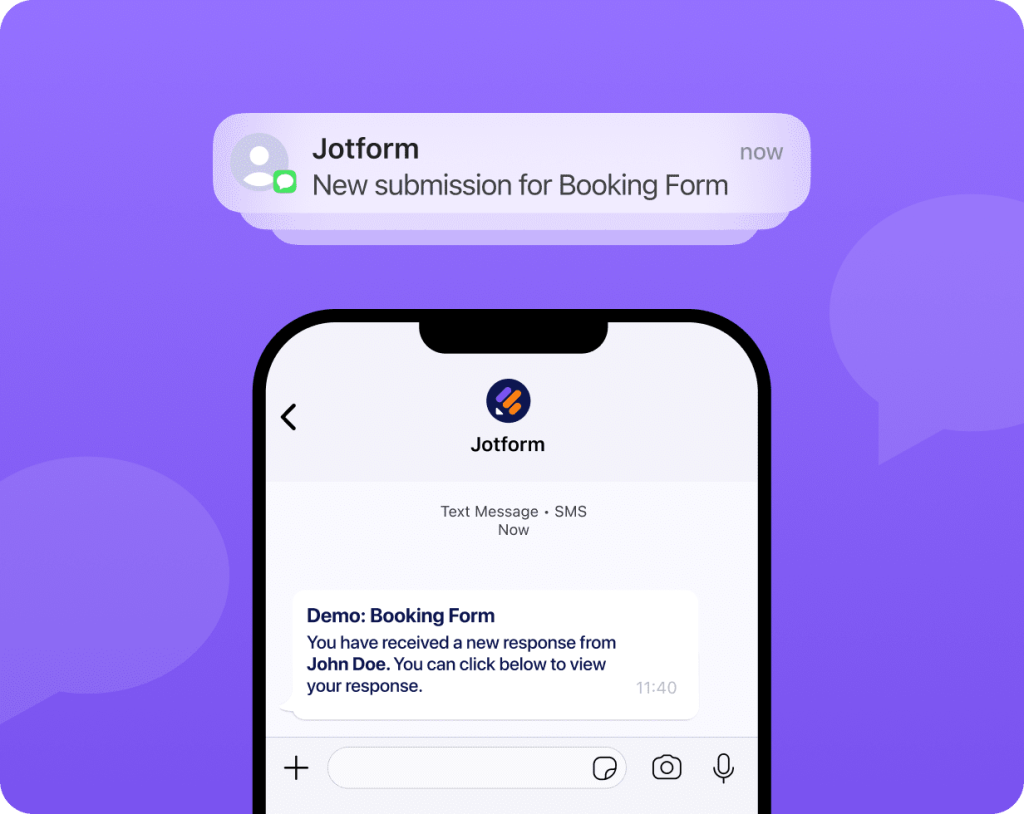
Receive quick SMS alerts so you can track submissions on the go, even when you’re away from your inbox.
Jotform Form Notifications instantly alert you the moment a response comes in through channels like WhatsApp, Text Messages / SMS, Push Notifications, Emails, and more, so you can act fast and deliver quick responses every time.
Enable Notifications
Curious how Jotform notifications work? Send yourself a demo notification through any channel and see exactly what your team or customers would receive.
Receive quick SMS alerts so you can track submissions on the go, even when you’re away from your inbox.
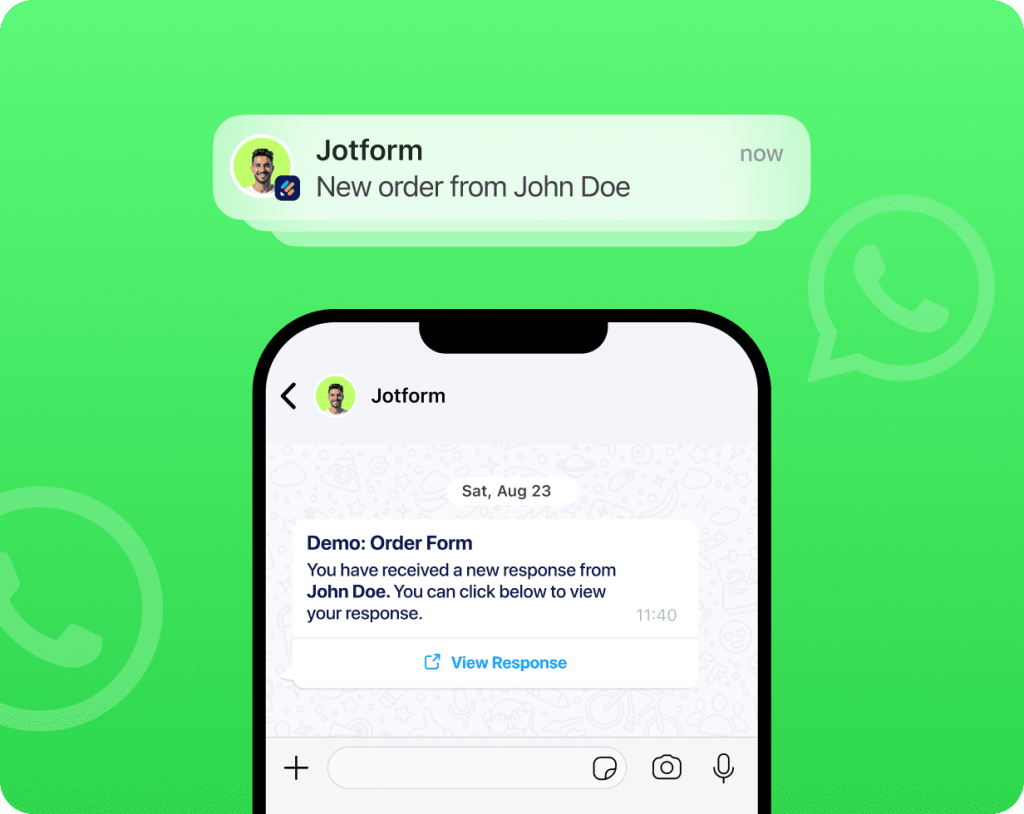
Receive instant WhatsApp notifications so you can reply, follow up, or take action the moment someone submits your form.
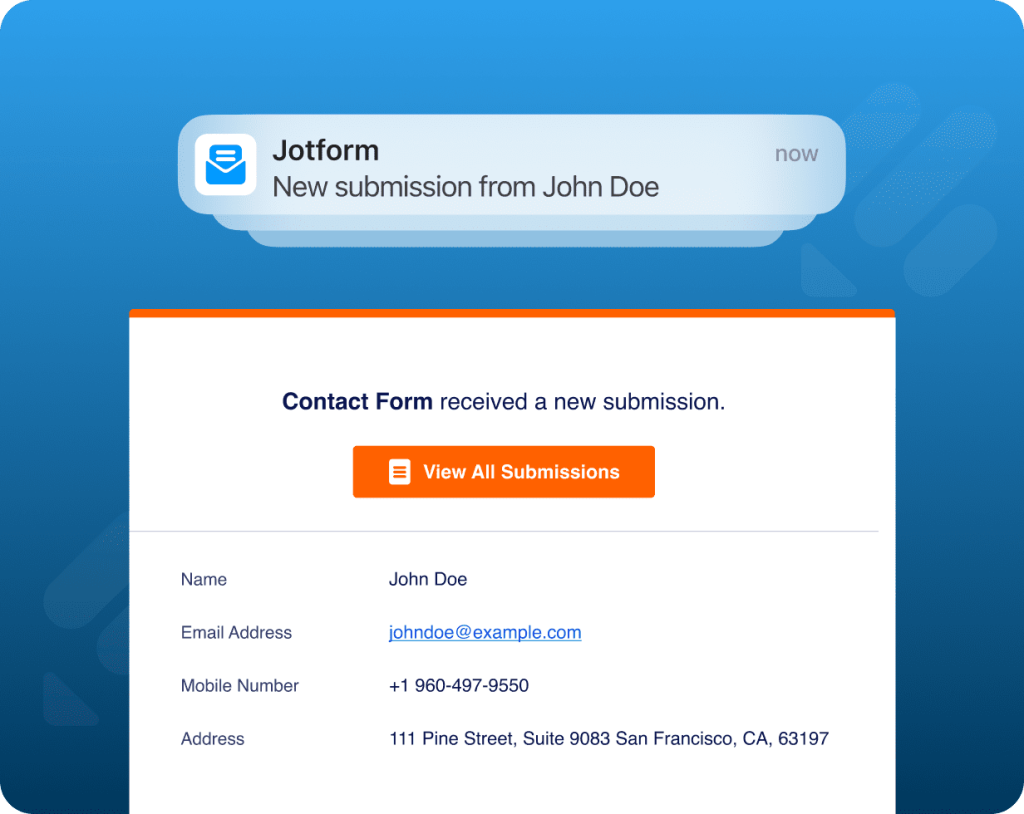
Get an email notification every time a form is submitted, keeping you instantly updated.
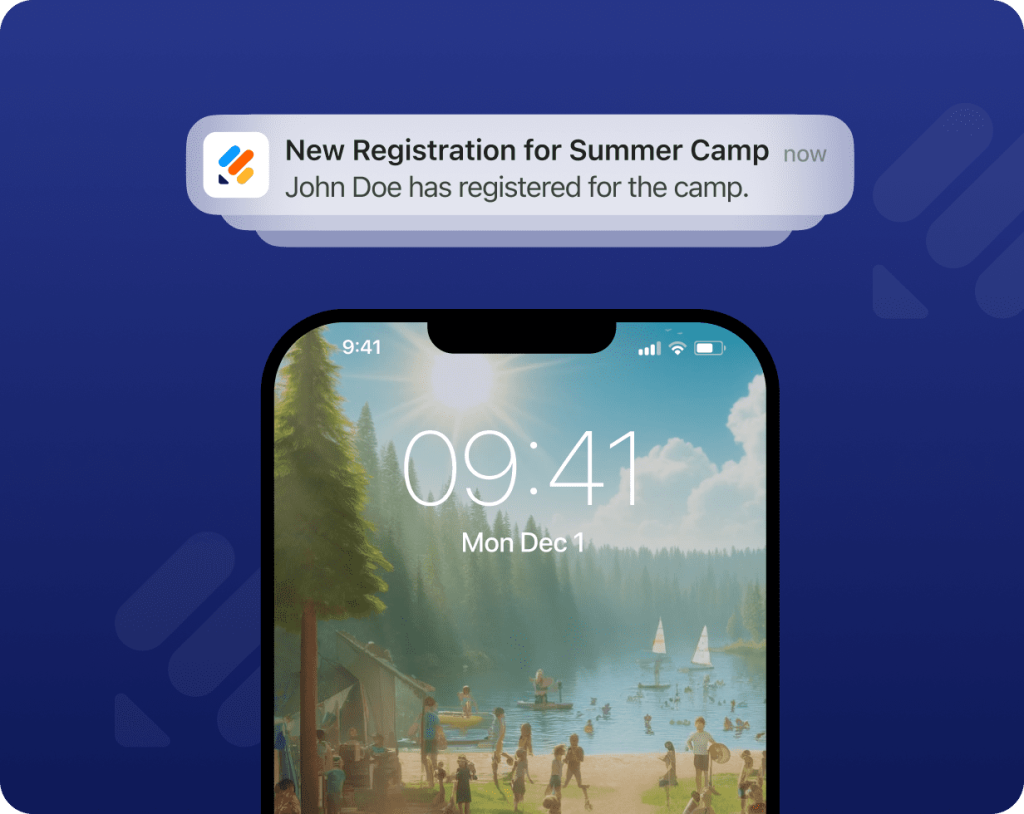
Get notified instantly a form is submitted, directly on your device’s screen, without constantly refreshing your inbox.
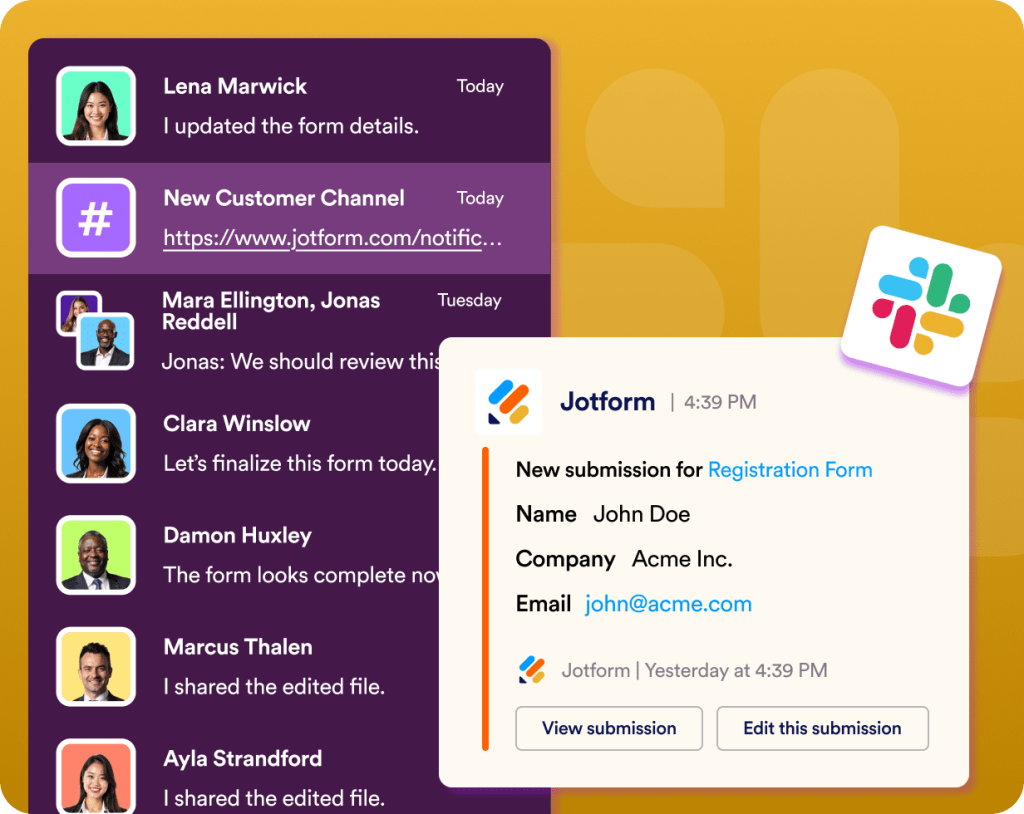
Receive Slack alerts for every new submission so your team stays aligned, responsive, and always up to date.
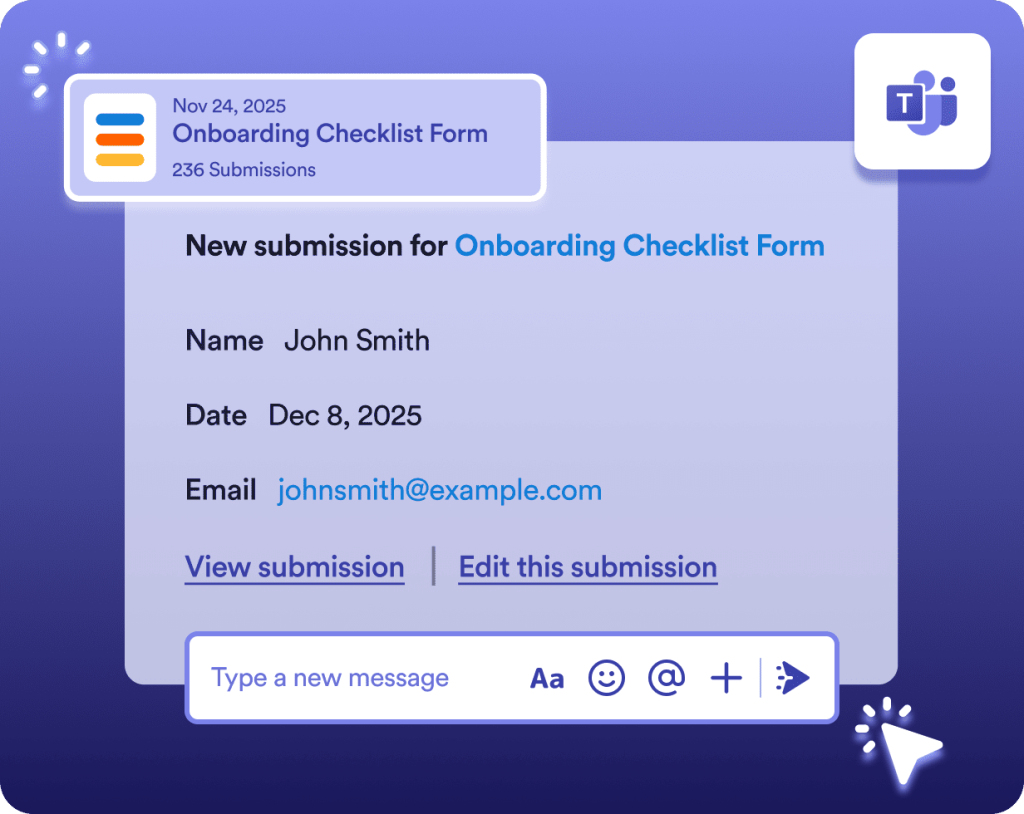
Get immediate Teams alerts for new submissions, keeping your workflow moving and your team informed without switching apps.
Choose from a variety of alert options that let you deliver notifications through the platforms your team uses every day.

Make every notification work the way you need it to. With Jotform, you choose which form details appear in your notifications, from the submitter’s name and contact info to any specific fields that matter to your workflow. Highlight what matters and stay in full control of your notifications.
Enable Notifications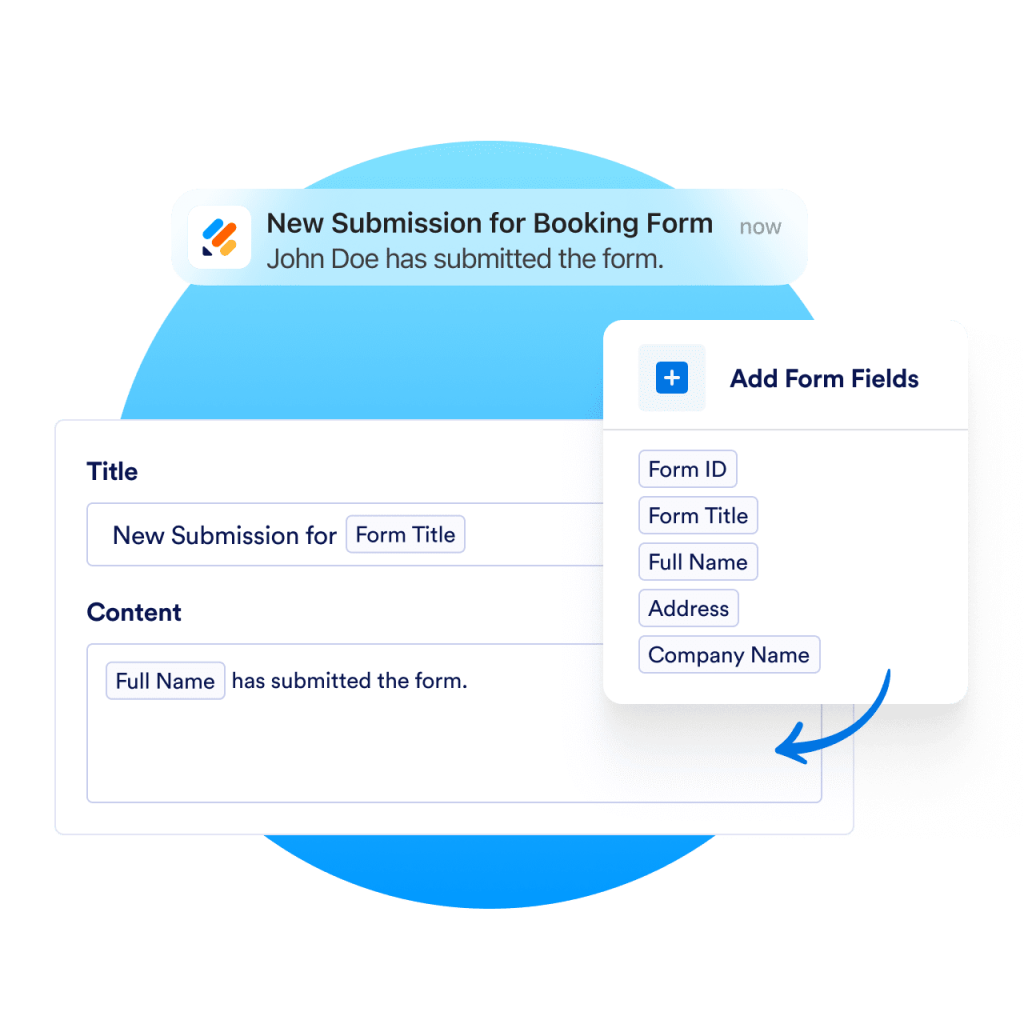
Enabling team notifications ensures your team is alerted the moment a form is submitted, so every request, from quotes to support needs gets quick attention. No missed steps and no delays. With real-time updates going to the right people, your team stays responsive and ready to take action.
Enable Notifications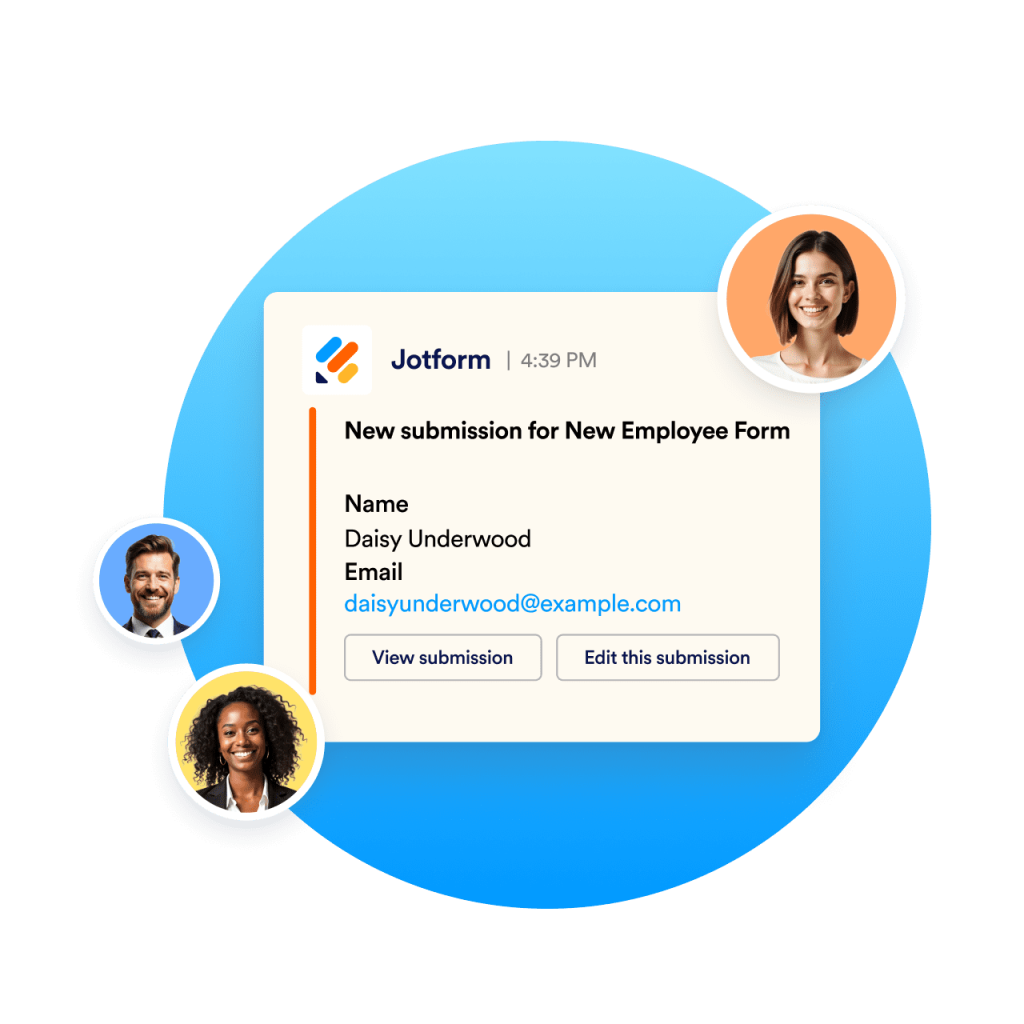
Getting started is easy. Simply choose your channels and customize your alerts directly from your form settings. You don’t need technical skills or complicated configuration. WhatsApp, SMS, Slack, and Teams notifications can all be enabled with a single click.
Enable Notifications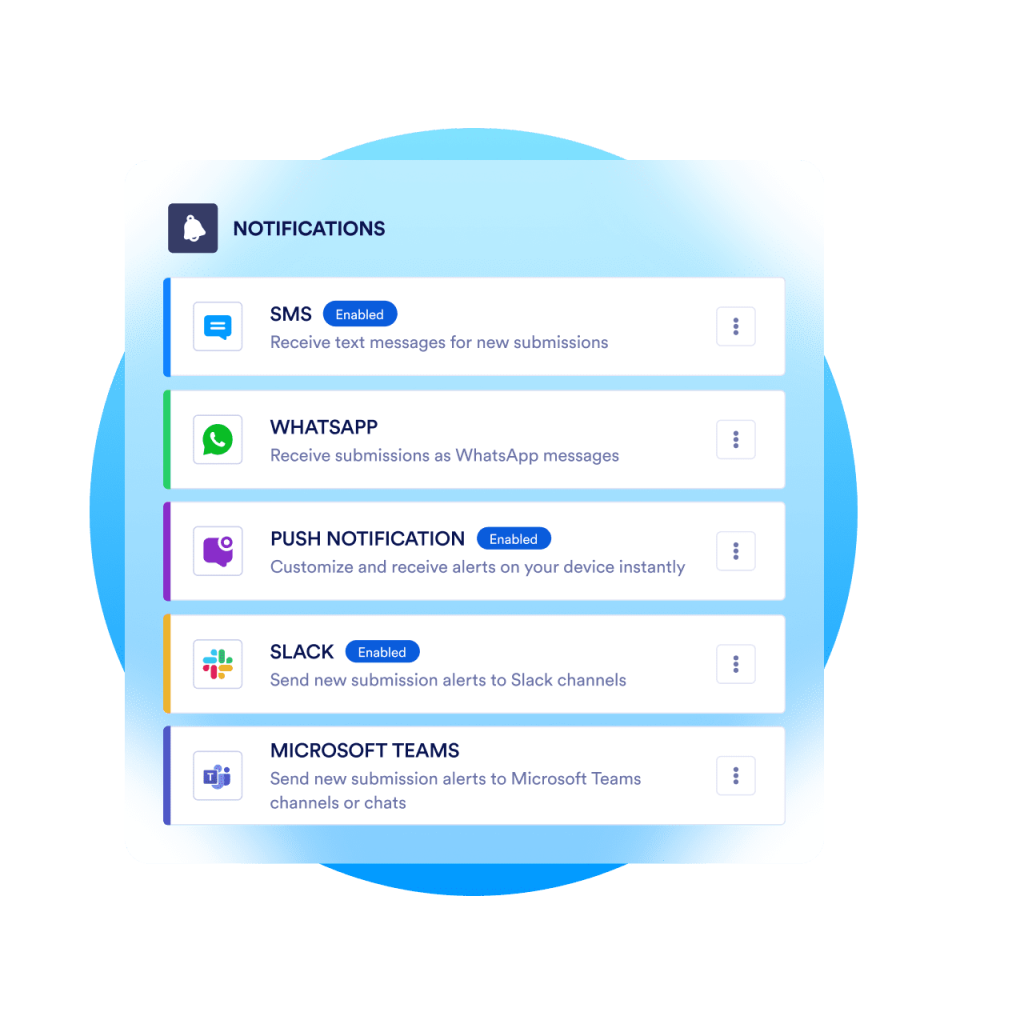
Receive instant alerts through your preferred notification channels.
Jotform Form Notifications are real-time alerts sent immediately after someone submits your form. You can receive these notifications through channels like WhatsApp, SMS/Text Message, Push Notifications, Slack, Microsoft Teams and more.