With Jotform’s Export Data feature, you can download all your forms as HTML files, submission data as CSV files, and uploaded files—all in a single ZIP file. This makes it easy to create a complete backup of your account or move your data elsewhere.
Exporting your data all at once is easy. Here’s how to do it:
- On your Workspace page, click on your Avatar/Profile icon in the top-right corner of the screen.
- In the menu that opens, click on Settings.
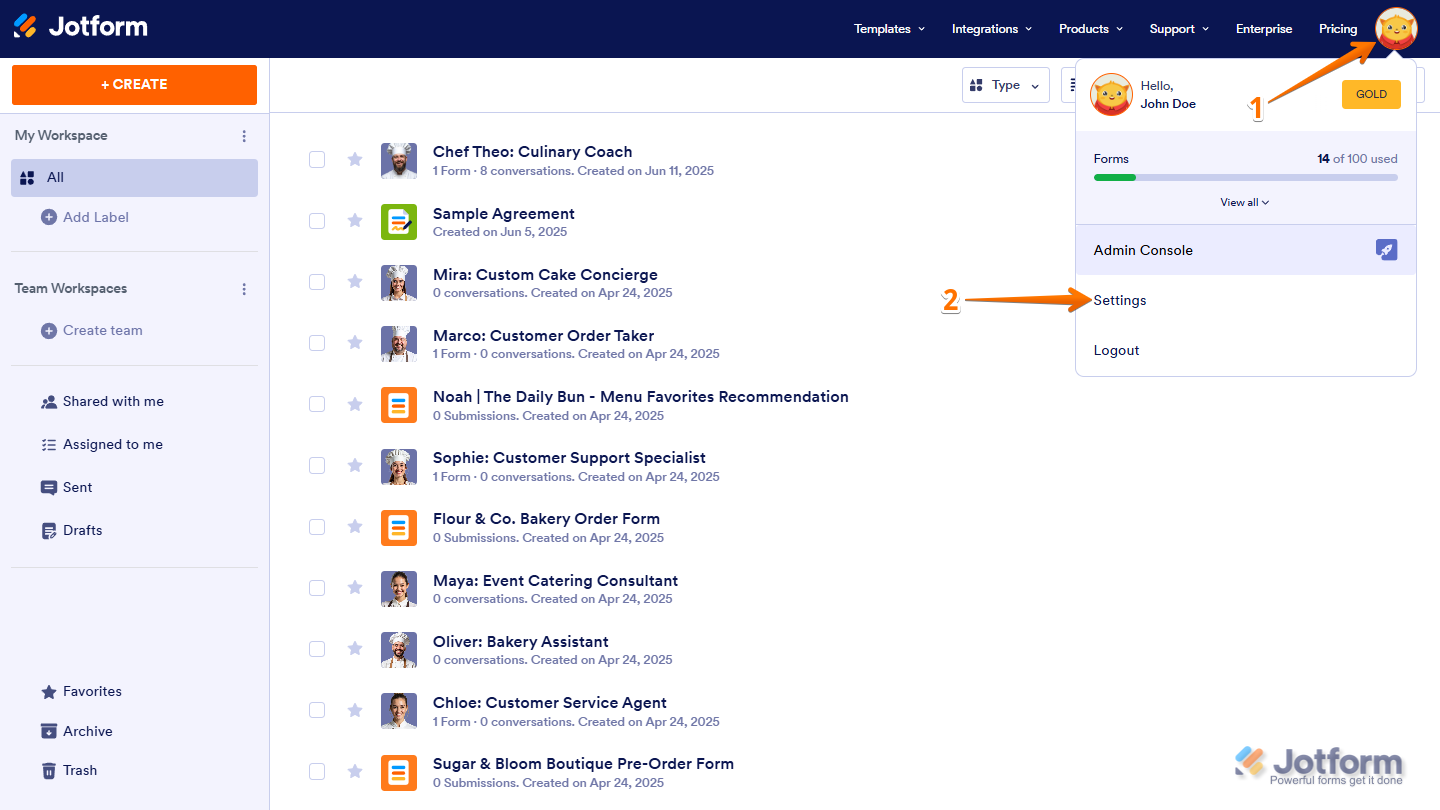
- Next, in the menu on the left, click on Data.
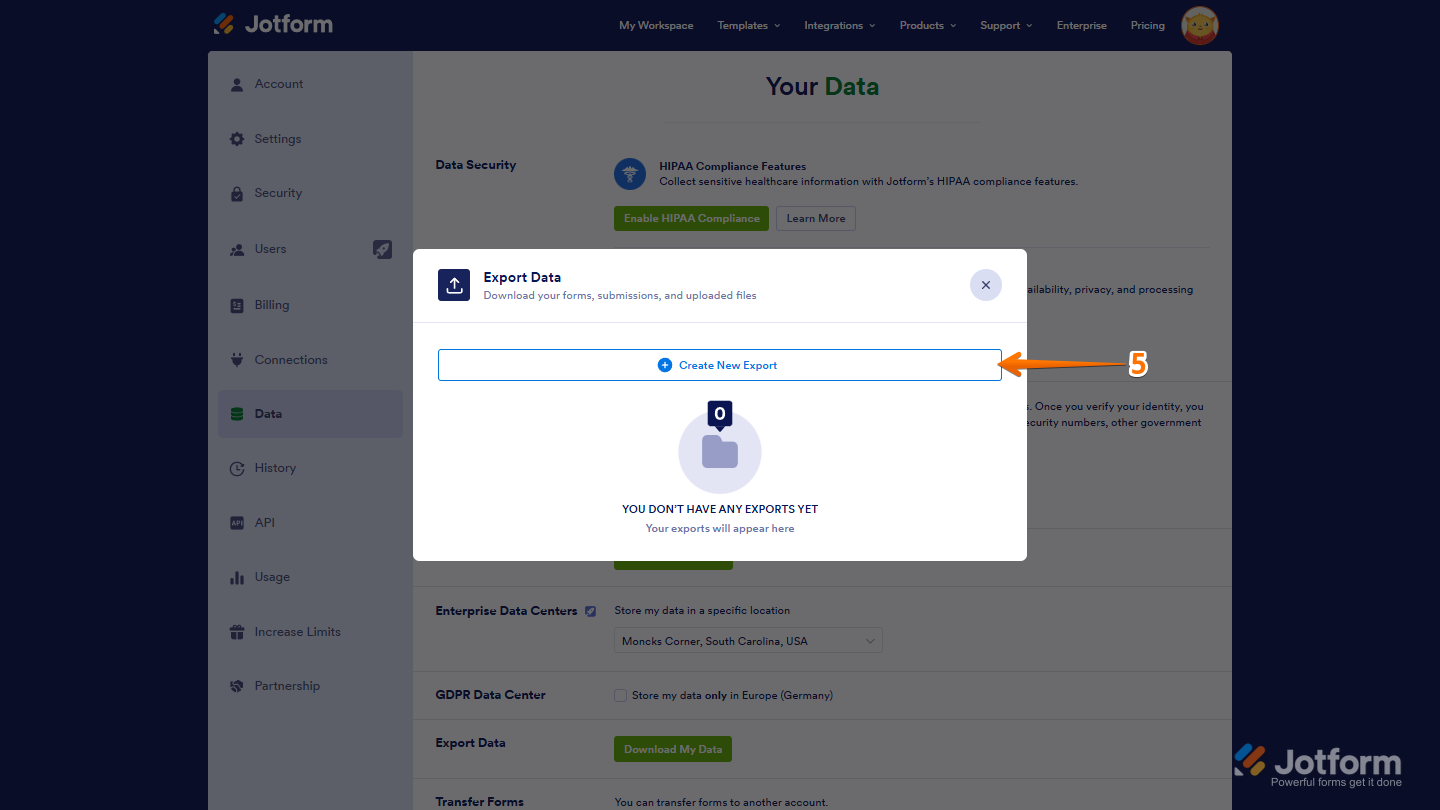
- Then, in the Export Data section, click on Download My Data.

- Now, in the window that opens, click on Create New Report.
- Then, in the Select Time Frame section, choose a date range for the submissions you want to download, or select the All Time option to download all data starting from when your account was created.

- Next, In the Select Data to Export section, check the boxes next to the data you want to export.
- Then, click on Prepare Download.

Note
The time it takes will depend on the total size of your data. If you have many forms, uploaded files, or submission entries, give it some time to finish.
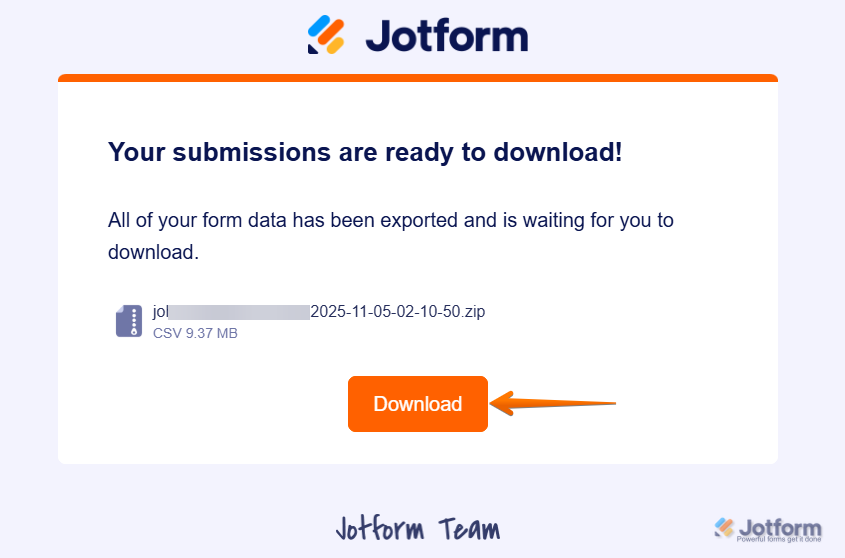
- Now, once your file is ready, hover over the requested data, then click on the Download button to save the ZIP file to your device.

Alternatively, you can download it through the notification email sent to your registered address.

Send Comment:
20 Comments:
January 30, 2026
Can you export Form submissions data from a certain form instead of all the forms at once?
December 9, 2024
would you be able to export data all at once if the form is shared with you but you did not create it?
thanks in advance.
October 8, 2024
Hi is there a feature to count the number of responses to questions?
October 7, 2024
Hi
I downloaded all my files into a very large zip file but now I get an error every time I try to open the zip file
June 8, 2023
My exports are failing. Why? How do I fix it?
Thanks!
December 19, 2022
Hello
Is Export Data Feature included in all subscription packages?
or is there an additional fee for this feature?
regards
Mustafa Erk
November 30, 2022
Once I down load all my informatinn do I lose it in Jot
January 2, 2022
The Prepare My Data To Download button is grayed out and is not working when clicked.
I tried reducing the type of data to export but nothing changes.
Is this feature still available?
August 22, 2021
Can't find my submission forms
August 11, 2020
Can I just use Jotforms to build html and PDF forms to be used by themselves on a website?
April 28, 2020
Dear Support-Team, I can not download all my files with this method. Certain folders just stay at "In progress. Exporting data..." with no change. Can you help? Thank you so much!
March 6, 2020
I don't want to download the files data, I want a list of all my forms by name of form, can i do this? I want to remove some forms that are no longer needed but the list is too long to see them all together
thank you
January 4, 2019
How do I read the data? I downloaded the form data, but they are encrypted forms and the data is showing up as random letters.
August 9, 2018
I dont see any PDFS on the download, just junk files I cant use - like css.
May 18, 2018
But how do I export just the email addresses because this is all I need.
March 6, 2018
Thanks. It's a tough call to make but it's good to know it's possible.
February 9, 2018
Is there a way to automate this process? For e.g. sending exported csv file as an attachment to an email every day.
September 3, 2017
how to do i view and export photos that have been submitted via my form?
January 5, 2017
I downloaded the data, but the scripts required by the Basic html files have absolute link, external, and the form's features do not work
July 29, 2016
I'm running this process, but my files/downloads are empty.