

Moduli per la gestione della flotta

Scheda Di Ispezione Giornaliera Del Veicolo
Raccogli controlli e segnalazioni per la flotta con la Scheda di Ispezione Giornaliera del Veicolo Modulo di Jotform, ideale per aziende con mezzi condivisi che vogliono migliorare la data collection e la gestione della risposta.
Vai alla Categoria:Moduli Revisione Auto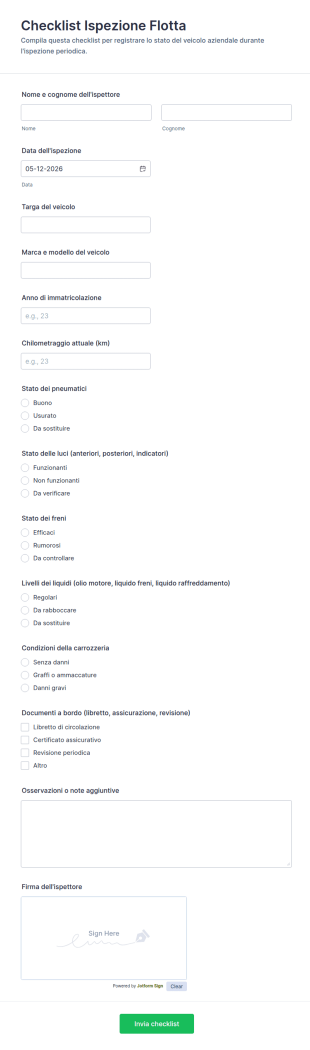
Checklist Ispezione Flotta
Registra controlli e manutenzione dei veicoli con Checklist per ispezione flotta di Jotform, ideale per logistica, trasporti e flotte aziendali che vogliono una raccolta dati ordinata e invii del modulo tracciabili.
Vai alla Categoria:Moduli Liste di Controllo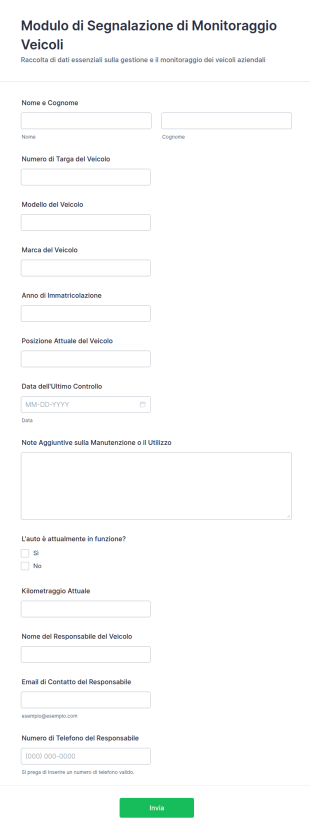
Modulo Di Segnalazione Di Monitoraggio Veicoli
Raccogli aggiornamenti sullo stato dei veicoli e sulla gestione della flotta con il Modulo di Segnalazione per il Monitoraggio dei Veicoli di Jotform, utile per logistica, noleggio e aziende con più mezzi.
Vai alla Categoria:Moduli per la gestione della flotta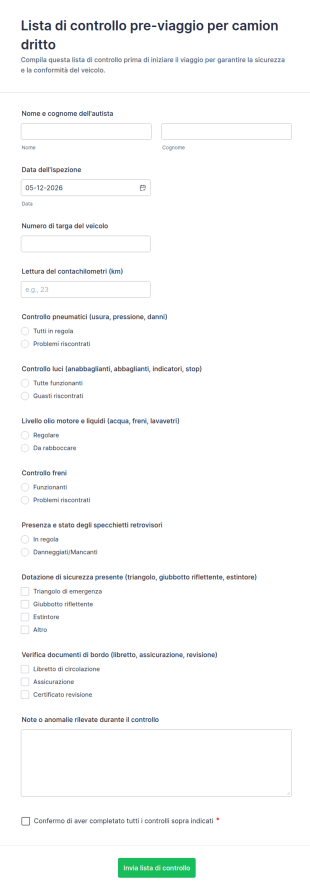
Lista Di Controllo Pre Viaggio Per Camion Dritto
Registra i controlli pre-partenza dei camion con il modulo Lista di controllo pre-viaggio per camion dritto di Jotform, utile per autisti e gestori di flotta che vogliono migliorare la raccolta dati e la tracciabilità delle verifiche.
Vai alla Categoria:Moduli Liste di Controllo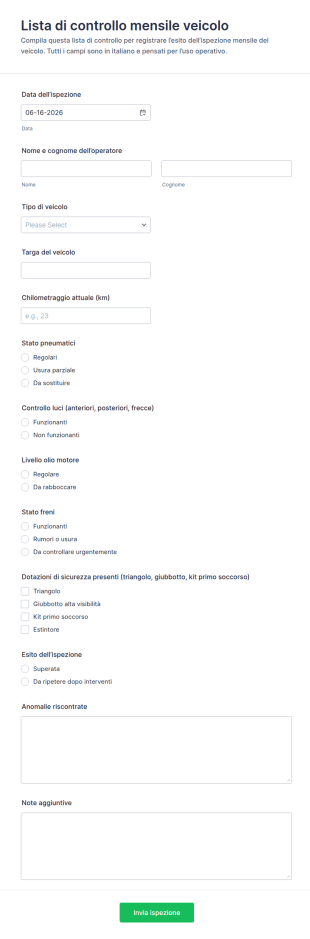
Modulo Di Ispezione Mensile Del Veicolo
Tieni traccia delle ispezioni periodiche del parco mezzi con il Modulo Lista di controllo mensile veicolo di Jotform, ideale per aziende di trasporto, manutentori e responsabili di flotta che vogliono una raccolta dati ordinata.
Vai alla Categoria:Moduli Revisione Auto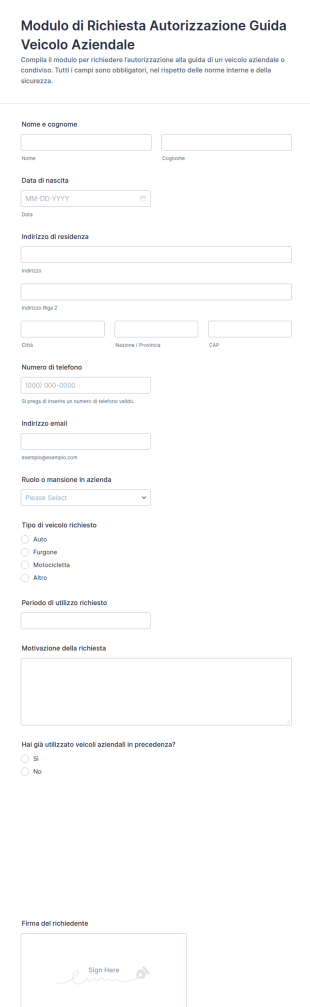
Modulo Di Domanda Per Autorizzazione Alla Guida
Gestisci le richieste di autorizzazione alla guida di veicoli aziendali con il Modulo di Richiesta Autorizzazione alla Guida di Veicolo Aziendale di Jotform, ideale per uffici amministrativi e responsabili di flotta che vogliono centralizzare la raccolta dati.
Vai alla Categoria:Moduli di autorizzazione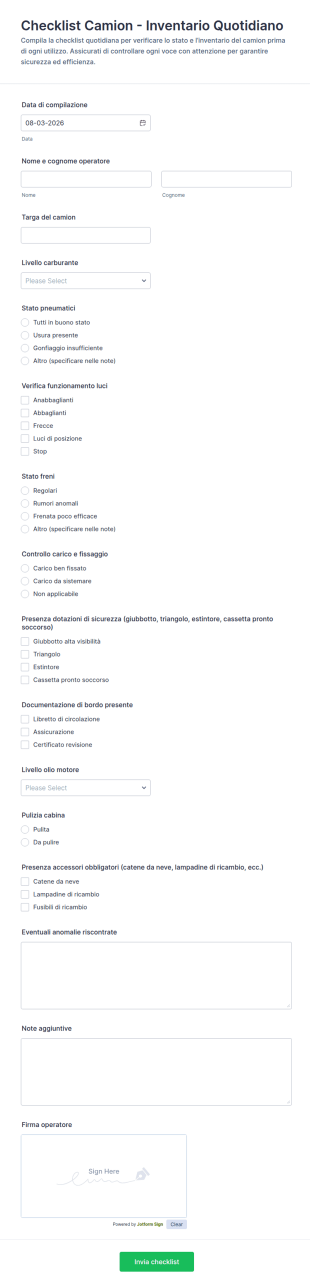
Modulo Di Inventario Giornaliero Del Camion
Riduci dimenticanze e controlli incompleti con il Modulo Checklist Camion per Inventario Quotidiano, utile a flotte e autisti per registrare verifiche pre-partenza e centralizzare le risposta con Jotform.
Vai alla Categoria:Moduli Liste di Controllo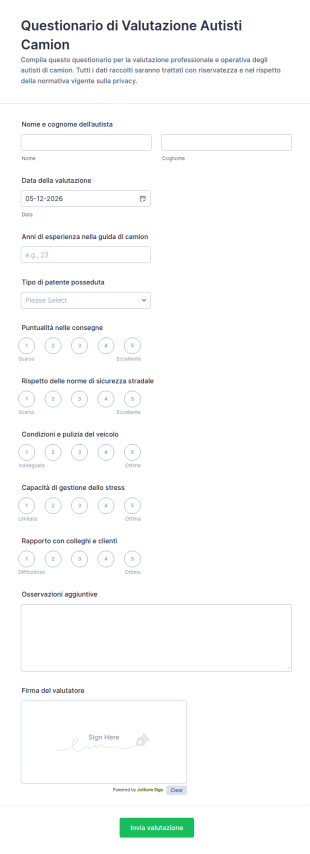
Modulo Di Valutazione Per Autisti Di Camion
Raccogli e confronta valutazioni degli autisti camion per flotte e aziende di trasporto con il Questionario di Valutazione Autisti Camion di Jotform, ideale per supervisori che vogliono standardizzare il processo e monitorare le prestazioni.
Vai alla Categoria:Moduli per Autisti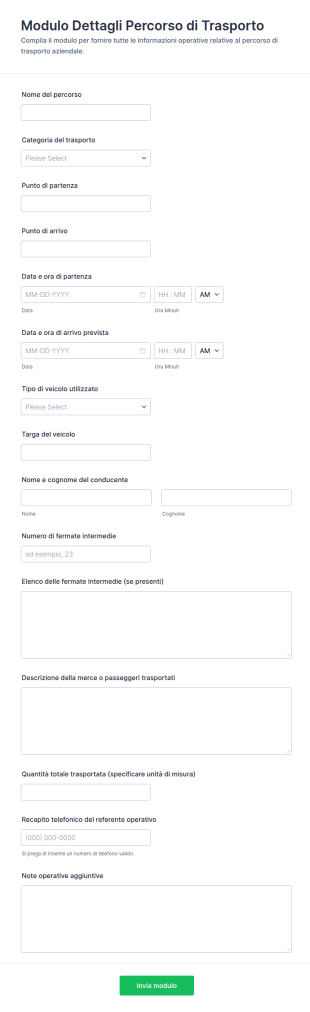
Modulo Dettagli Itinerario Di Trasporto
Raccogli e organizza i dettagli delle tratte aziendali con il Modulo Dettagli Percorso di Trasporto, ideale per responsabili di flotta e logistica che gestiscono pianificazione, coordinamento e raccolta dati in un unico modulo web.
Vai alla Categoria:Moduli Richiesta Trasporti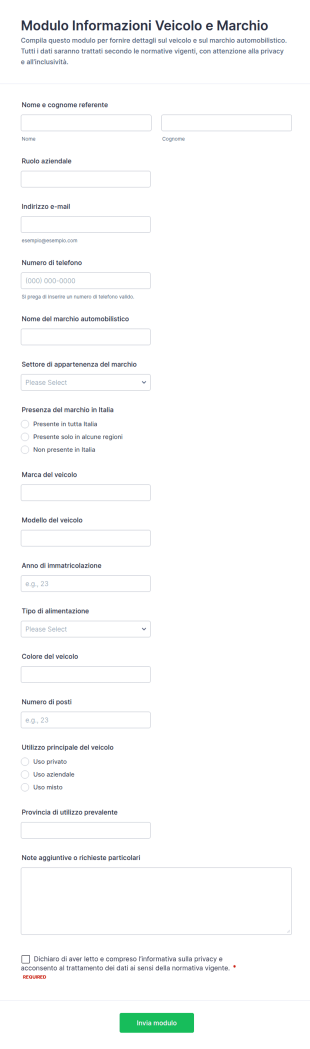
Modulo Di Raccolta Dati Del Brand Veicoli
Raccogli dati su veicoli e marchi per contatti commerciali, gestione flotte o analisi interne con il Modulo informazioni veicolo e marchio, personalizzabile in Jotform per una raccolta dati ordinata e immediata.
Vai alla Categoria:Moduli per Automotive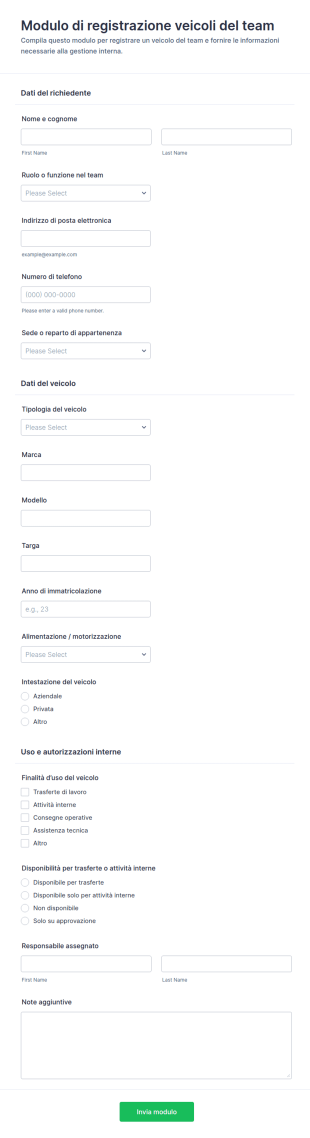
Modulo Di Registrazione Veicoli Aziendali
Raccogli e gestisci la registrazione dei veicoli del team con il Modulo di registrazione veicoli del team, ideale per aziende, logistica e gestione flotta che vogliono centralizzare la raccolta dati e le risposte.
Vai alla Categoria:Moduli per la gestione della flotta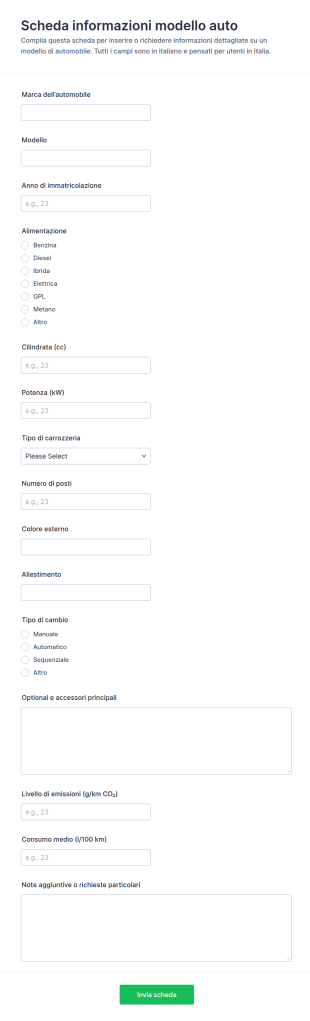
Modulo Di Informazioni Sul Modello Di Auto
Il Modulo Scheda informazioni modello auto semplifica la raccolta dati su veicoli per concessionarie, flotte e officine, creando schede tecniche uniformi e facilmente archiviabili con Jotform.
Vai alla Categoria:Moduli per Automotive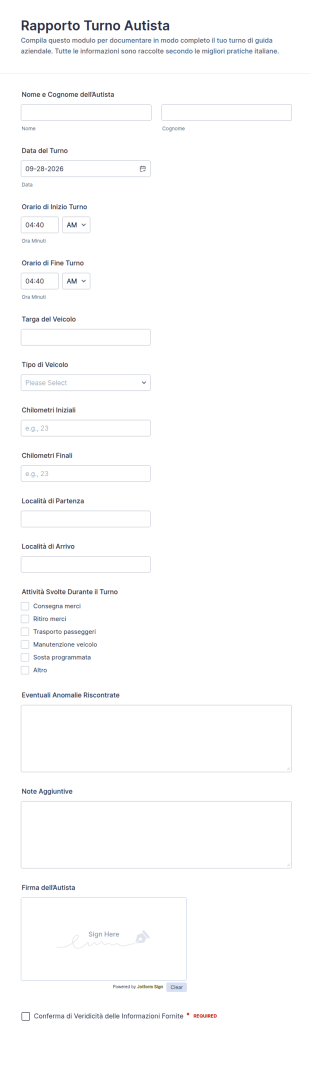
Resoconto Turno Autista Form
Raccogli e organizza i resoconti di guida con il Resoconto Turno Autista Form, ideale per aziende con flotte che vogliono migliorare la data collection su turni, tratte e attività svolte con Jotform.
Vai alla Categoria:Moduli per Autisti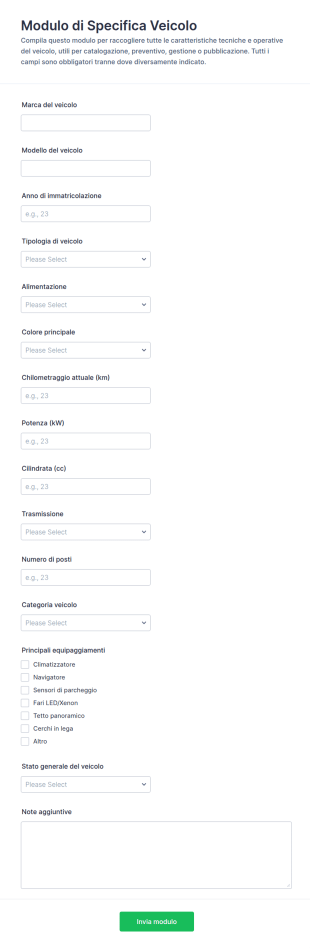
Dati Del Veicolo Form
Raccogli e organizza le specifiche dei veicoli per flotte, officine e concessionarie con il Modulo di Specifica Veicolo di Jotform, ideale per catalogazione, preventivi e gestione delle informazioni in un’unica raccolta dati.
Vai alla Categoria:Moduli per Automotive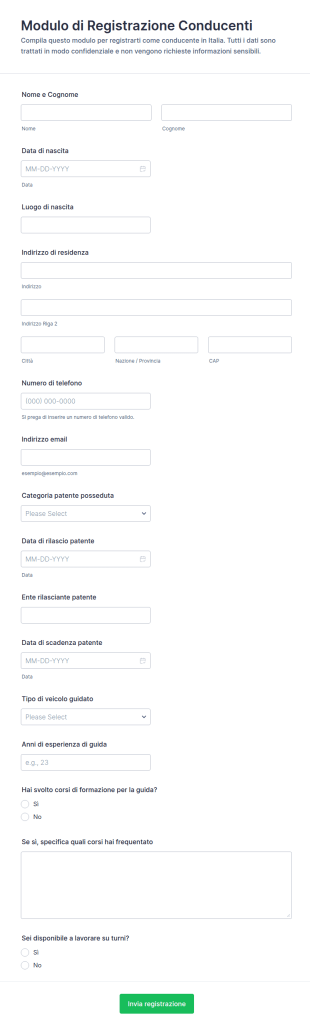
Iscrizione All’Autoveicolo
Raccogli registrazioni di nuovi conducenti, gestisci la raccolta dati e organizza le risposte con il Modulo di Registrazione Conducenti Form di Jotform, ideale per flotte, consegne e servizi di trasporto.
Vai alla Categoria:Moduli per Autisti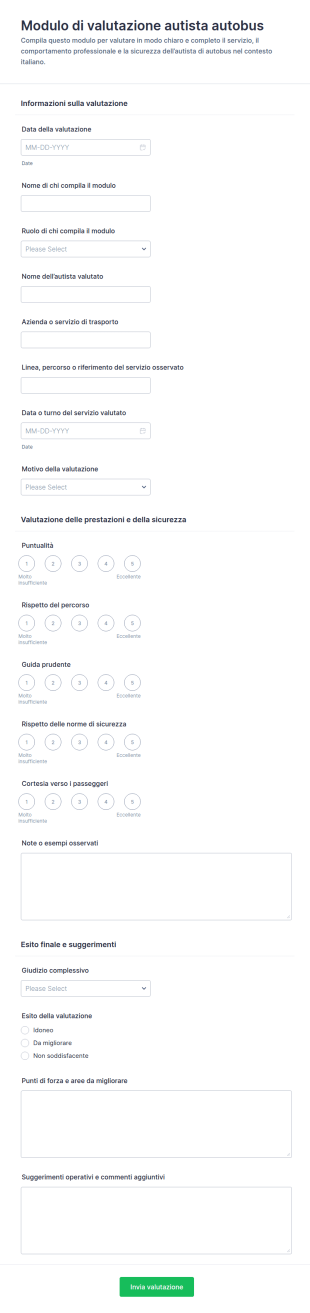
Valutazione Dell’autista Di Autobus
Raccogli valutazioni uniformi su puntualità, sicurezza e comportamento degli autisti con il Modulo di valutazione autista autobus di Jotform, utile per aziende di trasporto e responsabili qualità che vogliono monitorare le prestazioni nel tempo.
Vai alla Categoria:Moduli per Autisti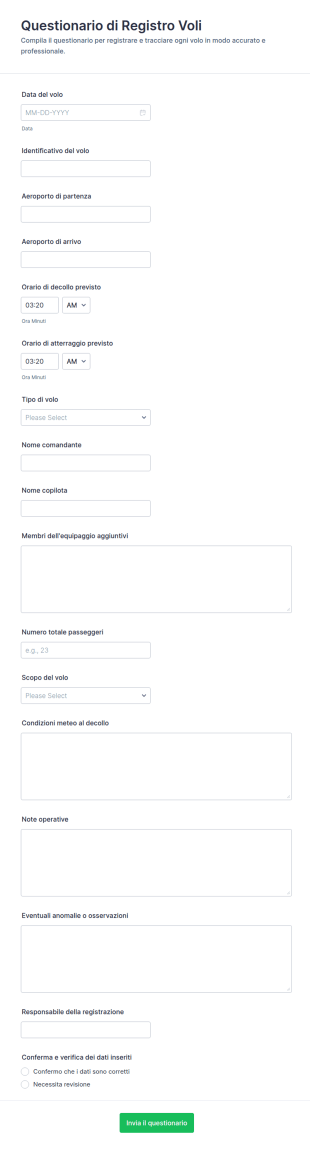
Registro Voli
Il Questionario di Registro Voli Modulo supporta aeroclub, scuole di volo e operatori a registrare e archiviare i dettagli dei voli con Jotform, migliorando la raccolta dati e la gestione di ogni risposta.
Vai alla Categoria:Template Questionario
Modulo Di Versamento Per Veicolo
Raccogli e archivia i dati di consegna e deposito dei veicoli con il Modulo di Deposito Veicolo, ideale per officine, carrozzerie e autorimesse che vogliono migliorare la raccolta dati e la gestione di ogni risposta con Jotform.
Vai alla Categoria:Moduli per Automotive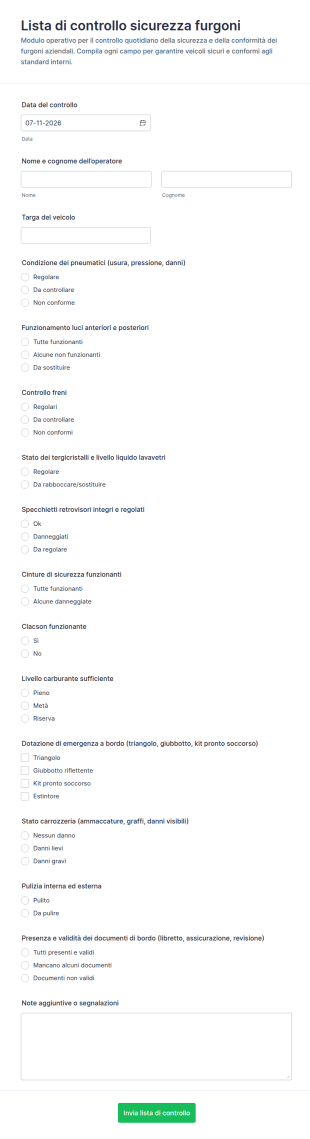
Checklist Di Sicurezza Del Furgone
Gestisci i controlli giornalieri dei veicoli aziendali con il Modulo Lista di Controllo Sicurezza Furgoni, utile per flotte, logistica e personale su strada che deve documentare verifiche e segnalazioni.
Vai alla Categoria:Moduli Liste di Controllo
Modulo Di Ispezione Prepartenza
Documenta i controlli pre-partenza dei veicoli con il Modulo Checklist di Ispezione Pre-partenza di Jotform, utile a flotte e aziende per raccogliere dati e registrare l’esito dell’ispezione prima di ogni viaggio.
Vai alla Categoria:Moduli Liste di Controllo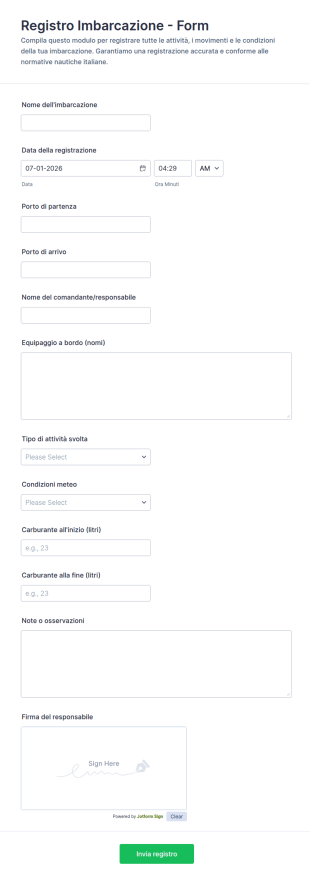
Registro Di Bordo Imbarcazione
Raccogli e archivia con precisione le registrazioni di navigazione con il Modulo Registro Imbarcazione di Jotform, ideale per armatori, scuole nautiche e società di charter che vogliono migliorare la raccolta dati e la gestione delle risposta.
Vai alla Categoria:Moduli di Registrazione
Dichiarazione Di Sicurezza Alla Guida
Raccogli dichiarazioni dei conducenti su idoneità alla guida e impegni di sicurezza con il Modulo di dichiarazione di sicurezza del conducente, ideale per aziende e gestione flotta che vogliono una raccolta dati ordinata e tracciabile.
Vai alla Categoria:Moduli per Autisti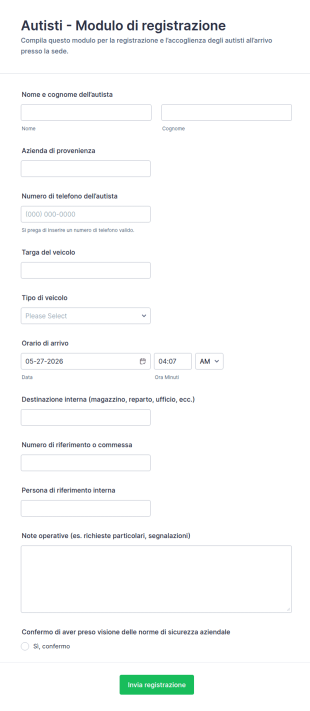
Modulo Di Registrazione Del Conducente
Gestisci ingressi e consegne con il Modulo di registrazione autisti di Jotform, ideale per magazzini, stabilimenti e portinerie che devono registrare arrivi, veicoli e destinazioni interne in modo ordinato.
Vai alla Categoria:Moduli di Registrazione
Modulo Di Gestione Della Flotta
Gestisci e aggiorna i dati del parco veicoli con il Modulo di Gestione della Flotta di Jotform, ideale per responsabili di flotta e uffici operativi che vogliono centralizzare la data collection online.
Vai alla Categoria:Moduli per la gestione della flottaInformazioni su Moduli per la gestione della flotta
Fleet management forms are structured documents used to manage and document fleet operations, vehicle usage, maintenance coordination, and compliance activities. They help organizations collect consistent information about vehicles, drivers, schedules, costs, incidents, and service needs so fleets can run safely and efficiently. Fleet management forms are commonly used by logistics companies, delivery services, construction and field service teams, municipalities, and any organization operating multiple vehicles. Typical workflows include vehicle assignment, inspection reporting, maintenance requests, fuel and mileage tracking, incident documentation, and compliance checks. By standardizing these processes, fleet management forms reduce downtime, improve accountability, and support better operational decision-making.
With Jotform, fleet management forms can be created quickly using a no-code, drag-and-drop Form Builder and customized for different vehicle types and operational policies. Conditional logic can show relevant questions based on vehicle category or request type, while file upload fields can collect photos, receipts, or supporting documents. Submissions are stored in Jotform Tables, making it easy to track fleet activity, filter by vehicle or driver, and maintain organized records. Automated notifications can alert managers about urgent issues such as failed inspections, accidents, or overdue maintenance needs.
Use Cases of Fleet Management Forms
Fleet management forms support daily operations, maintenance workflows, and safety and compliance documentation. Below are common ways these forms are used and the challenges they help solve.
Possibili utilizzi:
- Richieste di assegnazione del veicolo e di autorizzazione del conducente
- Ispezioni pre-viaggio e post-viaggio e segnalazione dei difetti
- Richieste di manutenzione e di pianificazione del servizio
- Monitoraggio di carburante, chilometraggio e spese
- Segnalazione di incidenti della flotta e documentazione assicurativa
- Liste di controllo di conformità e raccolta di registri pronti per l'audit
Vantaggi:
- Centralizzano le informazioni della flotta invece di registri e e-mail sparsi
- Migliorano la sicurezza standardizzando le ispezioni e la segnalazione dei problemi
- Riducono i tempi di inattività indirizzando più rapidamente le esigenze di manutenzione
- Supportano il monitoraggio dei costi e la documentazione di conformità su tutti i veicoli
Possibili proprietari e utenti:
- Responsabili della flotta e team operativi
- Conducenti e operatori di veicoli
- Coordinatori di spedizione
- Squadre di manutenzione e assistenza
- Personale addetto alla sicurezza e alla conformità
Differenze nei metodi di creazione:
- I moduli di ispezione della flotta e di segnalazione dei difetti si concentrano sulla segnalazione delle condizioni del veicolo basata su checklist, elementi di approvazione/non approvazione, note sui difetti e allegati fotografici come prova.
- I moduli di richiesta di manutenzione e assistenza della flotta raccolgono l'ID del veicolo, la categoria del problema, la gravità, la disponibilità di pianificazione, le preferenze del fornitore e i dettagli dell'approvazione o dell'ordine di lavoro.
- I moduli di monitoraggio dei costi e dell'utilizzo della flotta danno priorità ai dettagli del viaggio, al chilometraggio, al consumo di carburante, alle ricevute, alle categorie di spesa e ai campi di responsabilità del conducente.
How to Create a Fleet Management Form
Creating a fleet management form with Jotform helps you standardize fleet workflows while keeping reporting fast and field-friendly.
1. Scegli un modello o inizia da zero
Ne Il mio Workspace, clicca su "Crea" e seleziona "Modulo". Inizia da zero o utilizza un modello di flotta, ispezione o manutenzione. Un modulo classico è ideale per registri dettagliati, mentre un modulo a scheda può guidare gli autisti passo dopo passo.
2. Add Vehicle and Driver Identification Fields
Utilizza "Aggiungi elemento" per includere ID veicolo/numero unità, targa, nome del conducente, posizione e data/ora. I menù a discesa aiutano a standardizzare tipi di veicoli e percorsi.
3. Build Sections Based on Fleet Workflow
Aggiungi checklist di ispezione, campi per problemi di manutenzione, dati su carburante e chilometraggio o dettagli sugli incidenti in base alle tue esigenze. Mantieni la coerenza dei campi in modo che i report possano essere confrontati tra i vari veicoli.
4. Use Conditional Logic for Exceptions
Utilizza la logica condizionale per mostrare le domande di follow-up solo quando vengono segnalati problemi. Ad esempio, se un elemento di ispezione non riesce, mostra la descrizione del difetto e il caricamento della foto. Se la gravità è elevata, mostra i campi di escalation e "veicolo fuori servizio".
5. Imposta notifiche e approvazioni
Configura le email di notifica per avvisare immediatamente i responsabili della flotta o i team di manutenzione quando vengono segnalati problemi urgenti. Aggiungi approvazioni se determinate richieste richiedono l'approvazione del responsabile.
6. Publish, Test, and Track in Jotform Tables
Prova il modulo su dispositivi mobili ed esegui test per diversi scenari. Pubblica e condividi il link o il QR code con gli autisti. Le risposte vengono archiviate nelle tabelle Jotform per essere filtrate, esportate e per creare report.
Domande Frequenti
1. What are fleet management forms?
Fleet management forms are documents or online forms used to manage vehicle operations, inspections, maintenance, costs, and compliance across a fleet.
2. Why are fleet management forms important?
They standardize reporting, reduce downtime, improve safety, and create clear records for operations and compliance.
3. What information is typically included in fleet management forms?
Common fields include vehicle and driver details, inspection results, maintenance needs, mileage and fuel data, incident reports, and attachments such as photos or receipts.
4. Who uses fleet management forms?
Fleet managers, drivers, dispatch teams, maintenance staff, and compliance teams use these forms depending on the workflow.
5. How do fleet management forms reduce downtime?
They help capture issues early, route maintenance requests quickly, and track vehicle status consistently across the fleet.
6. Can fleet management forms be completed on mobile?
Yes. Jotform forms are mobile-friendly, so drivers and field staff can submit reports from a phone or tablet.
7. Can fleet management forms include photos and receipts?
Yes. File upload fields can collect images of defects, accident scenes, and receipts for fuel or repairs.
8. Can fleet management forms be customized for different vehicle types?
Yes. Conditional logic and custom fields can tailor questions for trucks, vans, buses, or specialized equipment fleets.