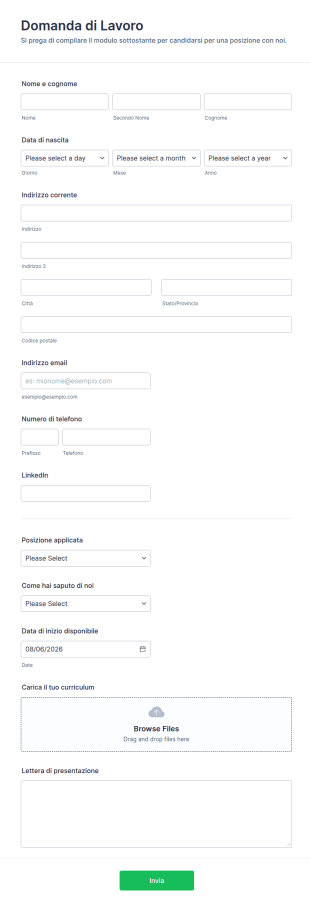


Modulo di Candidatura
Modulo Semplice Per Candidatura Di Lavoro
Questo semplice modulo di candidatura ti aiuta a trovare il candidato giusto per una posizione aperta nella tua azienda. È completamente personalizzabile, così puoi aggiungere domande extra specifiche per il ruolo, il team o l’organizzazione. Nella sua versione base, il modulo richiede i dati di contatto del candidato e un curriculum da caricare. Altri campi che si possono aggiungere includono “Perché sei adatto a questo ruolo?”, “Condividi il tuo sito web o portfolio” e “Sei un candidato locale?”.Vuoi adattare il modulo alle tue esigenze? Con il Generatore di Moduli gratuito puoi modificare i campi e personalizzarlo facilmente. Se desideri inviare le candidature automaticamente agli strumenti o alle email del tuo sistema di recruiting, puoi usare le oltre 100 integrazioni di Jotform. Mantieni il modulo semplice e invia le candidature direttamente nella casella del responsabile delle assunzioni grazie al Modulo Semplice per Candidatura di Lavoro di Jotform.Questo modulo include 11 campi diversi, tra cui:Dati personali del candidato (nome, secondo nome, cognome, data di nascita, indirizzo)Informazioni di contatto (email, numero di telefono, profilo LinkedIn)Menu a discesa (posizione lavorativa, come hai conosciuto l’azienda)Campo data (data di inizio disponibile)Caricamento file (curriculum)Campo testo lungo (lettera di presentazione)
Vai alla Categoria:Modulo di Candidatura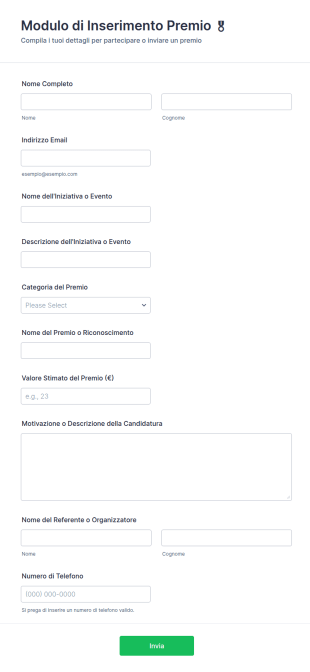
Modulo Di Inserimento Premio 🎖️
Raccogli e gestisci candidature per premi e riconoscimenti con il Modulo di inserimento premio di Jotform, ideale per scuole, associazioni, enti e aziende che vogliono semplificare la raccolta dati e l’invio del modulo.
Vai alla Categoria:Moduli Premiazione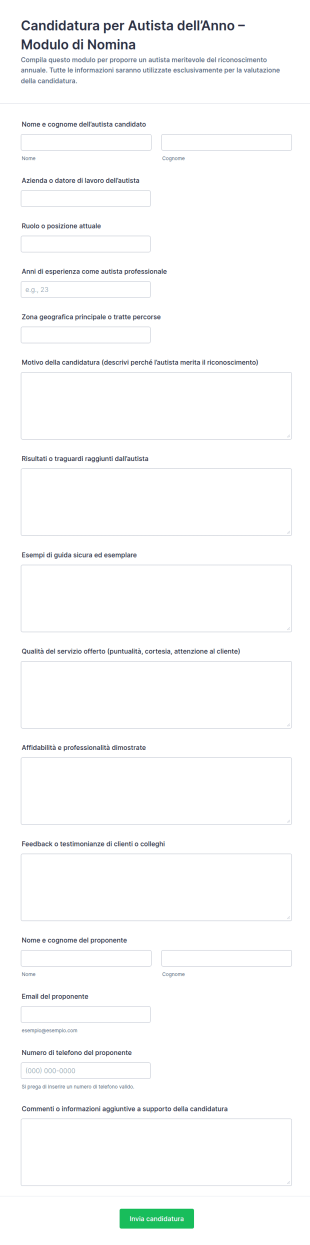
Modulo Di Nomination Per Il Driver Dell'Anno
Il Modulo di nomina per Autista dell’Anno supporta aziende e organizzazioni nel raccogliere candidature motivate, valutare i meriti e gestire la raccolta dati con Jotform in modo semplice e ordinato.
Vai alla Categoria:Modulo di Candidatura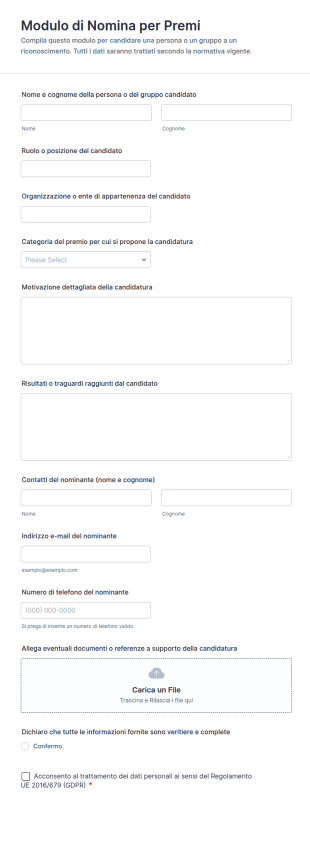
Modulo Di Nomina Per Premi
Raccogli candidature per riconoscimenti e premi con il Modulo di nomina per premi di Jotform, utile per enti, scuole e aziende che vogliono gestire proposte, allegati e valutazioni in un unico flusso online.
Vai alla Categoria:Modulo di Candidatura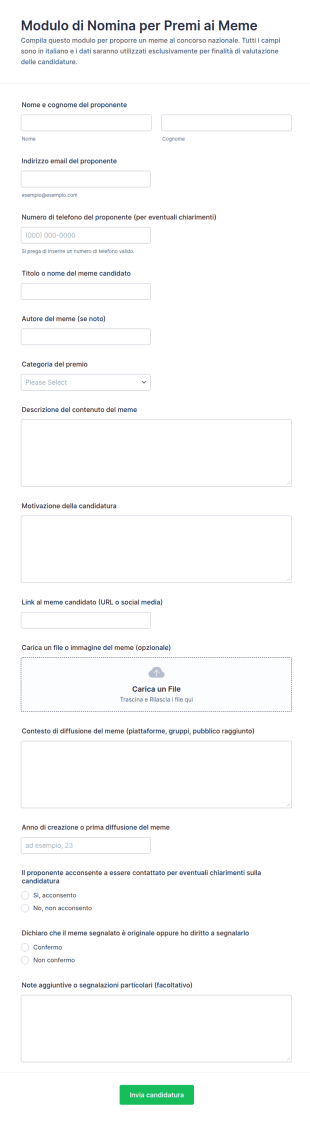
Candidatura Ai Premi Meme
Raccogli e gestisci candidature a concorsi di meme con il Modulo di candidatura FORM ai Premi Meme, ideale per organizzatori e community che vogliono centralizzare la raccolta dati e le risposte in Jotform.
Vai alla Categoria:Modulo di Candidatura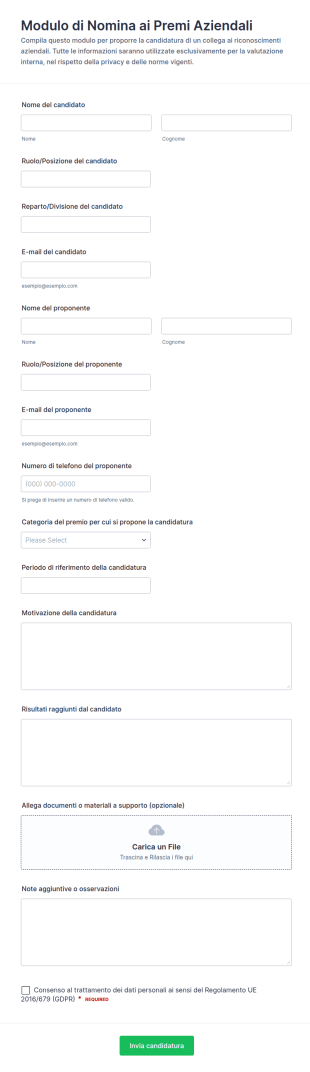
Candidatura Per Premi Aziendali
Raccogli e gestisci le candidature interne per riconoscimenti e premi con il Modulo di Nomina ai Premi Aziendali di Jotform, utile per aziende e comitati di valutazione che vogliono organizzare la raccolta dati e le risposta.
Vai alla Categoria:Modulo di Candidatura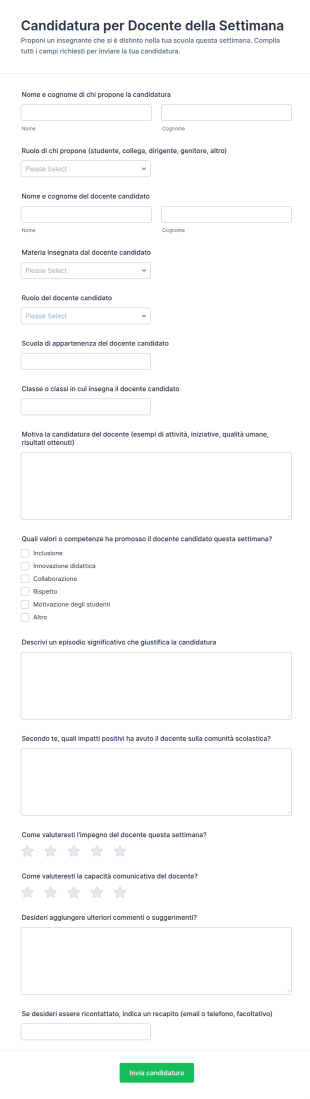
Candidatura Insegnante Dell’Anno
Raccogli candidature per premiare un insegnante con un modulo di candidatura per Docente della Settimana, ideale per scuole e istituti che vogliono coinvolgere studenti, famiglie e staff nella raccolta dati e nella valutazione interna.
Vai alla Categoria:Modulo di Candidatura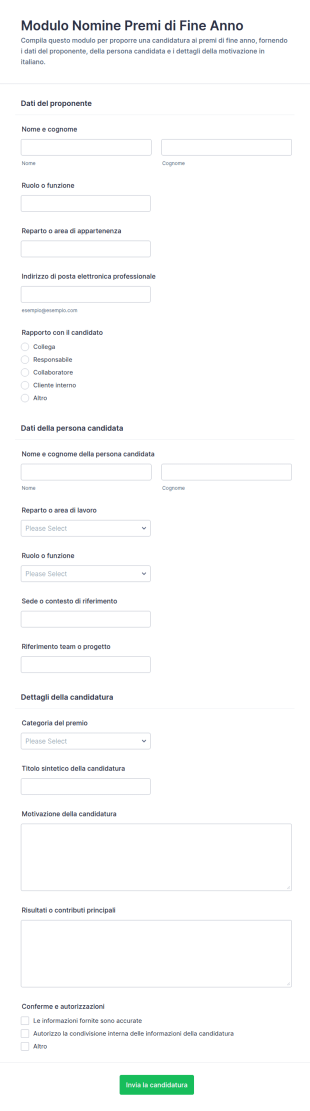
Candidatura Premi Di Fine Anno
Raccogli e valuta candidature ai premi aziendali di fine anno con il Modulo nomine premi di fine anno, utile per direzioni e responsabili che vogliono centralizzare la raccolta dati e gestire ogni risposta in Jotform.
Vai alla Categoria:Moduli Premiazione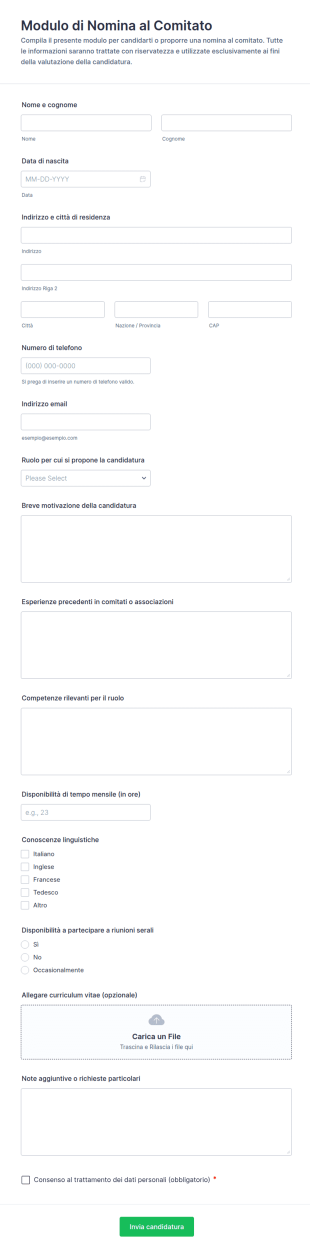
Candidatura Al Comitato Form
Raccogli candidature e proposte per ruoli di comitato con il Modulo di Nomina al Comitato di Jotform, ideale per associazioni ed enti che vogliono centralizzare la raccolta dati e gestire ogni risposta in modo ordinato.
Vai alla Categoria:Modulo di Candidatura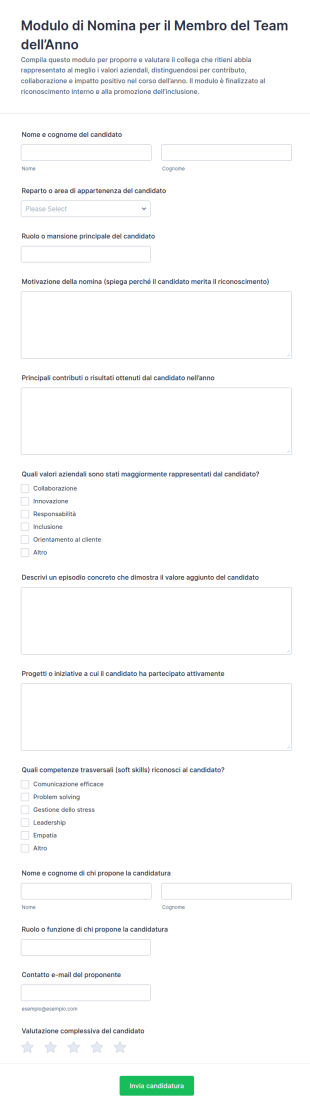
Selezione Del Dipendente Dell’Anno
Raccogli e confronta candidature interne per il riconoscimento del Membro del Team dell’Anno con un modello di modulo Jotform, pensato per aziende e uffici del personale che vogliono valorizzare risultati, valori e contributi.
Vai alla Categoria:Modulo di Candidatura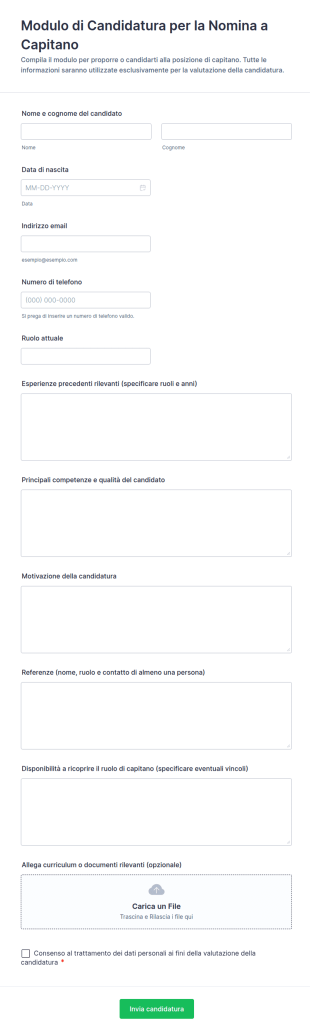
Modulo Di Nomina Del Capitano
Raccogli e valuta le candidature per la nomina a capitano in società sportive e gruppi organizzati con un modello di modulo Jotform, utile per confrontare profili, gestire la raccolta dati e centralizzare ogni invio del modulo.
Vai alla Categoria:Moduli di Domanda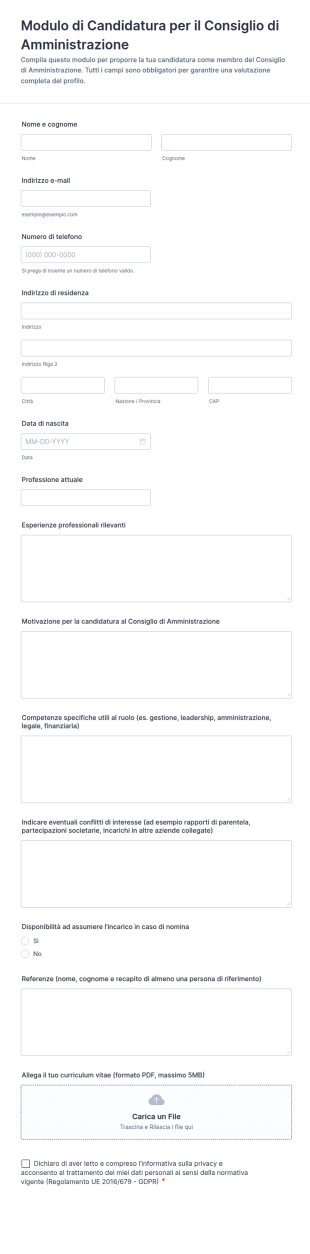
Modulo Di Candidatura Per Il Consiglio Di Amministrazione
Raccogli e valuta candidature per il Consiglio di Amministrazione con Jotform usando un modello di modulo personalizzabile, ideale per organizzazioni e imprese che vogliono gestire selezione e raccolta dati online in modo ordinato.
Vai alla Categoria:Moduli di Domanda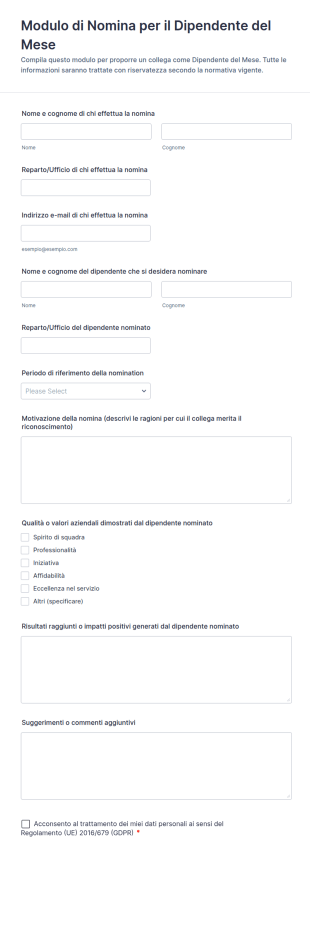
Modulo Di Nomina Per Il Dipendente Del Mese
Raccogli nomination interne per il dipendente del mese con Jotform, centralizzando la raccolta dati e rendendo più semplice valutare e confrontare le candidature in base a periodo, motivazioni e valori aziendali.
Vai alla Categoria:Modulo di Candidatura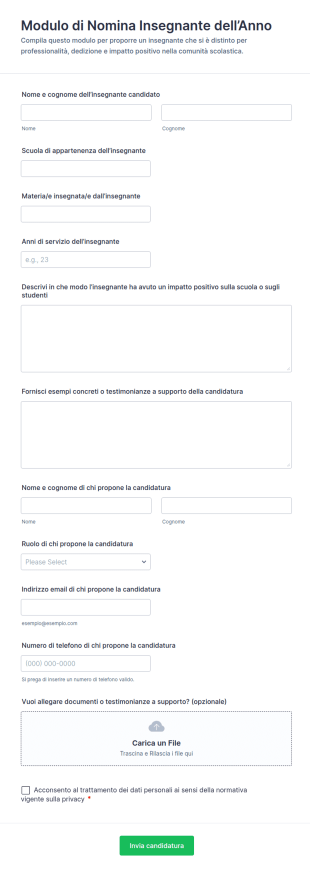
Modulo Di Nomina Insegnante Dell’Anno
Raccogli candidature per il riconoscimento Insegnante dell’Anno con un modulo pronto per scuole e comitati, utile per valutare le segnalazioni in modo coerente e organizzare la raccolta dati con Jotform.
Vai alla Categoria:Modulo di CandidaturaInformazioni sui Modulo di Candidatura
Nomination forms are structured documents used to submit, review, and track nominations for awards, recognitions, positions, or special opportunities. They help organizations collect consistent information about nominees, the reason for nomination, supporting evidence, and any required approvals so selection decisions can be fair and well-documented. Nomination forms are commonly used in companies, schools, nonprofits, professional associations, and event programs for employee recognition, leadership roles, scholarship nominations, committee selections, and award programs. By standardizing nominations, these forms reduce incomplete submissions, improve evaluation quality, and create a clear record of nominees and outcomes.
With Jotform, nomination forms can be created quickly using a no-code, drag-and-drop Form Builder and customized for different nomination programs. Conditional logic can show different questions based on nomination category, and file upload fields can collect letters of support, portfolios, or documentation. Submissions are stored in Jotform Tables, making it easy for reviewers to filter nominations by category, department, or status. Automated notifications can confirm submissions to nominators and route entries to selection committees for review.
Use Cases of Nomination Forms
Nomination forms support recognition programs and selection workflows across many organizations. Below are common ways these forms are used and the challenges they help solve.
Possibili utilizzi:
- Employee recognition and award nominations
- Scholarship, grant, or student award nominations
- Leadership role or committee nominations
- Event speaker or participant nominations
- Volunteer or community recognition nominations
- Peer-to-peer nomination programs and internal awards
Vantaggi:
- Collect complete nomination details in a consistent format
- Improve fairness by standardizing evaluation information
- Reduce manual coordination for committees and reviewers
- Create a searchable record of nominees and outcomes
Possibili proprietari e utenti:
- HR and employee engagement teams
- School administrators and academic committees
- Nonprofit program managers and coordinators
- Award selection committees and reviewers
- Employees, students, or community members submitting nominations
Differenze nei metodi di creazione:
- Award and recognition nomination forms focus on nominee details, achievement highlights, impact examples, and reason for nomination aligned to award criteria.
- Role and committee nomination forms emphasize qualifications, experience, availability, and agreement to responsibilities or terms.
- Open nomination and public submission forms prioritize simple entry flow, category selection, supporting attachments, and reviewer-ready summaries that reduce follow-up.
How to Create a Nomination Form
Creating a nomination form with Jotform helps you collect strong, comparable nominations while making review easier for committees.
1. Scegli un modello o inizia da zero
In My Workspace, click “Create” and select “Form.” Start with an award or application template and tailor it for nominations.
2. Add Nominee and Nominator Fields
Collect nominee name, role or affiliation, and contact details if needed. Add nominator details and relationship to nominee.
3. Capture the Nomination Justification
Include questions aligned with criteria such as achievements, impact, leadership, and examples. Use structured fields to keep responses comparable.
4. Use Conditional Logic for Categories
Show different questions based on nomination category or role type. This keeps the form focused and relevant.
5. Collect Supporting Evidence
Add file upload fields for letters, portfolios, or documentation. Include optional reference information if needed.
6. Publish and Manage Submissions in Jotform Tables
Publish the form and share it via email or website. Use Tables to filter nominations by category and export for review.
Domande Frequenti
1. What are nomination forms?
Nomination forms are documents or online forms used to submit and manage nominations for awards, recognition, roles, or opportunities.
2. Why are nomination forms important?
They standardize submissions, improve evaluation fairness, and create organized records for review and selection.
3. What information is typically included in nomination forms?
Common fields include nominee details, nomination category, justification aligned to criteria, supporting examples, and attachments or references.
4. Who uses nomination forms?
HR teams, schools, nonprofits, committees, and individuals submitting nominations all use nomination forms.
5. Are nomination forms only for awards?
No. They’re also used for committee positions, leadership roles, scholarships, speakers, and other selection-based opportunities.
6. Can nomination forms collect supporting documents?
Yes. Jotform supports file uploads for letters of support, portfolios, and other documentation.
7. Can Jotform route nominations to reviewers automatically?
Yes. You can set up email notifications or approval workflows to route submissions to a committee or reviewer group.
8. Can nomination forms be customized for different categories?
Yes. Conditional logic and custom fields can tailor the form for different awards, roles, and evaluation criteria.