# Create Accessible Forms for Free | Jotform

# Maak toegankelijke formulieren met Jotform

At Jotform, we believe everyone should be able to use online forms without difficulty. That’s why we’re constantly working to make sure you can easily create accessible online forms for all your site visitors, including those with disabilities.

Aanmelden met Google Aanmelden met Apple

OF

Aanmelden met e-mailadres Het is gratis!

[Video 1](https://cdn.jotfor.ms/videos/landing/accessible-forms/easy-to-use.ogv)

## Gebruiksvriendelijke formulierbouwer

Our drag-and-drop form builder requires no coding knowledge, so you can create any fillable form or survey with ease. You have the option to enable a built-in accessibility checker that will notify you if your form doesn’t meet Section 508 and WCAG 2.1 standards.
![Image 1: Robust Accessibility Features](https://cdn.jotfor.ms/p/accessible-forms/assets/img-min/home/robust.svg)

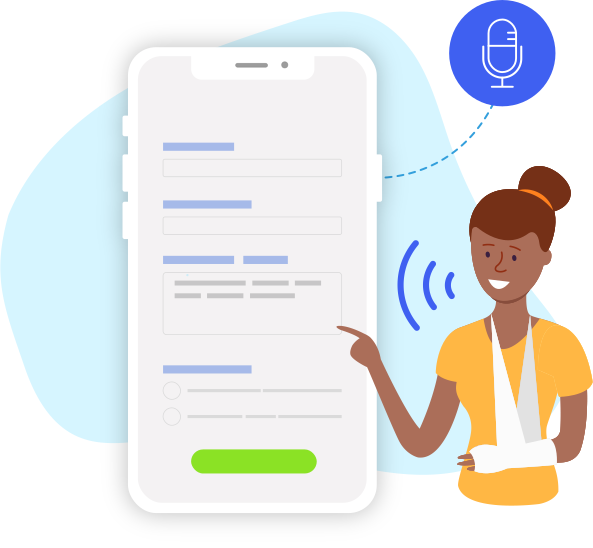
## Krachtige toegankelijkheidsfuncties

Many of our form fields and widgets provide alt-text descriptions for users with visual impairments or cognitive disabilities. Filling out our forms doesn’t require fine motor control, and Jotform supports standard input mechanisms such as user-provided keyboards and pointing devices. For better readability, our form builder offers accessible color schemes for both classic and card forms.
**Vragenlijst over medische geschiedenis**VOLGENDE![Image 2: Form Accessibility Badges](https://cdn.jotfor.ms/p/accessible-forms/assets/img-min/home/form-badge.svg)

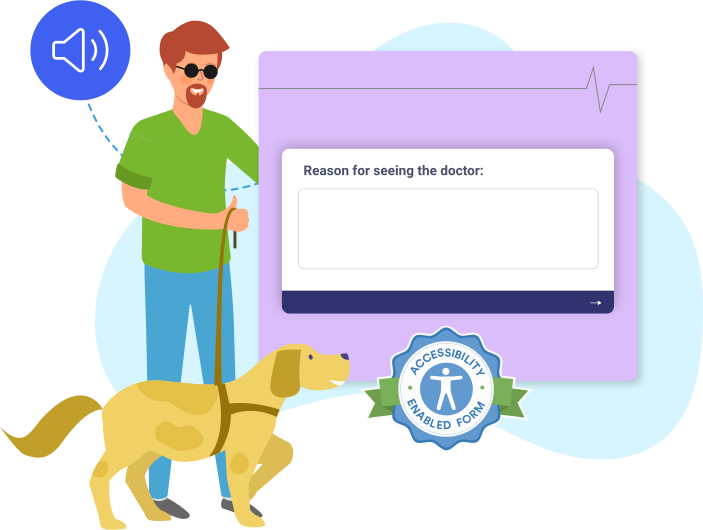
## Badges voor toegankelijkheid van formulieren

Enable form accessibility on your form to add an accessibility badge. This badge lets users know that they can use assistive technologies, such as screen readers, to fill out the form.

## WCAG- en artikel 508-compliance

Formulieren die met Jotform zijn gemaakt, voldoen aan de WCAG 2.1-normen op niveau A en niveau AA. Met de instelling voor formuliertoegankelijkheid kun je formulieren maken die voldoen aan Section 508. Lees onze [VPAT](https://www.jotform.com/accessible-forms/vpat.pdf) voor meer informatie over hoe Jotform aan de toegankelijkheidscriteria voldoet.

## Kant-en-klare formuliertemplates

Get a head start with our selection of professionally designed templates that you can easily customize with our form builder.

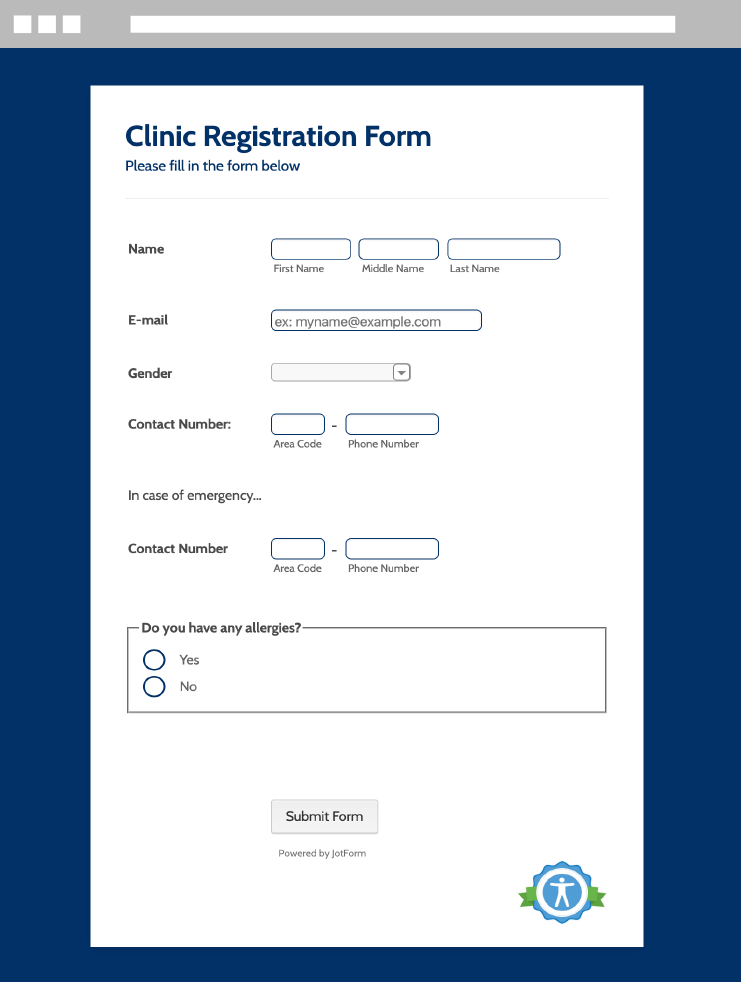
### Registratieformulieren voor klinieken

![Image 3: Flower Order Form](https://cdn.jotfor.ms/image/r/aHR0cHM6Ly9jZG4uam90Zm9yLm1zL3AvYWNjZXNzaWJsZS1mb3Jtcy9hc3NldHMvaW1nLW1pbi9ob21lL2Zvcm0tY2xpbmljLXJlZ2lzdHJhdGlvbi5wbmc=/form-clinic-registration.png?w=40&t=1)

Template gebruiken

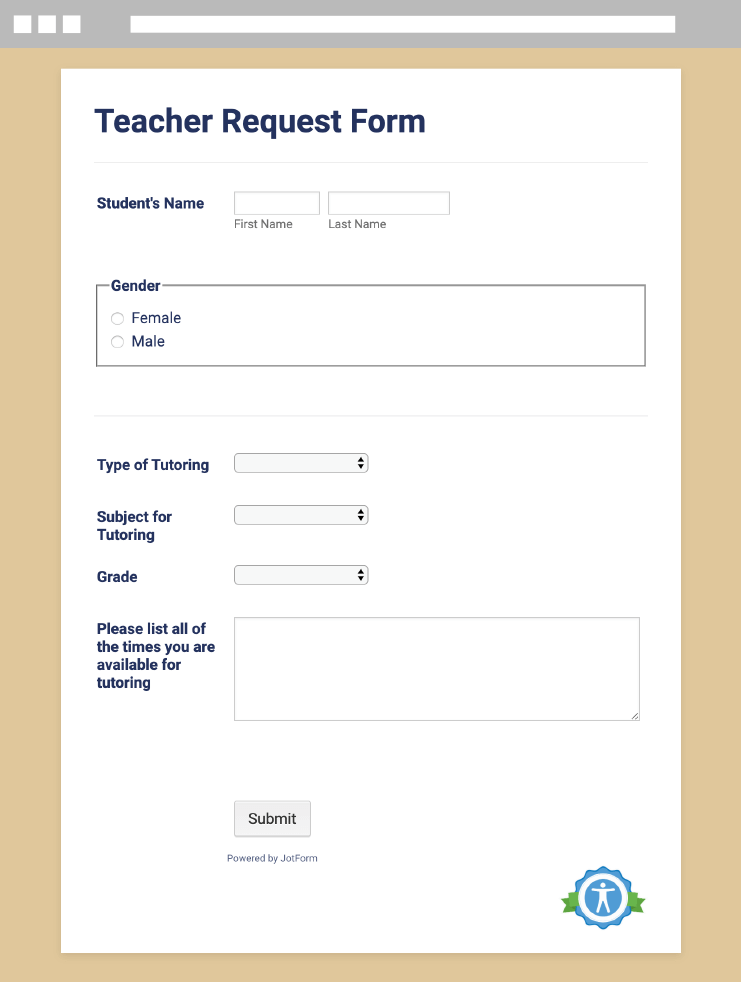
### Aanvraagformulier voor docenten

![Image 4: Teacher Request Form](https://cdn.jotfor.ms/image/r/aHR0cHM6Ly9jZG4uam90Zm9yLm1zL3AvYWNjZXNzaWJsZS1mb3Jtcy9hc3NldHMvaW1nLW1pbi9ob21lL2Zvcm0tdGVhY2hlci1yZXF1ZXN0LnBuZw==/form-teacher-request.png?w=40&t=1)

Template gebruiken

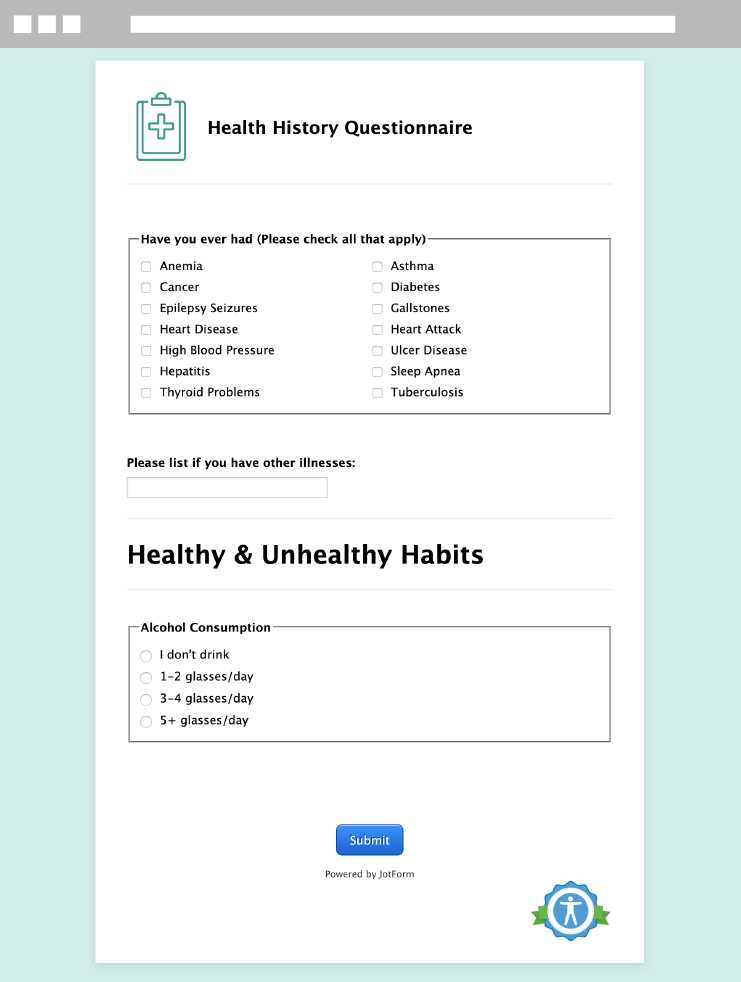
### Vragenlijst over medische geschiedenis
![Image 5: Health History Questionnaire](https://cdn.jotfor.ms/image/r/aHR0cHM6Ly9jZG4uam90Zm9yLm1zL3AvYWNjZXNzaWJsZS1mb3Jtcy9hc3NldHMvaW1nLW1pbi9ob21lL2Zvcm0taGVhbHRoLWhpc3RvcnkucG5n/form-health-history.png?w=40&t=1)

Template gebruiken

## Hoe kan ik toegankelijkheid van formulieren activeren?

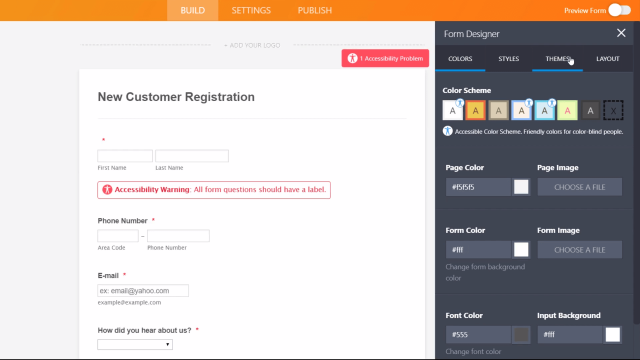
Jotform vindt het belangrijk dat iedereen, inclusief gebruikers met een beperking, eenvoudig toegang tot online formulieren heeft. Bekijk onze video over hoe je toegankelijkheid van formulieren kunt activeren.
![Image 6: How to enable form accessibility?](https://cdn.jotfor.ms/image/r/aHR0cHM6Ly9jZG4uam90Zm9yLm1zL3AvYWNjZXNzaWJsZS1mb3Jtcy9hc3NldHMvaW1nLW1pbi9ob21lL3ZpZGVvLWNvdmVyLWRlc2t0b3AucG5n/video-cover-desktop.png?w=40&t=1)

Nu bekijken!

## Veelgestelde vragen

*    
### What are accessible forms? Accessible forms are forms designed to be usable by everyone, including people with visual, cognitive, or motor disabilities. With Jotform, you can create accessible forms that support assistive technologies and help you meet accessibility standards like WCAG 2.1 and Section 508.   
*    
### What is Section 508 compliance? Section 508 compliance follows standards set by Section 508, an amendment to the U.S. Rehabilitation Act of 1973, which requires certain organizations to make all technology and internet content accessible for people with disabilities. Even if your organization isn’t required by the government to comply with Section 508, it’s important to make your online forms accessible to everyone for equal access and opportunity.   
*    
### Who needs to be Section 508 compliant? Section 508 requires all agencies that receive federal funding to make their electronic and information technology accessible to people with disabilities. This requirement applies to both the companies’ employees and members of the public. These agencies include government agencies, nonprofits that receive federal funding, public K–12 schools, and public colleges and universities.   
*    
### Is Jotform Section 508 compliant? You can build accessible forms for free on all Jotform plans! Our built-in Section 508 compliance feature automatically warns you if you add a form feature that isn’t Section 508 compliant. Jotform also uses standard HTML and WAI-ARIA attributes to describe user interface elements to assistive technologies, and supports standard browser magnification, contrast adjustments, and standard input mechanisms such as user-provided keyboards and pointing devices.   
*    
### What is WCAG compliance? The Web Content Accessibility Guidelines (WCAG) explain how to make website content more accessible to those with disabilities. WCAG aims to make site information and user interfaces perceivable, operable, understandable, and robust enough to be interpreted by assistive technologies.   
*    
### Who needs to be WCAG compliant? Since WCAG is a set of formal guidelines, it’s not necessarily a legal requirement to be WCAG compliant. However, many organizations have adopted WCAG standards regardless, and some countries (the United Kingdom, Canada, Australia) require WCAG compliance for government agencies. Additionally, many WCAG success criteria are required under Section 508 for federal agencies in the United States.   
*    
### Is Jotform WCAG compliant? Volgens de WCAG 2.1-normen voldoet Jotform standaard aan niveau A en niveau AA. Alle formulierelementen zijn voorzien van alternatieve beschrijvingen voor mensen met een visuele of cognitieve beperking, waardoor je een toegankelijk formulier voor je doelgroep kunt maken. Lees onze VPAT voor meer informatie over hoe Jotform aan de WCAG-criteria voldoet.

To learn more about how to make your forms Section 508 compliant, please check out our complete [user guide.](https://www.jotform.com/help/chapter-21-creating-accessible-forms/)   
*    
### Wat is een Voluntary Product Accessibility Template (VPAT)? Een Voluntary Product Accessibility Template (VPAT) biedt een uitgebreid overzicht van de manier waarop een specifiek product of een specifieke technologie aan de Section 508- en WCAG-normen voldoet. Als je bedrijf wettelijk verplicht is om toegankelijkheidsrichtlijnen na te leven, kun je [onze VPAT lezen](https://www.jotform.com/accessible-forms/vpat.pdf).   
*    
### How can I make my forms accessible? To make your forms accessible, head to the settings in your form and enable our built-in accessibility checker. Our Form Builder will then analyze your form for accessibility issues and let you know which form fields are not accessible to all users. You can then remove or change the form fields, widgets, or color schemes to make your forms fully accessible! Visit our user guide for more information on [how to make your forms accessible.](https://www.jotform.com/help/592-how-can-i-make-my-forms-accessible/)   
*    
### What should I consider when making accessible forms? The most important thing to remember when building accessible online forms is how your web experience may differ from that of your users. To make your forms more user-friendly for those both with and without disabilities, we recommend avoiding long questions, labeling all form fields, and including alternative text for images. Read our user guide for [tips on making accessible forms](https://www.jotform.com/help/593-best-practices-to-follow-when-making-accessible-forms/).   
*    
### How can I learn more about Jotform’s accessibility features? For more information about how Jotform enables you to create accessible online forms, please refer to our user guide or contact our [support team](https://www.jotform.com/contact/).   

Bekijk meer

## Webinar

[](https://www.jotform.com/accessible-forms/webinar-accessible-forms/)[Webinar Bekijken](https://www.jotform.com/accessible-forms/webinar-accessible-forms/)

## Prijzen

[](https://www.jotform.com/accessible-forms/pricing/)[Zie Prijzen](https://www.jotform.com/accessible-forms/pricing/)

## Handleiding

[](https://www.jotform.com/help/chapter-21-creating-accessible-forms/)[Handleiding lezen](https://www.jotform.com/help/chapter-21-creating-accessible-forms/)

## Blog

[](https://www.jotform.com/blog/announcing-accessible-forms/)[Lees Blog Post](https://www.jotform.com/blog/announcing-accessible-forms/)

**JOTFORM ENTERPRISE**

Professionele oplossingen van Jotform Enterprise

Ontdek de voordelen die Jotform Enterprise jouw organisatie biedt met naadloze automatisering, samenwerking en schaalbaarheid.

[Neem contact met ons op](https://www.jotform.com/enterprise/contact-sales/?jtm_medium=referral&jtm_source=accessible_forms&jtm_content=enterprise_contact_section&jtm_campaign=enterprise_cta)[Lees meer](https://www.jotform.com/enterprise/?jtm_medium=referral&jtm_source=accessible_forms&jtm_content=enterprise_learn_section&jtm_campaign=enterprise_cta)

[![Image 7: Back To Top](https://cdn.jotfor.ms/p/accessible-forms/assets/img-min/backToTop.svg)](https://www.jotform.com/nl/accessible-forms/?jfNext=1 "Back to top")