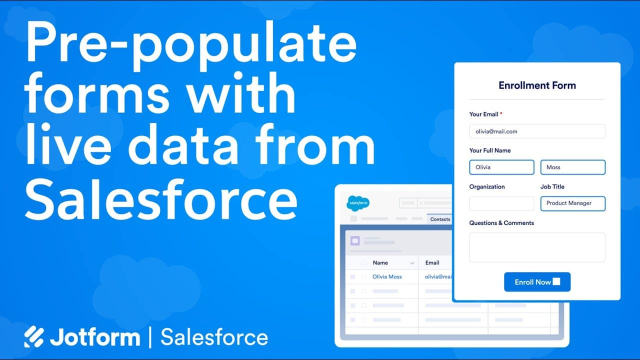
Create Salesforce Prefilled Forms
Pre-populate your forms with data from your Salesforce CRM to increase conversions and create a seamless customer experience. Discover how you can set up a prefilled Salesforce form in just a few easy steps.
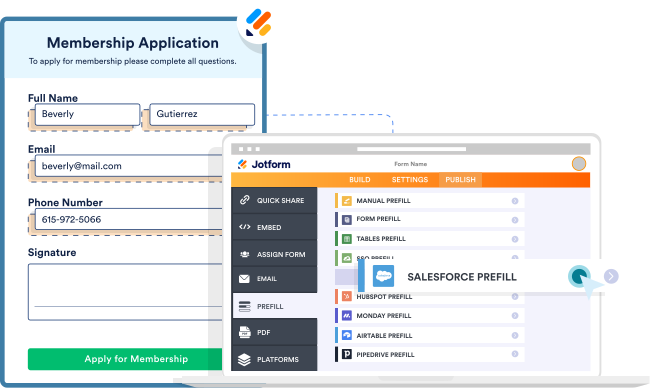
Create a form
Create a prefilled form
Build your online form from scratch or customize a readymade template — then select Salesforce as your Jotform Prefill method.
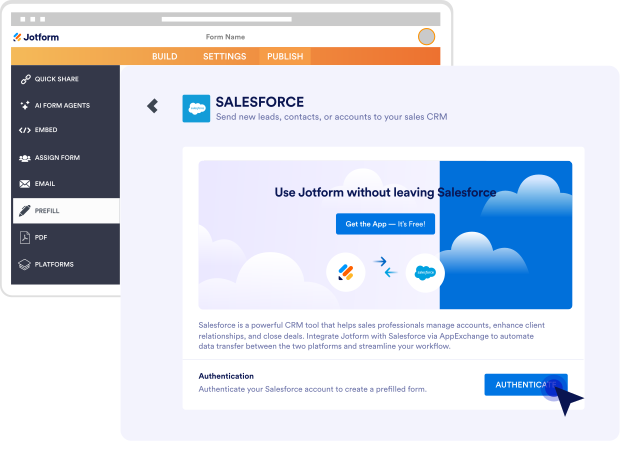
Authenticate
Connect to Salesforce
Connect your Salesforce account to Jotform by providing your Salesforce login credentials in our Form Builder.
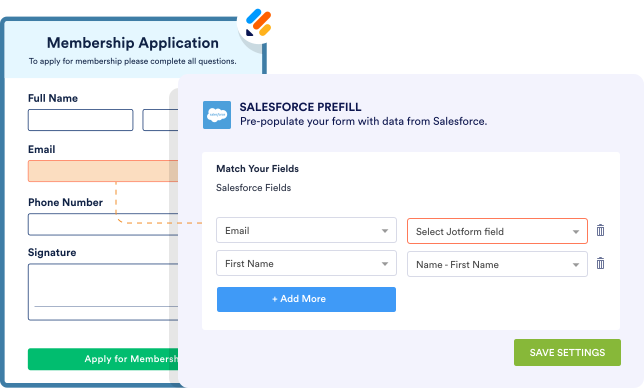
Setup
Match form fields
Define lookup criteria and map fields using any object to pre-populate forms with data from your Salesforce account.
Share
Send your form to Salesforce contacts
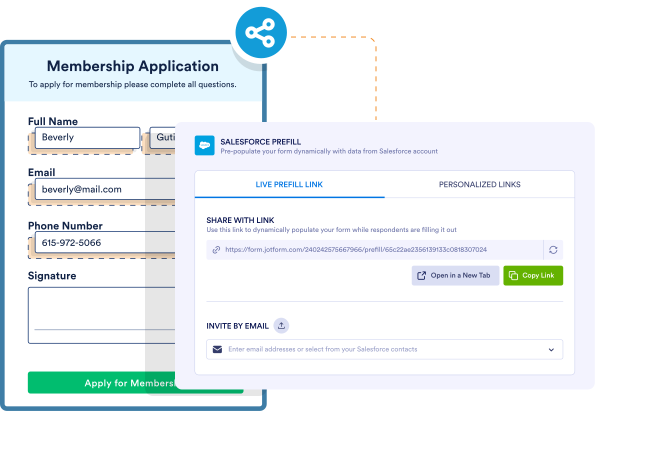
Share a live prefill link to populate forms with Salesforce data in real time, or create unique, personalized links for each record.
Pre-populate forms with live Salesforce data