

How the Cincinnati Zoo named its new hippo using Jotform
by Chad Reid | January 23, 2024
Make the voting process easier with Jotform’s free online poll maker. Create a fully customized online poll in just a few easy steps — no coding required. Share your poll on your website or social media accounts and instantly collect responses from any device.
Make the voting process easier with Jotform’s free online poll maker. Create a fully customized online poll in just a few easy steps — no coding required. Share your poll on your website or social media accounts and instantly collect responses from any device.
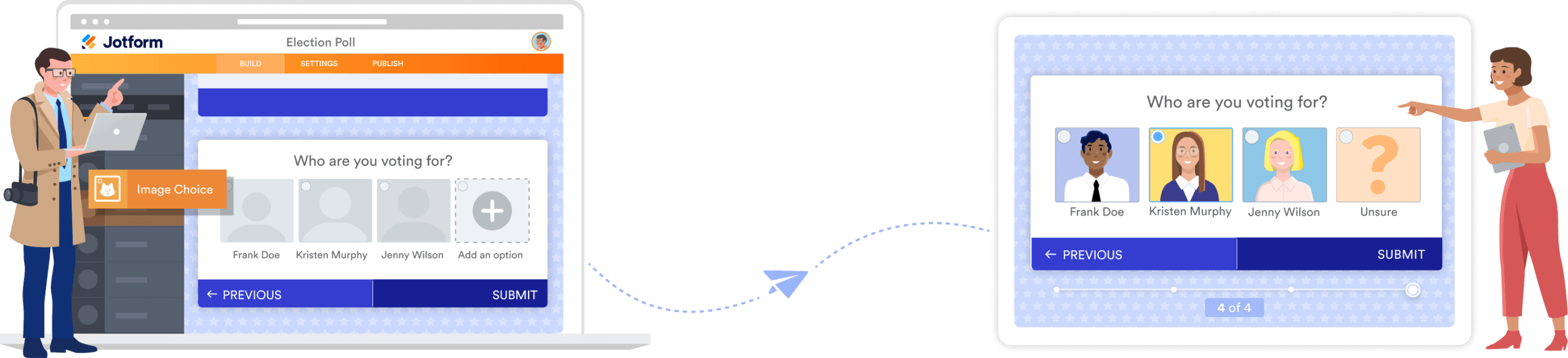
Not sure how to create an online poll? No problem. Use our free, ready-to-use poll templates. Just customize them to your liking with our Form Builder — it only takes a few minutes. Build anonymous polls, meeting polls, voting polls, and more.
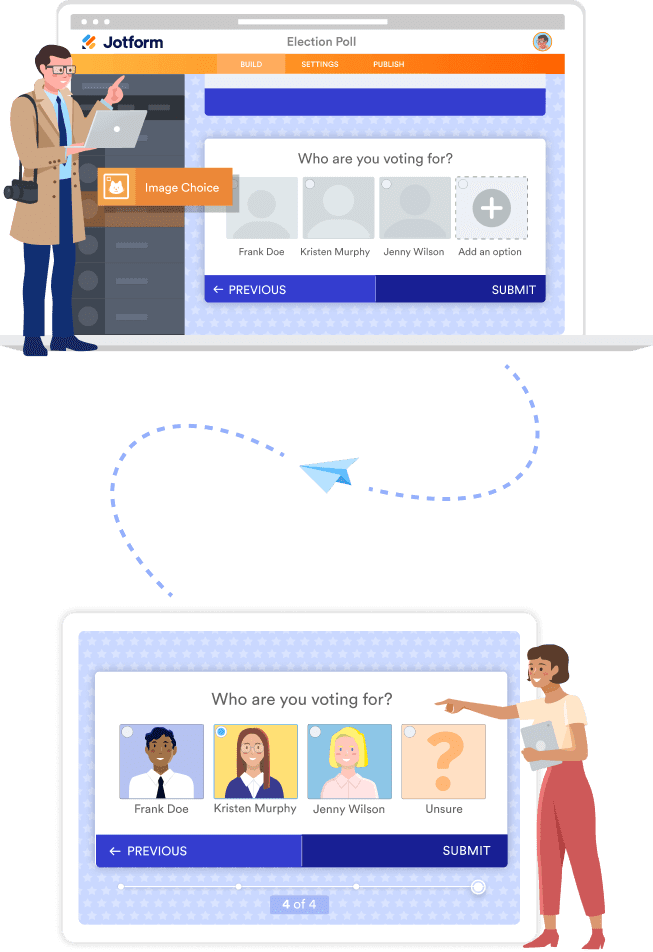
No coding necessary. With Jotform’s online poll creator, all you have to do is drag and drop to add questions, slides, data tables, images, and your branding. Use our no-code online poll maker for your classroom, business, or other needs.
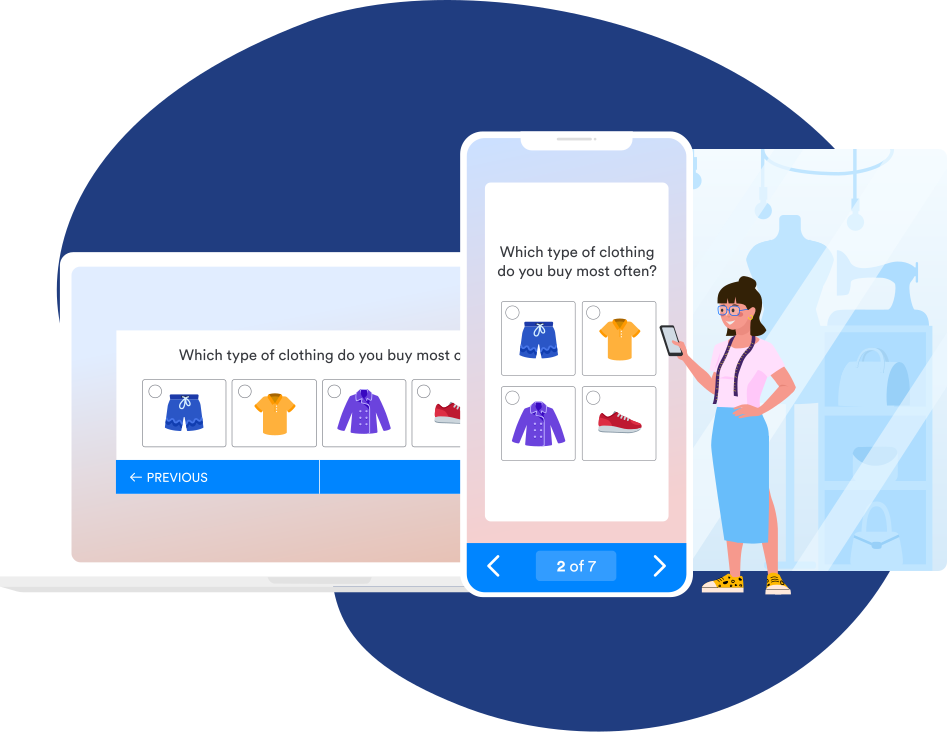
All Jotform polls are mobile-friendly by default, so they’ll look and work great on all devices. Voters will be able to easily fill out your poll from their computer, tablet, or smartphone.
Get more votes by publishing your poll where your audience can see it. Embed your poll in your website, send email invitations, or share it on social media with ease.
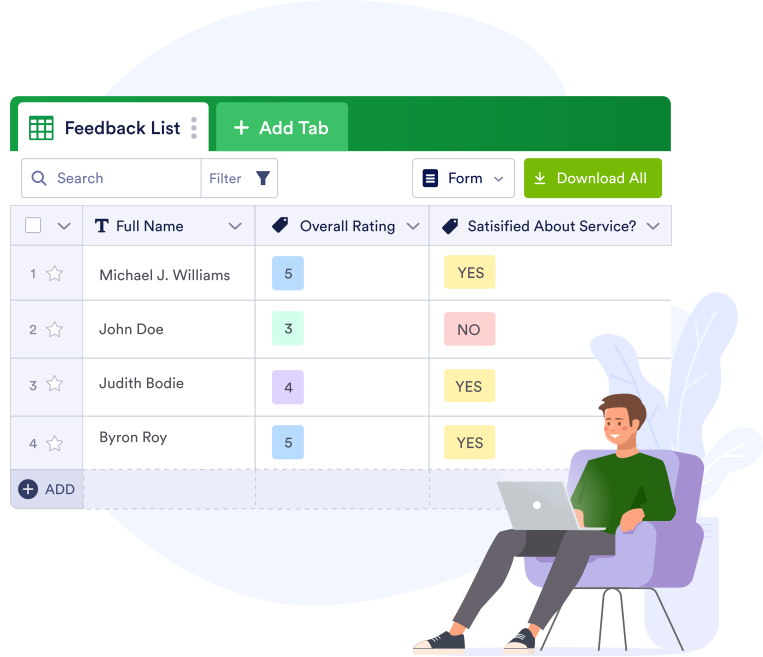
All poll responses will be synced to a spreadsheet in Jotform Tables. You can view, organize, and export results from one place — manage student or employee data exactly how you want.
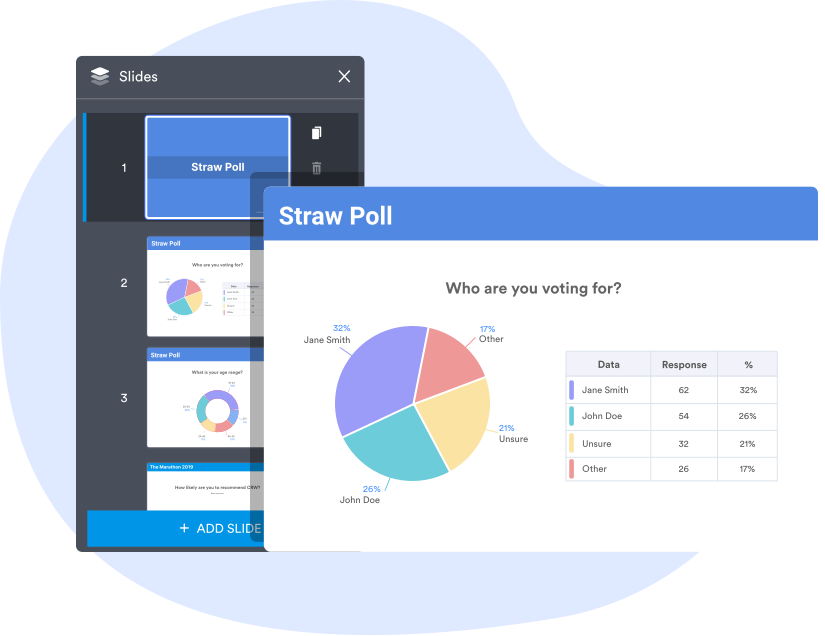
Turn poll results into graphs and reports with Jotform Report Builder. In one click, you can convert submissions into customizable visual reports that you can even add to your website.
TESTIMONIALS
This is the best tool ever!!! When we were looking for a solution for online registrations, options that we saw involved spending thousands of dollars with no easy customization - it involved paying developers for their time! With Jotform, you can make changes yourself and don't need a whole lot of experience in developing or coding! Love it and will probably continue using it for many years to come!
Online polls have a wide variety of uses depending on the type of business or organization you’re part of. Polls are great for collecting feedback on everything from marketing collateral to the best time to meet, as well as for voting and gauging community opinions.
The Jotform Form Builder offers many online poll types for you to use. Here are a few examples of online polls and their uses:
1. Image poll
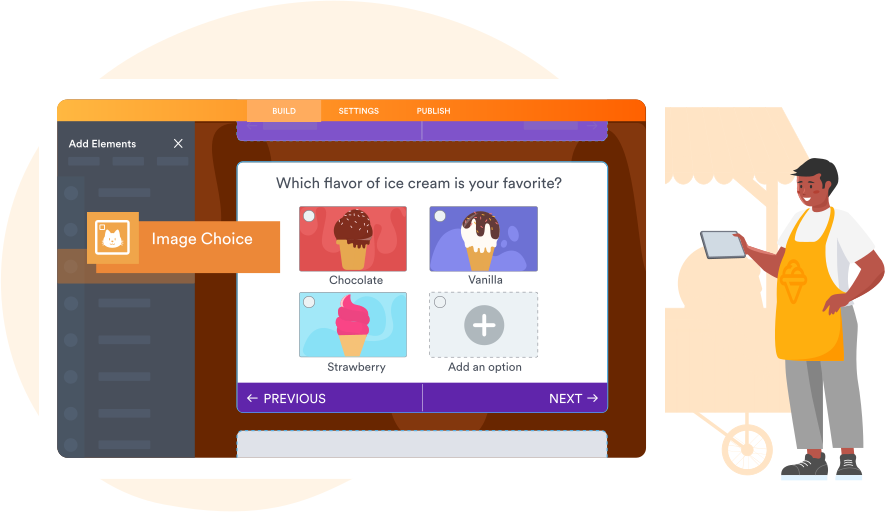
Need to know which image works best for your campaign or advertisement? Create a quick image poll and hold a vote to find the winning design.
2. Scheduling poll
Gather responses about the best time to meet with your team or clients using an easy scheduling poll.
3. Video poll
Need to test which project video is the most effective or the most enjoyed? Try holding a video poll to decide.
4. Exam date poll
Find the best date for your exam by polling your students and/or associates.
5. Opinion poll
Need to take a quick pulse survey to gauge your community’s opinions? Try an opinion poll to gather that data.
6. Quick poll
Quick polls are an efficient, streamlined way to get your team to choose something fast.
7. Voting poll
Pick a winning candidate or idea with a straightforward voting poll all your associates can take part in.
8. Straw poll
Straw polls are unofficial votes — you can use them to learn about popular opinions and develop a structure for your work environment.
A poll maker is a tool that allows users to create and personalize an online poll.
A poll maker can help you create an online poll, which is great for gathering useful customer or employee feedback, gauging interest in a possible topic or product, scheduling meeting times, and more.
No matter what you’re researching, Jotform makes it easier than ever to create and conduct online polls. Using the drag-and-drop poll maker, you can make a poll from scratch or customize one of hundreds of free templates to meet your exact needs. Share your poll with your audience via link or email invitation, or by assigning it. You’ll receive poll responses instantly, synced to your Jotform account, where you can easily track and organize results, share your findings with others, or turn responses into reports in a single click. Collect the information you need and make the most of your data with Jotform’s free online poll maker.
Whether you host your website with WordPress, Google Sites, Wix, or Squarespace, Jotform offers adaptable embed codes for nearly every type of website. Just open your poll in the Jotform Form Builder, go to the Publish tab, and find your website type’s unique embed code in the Platforms tab on the left side of your screen. If you can’t find your website type, go to the Embed tab instead and copy and paste the auto-generated embed code into your website’s HTML. To learn more about how to embed a poll in your website, visit our user guide.
To share your poll on Facebook, Twitter, or another social media platform, start by getting your form link, which you can find in the Publish tab of the Jotform Form Builder. Then just copy and paste it into the social media post you’d like to publish! You can view the responses you receive through social media directly from your Jotform account.
Yes! To add photos to your poll, open the Form Builder and select the image option from the list of basic form elements. You can upload your file from your device or provide the URL, adjust the size and alignment of your image, and include hover or alternative text. To add videos, you can embed videos in your poll by using Jotform’s many video widgets.
You can turn submissions into professional visual reports fast with Jotform Report Builder! Generate instant visual reports of your data using pie charts, bar charts, tables, and more — you can even make your reports downloadable, shareable, or embeddable. Learn more about how to visualize and present your data in seconds on our Jotform Report Builder page.
Classic forms let you display as many poll questions as you’d like on a single page. However, you can choose to make your poll a card form, which displays one question at a time. If your poll is a card form and you’d like to add multiple questions to one page, you’ll need to use the multiline form field — it lets you ask up to four questions at once.
To prevent voters from making multiple submissions through your forms, you’ll need to enable Unique Submissions on your poll via the Settings tab in our Form Builder. You can then elect to check cookies or IP addresses to verify submissions and prevent duplicate votes from the same user.
Yes. Jotform protects all data with powerful security features, including a 256-bit SSL connection, GDPR compliance, CCPA compliance, and the option to encrypt your polls. Visit our security page to learn more about Jotform’s data security measures.