# Task Management with Intuitive Kanban Software | Jotform Boards

**Jotform Boards**

# The Kanban Software for Smarter Task Management

Jotform Boards combines the power of Kanban software with seamless task management, making it easy for teams to track, organize, and process tasks collaboratively. Start from scratch or turn form submissions into tasks while customizing every step to fit your business needs.

[Create a Board - It’s Free](https://www.jotform.com/workspace/new?assetCreationType=board)

## Explore ready-to-use Kanban Board Templates

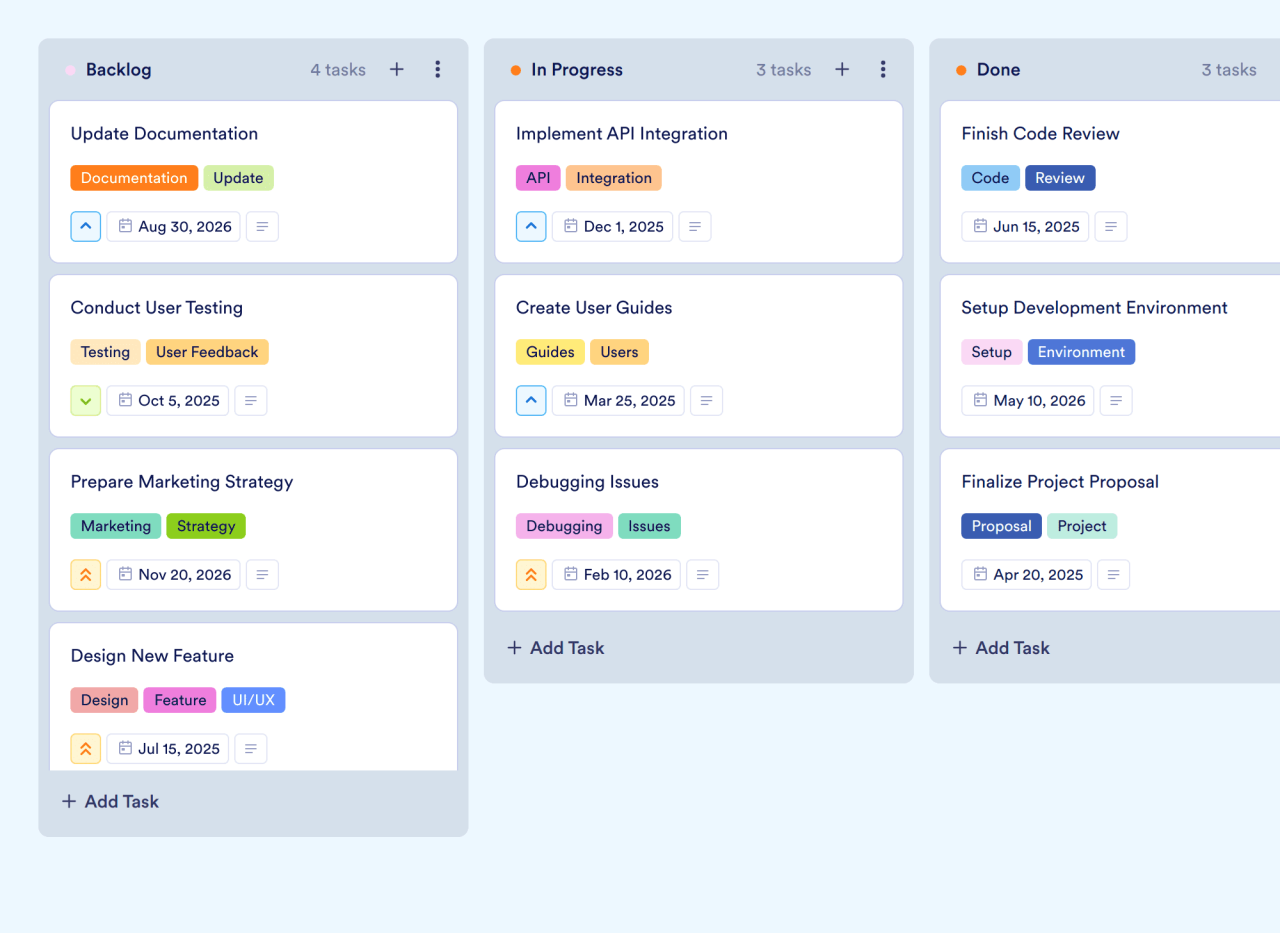
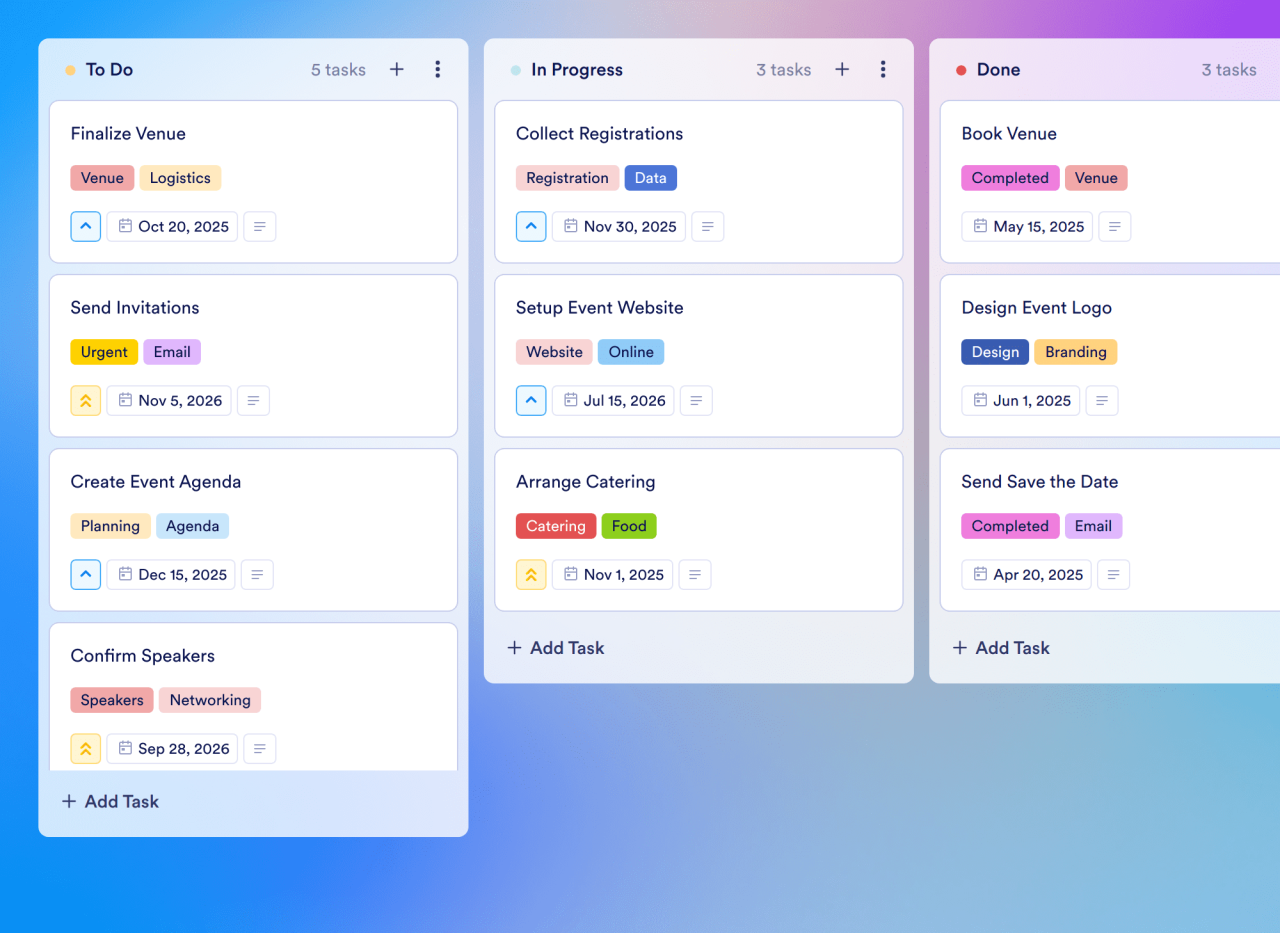
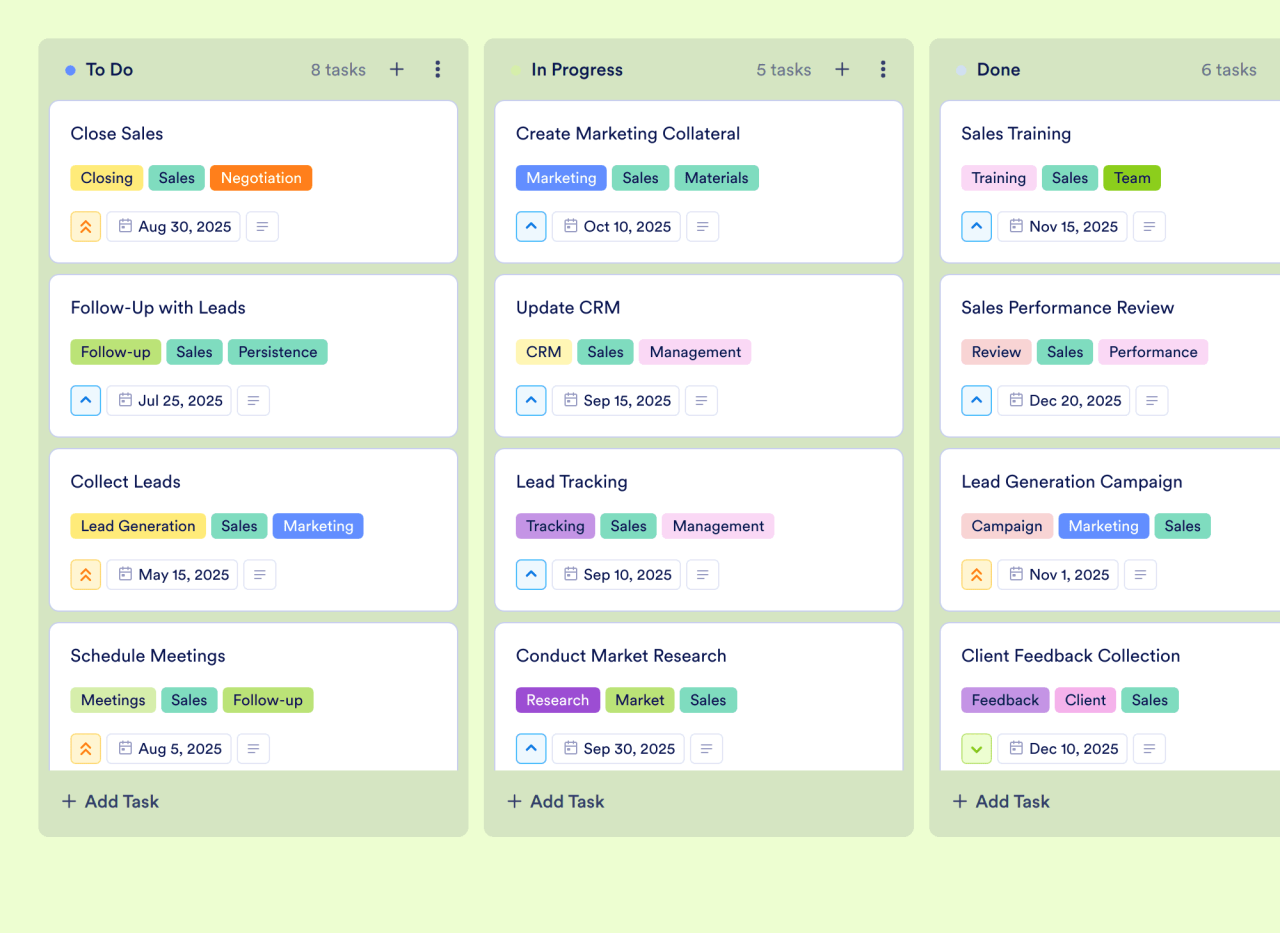
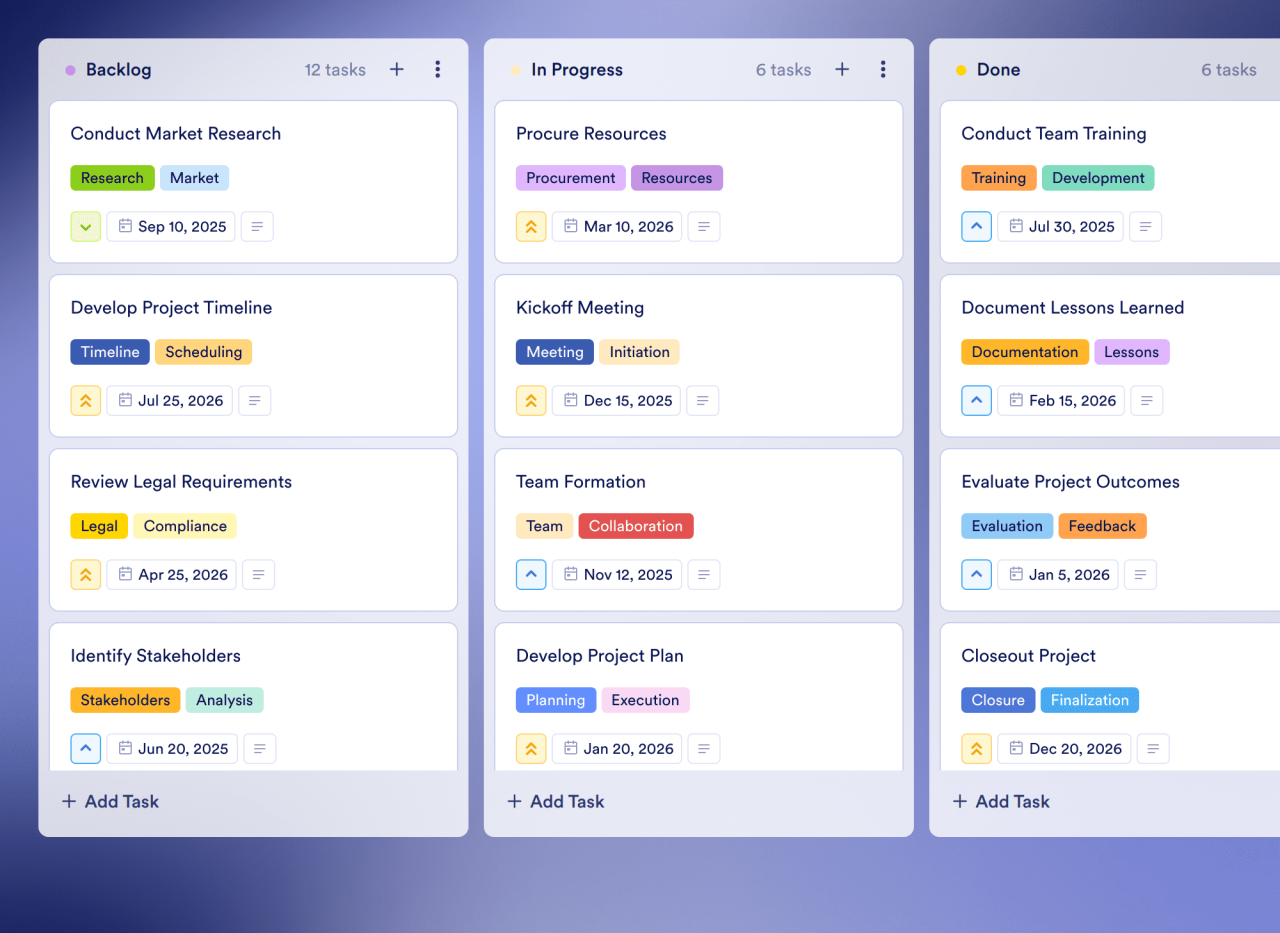
Streamline your work with pre-designed Kanban software templates created for project management, event planning, lead tracking, and more. Customize templates or build your own to reflect your team’s workflow—no coding required.
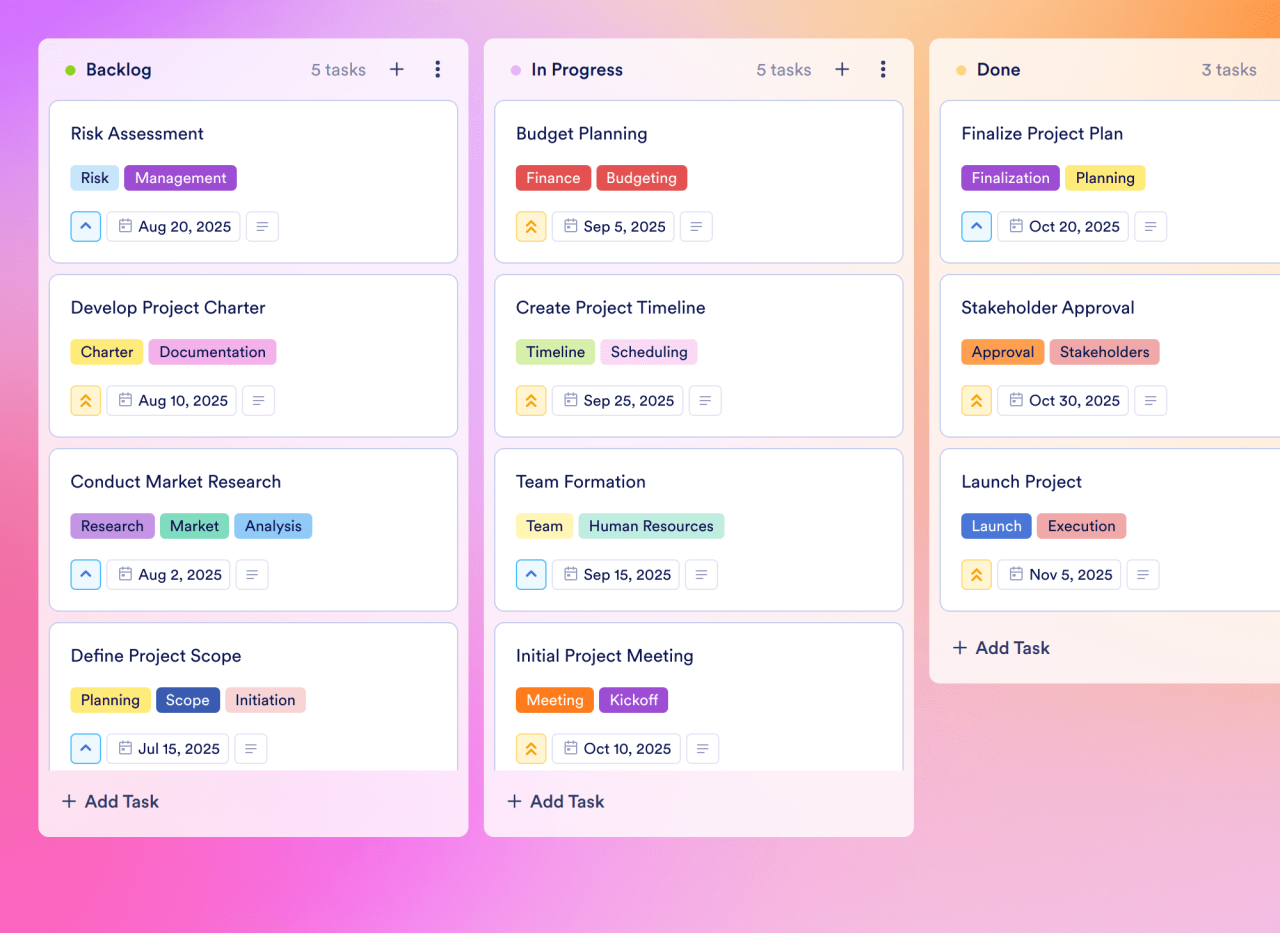
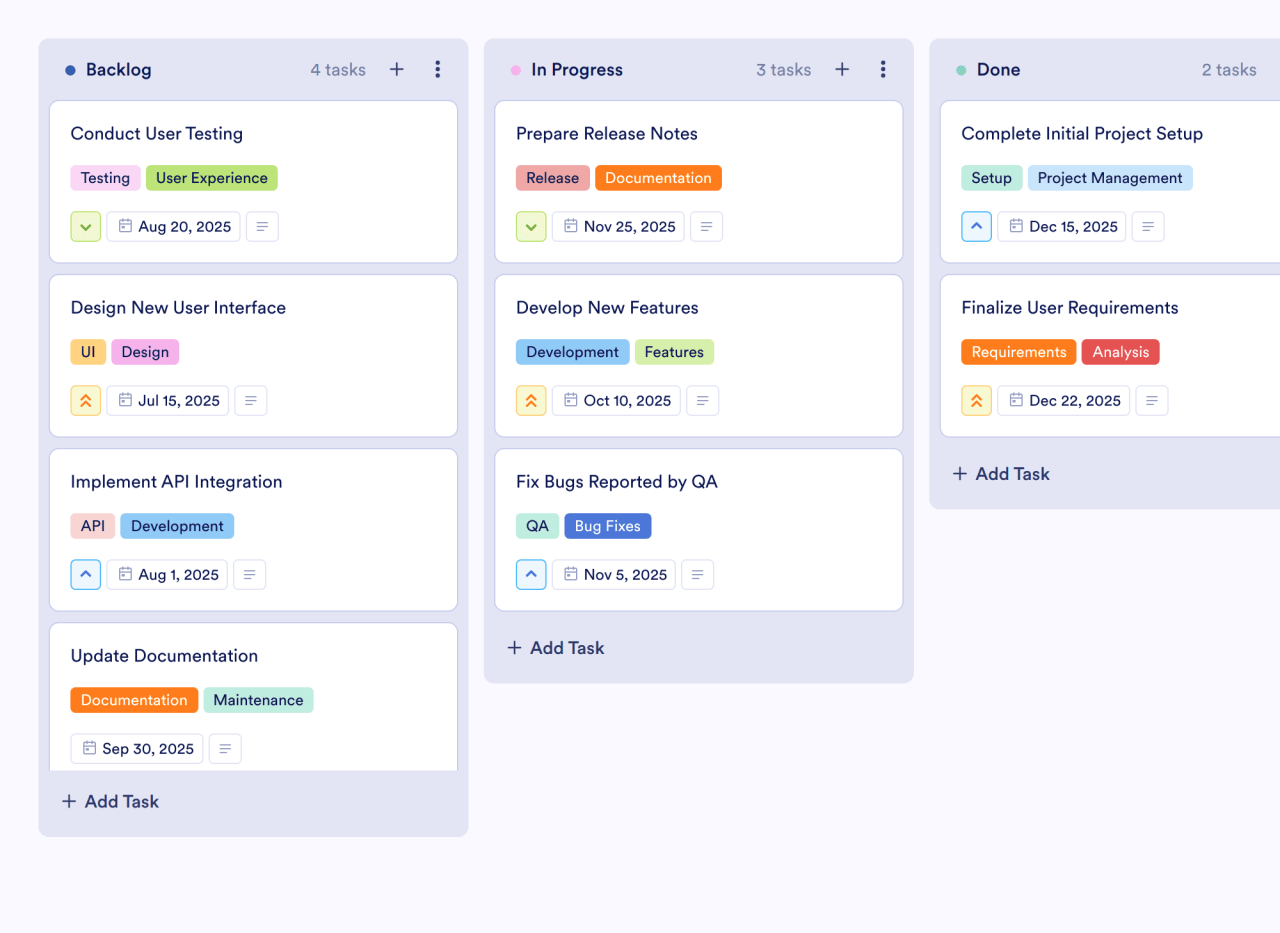
Project Plan Task Management Kanban Board Event Management Lead Tracking Action Plan

![Image 1: Project Plan](https://cdn.jotfor.ms/templates/screenshot/board-templates/project-plan-template.png?w=1280)Preview

![Image 2: Task Management](https://cdn.jotfor.ms/templates/screenshot/board-templates/task-management-template.png?w=1280)Preview

![Image 3: Kanban Board](https://cdn.jotfor.ms/templates/screenshot/board-templates/kanban-board-template.png?w=1280)Preview

![Image 4: Event Management](https://cdn.jotfor.ms/templates/screenshot/board-templates/event-management-template.png?w=1280)Preview

![Image 5: Lead Tracking](https://cdn.jotfor.ms/templates/screenshot/board-templates/lead-tracking-template.png?w=1280)Preview

![Image 6: Action Plan](https://cdn.jotfor.ms/templates/screenshot/board-templates/action-plan-template.png?w=1280)Preview

Use Template Preview

## How Jotform Boards work

![Image 7: Create a board](https://cdn.jotfor.ms/image/r/aHR0cHM6Ly9jZG4uam90Zm9yLm1zL3AvcHJvZHVjdHMvYm9hcmRzL2Fzc2V0cy9pbWctbWluL2thbmJhbi1zb2Z0d2FyZS9ob3d0by8xLnBuZz92PTEuMQ==/1.png?w=40&t=1)

### Create a board

Start from scratch or connect your forms to generate tasks automatically.
![Image 8: Organize & track tasks](https://cdn.jotfor.ms/image/r/aHR0cHM6Ly9jZG4uam90Zm9yLm1zL3AvcHJvZHVjdHMvYm9hcmRzL2Fzc2V0cy9pbWctbWluL2thbmJhbi1zb2Z0d2FyZS9ob3d0by8yLnBuZz92PTEuMQ==/2.png?w=40&t=1)

### Organize & track tasks

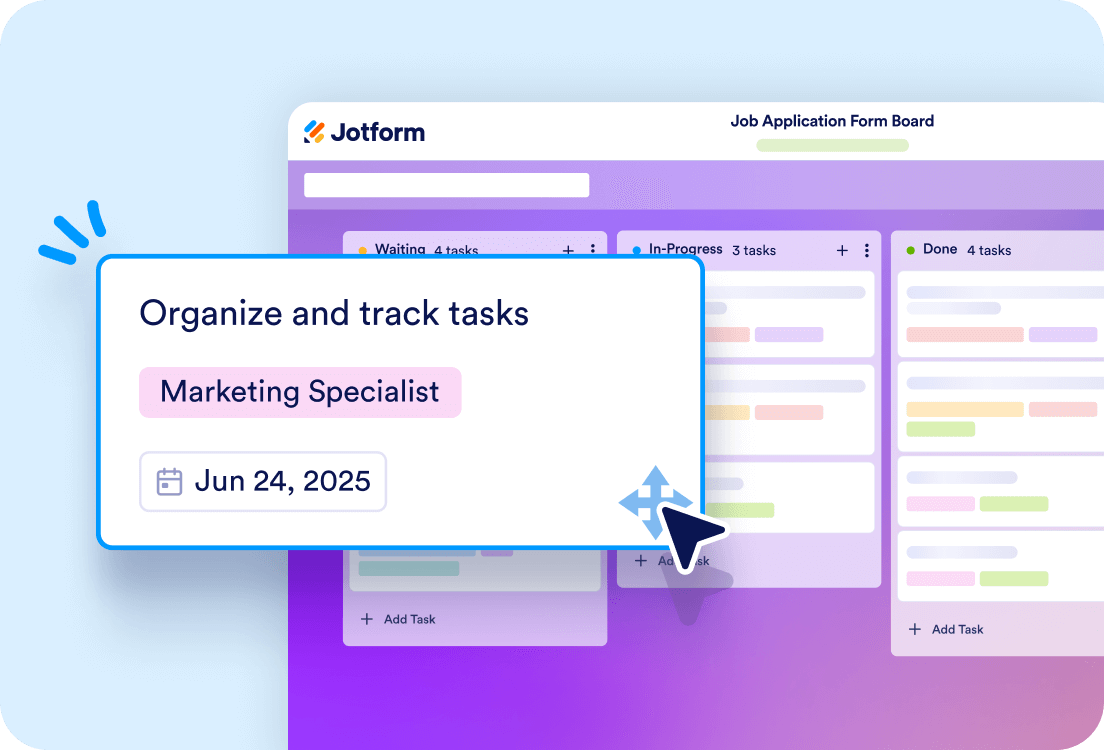
Use Kanban boards, set priorities, and filter tasks for better workflow management.
![Image 9: Collaborate with your team](https://cdn.jotfor.ms/image/r/aHR0cHM6Ly9jZG4uam90Zm9yLm1zL3AvcHJvZHVjdHMvYm9hcmRzL2Fzc2V0cy9pbWctbWluL2thbmJhbi1zb2Z0d2FyZS9ob3d0by8zLnBuZz92PTEuMQ==/3.png?w=40&t=1)

### Collaborate with your team

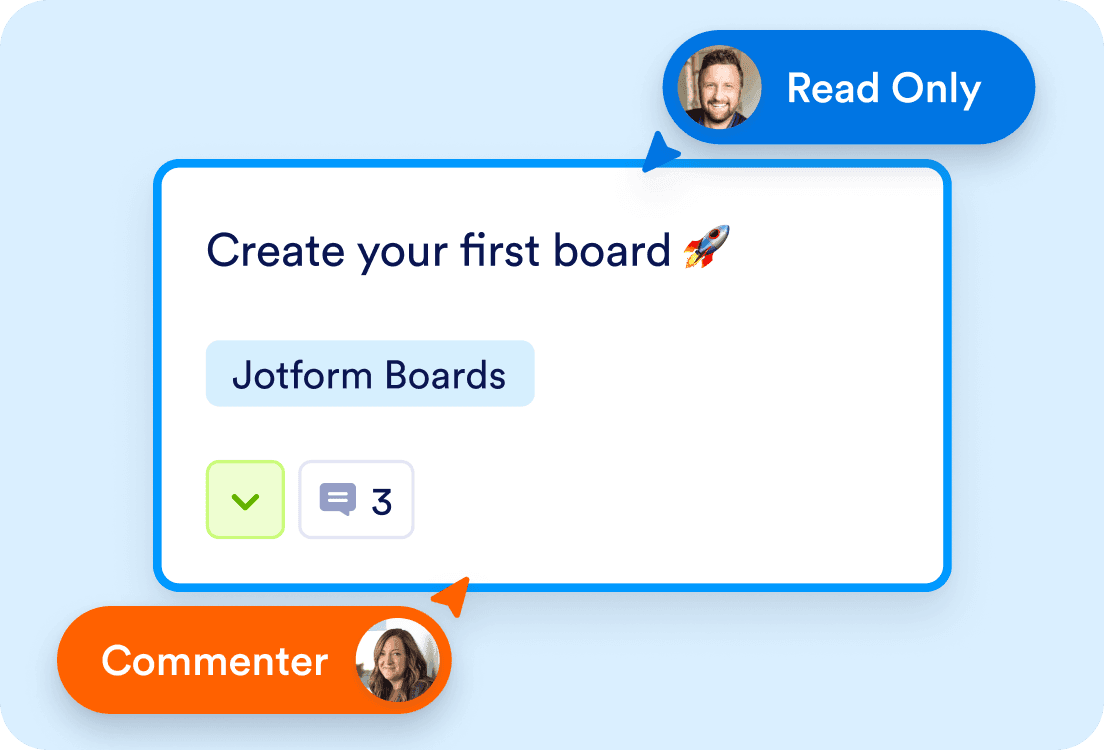
Assign tasks, add comments, and monitor task history with the activity log.

## Key features

## Seamless form-to-task integration

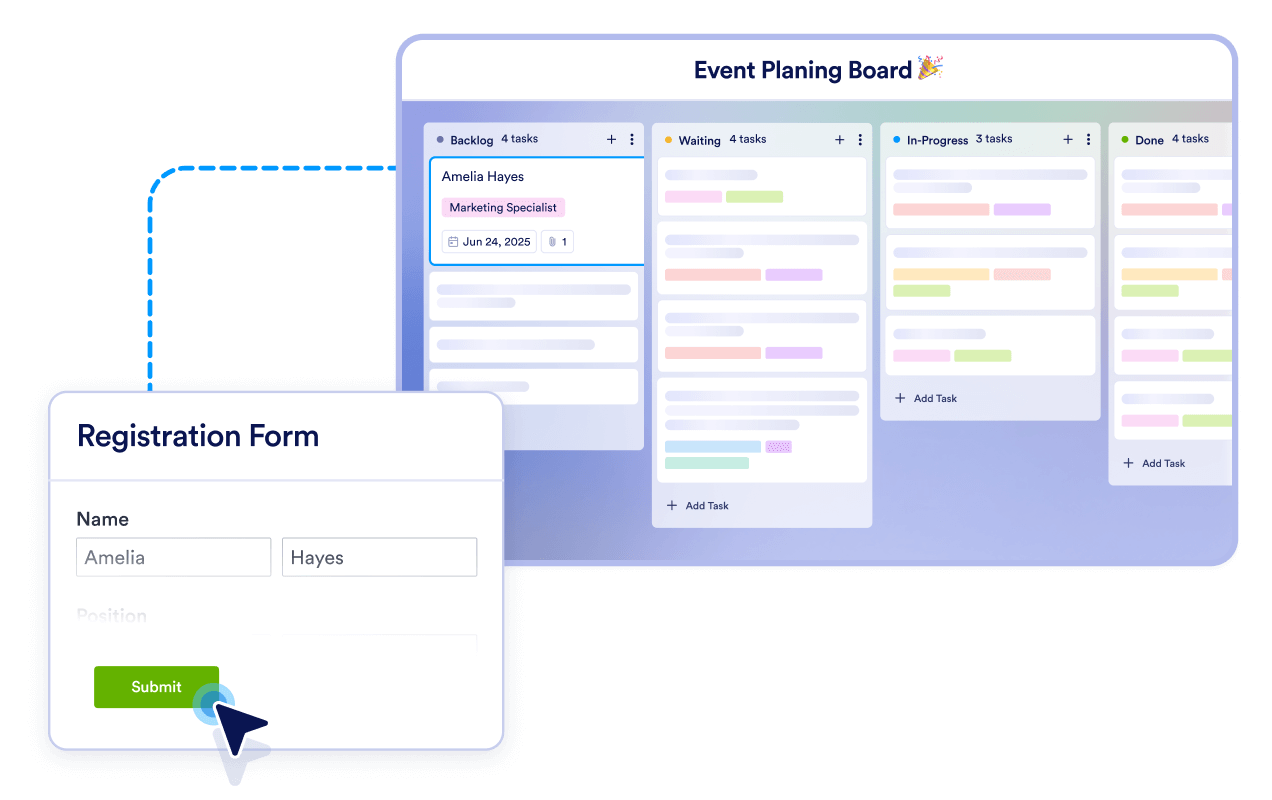
Turn form submissions into actionable tasks instantly, eliminating manual data entry and streamlining your workflow. Whether it’s a single form or multiple forms, Jotform Boards ensures no task slips through the cracks.
![Image 10: Seamless form-to-task integration](https://cdn.jotfor.ms/image/r/aHR0cHM6Ly9jZG4uam90Zm9yLm1zL3AvcHJvZHVjdHMvYm9hcmRzL2Fzc2V0cy9pbWctbWluL2thbmJhbi1zb2Z0d2FyZS8xLnBuZz92PTEuMQ==/1.png?w=40&t=1)

## Customizable kanban boards

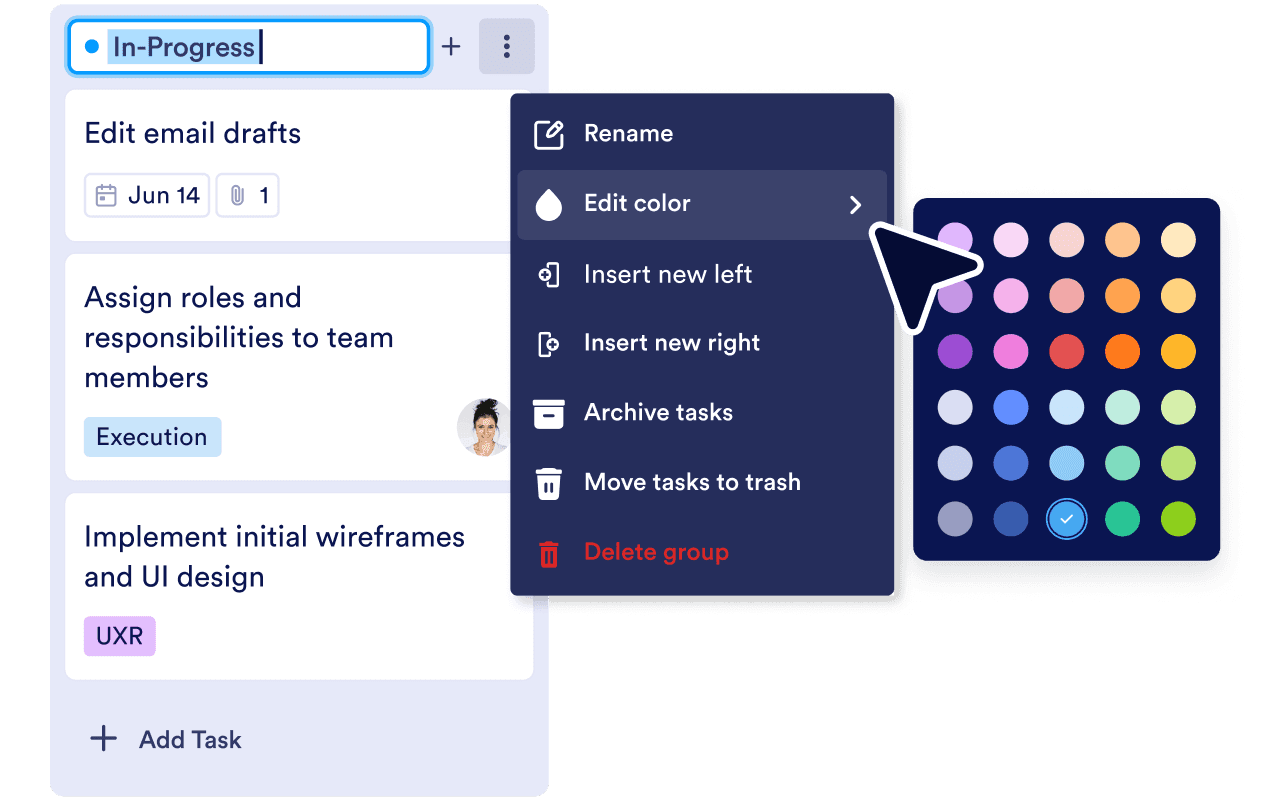
Tailor your boards to reflect your unique business process. Edit groups, add or remove fields, and choose what to display on task cards for a personalized experience.
![Image 11: Customizable kanban boards](https://cdn.jotfor.ms/image/r/aHR0cHM6Ly9jZG4uam90Zm9yLm1zL3AvcHJvZHVjdHMvYm9hcmRzL2Fzc2V0cy9pbWctbWluL2thbmJhbi1zb2Z0d2FyZS8yLnBuZz92PTEuMQ==/2.png?w=40&t=1)

## Automated task creation

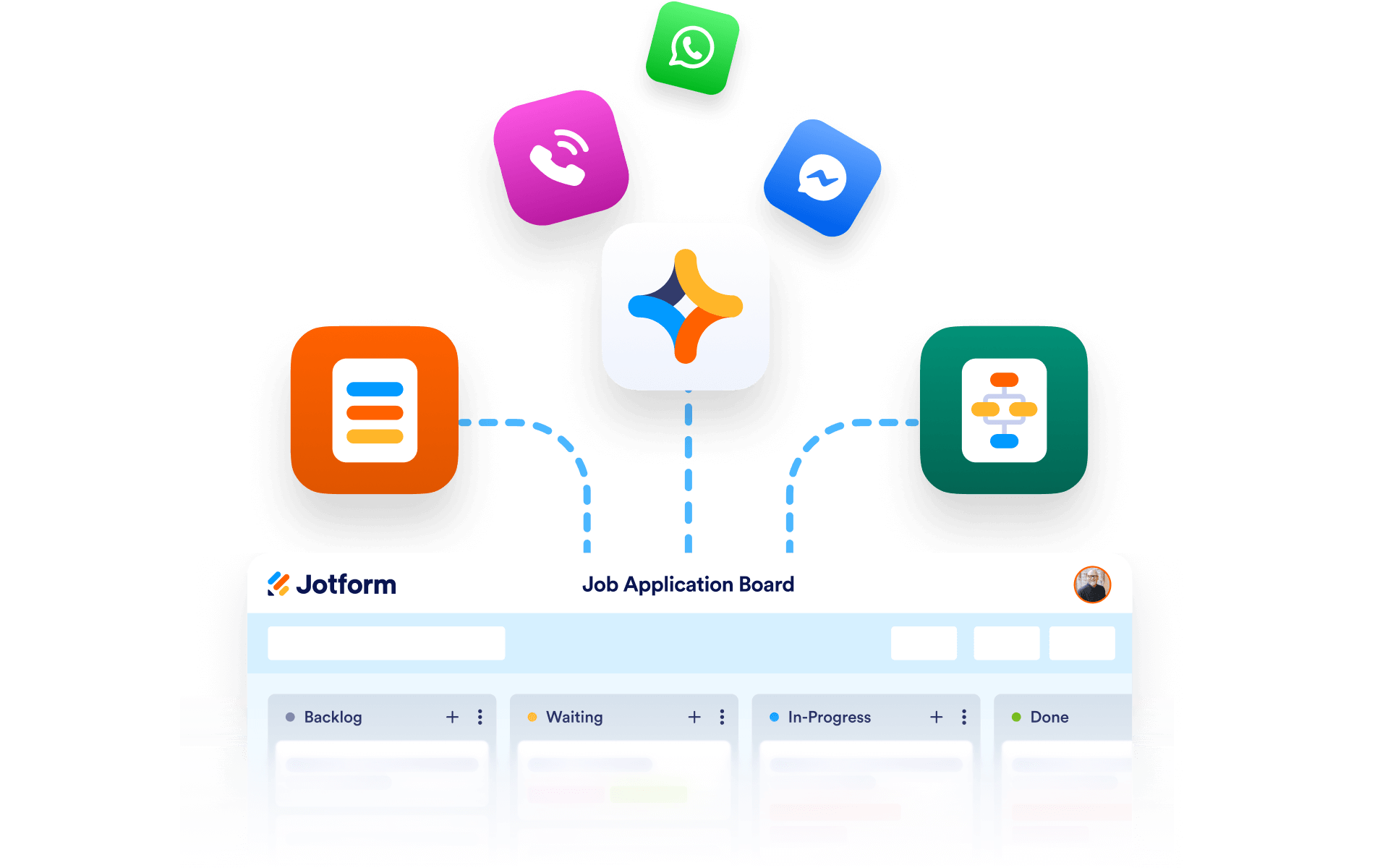
Connect forms, AI Agents, or workflows to automatically create tasks. This eliminates manual entry and ensures that tasks are generated instantly when needed, keeping your workflow on track.
![Image 12: Automated task creation](https://cdn.jotfor.ms/image/r/aHR0cHM6Ly9jZG4uam90Zm9yLm1zL3AvcHJvZHVjdHMvYm9hcmRzL2Fzc2V0cy9pbWctbWluL2thbmJhbi1zb2Z0d2FyZS8zLnBuZz92PTEuMQ==/3.png?w=40&t=1)

## Enhanced team collaboration

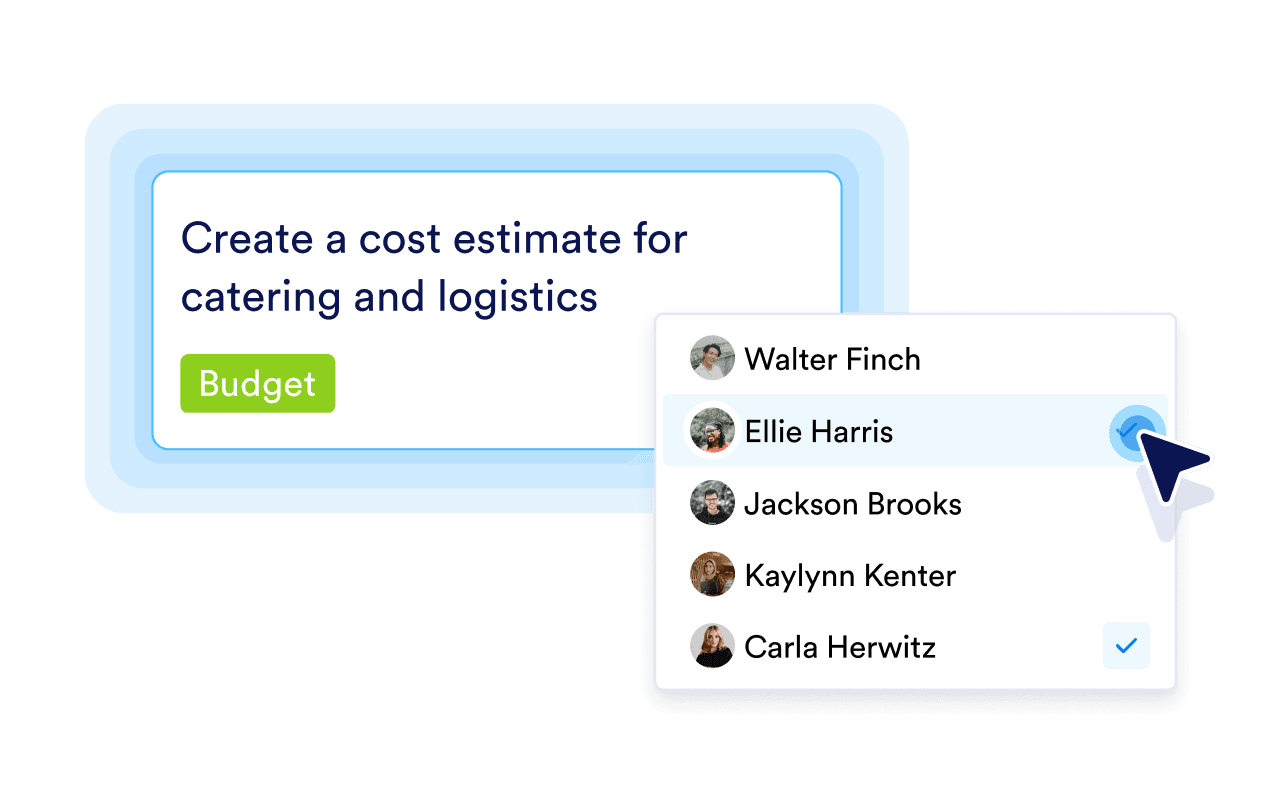
Share boards with your team, assign tasks and communicate efficiently with comments. The activity log keeps everyone on the same page by tracking changes and updates.
![Image 13: Enhanced team collaborationn](https://cdn.jotfor.ms/image/r/aHR0cHM6Ly9jZG4uam90Zm9yLm1zL3AvcHJvZHVjdHMvYm9hcmRzL2Fzc2V0cy9pbWctbWluL2thbmJhbi1zb2Z0d2FyZS80LnBuZz92PTEuMQ==/4.png?w=40&t=1)

## Mobile-friendly task management

Stay productive on the go with Jotform Boards’ mobile-responsive design. Manage tasks, track progress, and collaborate with your team from anywhere.

![Image 14: Mobile-friendly task management](https://cdn.jotfor.ms/image/r/aHR0cHM6Ly9jZG4uam90Zm9yLm1zL3AvcHJvZHVjdHMvYm9hcmRzL2Fzc2V0cy9pbWctbWluL2thbmJhbi1zb2Z0d2FyZS81LnBuZz92PTEuMQ==/5.png?w=40&t=1)

## Branding and visual customization

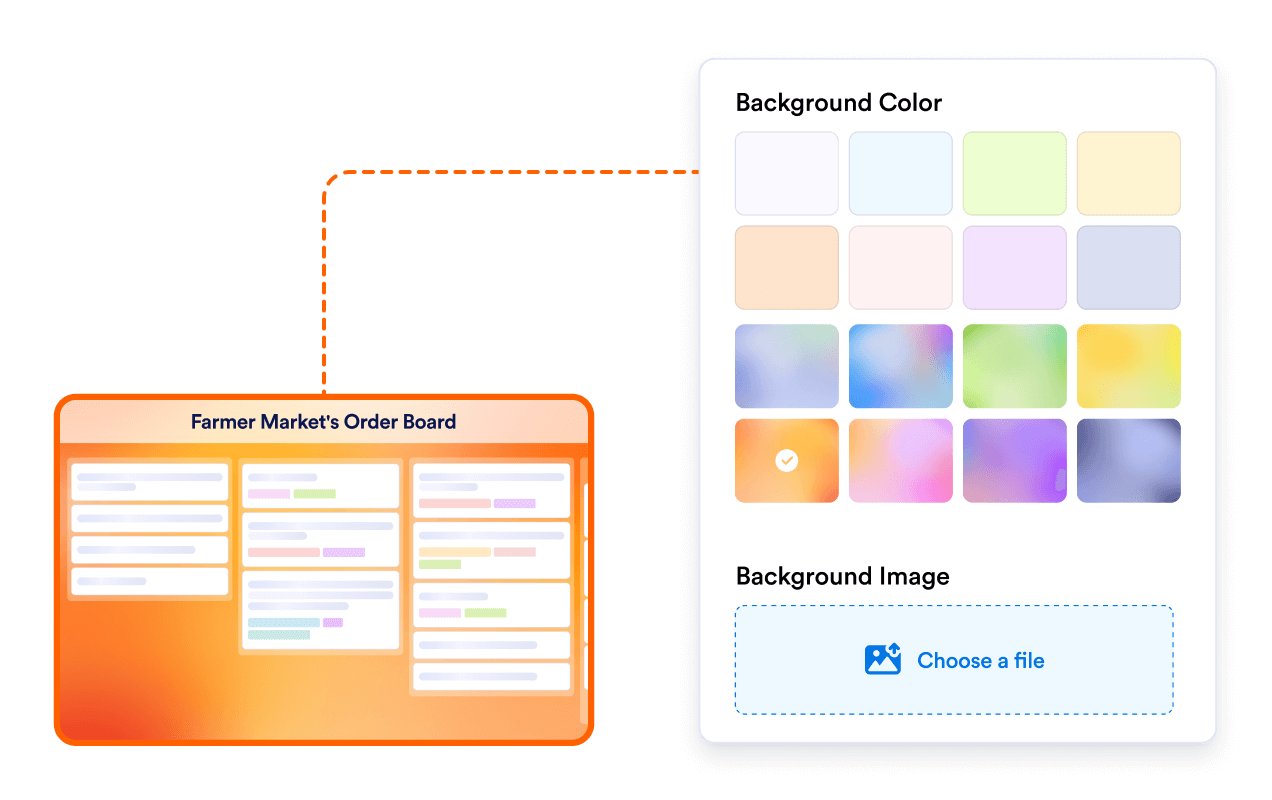
Customize your board’s look and feel with background themes and layouts that align with your company branding or personal preferences.
![Image 15: Branding and visual customization](https://cdn.jotfor.ms/image/r/aHR0cHM6Ly9jZG4uam90Zm9yLm1zL3AvcHJvZHVjdHMvYm9hcmRzL2Fzc2V0cy9pbWctbWluL2thbmJhbi1zb2Z0d2FyZS82LnBuZz92PTEuMQ==/6.png?w=40&t=1)

## Streamline your task management today!

Let Jotform Boards handle task organization while you focus on achieving your goals. Try Jotform Boards now and manage tasks smarter, faster, and more efficiently with intuitive Kanban software!

[Start Organizing Tasks](https://www.jotform.com/workspace/new?assetCreationType=board)

![Image 16: Streamline your task management today!](https://cdn.jotfor.ms/image/r/aHR0cHM6Ly9jZG4uam90Zm9yLm1zL3AvcHJvZHVjdHMvYm9hcmRzL2Fzc2V0cy9pbWctbWluL2thbmJhbi1zb2Z0d2FyZS9jYXJkLWltZy5wbmc/dj0xLjE=/card-img.png?w=40&t=1)

## FAQ

*    
### What is Jotform Boards? Jotform Boards is a versatile Kanban software designed to help users visualize, organize, and manage tasks using a Kanban board interface. It combines the simplicity of drag-and-drop functionality with advanced features like form integrations, task automation, and team collaboration. Whether you’re managing personal projects or complex business workflows, Jotform Boards provides a flexible and intuitive platform for task management.   
*    
### How does Jotform Boards improve task management with Kanban? Jotform Boards enhances task management by offering a visual Kanban board that allows users to track tasks through customizable stages (e.g., To Do, In Progress, Done). Its drag-and-drop functionality makes it easy to move tasks between stages, while features like priority settings, due dates, and tags ensure that tasks are organized and actionable. This makes it a powerful Kanban software for individuals and teams alike.   
*    
### Can I customize the Kanban board in Jotform Boards? Yes, Jotform Boards is highly customizable. You can edit board groups to reflect your workflow stages, add or remove fields to match your process, and choose which fields to display on the card view. Additionally, you can customize the board’s theme to align with your branding or personal preferences, making it a truly personalized Kanban software experience.   
*    
### How does Jotform Boards automate tasks using Kanban? Jotform Boards automates tasks by integrating with Jotform forms. When a form is submitted, the data is automatically converted into a task on your board. You can set priorities, due dates, and assignees, ensuring that every task is processed without manual intervention. This automation saves time and reduces errors, making your Kanban workflow more efficient.   
*    
### Is Jotform Boards suitable for team collaboration on Kanban boards? Absolutely! Jotform Boards is built for collaboration. You can share your Kanban board with teammates, assign tasks, add comments, and track changes using activity logs. This ensures that everyone is aligned, communication is centralized, and tasks are completed on time. It’s a perfect Kanban software for teams of all sizes.   
*    
### Can I use Jotform Boards for multiple projects or workflows? Yes, Jotform Boards allows you to create multiple Kanban boards for different projects or workflows. You can also connect multiple forms to a single board, making it easy to manage tasks from various sources in one place. This flexibility makes it an ideal Kanban software for businesses with diverse or complex processes.   
*    
### How does Jotform Boards help with task prioritization on Kanban boards? Jotform Boards allows you to set priorities for each task, ensuring that critical tasks are addressed first. You can also use tags, due dates, and descriptions to provide additional context, making it easier to manage and prioritize tasks effectively. This feature is essential for Kanban software, as it helps teams stay focused on what matters most.   
*    
### Can I track the progress of my tasks on Jotform Boards? Yes, Jotform Boards provides a clear visual representation of your tasks through its Kanban board interface. You can track task progress, monitor activity logs, and use filtering and search functionalities to stay on top of your workflows. This transparency ensures that you always know the status of your projects and tasks.   
*    
### Is Jotform Boards mobile-friendly for Kanban task management? Yes, Jotform Boards is fully mobile-responsive, allowing you to manage your Kanban boards on the go. Whether you’re using a smartphone or tablet, you can access your boards, assign tasks, add comments, and track progress from anywhere. This makes it a truly flexible Kanban software for modern, on-the-go teams.   
*    
### How does Jotform Boards ensure data security for Kanban boards? Jotform Boards prioritizes data security by using encryption and secure servers to protect your information. Additionally, you can control who has access to your boards, ensuring that only authorized team members can view or edit tasks. This makes it a reliable Kanban software for businesses that handle sensitive data.   
*    
### Can I use Jotform Boards for client-facing Kanban workflows? Yes, Jotform Boards can be used for client-facing workflows. You can create Kanban boards to manage client projects, share progress updates, and even collaborate with clients by assigning tasks or adding comments. Its professional design and customization options make it suitable for both internal and external workflows.   
*    
### How does Jotform Boards compare to other Kanban software? Jotform Boards stands out for its seamless integration with Jotform forms, customizable Kanban boards, and user-friendly interface. Unlike many other Kanban tools, Jotform Boards combines task automation, team collaboration, and mobile accessibility into one platform, making it a comprehensive solution for businesses of all sizes.   
*    
### Can I use Jotform Boards for personal task management with Kanban? Yes, Jotform Boards is versatile enough for personal use. Whether you’re managing household tasks, planning events, or tracking personal goals, you can customize the Kanban board to fit your needs. Its simplicity and flexibility make it a great choice for both personal and professional task management.   
*    
### Is Jotform Boards suitable for large enterprises using Kanban? Yes, Jotform Boards is scalable and can handle the needs of large enterprises. Its ability to manage multiple Kanban boards, support team collaboration, and integrate with forms makes it a powerful Kanban software for businesses of all sizes, including large organizations with complex processes.   
*    
### What industries can benefit from Jotform Boards as Kanban software? Jotform Boards is suitable for a wide range of industries, including marketing, education, healthcare, event planning, and more. Its customizable features and Kanban-based task management capabilities make it a versatile tool for any industry.   
*    
### How can I automate the task creation process in Jotform Boards? You can automate task creation by connecting forms, AI Agents, or workflows to your board. This integration automatically creates tasks based on form submissions, customer interactions, or workflow progress, saving time and reducing the risk of missing important tasks.   

View More