

Yönetim Formları

Yönetici Haftalık Rapor Formu
Yönetici Haftalık Rapor Formu, ekip ve departmanların haftalık hedeflerini, ilerlemesini ve ihtiyaçlarını düzenli veri toplama ile takip etmek isteyen yöneticiler için pratik bir form şablonu sunar.
Kategoriye git:İş Raporu Formları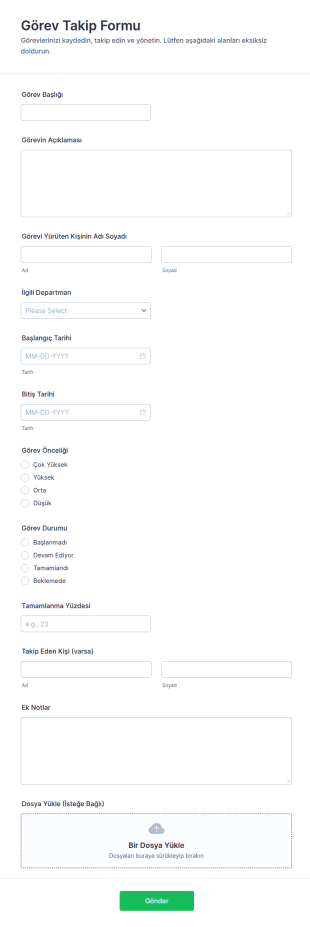
Görev Takip Formu
Görev Takip Formu, ekiplerin görevleri kaydetmesine, ilerlemeyi izlemesine ve departmanlar arası koordinasyonu güçlendirmesine yardımcı olan Jotform form şablonudur.
Kategoriye git:Takip Formları
Görev Atama Formu
Görev Atama ve Takip Formu ile ekiplerde görevlerin atanmasını, planlanmasını ve ilerleme durumunun takip edilmesini kolaylaştırın, Jotform üzerinden veri toplama ve form yanıtı yönetimini tek noktadan yürütün.
Kategoriye git:Takip Formları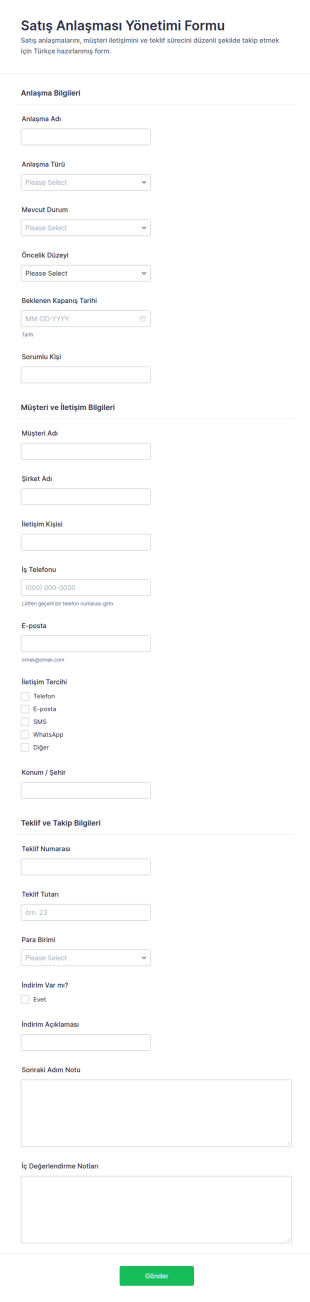
İş Anlaşması Yönetimi Formu
Satış Anlaşması Yönetimi Formu, satış ekiplerinin anlaşma ve teklif süreçlerini tek merkezden takip etmesini kolaylaştırır ve Jotform ile veri toplama ile form yanıtlarını düzenli şekilde yönetmeye yardımcı olur.
Kategoriye git:İş Formları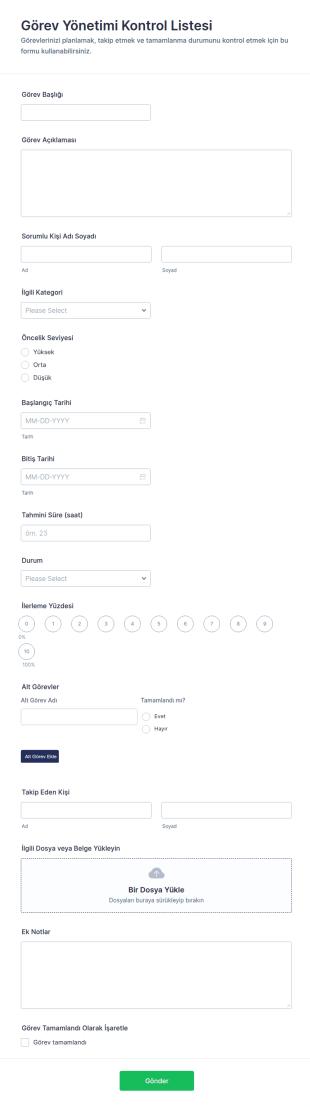
Görev Yönetimi Kontrol Listesi
Görev Yönetimi Kontrol Listesi Formu, ekiplerin görevleri planlamasına, sorumluluk ve öncelik belirlemesine, ilerlemeyi izlemesine ve Jotform üzerinden veri toplama sürecini tek yerde yönetmesine yardımcı olur.
Kategoriye git:Kontrol Listesi Formları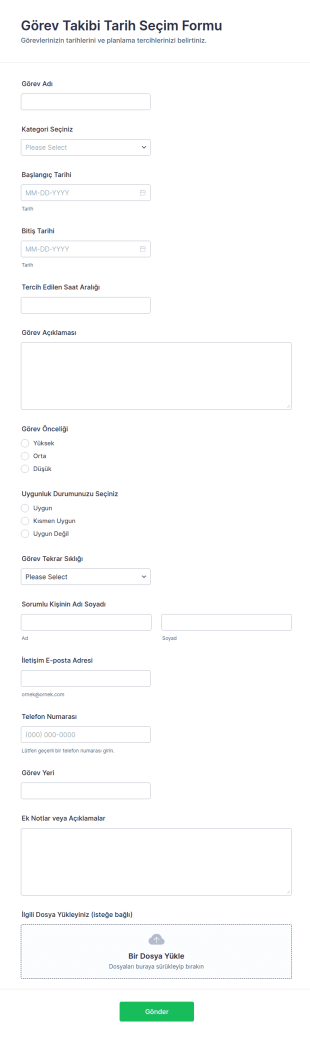
Görev Takip Tarihi Seçimi Formu
Görev Takibi Tarih Seçim Formu ile görevlerin tarih aralıklarını ve önceliklerini toplayın, ekip planlamasını netleştirin ve Jotform üzerinden paylaşılan form yanıtlarını tek yerden yönetin.
Kategoriye git:Takip Formları
Üst Düzey Yeniden Yeterlilik Formu
Amir Yeniden Nitelendirme Formu, yöneticilerin uygunluk ve gelişim ihtiyaçlarını değerlendirmenize, yeniden görevlendirme kararlarını tek yerde toplamanıza ve veri toplama sürecini standartlaştırmanıza yardımcı olur.
Kategoriye git:Değerlendirme Formları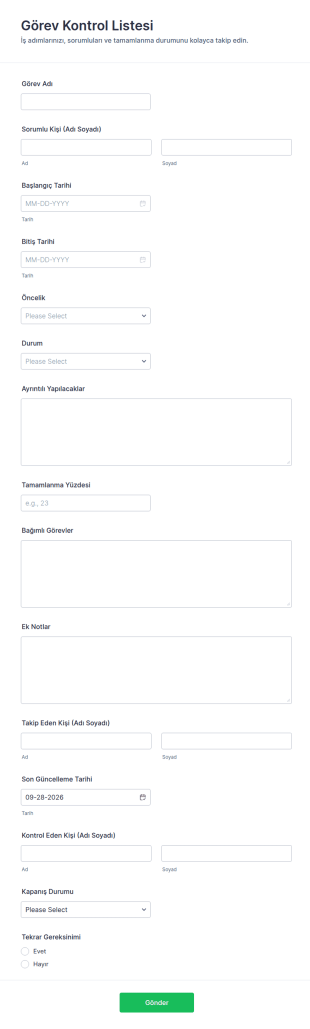
Görev Kontrol Formu
Görev Kontrol Listesi Formu, ekiplerin görevleri planlayıp ilerlemeyi takip etmesine yardımcı olur ve Jotform form şablonlarıyla veri toplama sürecini tek noktadan yönetmek isteyen ekipler için idealdir.
Kategoriye git:Kontrol Listesi Formları
Müşteri Takip Görev Formu
Müşteri Takip Görev Formu, müşteri görüşmeleri ve takip işlerini tek merkezde izlemek isteyen ekiplerin veri toplama sürecini kolaylaştıran, Jotform ile hızla özelleştirilebilen bir form şablonudur.
Kategoriye git:Takip Formları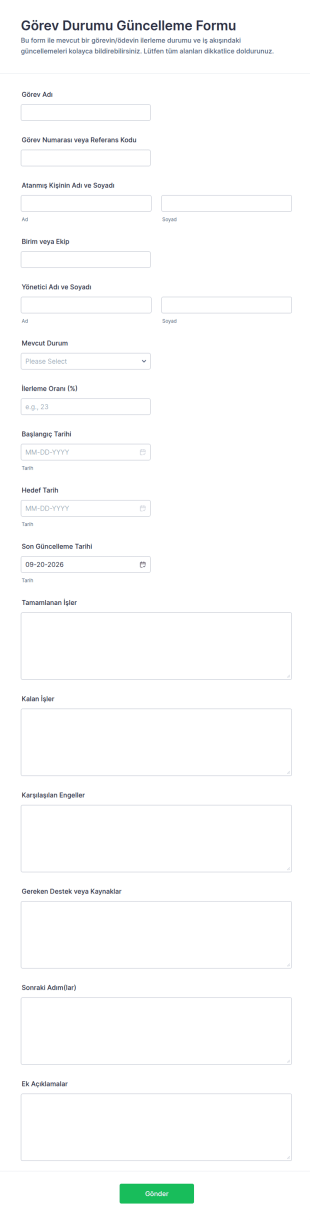
Atama Durumu Güncelleme Formu
Görev Durumu Güncelleme Formu ile ekiplerin iş ilerleyişini düzenli biçimde toplayın, güncellemeleri tek yerde izleyin ve Jotform ile veri toplama sürecini hızlandırın.
Kategoriye git:Takip Formları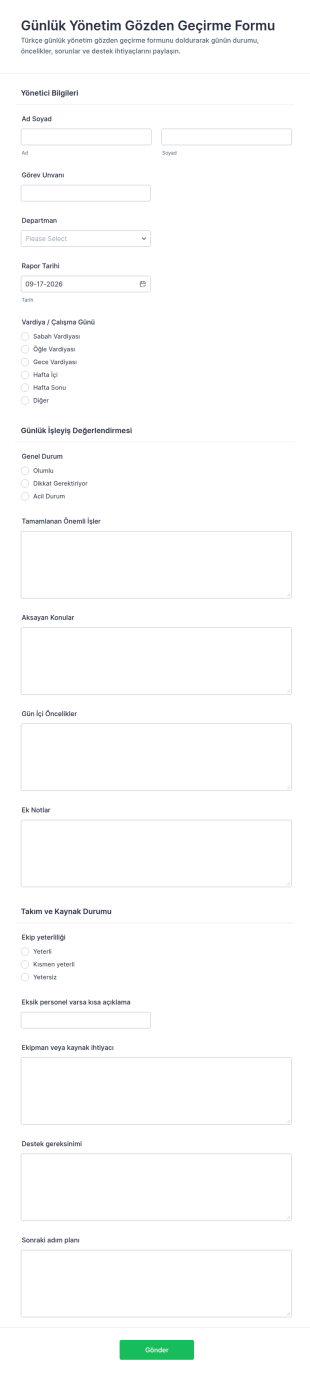
Günlük Yönetim Değerlendirme Formu
Günlük Yönetim Gözden Geçirme Formu, yöneticilerin günlük operasyon durumunu, öncelikleri ve kaynak ihtiyaçlarını tek yerden toplamasına yardımcı olur ve Jotform ile hızlı veri toplama için kolayca paylaşılabilir.
Kategoriye git:Yönetim Formları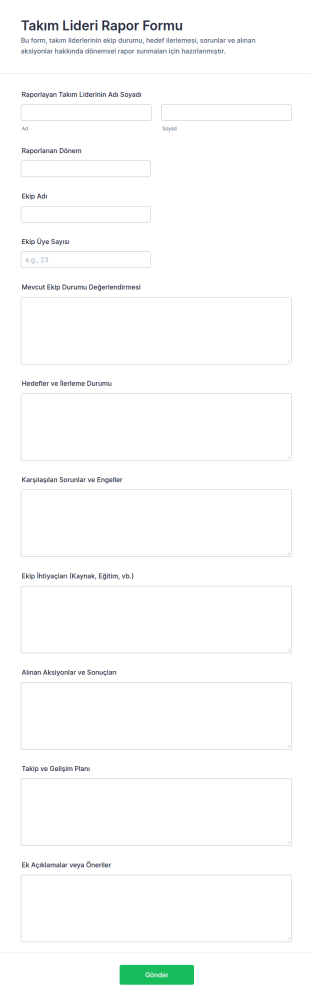
Takım Lideri Raporu Anketi
Takım liderlerinin dönemsel ekip durumu, hedef ilerlemesi ve aksiyon sonuçlarını tek yerde toplamasına yardımcı olan Takım Lideri Rapor Formu, düzenli veri toplama ve rapor takibi yapmak isteyen ekipler için idealdir.
Kategoriye git:İş Raporu Formları
Çalışan Görev Atama Formu
Çalışan Görev Dağıtım Formu, ekiplerde görev atama ve takip süreçlerini tek noktada yönetmek isteyen yöneticiler için veri toplama ve form yanıtı takibini kolaylaştıran bir çözümdür.
Kategoriye git:İnsan Kaynakları Formları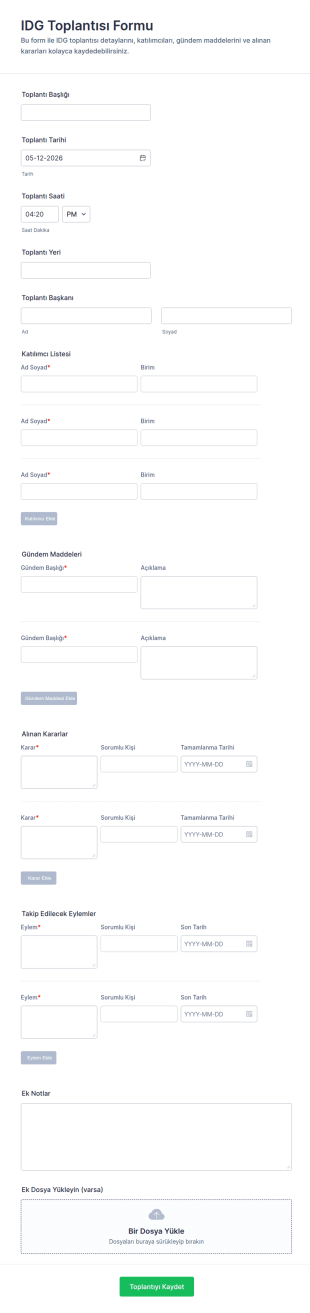
IDG Toplantısı Formu
IDG Toplantısı Formu, toplantıları planlamak ve kararlar ile takip eylemlerini tek yerde kayda almak isteyen ekipler için Jotform üzerinden kolayca paylaşılabilen bir form şablonudur.
Kategoriye git:Toplantı Formları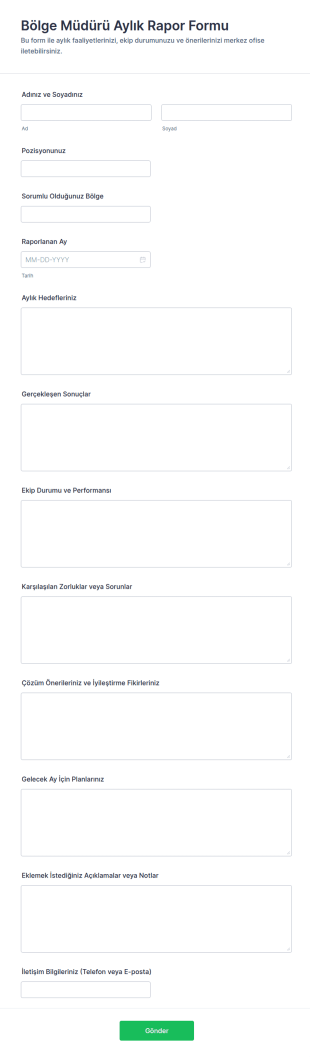
Bölge Müdürü Aylık Rapor Formu
Bölge Müdürü Aylık Rapor Formu, ekip performansı ve aylık sonuçları düzenli veri toplama ile takip etmek isteyen işletmelerin Jotform üzerinden hızlıca paylaşabileceği bir form şablonudur.
Kategoriye git:İş Raporu Formları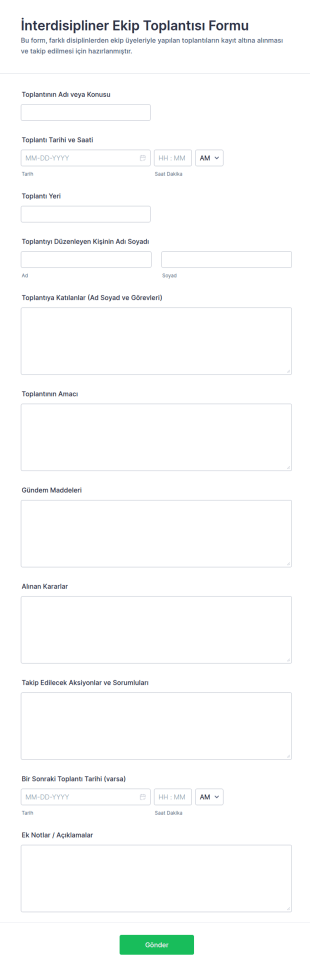
İnterdisipliner Ekip Toplantısı Formu
İnterdisipliner Ekip Toplantısı Formu, ekip toplantılarını planlamak, kararları ve aksiyonları tek yerde toplamak isteyen kurumlar için Jotform ile hızlı veri toplama ve form gönderimi yönetimi sağlar.
Kategoriye git:Toplantı Formları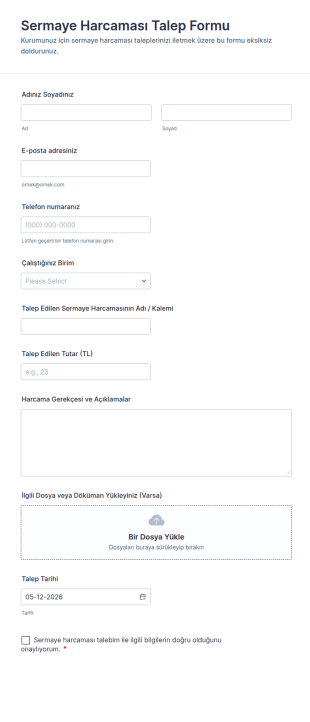
Sermaye Harcaması Talep Formu
Sermaye Harcaması Talep Formu, şirketlerde yatırım ve demirbaş alımı gibi sermaye harcaması taleplerini toplamak, gerekçelendirmek ve onay sürecine taşımak için kullanılan dijital bir form şablonudur.
Kategoriye git:İş Formları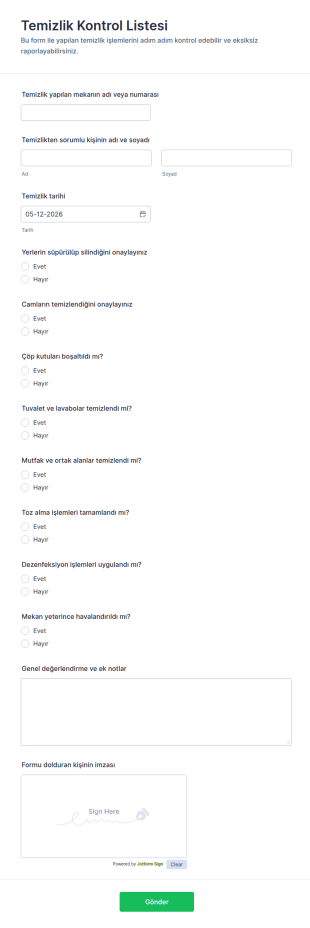
Temizlik Kontrol Listesi
Temizlik Kontrol Listesi Formu, işletmelerin ve ekiplerin temizlik süreçlerini düzenli veri toplama ile takip etmesine, form yanıtlarını kayıt altına almasına ve denetim için tutarlı raporlama oluşturmasına yardımcı olur.

Güvenlik Görevlisi Günlük Vardiya Formu
Güvenlik Görevlisi Günlük Vardiya Formu, güvenlik ekiplerinin vardiya kayıtlarını, devriye notlarını ve teslim süreçlerini tek yerden yönetmesine yardımcı olan bir form şablonudur.
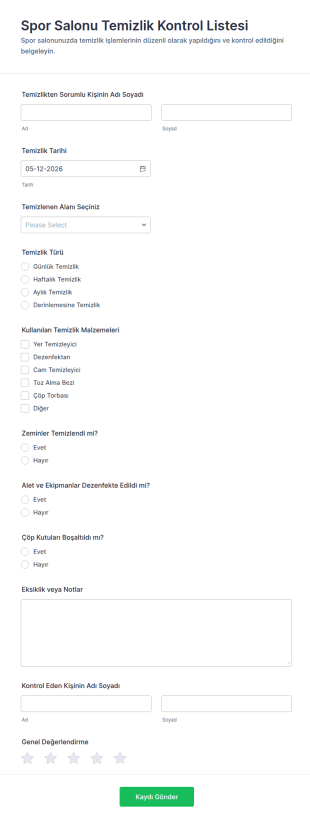
Spor Salonu Temizlik Kontrol Listesi
Spor Salonu Temizlik Kontrol Listesi, spor salonu ve tesislerde temizlik süreçlerini düzenli izlemek, ekip sorumluluğunu netleştirmek ve veri toplama kayıtlarını tek yerde toplamak isteyen işletmeler için uygundur.
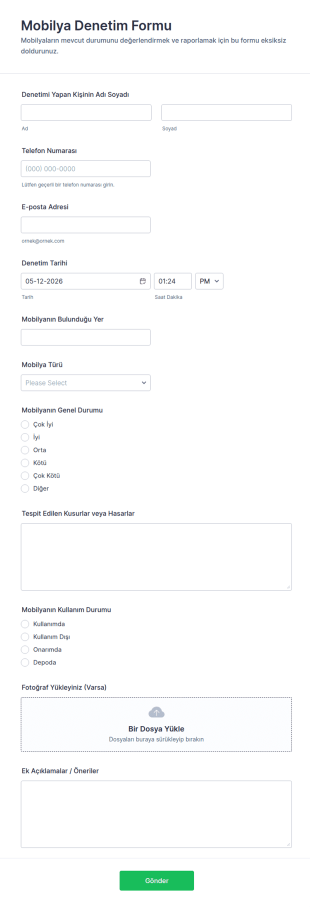
Mobilya Denetim Formu
Mobilya Denetim Formu ile işletmeler ve kurumlar, mobilya kontrollerini düzenli veri toplama ile kayıt altına alır, form yanıtı süreçlerini Jotform üzerinden takip ederek bakım ve yenileme planlarını destekler.
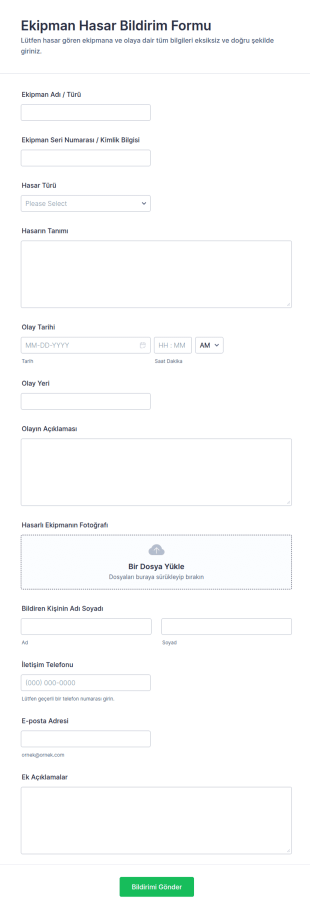
Ekipman Hasar Raporu Formu
Ekipman Hasar Bildirim Formu, kurumların ekipman arızalarını ve olay kayıtlarını hızlı veri toplama ile yönetmesine yardımcı olur ve Jotform üzerinden gelen form yanıtlarını tek noktada takip etmeyi kolaylaştırır.

Kalibrasyon Doğrulama Formu
Kalibrasyon Doğrulama Formu, cihaz doğrulama kayıtlarını düzenli biçimde toplamak ve ekiplerin ölçüm sonuçlarını, uygunluk kararlarını ve takip adımlarını tek yerde yönetmesi için hazırlanmış bir form şablonudur.
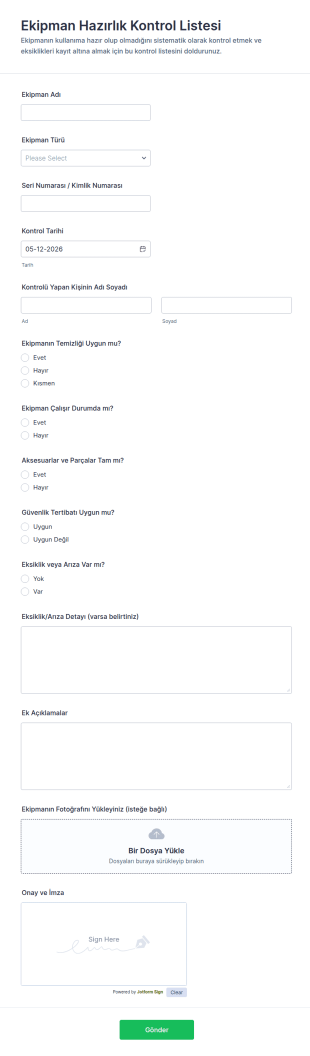
Ekipman Hazırlık Kontrol Listesi
Ekipman Hazırlık Kontrol Listesi Formu, bakım, depo ve saha ekiplerinin ekipman kontrollerini standartlaştırmasına, veri toplama sürecini düzenlemesine ve her form yanıtını tek yerde takip etmesine yardımcı olur.
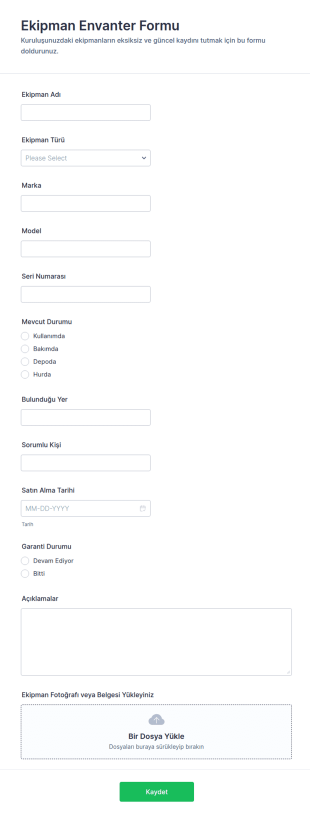
Ekipman Envanter Formu
Ekipman Envanter Formu ile işletmenizdeki cihaz ve demirbaş kayıtlarını tek merkezde toplayın, ekipman takibini kolaylaştırın ve Jotform üzerinden form yanıtlarını düzenli biçimde yönetin.
Yönetim Formları Hakkında
Yönetim formları, planlama, onaylar, performans takibi, raporlama ve operasyonel karar alma gibi yönetimle ilgili süreçleri düzenlemek ve belgelemek için kullanılan yapılandırılmış belgelerdir. Ekiplerin tutarlı bilgi toplamasına, sorumlulukları atamasına ve inceleme ile takip için net kayıtlar tutmasına yardımcı olur. Yönetim formları; proje planlaması, durum raporlaması, politika onayları, hedef belirleme, toplantı kararları ve liderlik incelemesi gerektiren iç talepler için departmanlar genelinde yaygın olarak kullanılır. Bu formlar yönetim iş akışlarını standartlaştırarak karışıklığı azaltır, hesap verebilirliği artırır ve operasyonları büyük ölçekte yönetmeyi kolaylaştırır.
Jotform ile yönetim formları, kodlama gerektirmeyen sürükle-bırak Form Oluşturucu kullanılarak hızlıca oluşturulabilir ve farklı iş fonksiyonlarına göre uyarlanabilir. Koşullu mantık, formları departmana veya talep türüne göre yönlendirebilirken onay iş akışları ve bildirim e-postaları yöneticilerin daha hızlı yanıt vermesine yardımcı olur. Yanıtlar Jotform Tablolar'da saklanır, böylece ekipler talepleri, kararları ve sonuçları tek bir yerden takip edebilir. Bu, yönetim süreçlerini zaman içinde daha tutarlı, ölçülebilir ve denetlenmesi daha kolay hale getirir.
Yönetim Formlarının Kullanım Alanları
Yönetim formları; onayları, raporlamayı ve ekipler arası koordinasyonu destekler. Aşağıda bu formların yaygın kullanım şekilleri ve çözmeye yardımcı oldukları zorluklar yer almaktadır.
Olası Kullanım Senaryoları:
- Yönetim onay talepleri (bütçeler, satın almalar, politika değişiklikleri)
- Ekip durum güncellemeleri ve haftalık raporlama
- Performans ve hedef belirleme belgelendirmesi
- Toplantı kararları ve eylem öğesi takibi
- Operasyonel sorun yükseltme ve çözüm alımı
- Kaynak planlama ve personel talepleri
Problem Çözme Noktaları:
- Dağınık e-postalar ve sohbetler yerine talepleri ve kararları merkezileştirin
- Sorumluları, zaman çizelgelerini ve onayları belgeleyerek hesap verebilirliği artırın
- Tutarlı ve eksiksiz yanıtlarla karar vermeyi hızlandırın
- Takip ve raporlama için aranabilir bir yönetim kaydı oluşturun
Olası Sahipler ve Kullanıcılar:
- Yöneticiler ve ekip liderleri
- Operasyon ve idari ekipler
- İK ve performans yönetimi ekipleri
- Departman koordinatörleri ve proje sorumluları
- Talep veya rapor gönderen çalışanlar
Oluşturma Yöntemlerinin Farkları:
- Yönetim onay talebi formları, talep amacına, bütçe veya maliyet ayrıntılarına, gerekçeye, aciliyete ve gerekli onaylayıcı doğrulamalarına odaklanır.
- Yönetim raporlama ve durum güncelleme formları KPI'ları, ilerleme özetlerini, engelleri, sonraki adımları ve eylem öğelerinin sorumluluğunu vurgular.
- Yönetim planlama ve hedef belirleme formları hedefleri, zaman çizelgelerini, başarı ölçütlerini, kaynak ihtiyaçlarını ve periyodik inceleme kontrol noktalarını önceliklendirir.
Yönetim Formu Nasıl Oluşturulur
Jotform ile bir yönetim formu oluşturmak, bilginin yöneticilere nasıl aktığını ve kararların hesap verebilirlik için nasıl kaydedildiğini standartlaştırmanıza yardımcı olur.
1. Şablon Seçin veya Sıfırdan Başlayın
Çalışma Alanım'da "Oluştur"a tıklayın ve "Form"u seçin. Sıfırdan başlayabilir veya bir talep ya da raporlama şablonu kullanabilirsiniz. Klasik Form, ayrıntılı yanıtlar için iyi çalışır. Kart Formu, çalışanlara adım adım yol gösterebilir ve eksik girişleri azaltabilir.
2. Define the Management Workflow Type
Onay talebi, durum güncellemesi, yükseltme veya planlama gibi iş akışı türleri için bir açılır menü ekleyin. Bu, yanıtları tutarlı tutarken tek bir formun birden fazla yönetim ihtiyacına uyarlanabilmesini sağlar.
3. Add the Core Fields for Decision-Making
Talep eden kişinin adı, departman, talep özeti, etki, öncelik, maliyet veya kaynak ihtiyaçları ve destekleyici ekler için alanlar ekleyin. Raporlama formları için KPI'lar, ilerleme notları ve engel alanları ekleyin.
4. Koşullu Mantık ve Onayları Kullanın
İş akışı türüne göre doğru bölümleri göstermek için koşullu mantık kullanın. Doğru yöneticinin uyarılmasını ve kararların takip edilmesini sağlamak için onay yönlendirmesi veya bildirim e-postaları ayarlayın.
5. Publish and Track Submissions in Jotform Tables
Formu test edin, yayınlayın ve ilgili ekiplerle paylaşın. Duruma, sorumluya, departmana ve önceliğe göre filtrelemek ve liderlik raporlaması için bilgileri dışa aktarmak için Jotform Tablolar'ı kullanın.
Sıkça Sorulan Sorular
1. What are management forms?
Yönetim formları, onaylar, raporlama, planlama ve karar takibi gibi yönetim iş akışlarını toplamak ve belgelemek için kullanılan belgeler veya online formlardır.
2. Why are management forms important?
İletişimi standartlaştırır, eksik ayrıntıları azaltır ve hesap verebilirlik ve takip için net kayıtlar oluştururlar.
3. What information is typically included in management forms?
Yaygın kullanılan alanlar arasında talep veya rapor türü, özet, sorumlu kişi, öncelik, gerekçe, ölçütler veya ilerleme notları ve onaylar veya sonraki adımlar bulunur.
4. Who uses management forms?
Yöneticiler, ekip liderleri, çalışanlar, İK ekipleri ve operasyon personeli, talep göndermek, durum bildirmek ve kararları belgelemek için yönetim formlarını kullanır.
5. Are management forms specific to one department?
Hayır. Farklı departmanlarda kullanılabilir ve farklı yönetim iş akışları için özelleştirilebilirler.
6. Can management forms be used to track approvals?
Evet. Gerekli onaylayıcı doğrulamalarını toplayabilir ve onay sonuçları ile eylem öğelerini belgeleyebilirler.
7. How do management forms improve decision-making?
Tutarlı girdiler sağlar, öncelikleri netleştirir ve önemli ayrıntıları önceden toplayarak gidip gelmeleri azaltırlar.
8. Can management forms be customized for different workflows?
Evet. Ekipler, onaylar, raporlama, yükseltme ve planlama ihtiyaçları için alanları özelleştirmek üzere koşullu mantık ve iş akışı yönlendirmesini kullanabilir.