

Konaklama Formları

Misafir Odası Kontrol Listesi
Misafir Odası Kontrol Listesi Formu, otel ve konaklama işletmelerinde oda temizlik ve ekipman kontrollerini düzenli veri toplama ile kayıt altına alarak ekiplerin günlük denetim takibini kolaylaştırır.
Kategoriye git:Kontrol Listesi Formları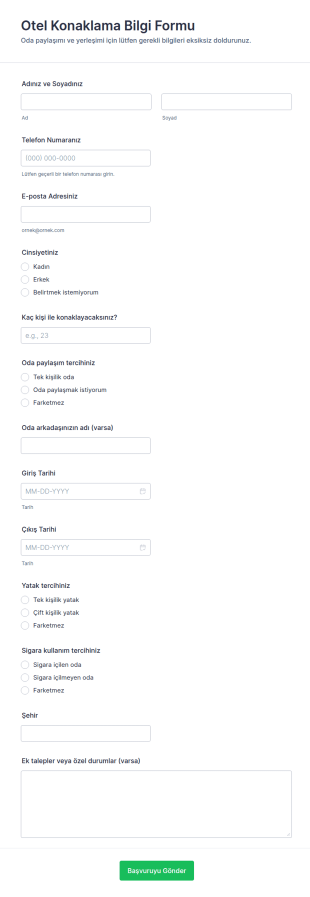
Otel Oda Listesi Formu
Otel Konaklama Bilgi Formu, konukların konaklama tercihlerini ve tarihlerini online olarak toplayarak otellerin ve konaklama işletmelerinin veri toplama sürecini Jotform ile daha düzenli yönetmesine yardımcı olur.
Kategoriye git:Rezervasyon Formları
Mutfak Personeli Değerlendirme Anketi
Mutfak Personeli Değerlendirme Formu, işletmelerin mutfak ekibinin performansını dönem bazında izlemesini, gelişim ihtiyaçlarını belirlemesini ve veri toplama sürecini düzenli şekilde yönetmesini sağlar.
Kategoriye git:Çalışan Değerlendirme Formları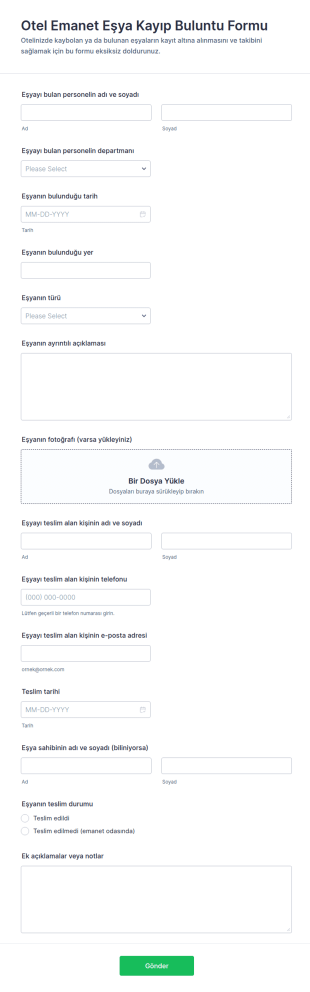
Otel Emanet Eşya Kayıp Buluntu Formu
Otel Emanet Eşya Kayıp Buluntu Formu, konaklama işletmelerinin kayıp buluntu kayıtlarını tek noktadan yönetmesine ve teslim süreçlerini takip etmesine yardımcı olan bir form şablonudur.
Kategoriye git:Konaklama Formları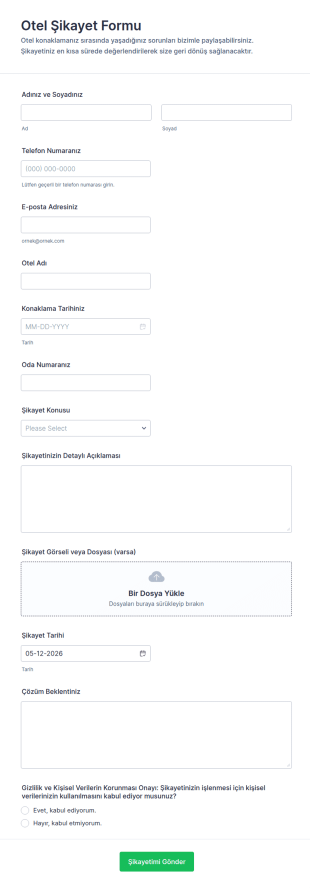
Otel Şikayet Formu
Otel Şikayet Formu ile misafir geri bildirimlerini online olarak toplayın, Jotform ile form yanıtı takibini kolaylaştırın ve şikayetleri daha hızlı sınıflandırıp ilgili ekiplere yönlendirin.
Kategoriye git:Şikayet Formları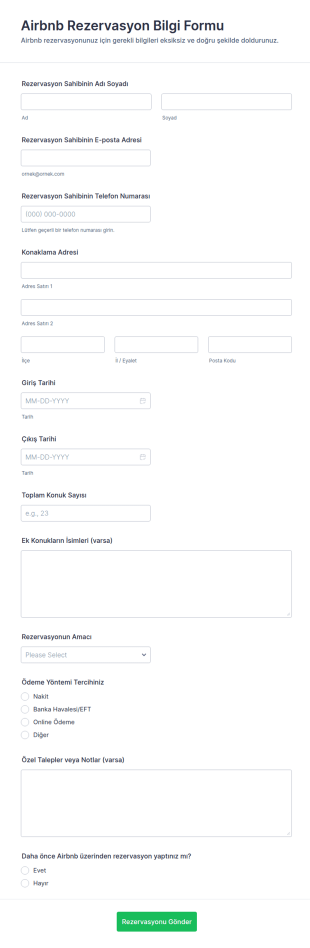
Airbnb Rezervasyon Bilgi Formu
Airbnb Rezervasyon Bilgi Formu, ev sahipleri ve kısa süreli kiralama yöneticilerinin rezervasyon ayrıntılarını online veri toplama ile düzenli şekilde almasına ve her form yanıtını tek yerde takip etmesine yardımcı olur.
Kategoriye git:Rezervasyon Formları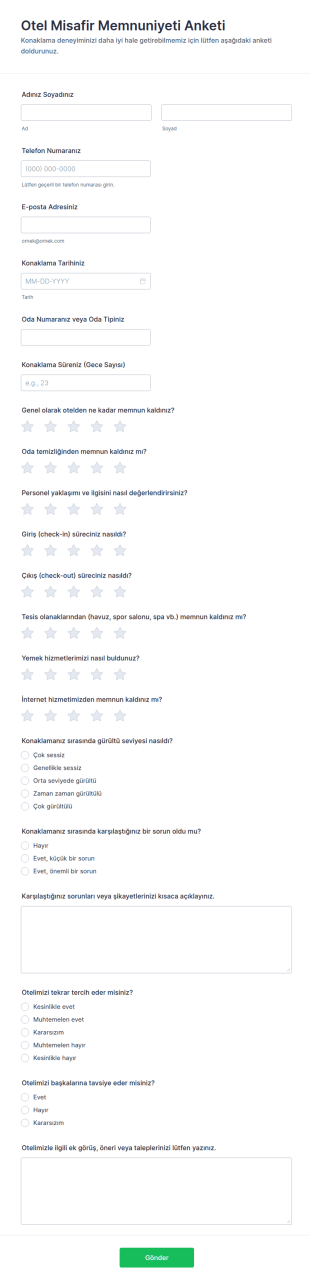
Otel Misafir Memnuniyet Anketi
Otel Misafir Memnuniyeti Anketi Formu, konaklama sonrası geribildirim ve veri toplama sürecini hızlandırarak otel yöneticilerinin hizmet kalitesini ölçmesine ve iyileştirme alanlarını belirlemesine yardımcı olur.
Kategoriye git:Araştırma Formu Şablonları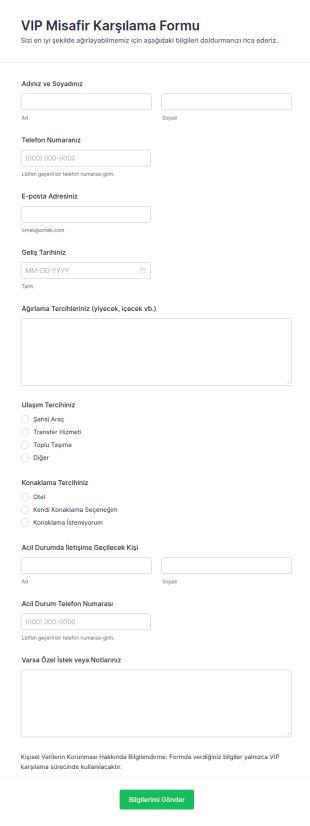
VIP Hoşgeldiniz Formu
VIP Misafir Karşılama Formu, özel misafir ağırlama süreçlerinde veri toplama ve planlamayı kolaylaştıran, oteller, şirketler ve etkinlik ekipleri için pratik bir form şablonu sunar.
Kategoriye git:Konaklama Formları
Bar Servisi Açılış Kontrol Listesi Formu
Barback Açılış Kontrol Listesi Formu, bar ve restoran ekiplerinin açılış hazırlıklarını düzenli takip etmesine, günlük veri toplama yapmasına ve Jotform üzerinden form yanıtı kayıtlarını tek yerde yönetmesine yardımcı olur.
Kategoriye git:Kontrol Listesi Formları
Otel Bakım Talep Formu
Otel Bakım Talep Formu ile otel içinde arıza ve bakım taleplerini tek merkezde toplayın, önceliklendirin ve ekip atamalarını takip ederek veri toplama sürecinizi Jotform üzerinden düzenli yönetin.
Kategoriye git:Bakım Formları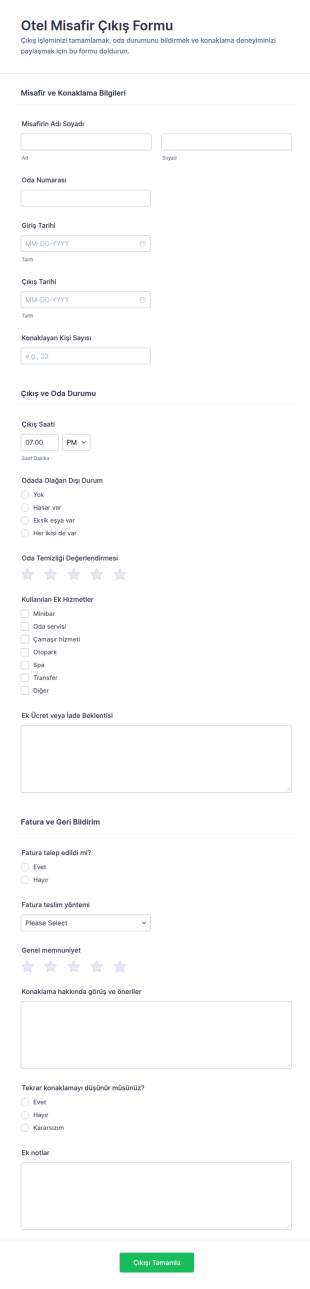
Otel Misafir Çıkış Formu
Otel Misafir Çıkış Formu, konaklama sonunda çıkış işlemlerini ve misafir geribildirimini tek akışta toplayarak otellerin veri toplama sürecini Jotform ile daha düzenli yönetmesine yardımcı olur.
Kategoriye git:Konaklama Formları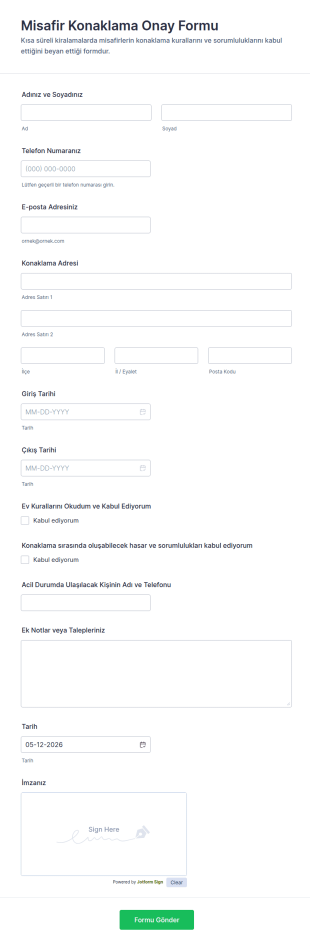
Misafir Onay Formu
Misafir Konaklama Onay Formu, ev sahipleri ve konaklama işletmelerinin misafir bilgilerini ve onaylarını online olarak toplayıp Jotform üzerinden form yanıtlarını düzenli biçimde yönetmesine yardımcı olur.
Kategoriye git:Onay Formları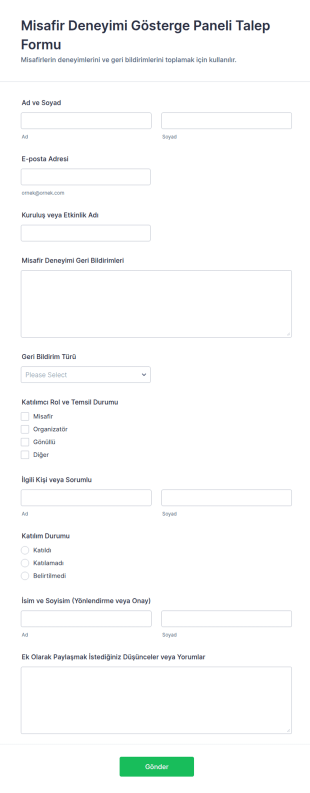
Misafir Deneyimi Gösterge Paneli Talep Formu
Misafir Deneyimi Gösterge Paneli Talep Formu ile etkinlik veya işletmeniz için misafir geri bildirimlerini toplayın, türlerine göre düzenleyin ve Jotform üzerinden veri toplama sürecinizi tek merkezden yönetin.
Kategoriye git:Talep Formları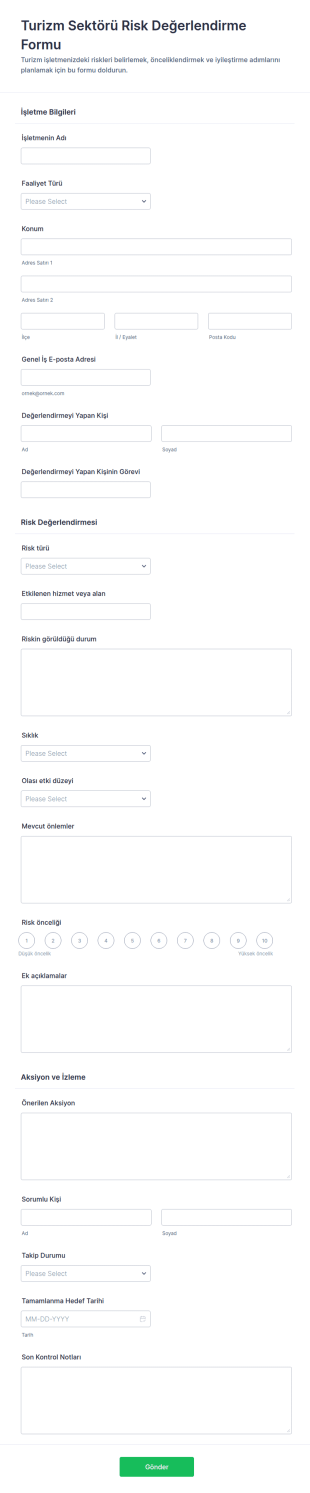
Turizm Sektörü Risk Değerlendirme Formu
Turizm Sektörü Risk Değerlendirme Formu ile turizm işletmelerinde riskleri önceliklendirip aksiyon ve takip sürecini tek yerde yönetin, Jotform ile online paylaşın ve veri toplama sürecini hızlandırın.
Kategoriye git:Değerlendirme Formları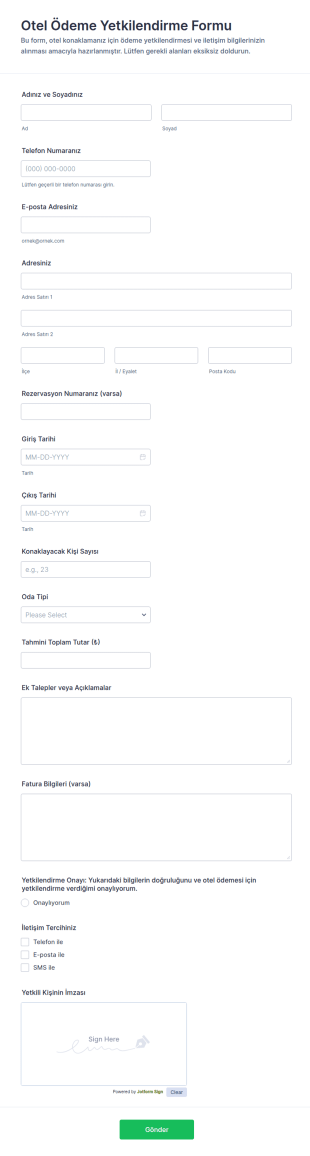
Otel Ödeme Yetkilendirme Formu
Otel Ödeme Yetkilendirme Formu, otellerin misafirlerden online veri toplama ile ödeme yetkilendirmesi almasına, rezervasyon detaylarını doğrulamasına ve form yanıtı kayıtlarını tek yerde yönetmesine yardımcı olur.
Kategoriye git:Ödeme Formları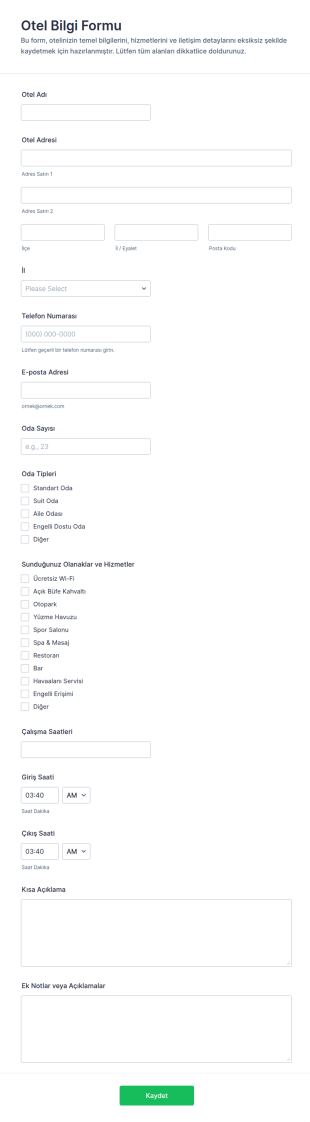
Otel Bilgileri Anketi
Otel Bilgi Formu ile otelinizin temel iletişim ve hizmet bilgilerini hızlı veri toplama süreciyle bir araya getirin, Jotform form şablonları arasından seçerek linkle paylaşın veya sitenize yerleştirmek için özelleştirin.
Kategoriye git:Konaklama Formları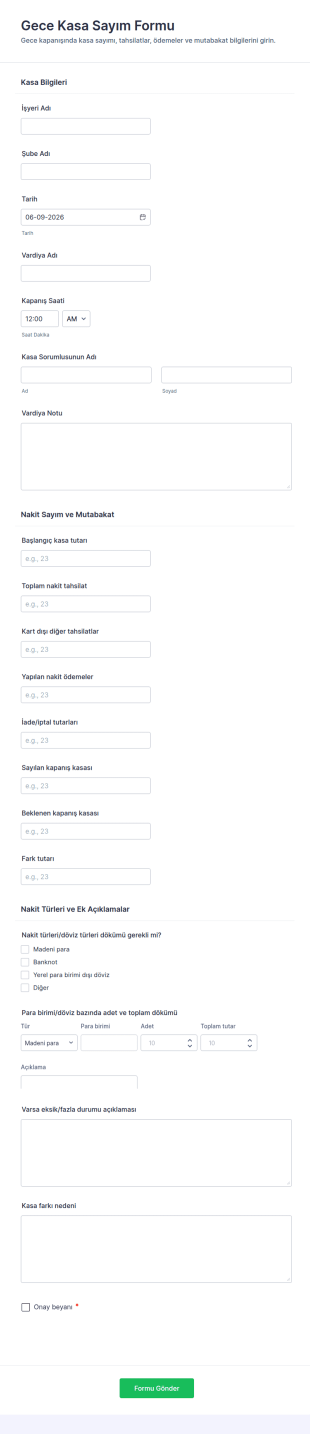
Günlük Nakit Toplama Çizelgesi Formu
Gece Kasa Sayım Formu, vardiya kapanışlarında nakit mutabakatını ve kasa farkı takibini tek noktadan yönetmek isteyen mağaza ve yeme içme işletmeleri için pratik bir form şablonu sunar.
Kategoriye git:Denetim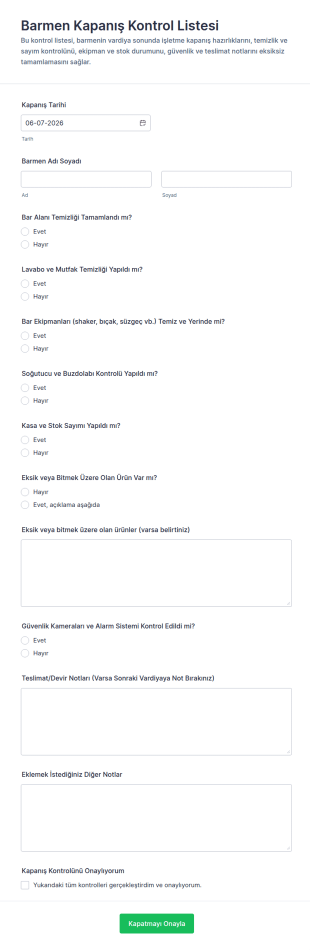
Barmeni Kapanış Kontrol Listesi Formu
Barmen Kapanış Kontrol Listesi Formu, bar kapanış adımlarını günlük olarak takip etmenize, vardiya devrini düzenlemenize ve yiyecek içecek operasyonlarında veri toplama sürecini Jotform ile kolaylaştırmanıza yardımcı olur.
Kategoriye git:Kontrol Listesi Formları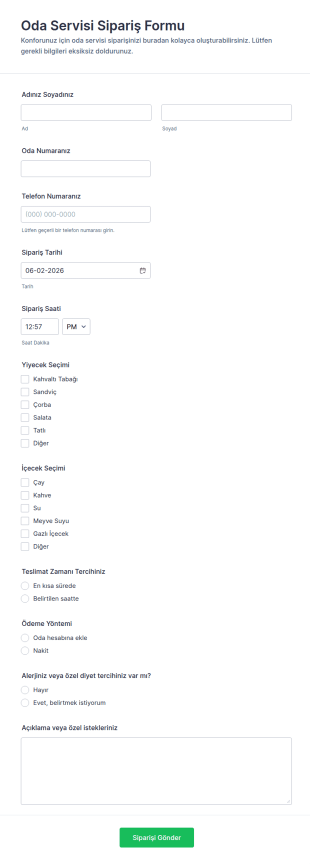
Otel Oda Servisi Sipariş Formu
Oda Servisi Sipariş Formu, otellerin misafirlerden online yiyecek içecek siparişlerini ve teslimat tercihlerini tek bir noktadan toplamasına yardımcı olur, Jotform ile kolayca paylaşılır ve yönetilir.
Kategoriye git:Sipariş Formları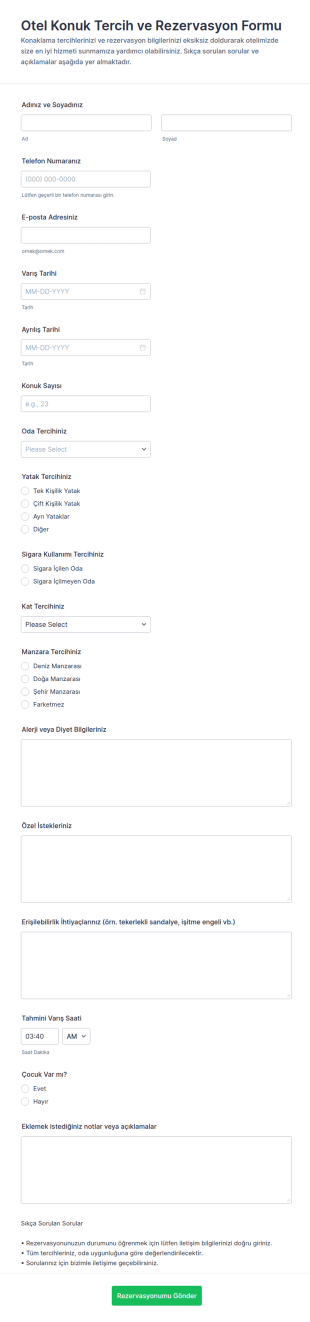
Konuk Tercihleri Anketi
Otel Konuk Tercih ve Rezervasyon Formu, konaklama işletmelerinin online rezervasyon taleplerini ve misafir tercihlerini tek yerde toplayarak planlama ve misafir hazırlık süreçlerini kolaylaştırmasına yardımcı olur.
Kategoriye git:Otel Rezervasyon Formları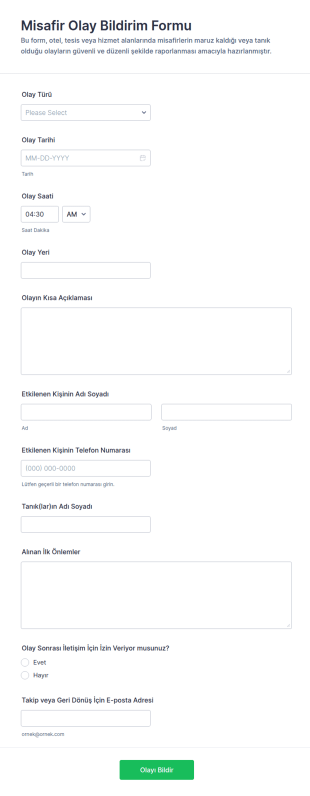
Misafir Olay Bildirim Formu
Misafir Olay Bildirim Formu, işletmelerin sahada yaşanan misafir olaylarını hızlı veri toplama ile kayda almasına ve Jotform üzerinden form yanıtlarını tek yerde takip etmesine yardımcı olur.
Kategoriye git:Olay Raporu Formları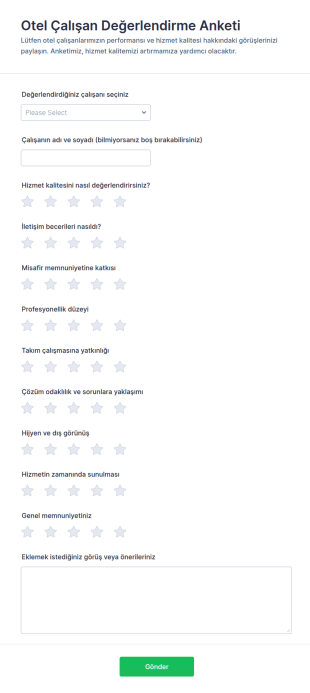
Otel Çalışan Değerlendirme Anketi
Otel Çalışan Değerlendirme Anketi Formu, misafirlerden çalışan performansına yönelik veri toplama yaparak hizmet kalitesi ve misafir memnuniyeti takibini oteller ve konaklama işletmeleri için kolaylaştırır.
Kategoriye git:Araştırma Formu Şablonları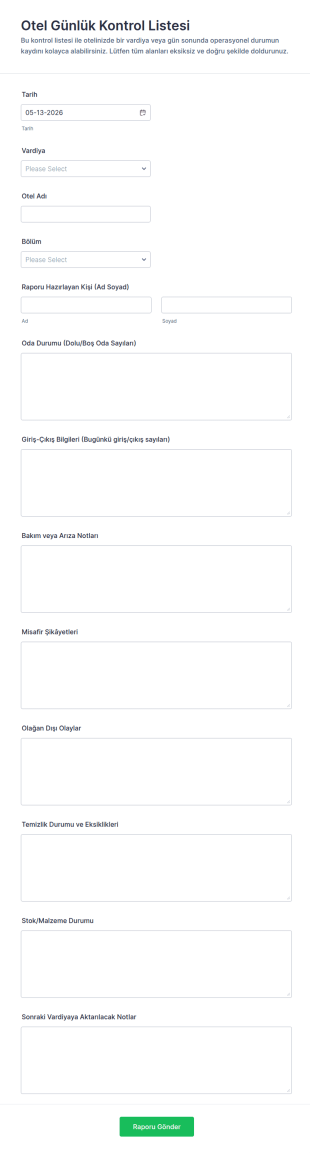
Otel Günlük Raporu Formu
Otel Günlük Kontrol Listesi Formu, vardiyalara göre günlük operasyon notlarını tek yerde toplayarak ekiplerin veri toplama ve form yanıtı takibini Jotform ile kolaylaştırmasına yardımcı olur.
Kategoriye git:Kontrol Listesi Formları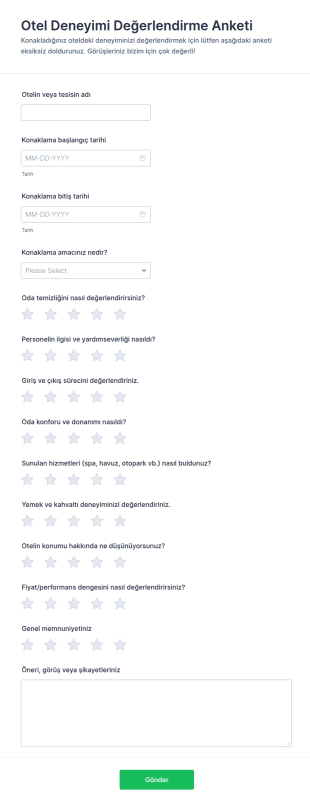
Otel Değerlendirme Anketi
Otel Deneyimi Değerlendirme Anketi Formu, konaklama sonrası misafir geribildirimi ve veri toplama sürecini tek noktada toplayarak otellerin hizmet kalitesini iyileştirmesine yardımcı olur.
Kategoriye git:Araştırma Formu ŞablonlarıKonaklama Formları Hakkında
Hospitality forms are structured documents used to manage guest services, reservations, operations, and internal workflows in hospitality-focused environments. They help hotels, resorts, restaurants, venues, and service providers collect consistent information related to bookings, guest preferences, service requests, staff coordination, and operational reporting. Hospitality forms are commonly used for room and table reservations, guest check-ins, special requests, event bookings, feedback collection, and internal service coordination. By standardizing these processes, hospitality forms improve guest experience, reduce operational friction, and help teams deliver consistent service.
With Jotform, hospitality forms can be created quickly using a no-code, drag-and-drop Form Builder and adapted to different service models. Conditional logic can personalize forms based on guest type, booking details, or service selection, while file upload fields can collect documents or special instructions when needed. Submissions are stored in Jotform Tables, allowing hospitality teams to track requests, manage reservations, and coordinate services from a single dashboard. Automated notifications help ensure staff respond promptly to guest needs.
Use Cases of Hospitality Forms
Hospitality forms support guest-facing and internal operational workflows across lodging, dining, and event services. Below are common ways these forms are used and the challenges they help solve.
Olası Kullanım Senaryoları:
- Oda, masa veya servis rezervasyon talepleri
- Misafir check-in ve varıştan önce bilgi toplama
- Özel hizmet veya danışman talep kabulü
- Etkinlik ve grup rezervasyon talepleri
- Misafir geri bildirimi ve memnuniyet anketleri
- Dahili hizmet koordinasyonu ve personel raporlaması
Problem Çözme Noktaları:
- Misafir bilgilerini ve hizmet taleplerini merkezileştirin
- Misafirler ve personel arasındaki iletişim bozukluklarını azaltır
- Rezervasyonlar ve özel istekler için yanıt sürelerini iyileştirin
- Daha kişiselleştirilmiş misafir deneyimlerini destekler
Olası Sahipler ve Kullanıcılar:
- Otel ve tatil köyü personeli
- Restoran yöneticileri ve karşılama görevlileri
- Etkinlik ve mekan koordinatörleri
- Ön büro ve danışman ekipleri
- Talep veya geri bildirim gönderen konuklar
Oluşturma Yöntemlerinin Farkları:
- Konaklama rezervasyon formları tarihlere, saatlere, grup büyüklüğüne, oda veya masa tipine ve müsaitlik tercihlerine odaklanır.
- Konuk hizmet ve talep formları, özel ihtiyaçları, olanakları, tercihleri, zamanlamayı ve hizmet detaylarını vurgular.
- Konaklama geri bildirim ve deneyim formları, hizmet kalitesi değerlendirmelerine, personel etkileşimi geri bildirimlerine ve açık uçlu misafir yorumlarına öncelik verir.
How to Create a Hospitality Form
Creating a hospitality form with Jotform helps service teams manage guest interactions efficiently while maintaining a polished and professional experience.
1. Şablon Seçin veya Sıfırdan Başlayın
Çalışma Alanım'da "Oluştur"a tıklayın ve "Form"u seçin. Bir rezervasyon, talep veya geribildirim şablonuyla başlayabilir ve özelleştirebilirsiniz. Klasik Form ayrıntılı rezervasyonlar için iyi çalışırken, Kart Form rehberli, misafir dostu bir deneyim sunar.
2. Add Guest and Booking Context Fields
"Eleman Ekle" menüsünü kullanarak misafir adı, iletişim bilgileri, varış veya rezervasyon tarihi, hizmet türü ve misafir sayısını toplayın. Açılır menüler, hizmet seçeneklerini standartlaştırmaya ve hataları azaltmaya yardımcı olur.
3. Build Service-Specific Sections
Rezervasyonlar için tarih/saat seçimi ve müsaitlik notları ekleyin. Hizmet talepleri için diyet ihtiyaçları, erişilebilirlik veya özel günler gibi tercih alanları ekleyin. Etkinlikler için grup büyüklüğü, kurulum ihtiyaçları ve bütçe aralığı ekleyin.
4. Use Conditional Logic for Personalization
Koşullu mantık, otel konaklamaları ile restoran rezervasyonları, bireysel misafirler ile gruplar veya standart ile premium hizmetler için farklı sorular gösterebilir. Bu, formları kısa tutarken doğru düzeyde ayrıntı yakalamanızı sağlar.
5. Set Up Notifications and Guest Confirmations
Form gönderildiğinde personeli uyarmak için bildirim e-postalarını yapılandırın. Rezervasyonları onaylamak veya istekleri kabul edip konuklarla sonraki adımları paylaşmak için otomatik yanıtlayıcı e-postaları ekleyin.
6. Yayınlayın, Test Edin ve Yanıtları Jotform Tablolar'da Yönetin
Formu yayınlamadan önce test edin. Web siteniz, rezervasyon sayfanız veya QR kodları aracılığıyla paylaşın. Tüm yanıtlar Jotform Tablolar'da saklanır ve personel burada tarihe, hizmet türüne veya duruma göre filtreleme yapabilir.
Sıkça Sorulan Sorular
1. What are hospitality forms?
Hospitality forms are documents or online forms used to manage reservations, guest requests, feedback, and service operations in hospitality settings.
2. Why are hospitality forms important?
They streamline guest interactions, reduce errors, and help hospitality teams deliver consistent and personalized service.
3. What information is usually included in hospitality forms?
Common fields include guest contact details, booking dates, service type, preferences, special requests, and feedback.
4. Who uses hospitality forms?
Hospitality staff, managers, event coordinators, and guests all use hospitality forms depending on the workflow.
5. Are hospitality forms only for hotels?
No. They are also used by restaurants, resorts, event venues, catering services, and other guest-focused businesses.
6. Can hospitality forms be completed online?
Yes. Online forms allow guests to submit requests anytime and help teams manage information centrally.
7. How do hospitality forms improve guest experience?
They capture preferences and requests in advance, enabling staff to respond faster and tailor services.
8. Can hospitality forms be customized for different services?
Yes. Forms can be adapted using conditional logic and custom fields to fit different hospitality offerings and service models.