

Aday Gösterme Formları

Ayın Çalışanı Aday Gösterme Formu
Ayın Çalışanı Aday Gösterme Formu ile ekiplerin çalışanları gerekçeleriyle aday göstermesini sağlayın, kurum içi takdir süreçlerini düzenli yürütün ve Jotform üzerinden veri toplamayı kolaylaştırın.
Kategoriye git:Aday Gösterme Formları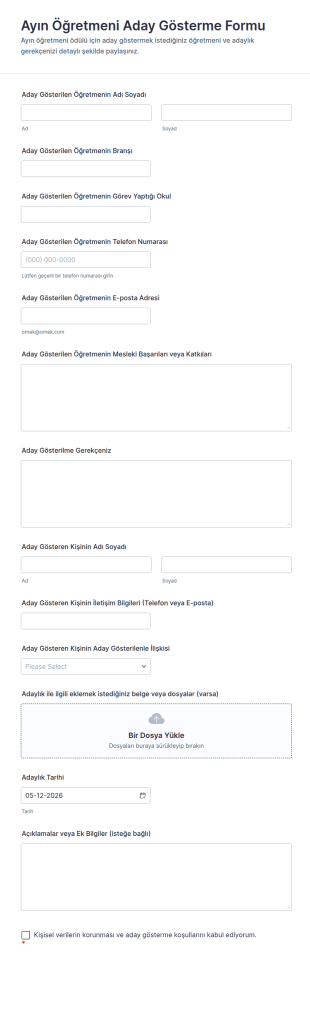
Ayın Öğretmeni Aday Gösterme Formu
Ayın Öğretmeni Aday Gösterme Formu ile öğretmen adaylıklarını online olarak toplayın, değerlendirme sürecini düzenli yürütün ve Jotform ile veri toplama ile form yanıtlarını tek yerde yönetin.
Kategoriye git:Aday Gösterme Formları
Oyun Ödülü Aday Gösterim Formu
Oyun Ödülü Aday Gösterme Formu ile oyunlar ve ekipler için adaylıkları online toplayın, değerlendirme sürecini tutarlı hale getirin ve Jotform üzerinden gelen form yanıtı kayıtlarını tek yerde yönetin.
Kategoriye git:Ödül Formları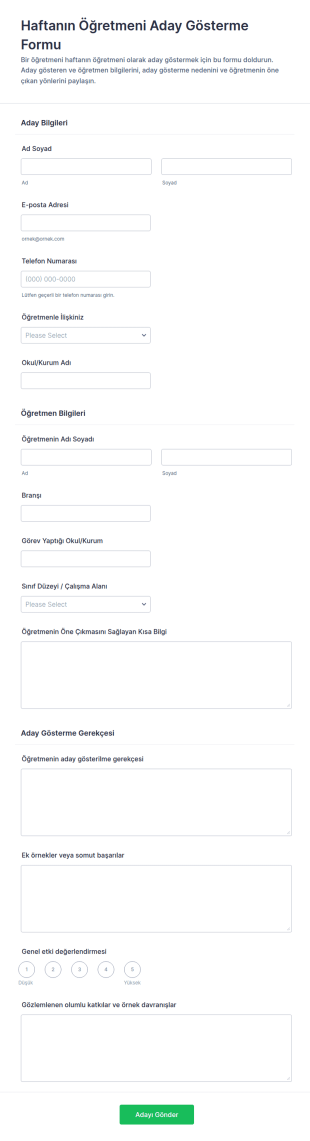
Öğretmen Haftası Aday Gösterme Anketi
Haftanın Öğretmeni Aday Gösterme Formu ile öğretmen takdir süreciniz için adaylıkları toplayın, değerlendirmeyi kolaylaştırın ve okullar ile eğitim kurumlarında aday gösterimleri tek merkezden yönetin.
Kategoriye git:Aday Gösterme Formları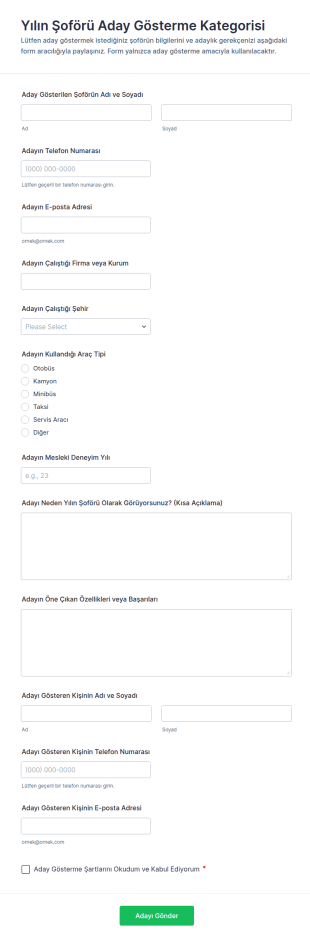
Yılın Sürücüsü Adaylığı Anketi 🎉🚗
Yılın Şoförü Aday Gösterme Formu, ödül programları ve kurum içi takdir süreçlerinde aday önerilerini online veri toplama ile düzenli şekilde toplamak isteyen organizasyonlara yardımcı olur.
Kategoriye git:Aday Gösterme Formları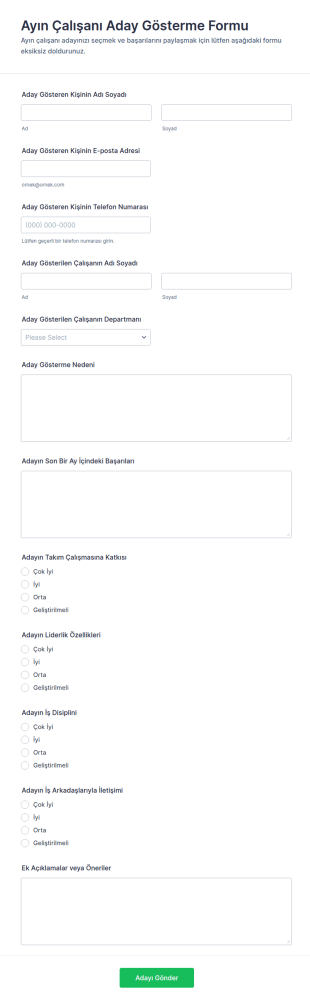
Çalışan Ayın En İyi Personeli Anketi 🎖️
Ayın Çalışanı Aday Gösterme Formu, çalışanların aday önerilerini toplayarak ödüllendirme sürecini destekler ve ekipler için düzenli veri toplama ile değerlendirmeyi kolaylaştırır.
Kategoriye git:İnsan Kaynakları Formları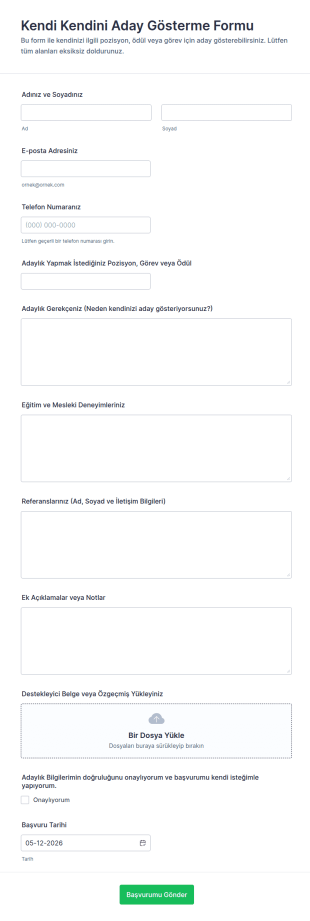
Kendi Kendini Aday Gösterme Formu
Kendi Kendini Aday Gösterme Formu, pozisyon veya ödül adaylıklarını online olarak toplamak isteyen kurumlar, ekipler ve topluluklar için Jotform üzerinde hızlı veri toplama ve form yanıtı yönetimi sağlar.
Kategoriye git:Aday Gösterme Formları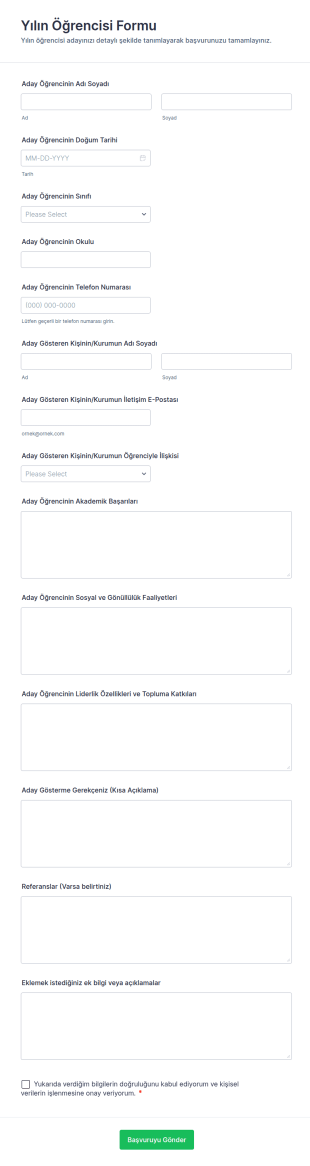
Yılın Öğrencisi Formu
Yılın Öğrencisi Aday Gösterme Formu, okulların ve komitelerin öğrenci adaylıklarını çevrim içi toplayıp değerlendirmesine yardımcı olan, Jotform ile kolayca özelleştirilebilen bir form şablonudur.
Kategoriye git:Aday Gösterme Formları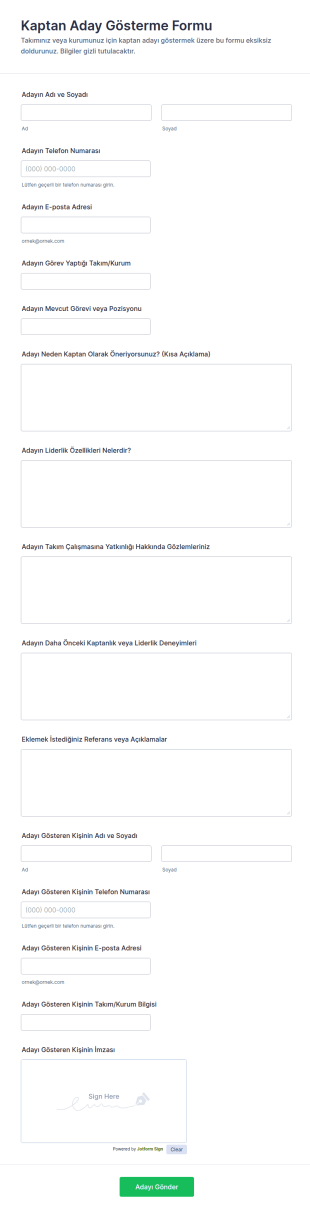
Kaptan Aday Gösterme Formu
Kaptan Aday Gösterme Formu, takımların ve kulüplerin kaptan adaylarını tutarlı ölçütlerle önermesini ve değerlendirme sürecini hızlandırmasını sağlayan bir form şablonudur.
Kategoriye git:Aday Gösterme Formları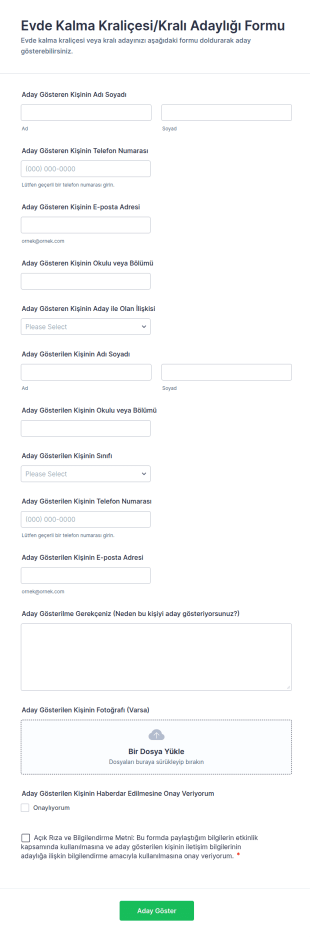
Evde Kalma Kraliçesi/Kralı Adaylığı Formu
Evde Kalma Kraliçesi/Kralı Adaylığı Formu, okul ve topluluk etkinliklerinde aday gösterme sürecini Jotform ile dijitalleştirerek veri toplama ve form gönderimlerini tek noktadan yönetmenize yardımcı olan bir form şablonudur.
Kategoriye git:Aday Gösterme FormlarıAday Gösterme Formları Hakkında
Aday gösterme formları; ödüller, takdirler, pozisyonlar veya özel fırsatlar için adaylıkları göndermek, incelemek ve takip etmek amacıyla kullanılan yapılandırılmış belgelerdir. Kuruluşların adaylar hakkında tutarlı bilgi, aday gösterme gerekçesi, destekleyici kanıtlar ve gerekli onayları toplamasına yardımcı olurlar; böylece seçim kararları adil ve iyi belgelenmiş olabilir. Aday gösterme formları; çalışan takdiri, liderlik rolleri, burs adaylıkları, komite seçimleri ve ödül programları için şirketlerde, okullarda, sivil toplum kuruluşlarında, meslek derneklerinde ve etkinlik programlarında yaygın olarak kullanılır. Bu formlar, adaylıkları standart hale getirerek eksik yanıtları azaltır, değerlendirme kalitesini artırır ve adaylar ile sonuçlara ilişkin net bir kayıt oluşturur.
Jotform ile aday gösterme formları, kodlama gerektirmeyen sürükle-bırak Form Oluşturucu kullanılarak hızlıca oluşturulabilir ve farklı aday gösterme programları için özelleştirilebilir. Koşullu mantık, aday gösterme kategorisine göre farklı sorular gösterebilir ve dosya yüklemesi alanları destek mektuplarını, portföyleri ya da belgeleri toplayabilir. Yanıtlar Jotform Tablolar'da saklanır ve böylece değerlendiricilerin adaylıkları kategoriye, departmana veya duruma göre filtrelemesi kolaylaşır. Otomatik bildirimler, aday gösterenlere yanıtları onaylayabilir ve girişleri inceleme için seçim komitelerine yönlendirebilir.
Aday Gösterme Formlarının Kullanım Alanları
Aday gösterme formları, birçok kuruluşta takdir programlarını ve seçim iş akışlarını destekler. Aşağıda bu formların yaygın kullanım şekilleri ve çözmeye yardımcı oldukları zorluklar yer almaktadır.
Olası Kullanım Senaryoları:
- Çalışan takdiri ve ödül adaylıkları
- Burs, hibe veya öğrenci ödülü adaylıkları
- Liderlik rolü veya komite adaylıkları
- Etkinlik konuşmacısı veya katılımcı adaylıkları
- Gönüllü veya toplum takdiri adaylıkları
- Meslektaşlar arası aday gösterme programları ve şirket içi ödüller
Problem Çözme Noktaları:
- Aday gösterme bilgilerinin tamamını tutarlı bir biçimde toplayın
- Değerlendirme bilgilerini standart hale getirerek adaleti artırın
- Komiteler ve değerlendiriciler için manuel koordinasyonu azaltın
- Adaylar ve sonuçlara ilişkin aranabilir bir kayıt oluşturun
Olası Sahipler ve Kullanıcılar:
- İK ve çalışan etkileşimi ekipleri
- Okul idareleri ve akademik komiteler
- Sivil toplum kuruluşu program yöneticileri ve koordinatörleri
- Ödül seçim komiteleri ve değerlendiriciler
- Aday gösteren çalışanlar, öğrenciler veya topluluk üyeleri
Oluşturma Yöntemlerinin Farkları:
- Ödül ve takdir aday gösterme formları; aday bilgilerine, başarı özetlerine, etki örneklerine ve ödül kriterlerine uygun aday gösterme gerekçesine odaklanır.
- Rol ve komite aday gösterme formları; nitelikleri, deneyimi, müsaitliği ve sorumluluklar ya da şartlara ilişkin onayı ön plana çıkarır.
- Açık aday gösterme ve halka açık yanıt formları, basit bir giriş akışına, kategori seçimine, destekleyici eklere ve takip ihtiyacını azaltan değerlendiriciye hazır özetlere öncelik verir.
Aday Gösterme Formu Nasıl Oluşturulur
Jotform ile aday gösterme formu oluşturmak, güçlü ve karşılaştırılabilir adaylıklar toplamanıza yardımcı olurken komiteler için değerlendirmeyi de kolaylaştırır.
1. Şablon Seçin veya Sıfırdan Başlayın
Çalışma Alanım bölümünde “Oluştur”a tıklayın ve “Form” seçeneğini seçin. Bir ödül veya uygulama şablonuyla başlayın ve aday göstermeler için uyarlayın.
2. Add Nominee and Nominator Fields
Aday adı, rol veya bağlantı ve gerekirse iletişim bilgilerini toplayın. Aday gösterenin bilgilerini ve adayla ilişkisini ekleyin.
3. Capture the Nomination Justification
Başarılar, etki, liderlik ve örnekler gibi kriterlere uygun sorular ekleyin. Yanıtların karşılaştırılabilir kalması için yapılandırılmış alanlar kullanın.
4. Use Conditional Logic for Categories
Aday gösterme kategorisine veya rol türüne göre farklı sorular gösterin. Bu, formu odaklı ve konuyla ilgili tutar.
5. Collect Supporting Evidence
Mektuplar, portföyler veya belgeler için dosya yüklemesi alanları ekleyin. Gerekirse isteğe bağlı referans bilgilerini de dahil edin.
6. Publish and Manage Submissions in Jotform Tables
Formu yayınlayın ve e-posta ya da web sitesi aracılığıyla paylaşın. Adaylıkları kategoriye göre filtrelemek ve değerlendirme için dışa aktarmak üzere Tablolar'ı kullanın.
Sıkça Sorulan Sorular
1. What are nomination forms?
Aday gösterme formları; ödüller, takdirler, roller veya fırsatlar için adaylıkları göndermek ve yönetmek amacıyla kullanılan belgeler ya da online formlardır.
2. Why are nomination forms important?
Yanıtları standart hale getirir, değerlendirme adaletini artırır ve inceleme ile seçim için düzenli kayıtlar oluştururlar.
3. What information is typically included in nomination forms?
Yaygın kullanılan alanlar arasında aday bilgileri, aday gösterme kategorisi, kriterlere uygun gerekçe, destekleyici örnekler ve ekler veya referanslar yer alır.
4. Who uses nomination forms?
İK ekipleri, okullar, sivil toplum kuruluşları, komiteler ve aday gösteren kişilerin tümü aday gösterme formlarını kullanır.
5. Are nomination forms only for awards?
Hayır. Ayrıca komite pozisyonları, liderlik rolleri, burslar, konuşmacılar ve seçime dayalı diğer fırsatlar için de kullanılır.
6. Can nomination forms collect supporting documents?
Evet. Jotform; destek mektupları, portföyler ve diğer belgeler için dosya yüklemelerini destekler.
7. Can Jotform route nominations to reviewers automatically?
Evet. Yanıtları bir komiteye veya değerlendirici grubuna yönlendirmek için e-posta bildirimleri ya da onay iş akışları kurabilirsiniz.
8. Can nomination forms be customized for different categories?
Evet. Koşullu mantık ve özel alanlar, formu farklı ödüller, roller ve değerlendirme kriterleri için uyarlayabilir.