AD Block Checker Widget for Your Website
Detect common ad blockers and show visitors a clear, customizable notice. Ask people to disable their ad blocker, reload the page, or continue when dismissing is allowed.
Create Now — It’s Free!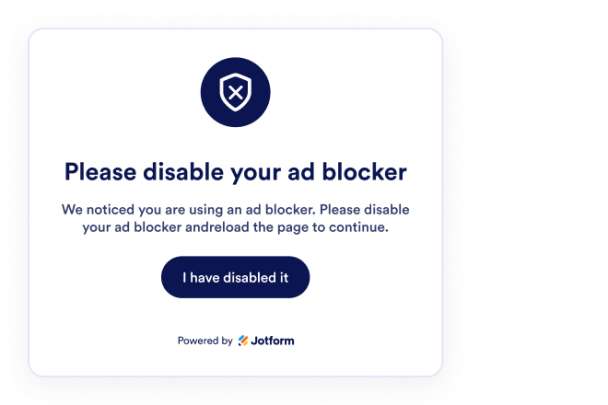

How to create a AD Block Checker widget
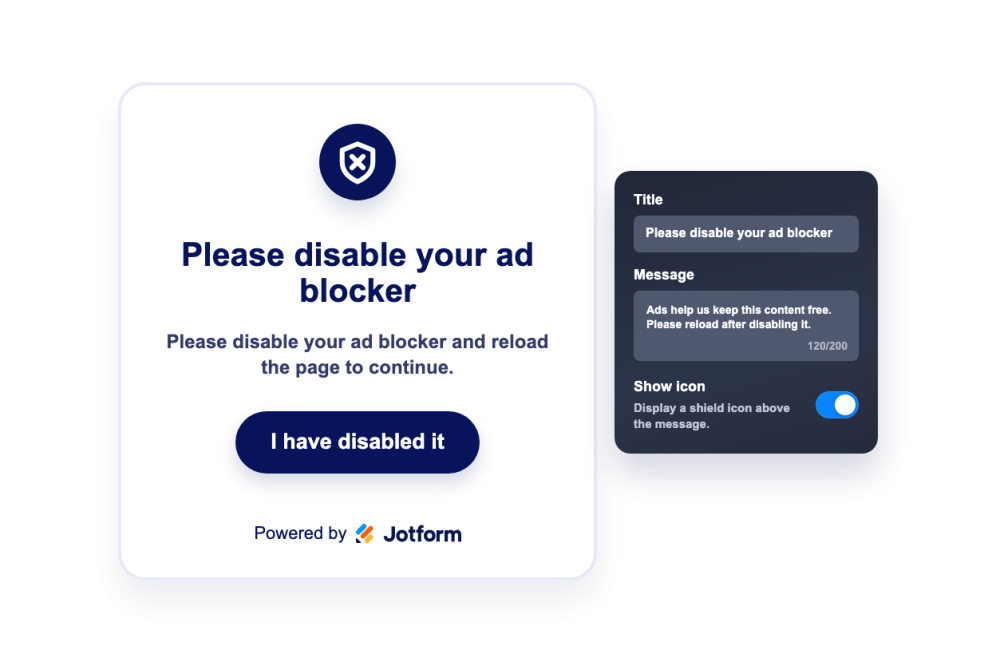
Write your ad blocker notice
Add a title, message, icon, reload button, and optional dismiss text that explains why visitors should support your site.
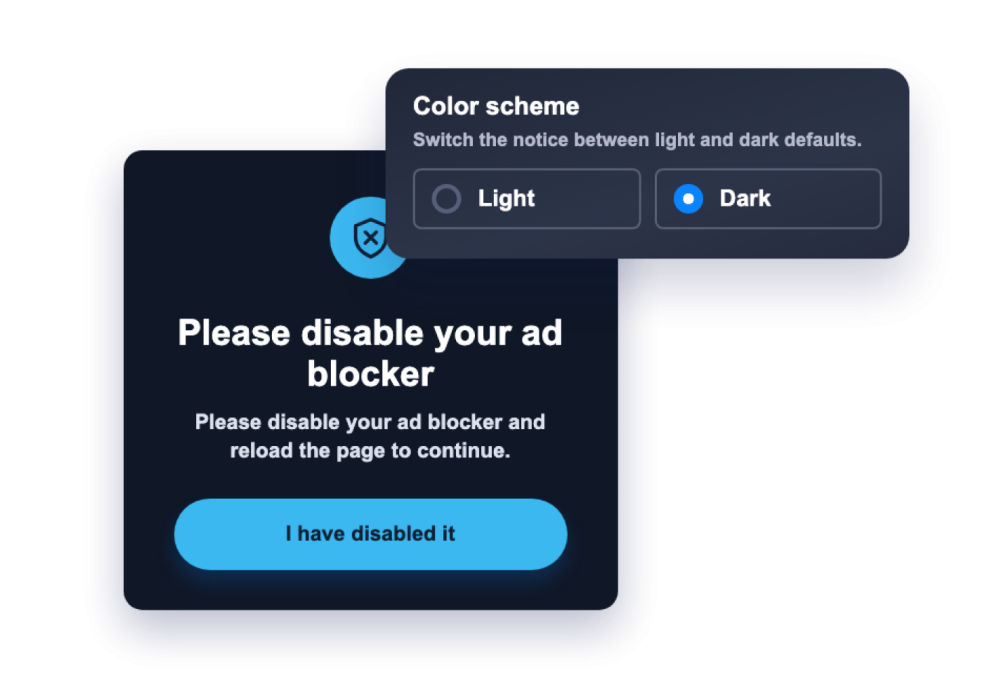
Choose style and rules
Tune message colors, overlay, button colors, corner radius, and control dismissal plus device visibility.
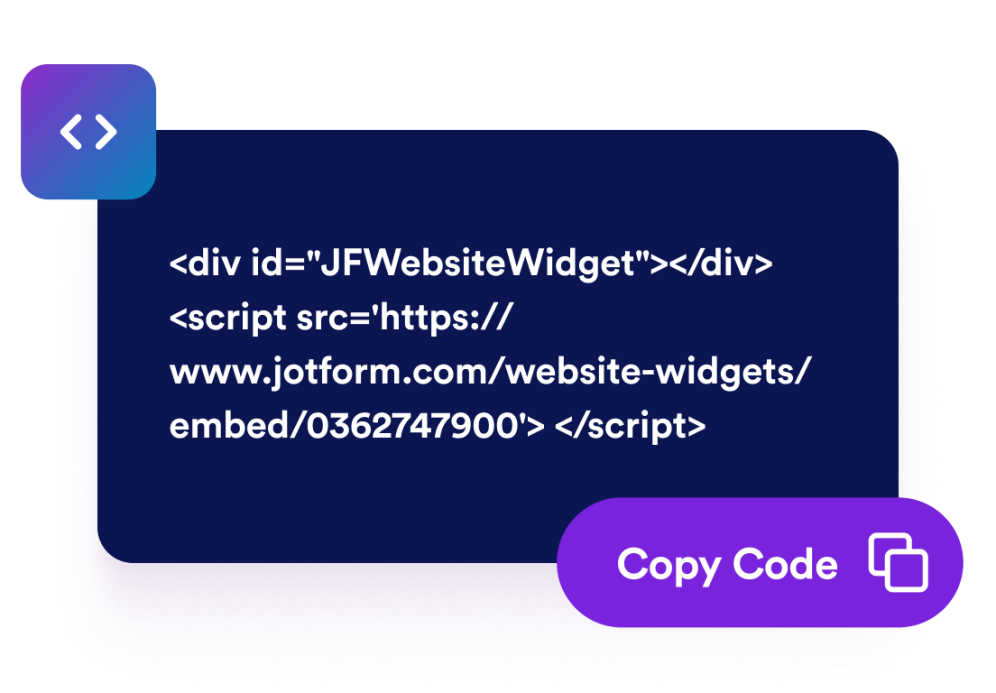
Embed it on your website
Preview the notice, copy the generated embed code, and publish the widget without writing custom detection code.
Ask visitors to support your site without disrupting the page
Detect common ad blockers automatically
The widget checks for common ad-blocking behavior in the browser and can show your notice only when detection indicates ads may be blocked.

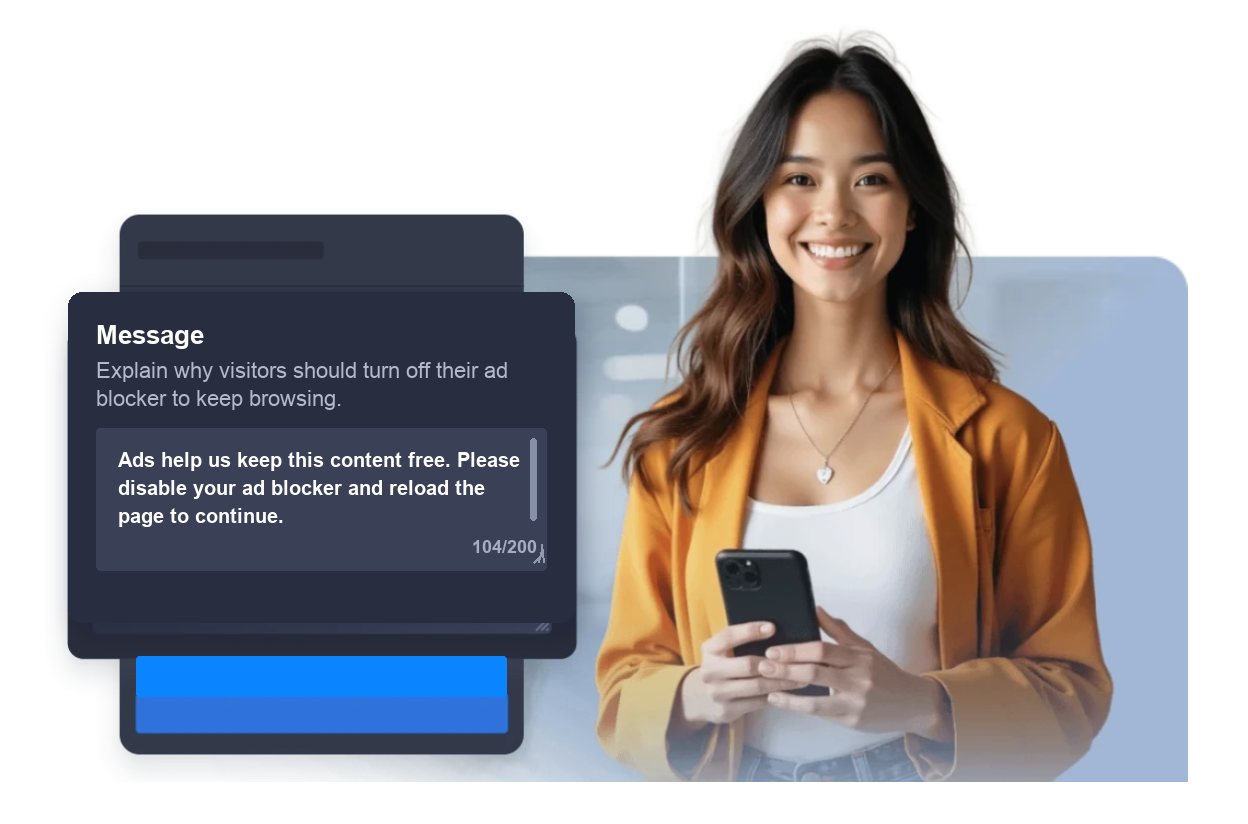
Customize the visitor message
Write a clear title, explanation, reload button, and optional dismiss label so visitors understand what happened and what they can do next.
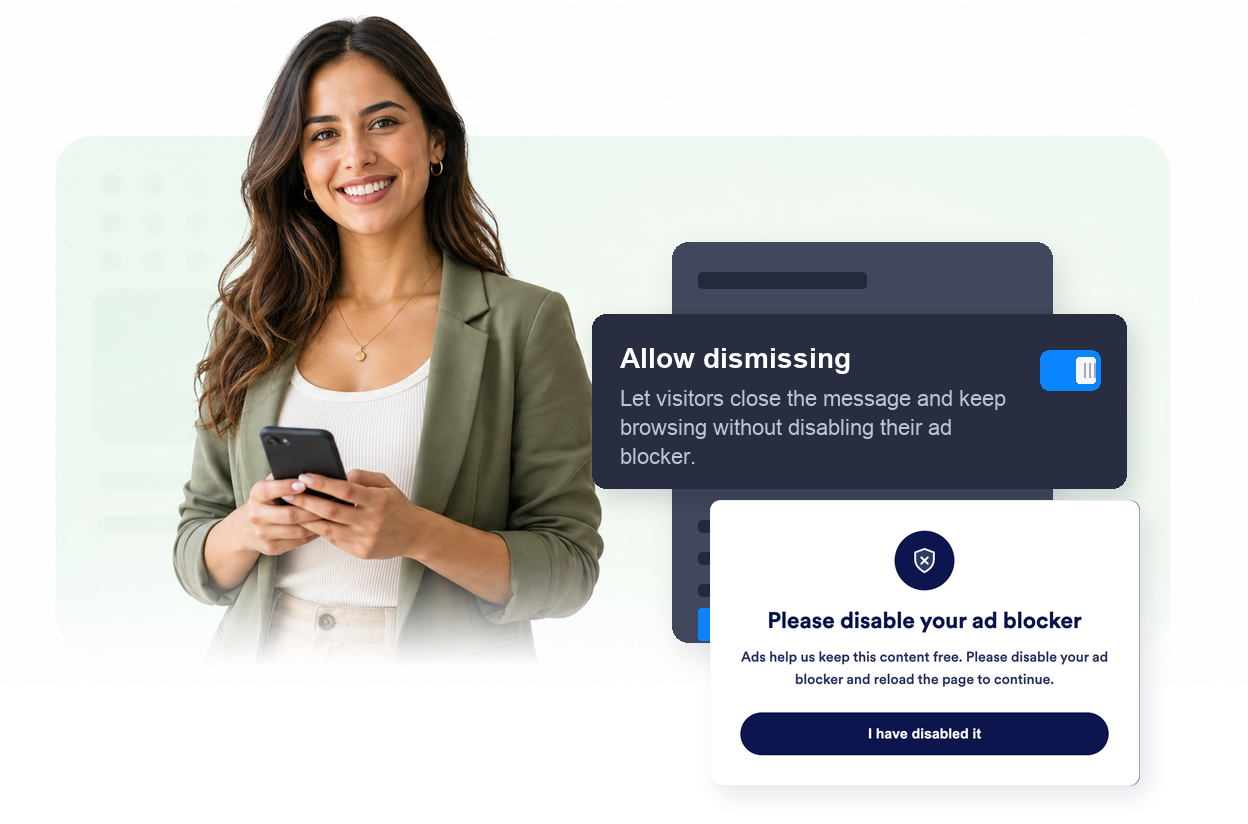
Control when visitors can continue
Choose whether visitors can dismiss the notice and decide if the widget should appear on desktop, mobile, or both.
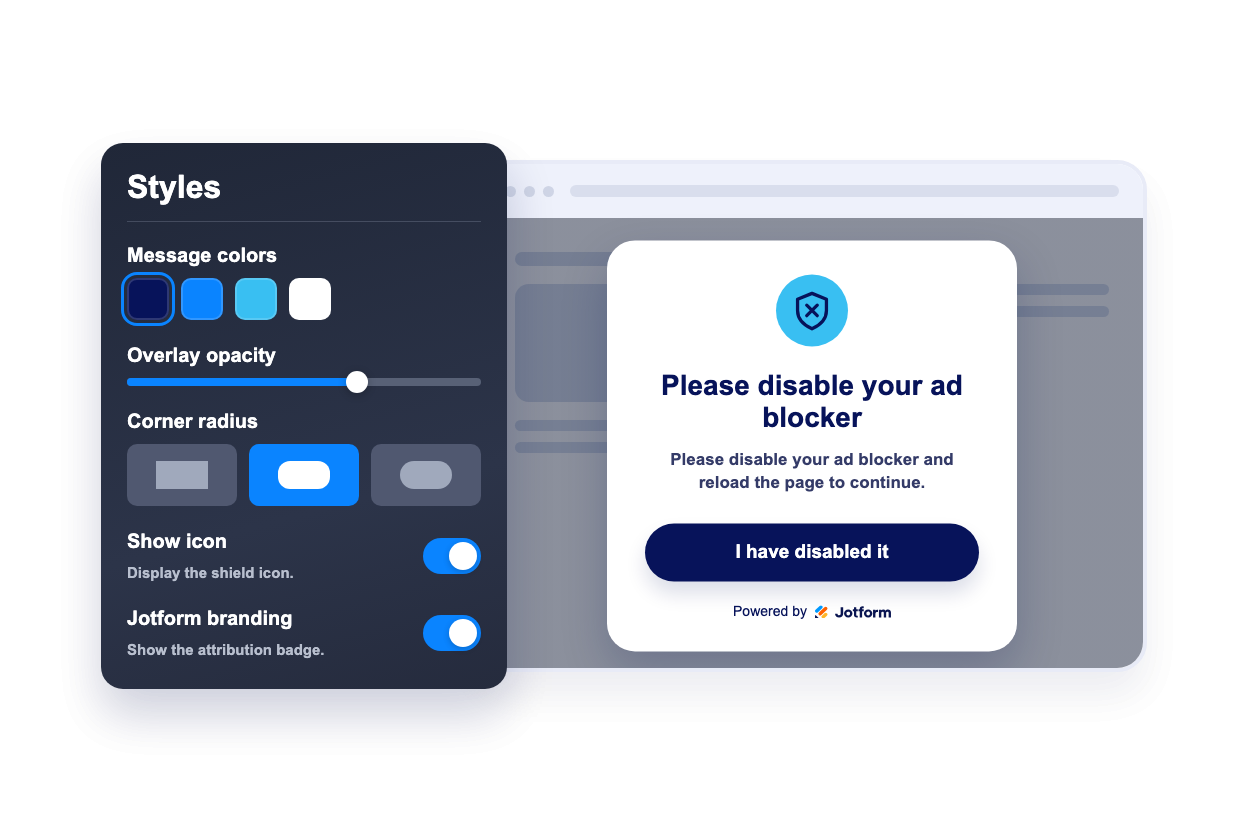
Match the notice to your design
Adjust message colors, overlay, button colors, corner radius, icon visibility, and Jotform branding.
Why Jotform Website Widgets stand out
Jotform’s widgets make your website more interactive and increase conversions. There are many tools available, from star ratings and testimonial sliders to social proof popups and media embeds. Add widgets to your forms or landing pages to collect data, display proof, and capture leads — no coding required.
Add Jotform widgets to your website with a simple embed code. Customize the widget, preview how it looks, and paste it into any page that supports custom HTML or embed blocks, all without a developer.
Use Jotform Website Widgets to collect leads, show customer feedback, display social proof, embed media, or add helpful web page tools. Each widget helps visitors interact with your business directly from your website.
If you need help setting up, customizing, embedding, or troubleshooting your widget, Jotform’s customer support team is available 24-7. You can move forward with confidence, knowing that help is there when you need it.
Where to use your AD Block Checker widget
Use the widget on pages where ads, sponsorships, or supporter access help fund your content and visitors benefit from a clear explanation.
News and publishing sites to ask readers to support ad-funded articles and explain how ads support journalism.
Blogs and tutorials to remind visitors that ad revenue helps keep free guides, templates, and resources available.
Media and entertainment pages to show a polite notice before ad-supported videos, galleries, or premium-style content.
Community websites to explain how sponsorships, ads, or supporter links help maintain the platform.
Membership funnels to offer a support, subscribe, or donate path when visitors prefer not to view ads.
Campaign landing pages to present a concise ad blocker notice without rebuilding your whole page experience.
Convert leads into paying customers with the Jotform Form Builder
Turn engagement into action with Jotform. Create powerful forms that capture leads, collect payments, and automate responses, all in one place. Every submission lands in your Jotform Inbox, where you can follow up or connect with your favorite apps.
Get Started — It’s Free!
FAQ
What is an AD Block Checker widget?
An AD Block Checker widget detects common ad-blocking behavior in a visitor's browser and displays a customizable message when ads appear to be blocked.
Can the widget force visitors to disable an ad blocker?
Can I customize the message?
Can I control the colors?
Can visitors dismiss the notice?
Can visitors reload after disabling the ad blocker?
Does the widget work on mobile?
Do I need to write code?