Birthday Countdown Clock widget

Create Your Own Birthday Countdown Widget in Seconds

Build a live birthday countdown for your website. Set the birthday date, customize the timer, choose colors and layouts, add call-to-action buttons, and embed it on your website without writing code.
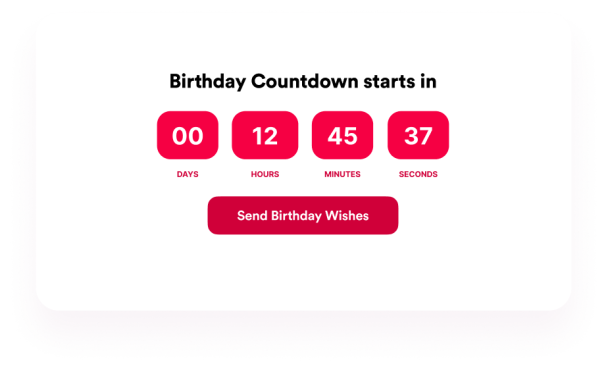

Create Your Birthday Countdown Clock Widget - It's Free!
Create Your Own Birthday Countdown Widget in Seconds Hero Bg Image

How to embed your Birthday Countdown Clock into WordPress

1Get your embed code

After customizing your Jotform website widget, click Try it on your website for free, and copy the generated embed code.

2Open the page editor

Go to the WordPress post or page where you want to display the widget, then add a new block.

3Add a Custom HTML block

Select Custom HTML and paste your Jotform website widget embed code into the HTML field.

4Update and view

Click Update or Publish, then open the page to check your embedded widget.

Set countdown timing and labels

Choose the end date, end time, all-day behavior, timezone, repeat schedule, time format, visible units, and unit labels.

Timer controls include:
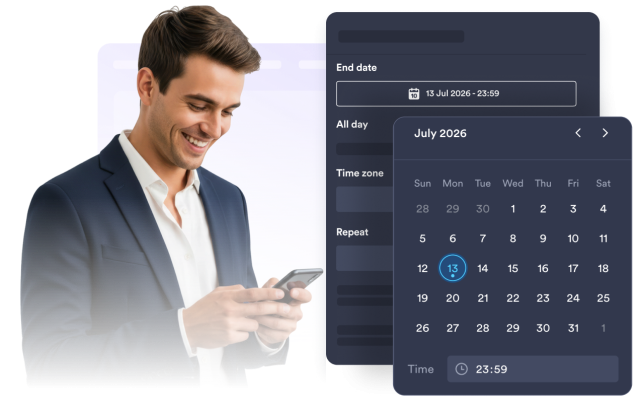
End dateEnd timeAll-day modeAnnual repeatUnit labels
Configure Countdown
Set countdown timing and labels

Customize theme and colors

Select a theme preset or customize the background, heading, timer value, timer box, label, button, and button text colors.

Style controls include:
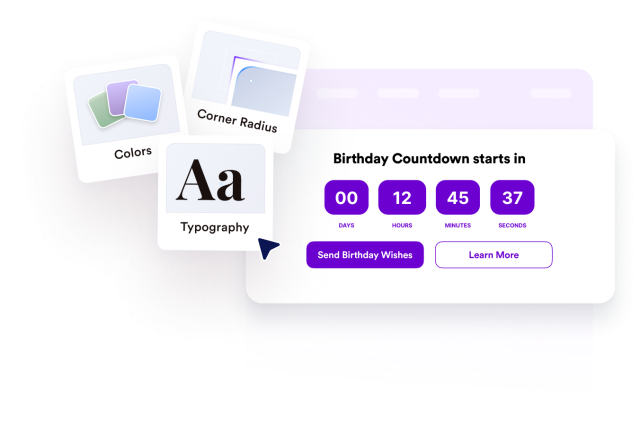
Theme presetBackground colorTimer box colorCustom colorsCorner radius
Customize Design
Customize theme and colors

Add primary and secondary CTA buttons

Show a primary button, add an optional secondary button, and edit each button text, URL, background color, and text color.

Action controls include:

Primary buttonSecondary buttonButton linksButton colors
Add CTA Buttons
Add primary and secondary CTA buttons

Choose placement and visibility

Place the timer inline, full-width, as a top or bottom bar, as a static top bar, or as a floating card with desktop and mobile visibility controls.

Layout controls include:
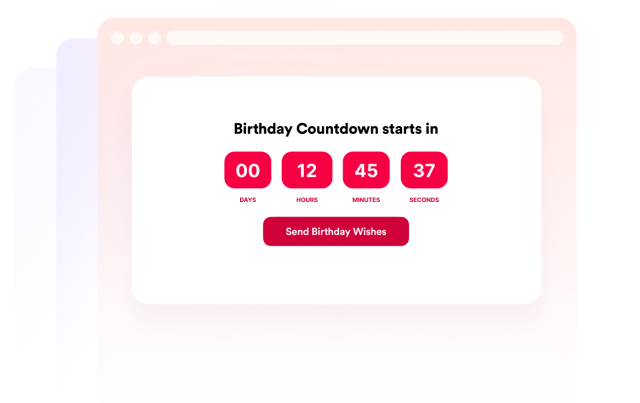
InlineFull widthTop or bottom barStatic top barFloating card
Choose Placement
Choose placement and visibility