
Booking Posts Carousel
We couldn't create your widget. Please try again.
We couldn't create your widget. Please try again.

We couldn't create your widget. Please try again.

We couldn't create your widget. Please try again.

We couldn't create your widget. Please try again.
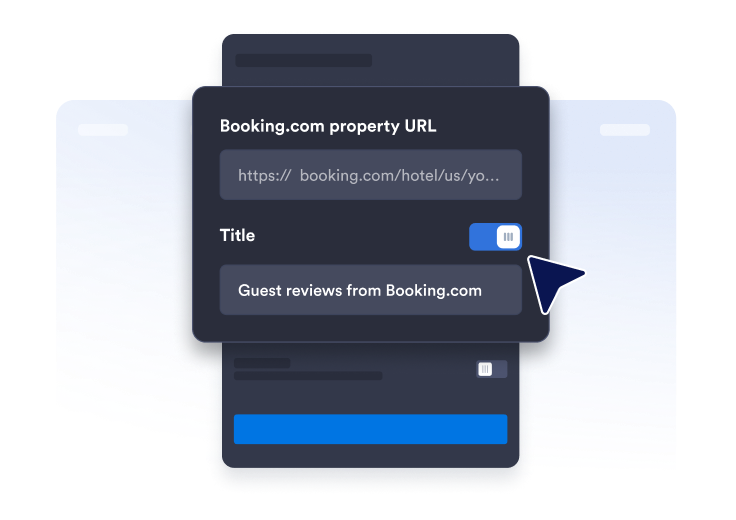
Find your Booking.com profile page and copy & paste the URL of your facility.
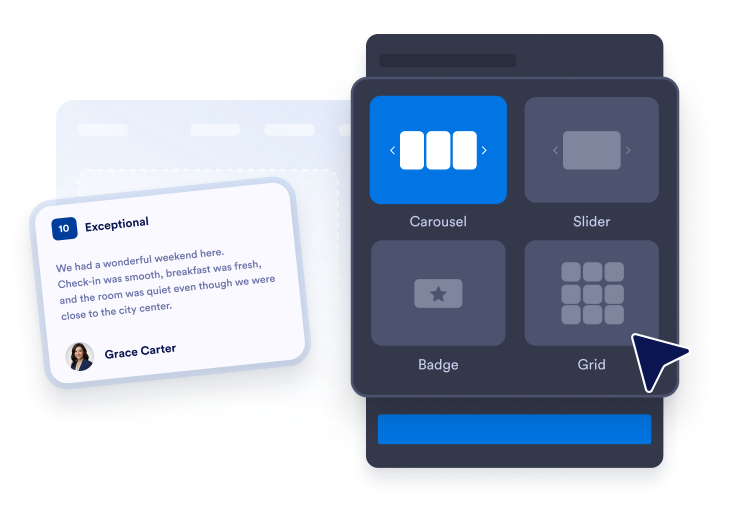
Arrange the outlook of your widget by selecting theme, colors and CTA button text.
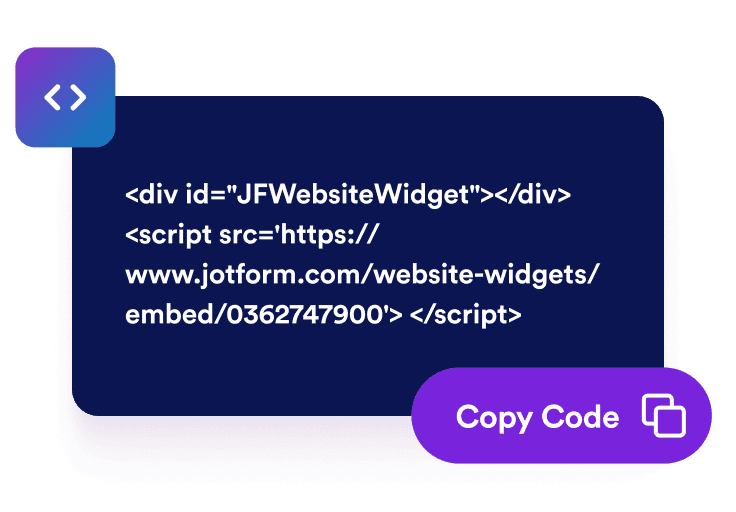
Paste the code into your website and publish. Your Booking.com reviews will appear right away.
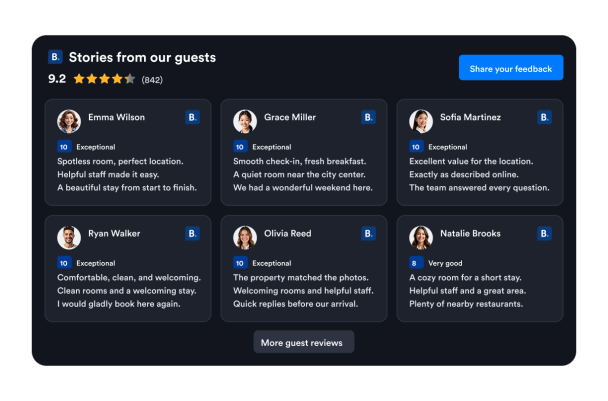
Show Booking.com guest ratings, names, and review text in a familiar format. Firsthand feedback helps travelers learn about previous stays and gives them useful context while they compare your property with other accommodation options.
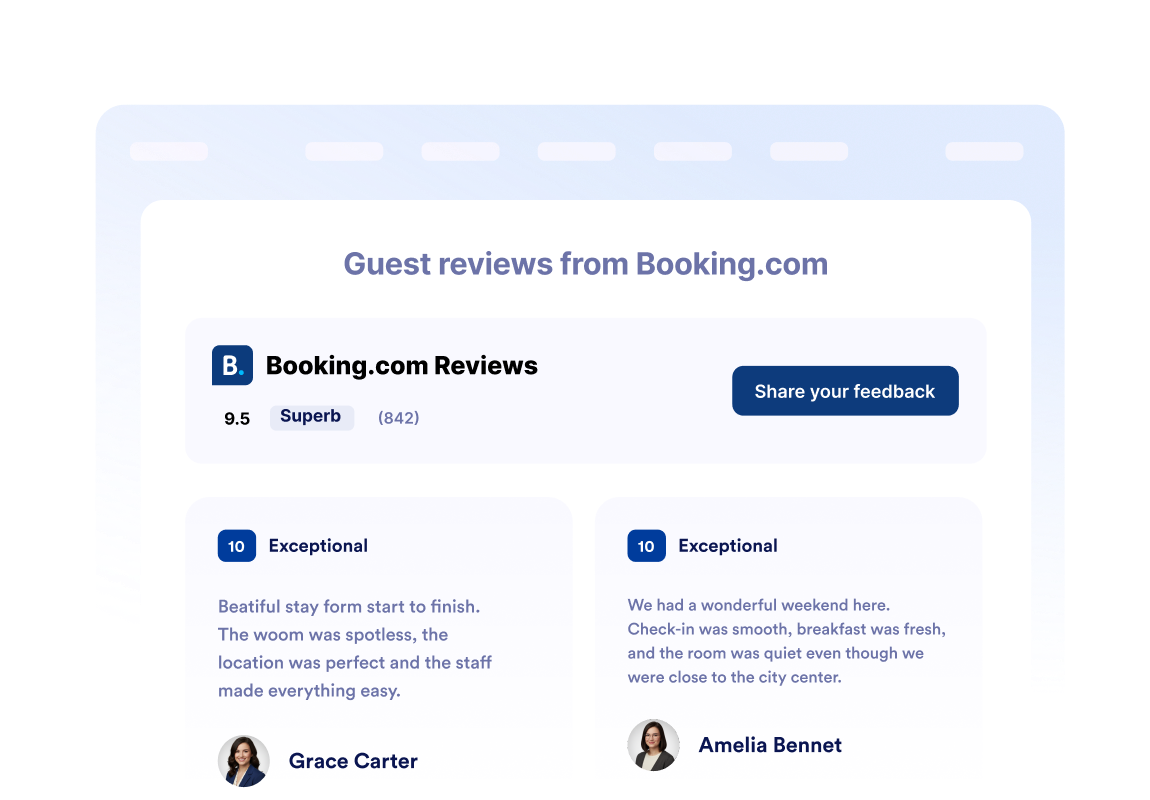
Place your overall Booking.com rating and total review count in the widget header. Visitors can quickly assess your property’s reputation before exploring individual guest reviews, room details, amenities, or reservation options.
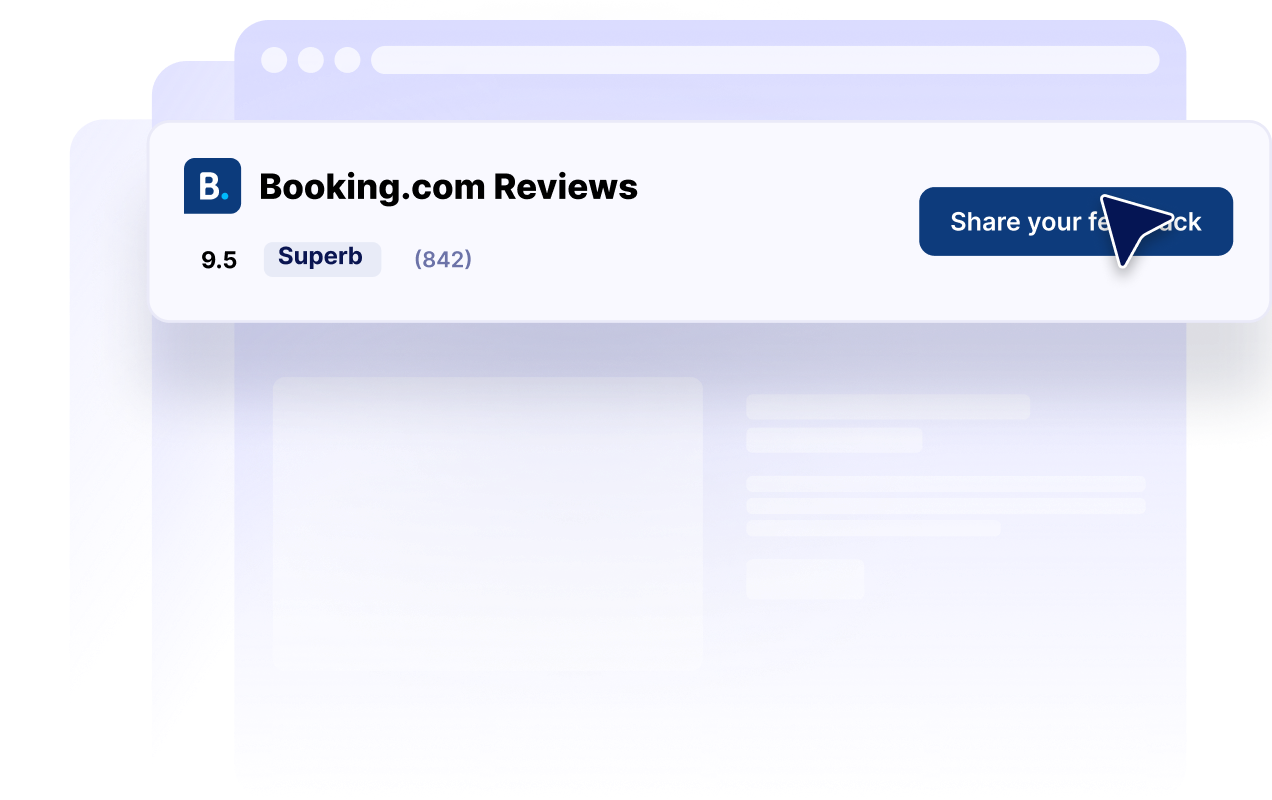
Choose from carousel, slider, grid, list, masonry, and badge layouts. Display a detailed review collection on a property page or use a compact rating badge in a sidebar, footer, or space-limited landing page.
Customize dark mode, titles, buttons, rating details, review fields, colors, and widget width. These controls help your Booking.com reviews complement your website while keeping recognizable rating information easy to find.
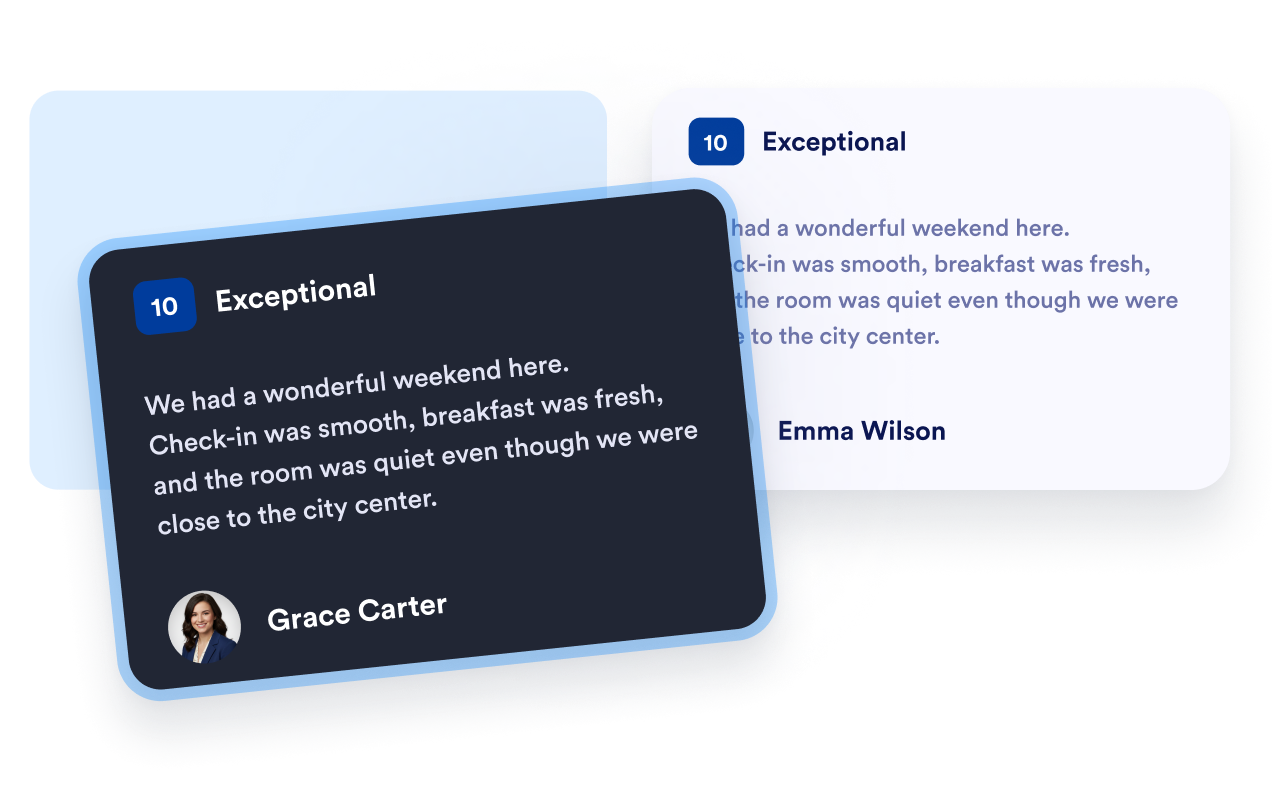
Jotform’s widgets make your website more interactive and increase conversions. There are many tools available, from star ratings and testimonial sliders to social proof popups and media embeds. Add widgets to your forms or landing pages to collect data, display proof, and capture leads — no coding required.
Add Jotform widgets to your website with a simple embed code. Customize the widget, preview how it looks, and paste it into any page that supports custom HTML or embed blocks, all without a developer.
Use Jotform Website Widgets to collect leads, show customer feedback, display social proof, embed media, or add helpful web page tools. Each widget helps visitors interact with your business directly from your website.
If you need help setting up, customizing, embedding, or troubleshooting your widget, Jotform’s customer support team is available 24-7. You can move forward with confidence, knowing that help is there when you need it.
Place Booking.com reviews where travelers compare properties, evaluate guest experiences, and decide whether to make a reservation.
Homepage trust sections to introduce your property rating to new visitors.
Room and property pages to provide guest context alongside amenities and photos.
Reservation pages to reinforce confidence near your primary booking button.
Location landing pages to help travelers compare accommodation options.
Promotional landing pages to support seasonal packages with guest feedback.
Sidebars and footers to keep a compact property rating visible across your website.
Turn engagement into action with Jotform. Create powerful forms that capture leads, collect payments, and automate responses, all in one place. Every submission lands in your Jotform Inbox, where you can follow up or connect with your favorite apps.
Get Started — It’s Free!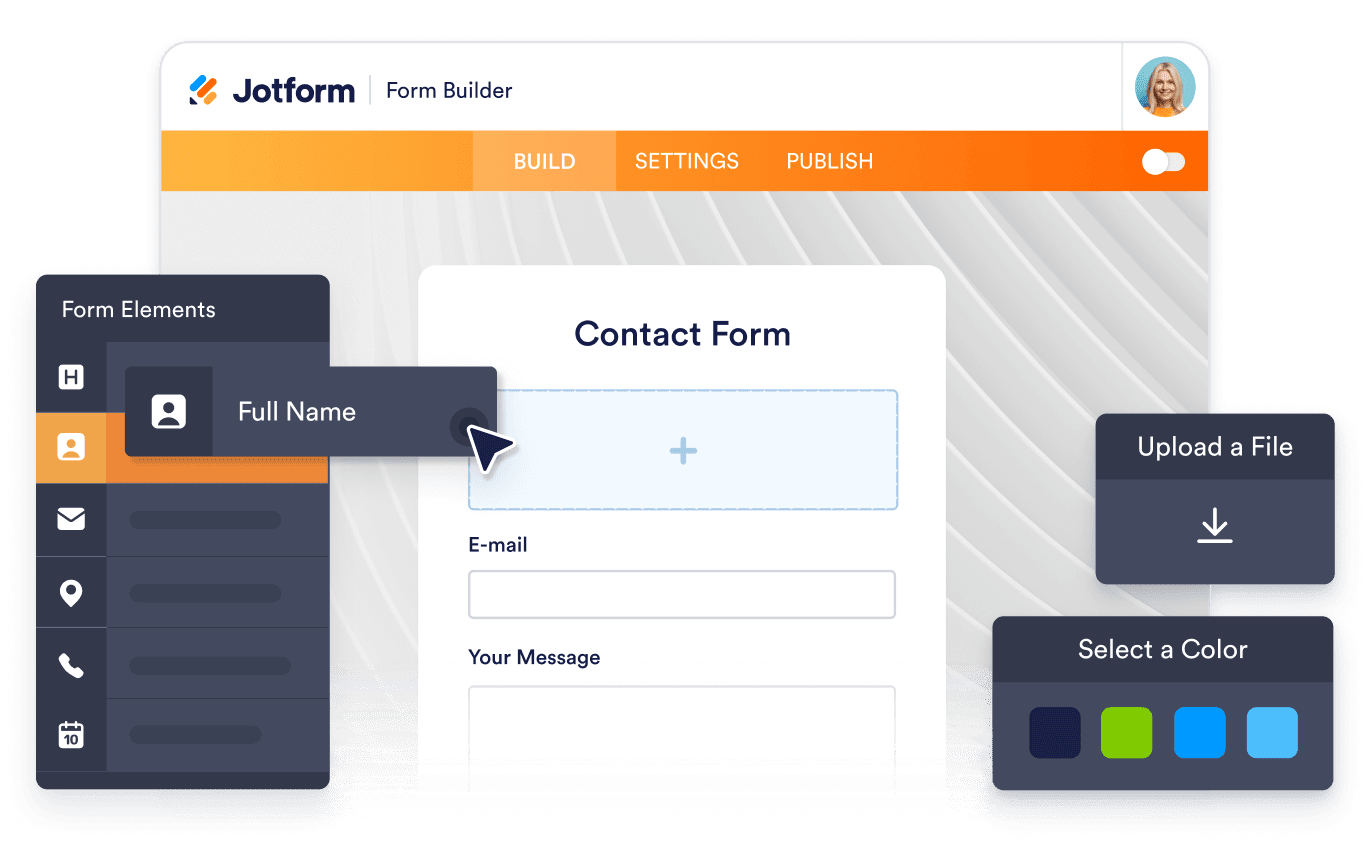
A Booking.com Reviews Widget displays guest ratings and review content from a Booking.com property on another website. Hotels, vacation rentals, and other accommodation businesses can use it to make recognizable guest feedback available throughout their websites.
