Bracket Maker Widget
Create a Bracket Maker Widget for Your Website
Build a website-ready tournament bracket for 4, 8, or 16 teams or players. Add seeds, participant images, match results, display controls, and custom styling without coding.
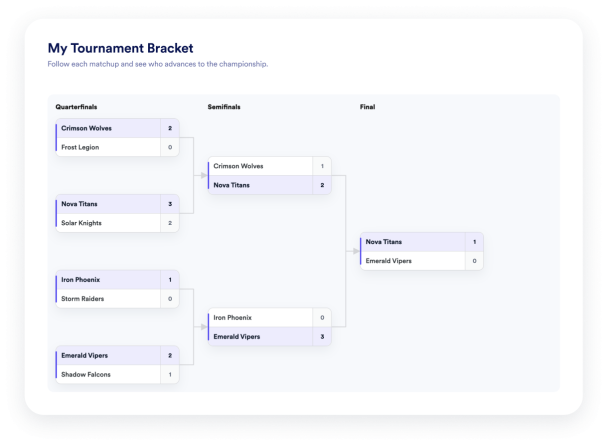

Organize Teams and Players
Add individual players, teams, or other competitors. Assign seed numbers, include optional logos or avatars, duplicate entries, and keep every participant organized.
Participant controls:

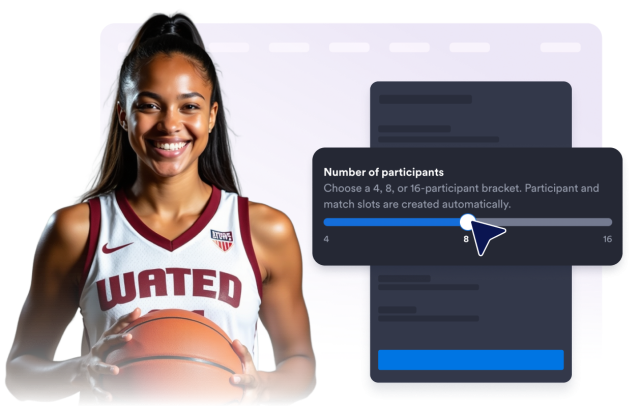
Create Brackets for 4, 8, or 16 Participants
Choose the bracket size that fits your event. The widget prepares the required participant and matchup slots automatically, so you can start adding competitors right away.
Bracket sizes:
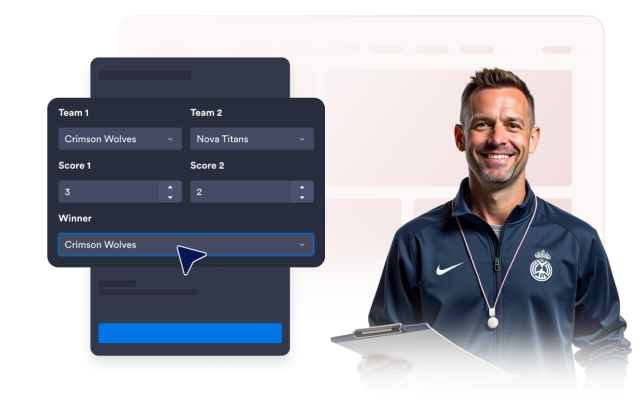
Add Scores and Match Details
Enter scores and winners for completed matchups. Include optional dates and locations to give visitors the context they need while following the competition.
Result details:
Choose What Visitors See
Show or hide the bracket title, description, round labels, scores, dates, and locations. Keep the display focused on the details that matter to your audience.
Display controls:

Customize the Bracket Appearance
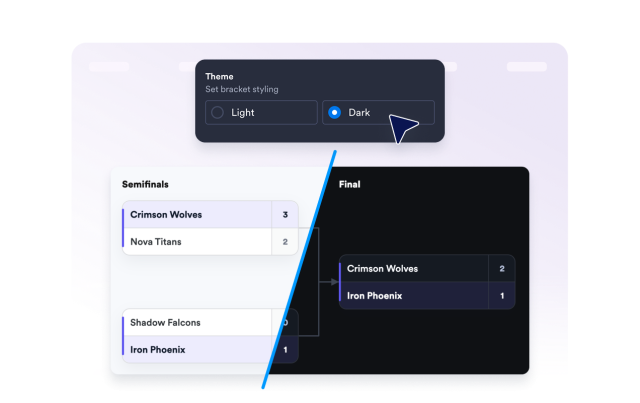
Choose a light or dark theme, select a corner style for match cards, and control whether Jotform branding appears beneath the widget.
Style controls: