Browser Pets for your website
Add a browser pets widget to your website in seconds. Customize the design and embed it with Jotform's no-code website widget builder.
Create Now — It’s Free!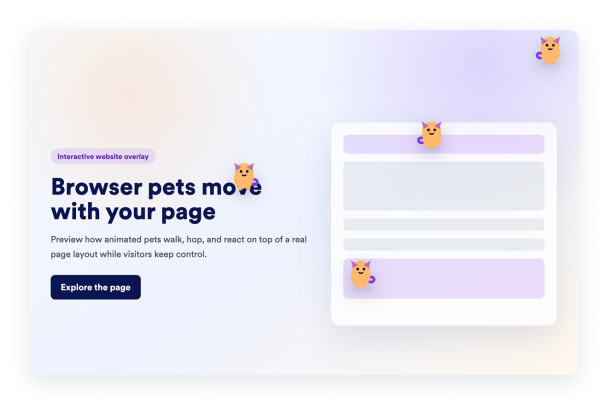

How to create a Browser Pets widget
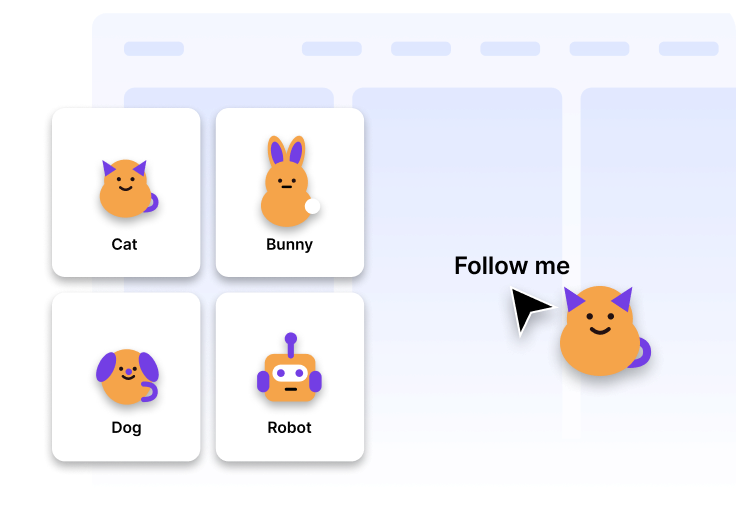
Customize your pet
Choose the pets that best fit your website's design.
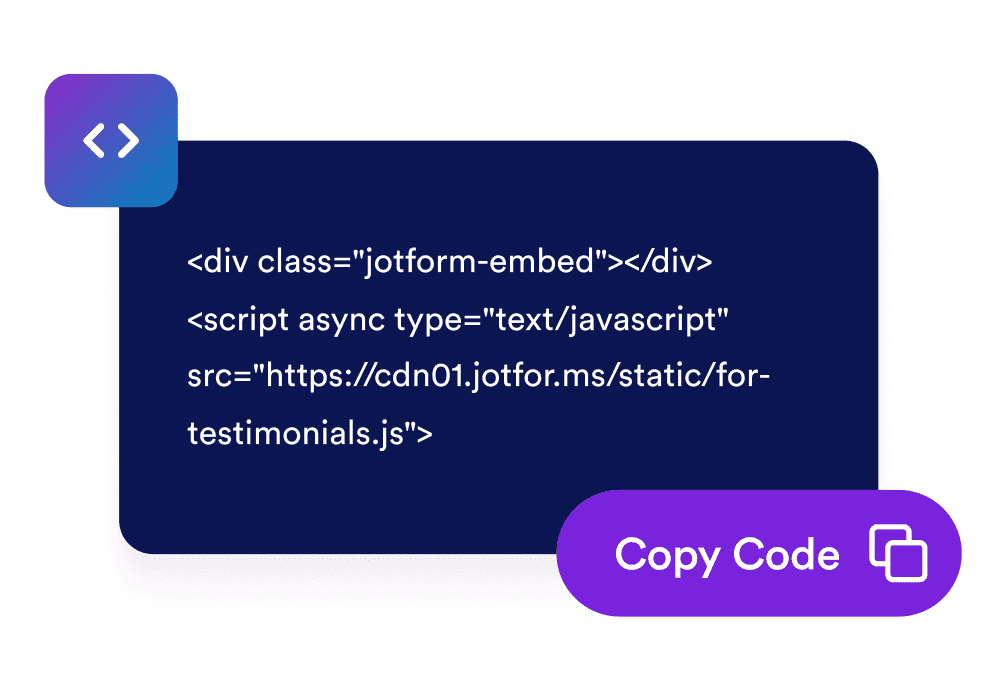
Get the embed code
Copy the ready-to-use embed code generated by Jotform. No setup or coding required.

Embed it anywhere
Paste the code into your website and publish. Your browser pets will appear right away.
Turn a better website experience into real business growth
Increase Visitor Engagement
A playful pet following the cursor makes your website feel more interactive and memorable. Small moments of delight can encourage visitors to explore more of your content.

Why Jotform Website Widgets stand out
Jotform’s widgets make your website more interactive and increase conversions. There are many tools available, from star ratings and testimonial sliders to social proof popups and media embeds. Add widgets to your forms or landing pages to collect data, display proof, and capture leads — no coding required.
Add Jotform widgets to your website with a simple embed code. Customize the widget, preview how it looks, and paste it into any page that supports custom HTML or embed blocks, all without a developer.
Use Jotform Website Widgets to collect leads, show customer feedback, display social proof, embed media, or add helpful web page tools. Each widget helps visitors interact with your business directly from your website.
If you need help setting up, customizing, embedding, or troubleshooting your widget, Jotform’s customer support team is available 24-7. You can move forward with confidence, knowing that help is there when you need it.
Convert leads into paying customers with the Jotform Form Builder
Turn engagement into action with Jotform. Create powerful forms that capture leads, collect payments, and automate responses, all in one place. Every submission lands in your Jotform Inbox, where you can follow up or connect with your favorite apps.
Get Started — It’s Free!
FAQ
How do I set up the browser pets?
Create and customize your widget in Jotform, then copy the embed code. Paste it into your website and publish.
Can I customize the design?
Do I need coding skills?
Can I update the widget after embedding it?
Why should I add a browser pets to my website?
Is the widget free?