Browser Pets Widget

Make Every Visit More Memorable

Transform your website with a charming cursor pet that adds personality, encourages interaction, and leaves a lasting impression.
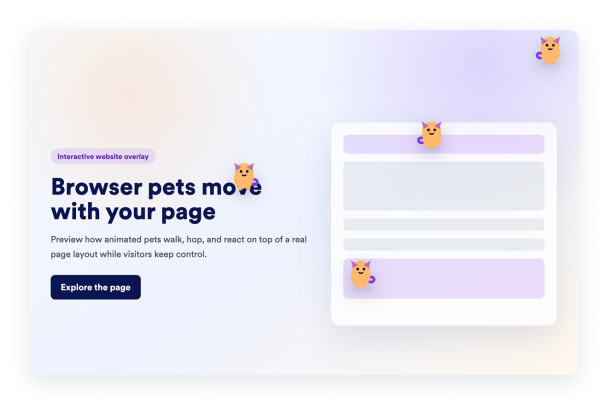

Make Every Visit More Memorable Hero Bg Image

How to embed Browser Pets Widget to WordPress

1Get your embed code

After customizing your Jotform website widget, click Try it on your website for free, and copy the generated embed code.

2Open the page editor

Go to the WordPress post or page where you want to display the widget, then add a new block.

3Add a Custom HTML block

Select Custom HTML and paste your Jotform Website widget embed code into the HTML field.

4Update and view

Click Update or Publish, then open the page to check your embedded widget.

Create a Memorable Brand Experience

Choose a pet that matches your brand's personality and gives your website a unique identity. A distinctive experience helps visitors remember your brand long after they leave.
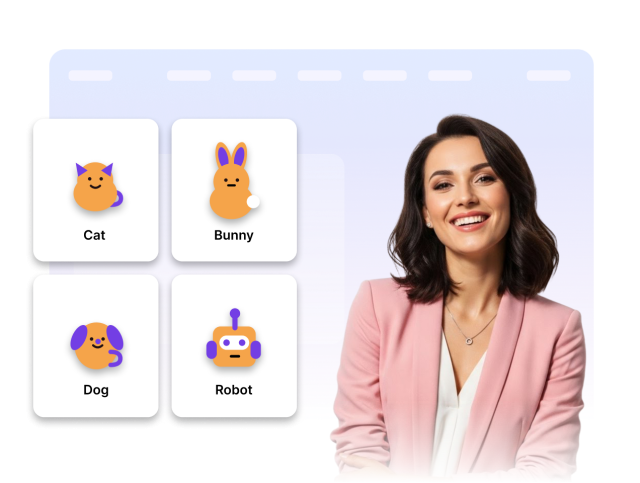
Create a Memorable Brand Experience

Design controls that fit your brand

Customize the widget with different pets to complement your website's style and theme. It's a simple way to add personality without changing your existing design.
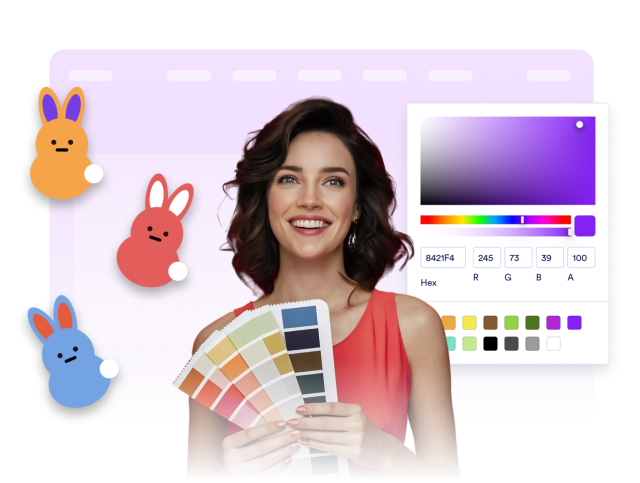
Design controls that fit your brand