Callback Widget for your website
Let visitors request a callback from a floating website widget, share their phone number and preferred time, and receive a clear confirmation without leaving the page.
Create Now — It’s Free!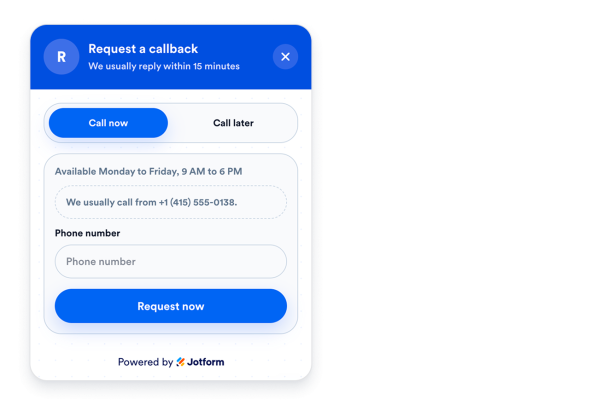

How to create a Callback widget
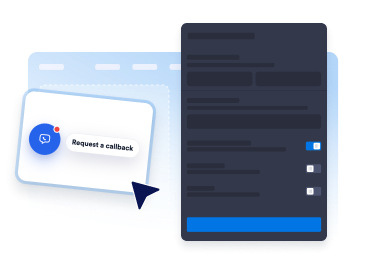
Add your callback details
Set the callback title, direct phone number, notification email, welcome note, and preferred callback prompts.
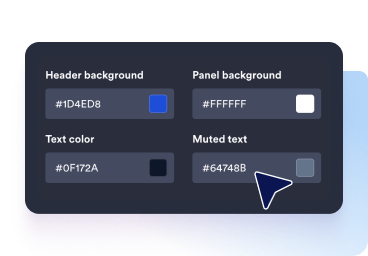
Customize the widget style
Adjust the bubble label, panel colors, field styles, button text, badge, and floating placement to match your website.
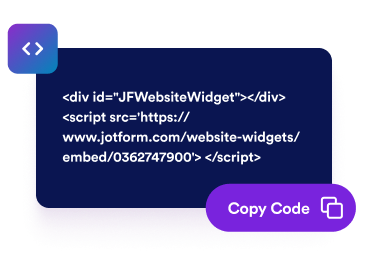
Embed it on your website
Publish the callback widget so visitors can request a call without opening a separate contact page.
Turn phone support into a cleaner website workflow
Collect callback requests in a floating panel
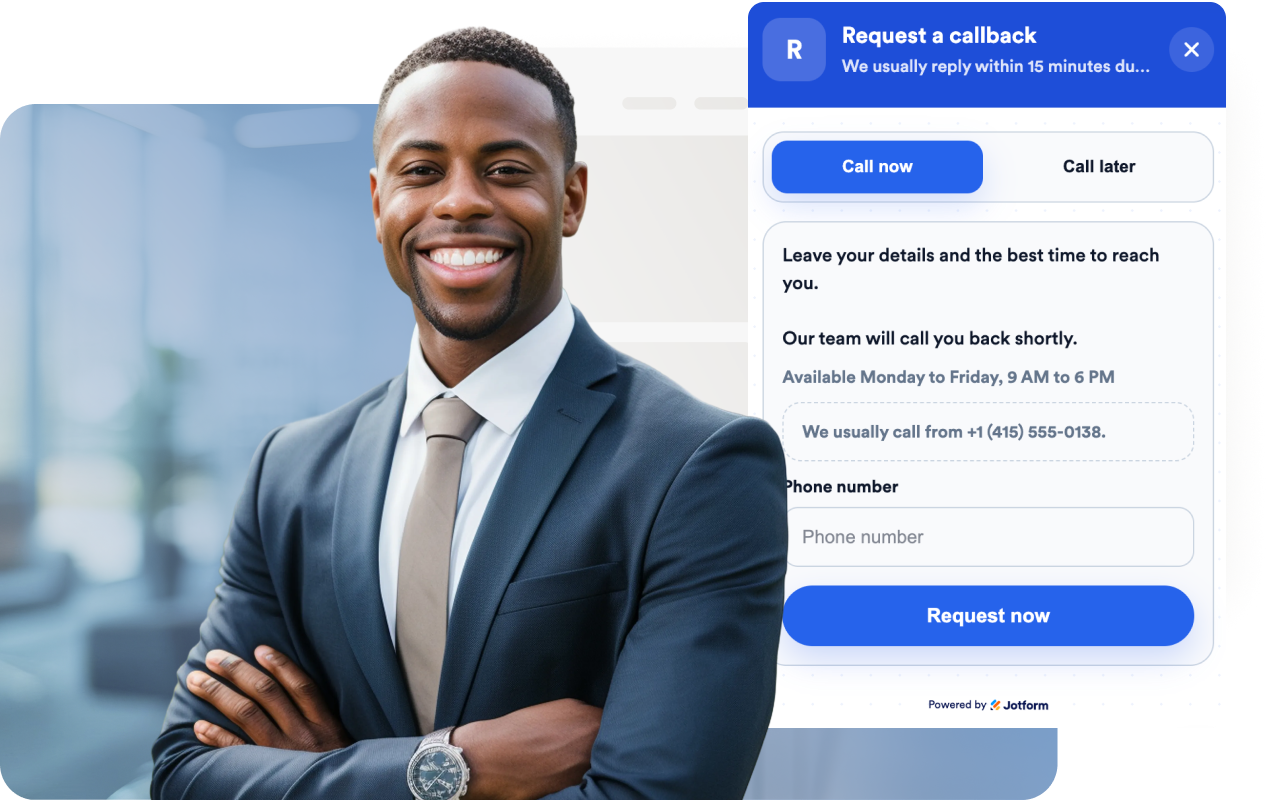
Give visitors a simple callback form with name, phone number, optional email, optional message, and confirmation messaging.
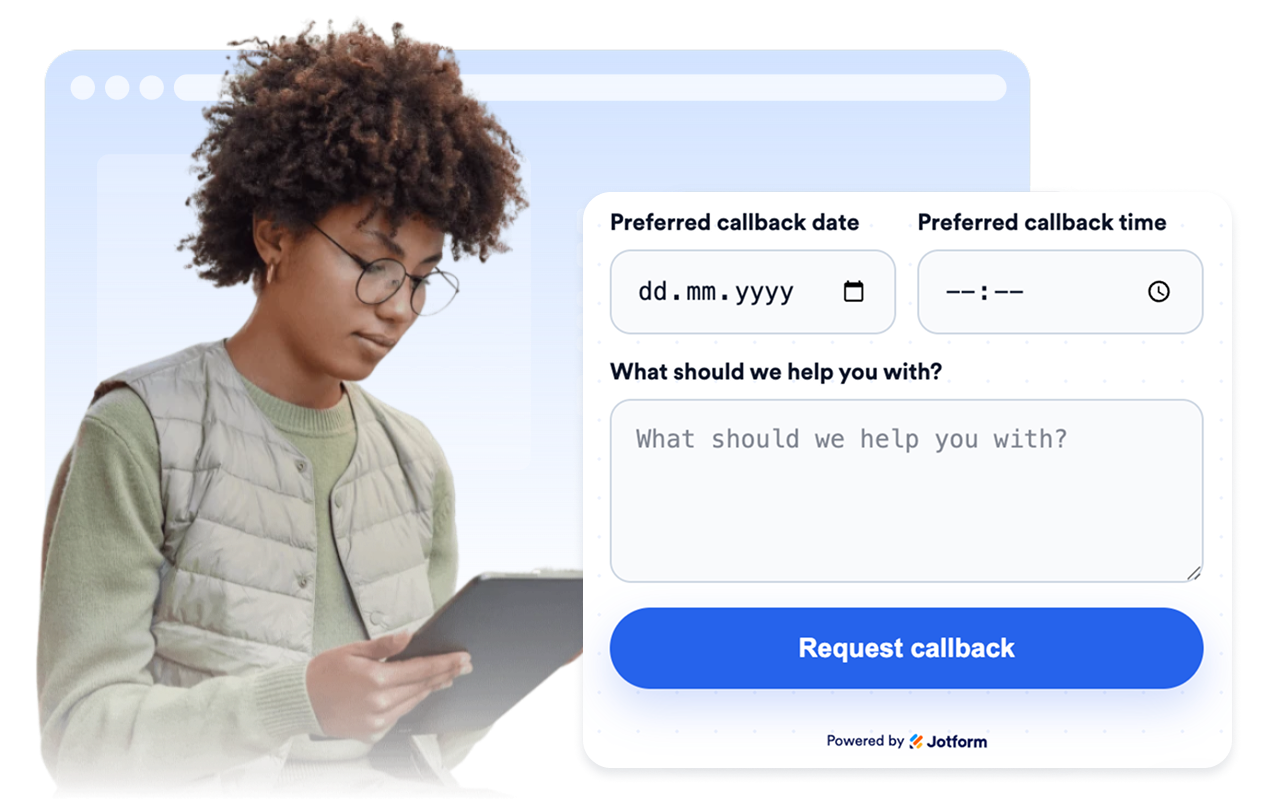
Let visitors choose a preferred date and time
Capture the best callback window so your team can respond when it is most convenient for the visitor.
Show a direct call path and availability note
Display your direct phone number, a quick call button, and a short note about business hours or callback expectations.

Match your brand and confirmation flow
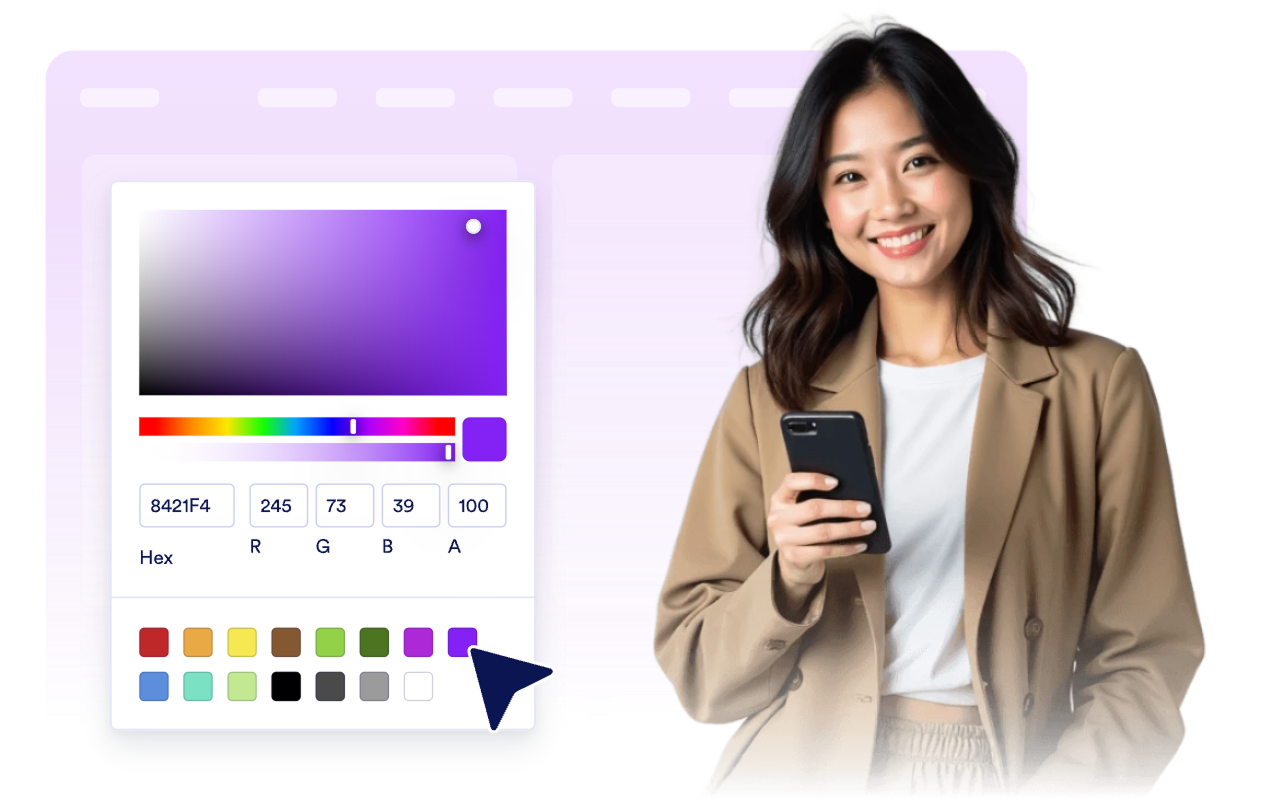
Customize the callback bubble, panel header, field surfaces, submit button, success state, rounded corners, and floating position.
Why Jotform Website Widgets stand out
Jotform’s widgets make your website more interactive and increase conversions. There are many tools available, from star ratings and testimonial sliders to social proof popups and media embeds. Add widgets to your forms or landing pages to collect data, display proof, and capture leads — no coding required.
Add Jotform widgets to your website with a simple embed code. Customize the widget, preview how it looks, and paste it into any page that supports custom HTML or embed blocks, all without a developer.
Use Jotform Website Widgets to collect leads, show customer feedback, display social proof, embed media, or add helpful web page tools. Each widget helps visitors interact with your business directly from your website.
If you need help setting up, customizing, embedding, or troubleshooting your widget, Jotform’s customer support team is available 24-7. You can move forward with confidence, knowing that help is there when you need it.
Where to use your Callback widget
Place the widget where visitors need a faster path to a phone conversation without interrupting their page flow.
Pricing and quote pages so visitors can request a sales callback while comparing options.
Service and consultation pages where phone follow-up helps close questions faster than email.
High-intent landing pages to capture callback requests before visitors bounce.
Support and onboarding pages when customers need a human follow-up instead of another form thread.
Local business websites for clinics, agencies, repair teams, and home services that rely on call-based follow-up.
Convert leads into paying customers with the Jotform Form Builder
Turn engagement into action with Jotform. Create powerful forms that capture leads, collect payments, and automate responses, all in one place. Every submission lands in your Jotform Inbox, where you can follow up or connect with your favorite apps.
Get Started — It’s Free!
FAQ
What is a Callback widget?
A Callback widget is a floating website widget that lets visitors request a phone call and share the best time to reach them.
What details can the widget collect?
Can I show my direct phone number too?
Can I customize the wording and design?
Where do callback requests go?
Do I need code to add it to my website?