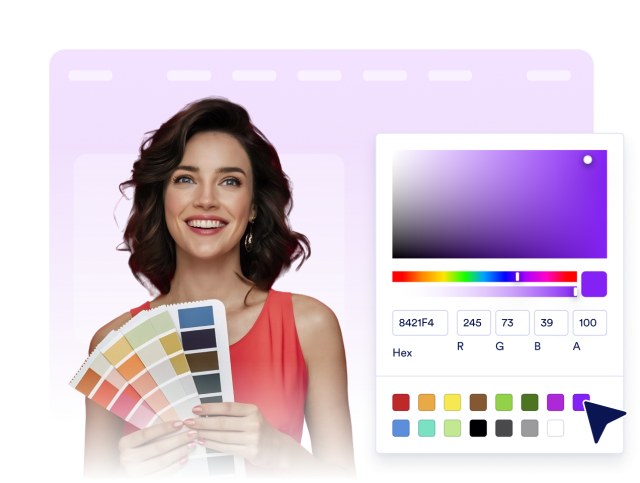
Create a Custom Callback Widget for your Website
Callback Widget Features
Build a callback request experience with a floating launcher, preferred callback scheduling, direct phone fallback, and flexible branding controls.
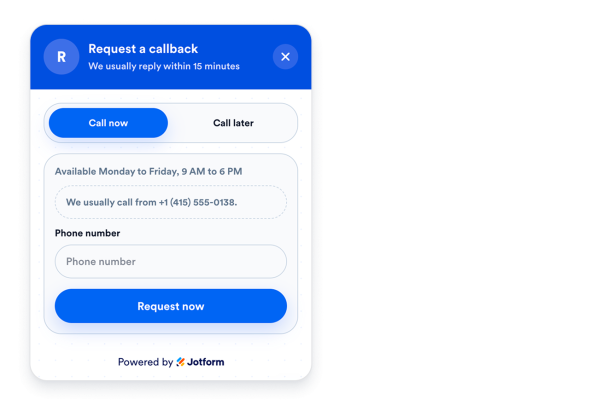

Collect callback requests in a floating panel
Give visitors a simple callback form with name, phone number, optional email, optional message, and confirmation messaging.
Form controls:
NamePhoneEmailMessage
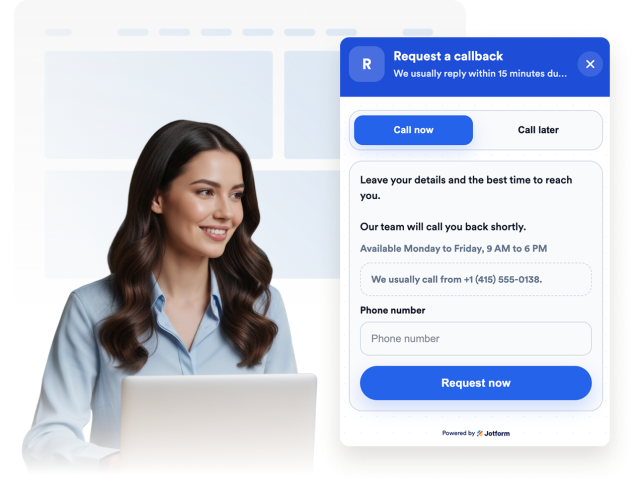
Let visitors choose a preferred date and time
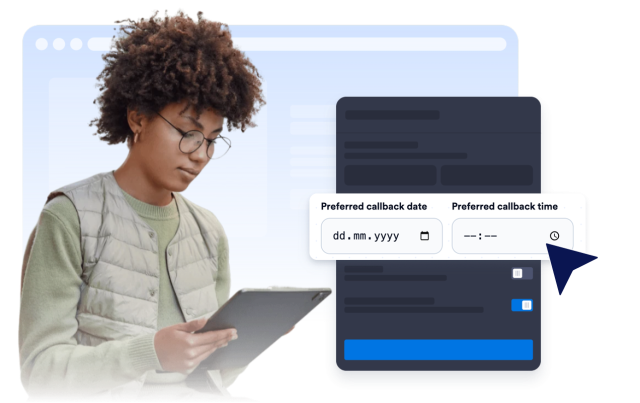
Capture the best callback window so your team can respond when it is most convenient for the visitor.
Scheduling fields:
Preferred datePreferred timeAvailability note
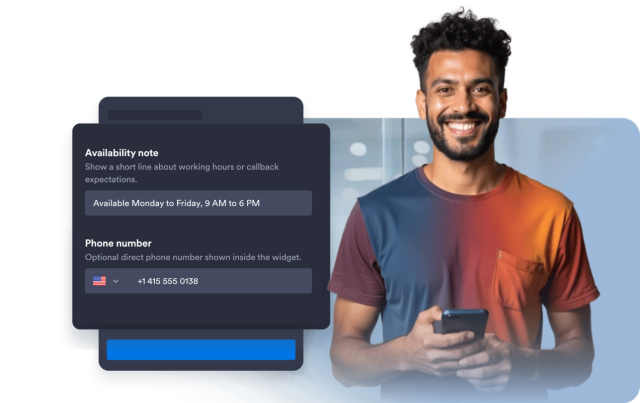
Show a direct call path and availability note
Display your direct phone number, a quick call button, and a short note about business hours or callback expectations.
Contact controls:
Direct phoneCall buttonCaption
Match your brand and confirmation flow
Customize the callback bubble, panel header, field surfaces, submit button, success state, rounded corners, and floating position.
Display controls:
ColorsBadgeAuto-openLeft/right