Clock Widget
Create Your Own Clock Widget in Seconds for Your Website
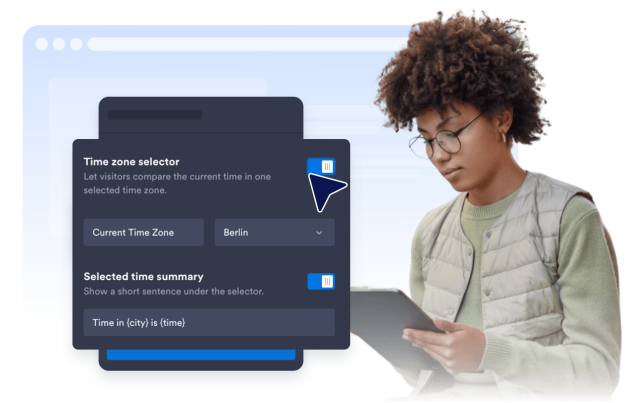
Build a live world clock for offices, shops, events, support teams, and global audiences. Choose locations, layouts, time format, seconds, colors, width, and optional selected-time-zone text in a no-code builder.
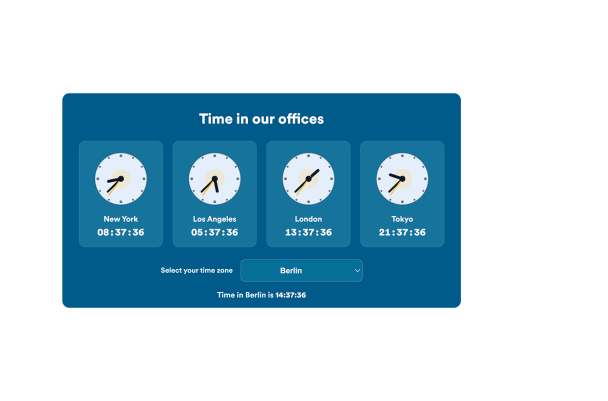

Display Live Times for Cities and Time Zones
Add labeled clocks for the places your visitors care about. Each clock uses its selected time zone to keep the displayed time current.
Time controls include:
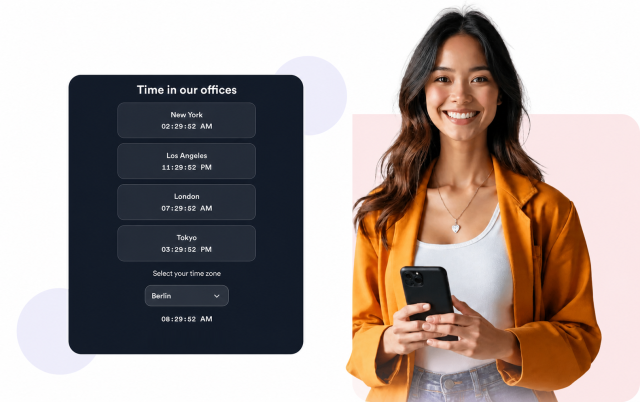
Choose Analog, Digital, or Mixed Displays
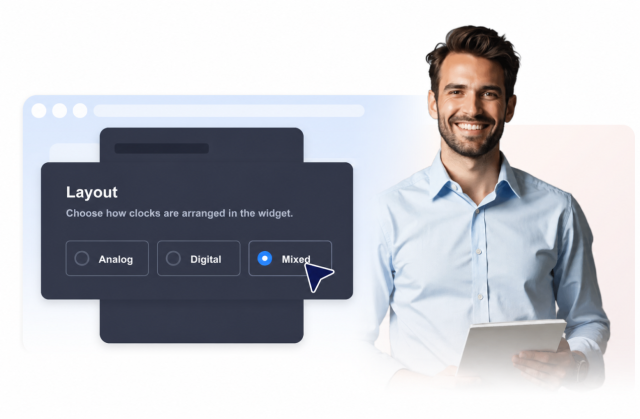
Use an analog clock grid for a visual world-clock layout, a digital list for compact scanning, or a mixed layout with both clock cards and selected-zone text.
Layout options include:
Control Time Format and Seconds
Choose 12-hour or 24-hour time and decide whether seconds should appear. Analog clocks include a second hand when seconds are enabled.
Format controls include:
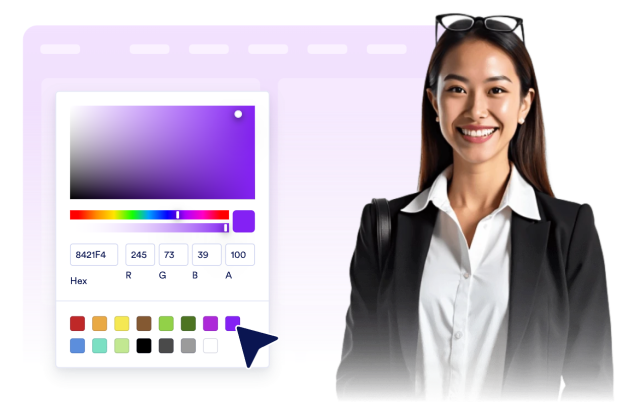
Customize Colors and Advanced CSS
Use preset themes or choose custom surface, text, clock face, hand, and accent colors. Advanced users can add scoped CSS for fine visual adjustments.
Style controls include: