
Clock Widget for your website

Show visitors the current time across offices, stores, support regions, event locations, and global teams. Jotform's Clock Widget lets you display analog world clocks, digital time lists, time-zone comparisons, custom colors, and responsive layouts without code.

How to add a Clock Widget

Add your time zones

Add your time zones

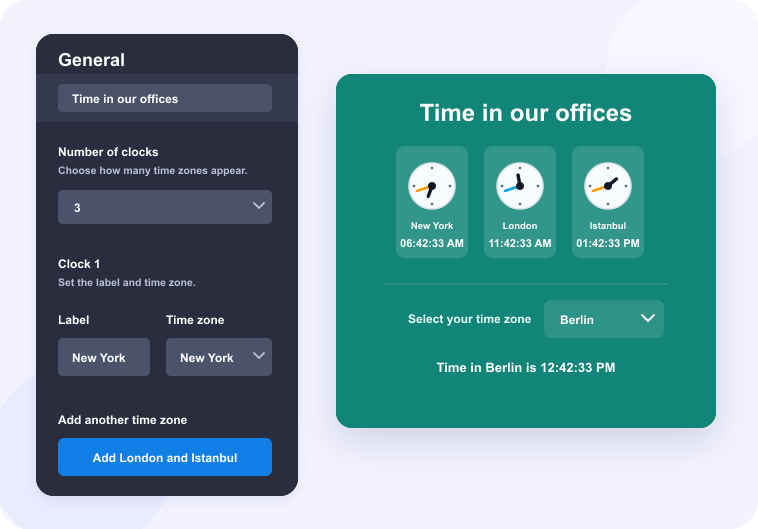
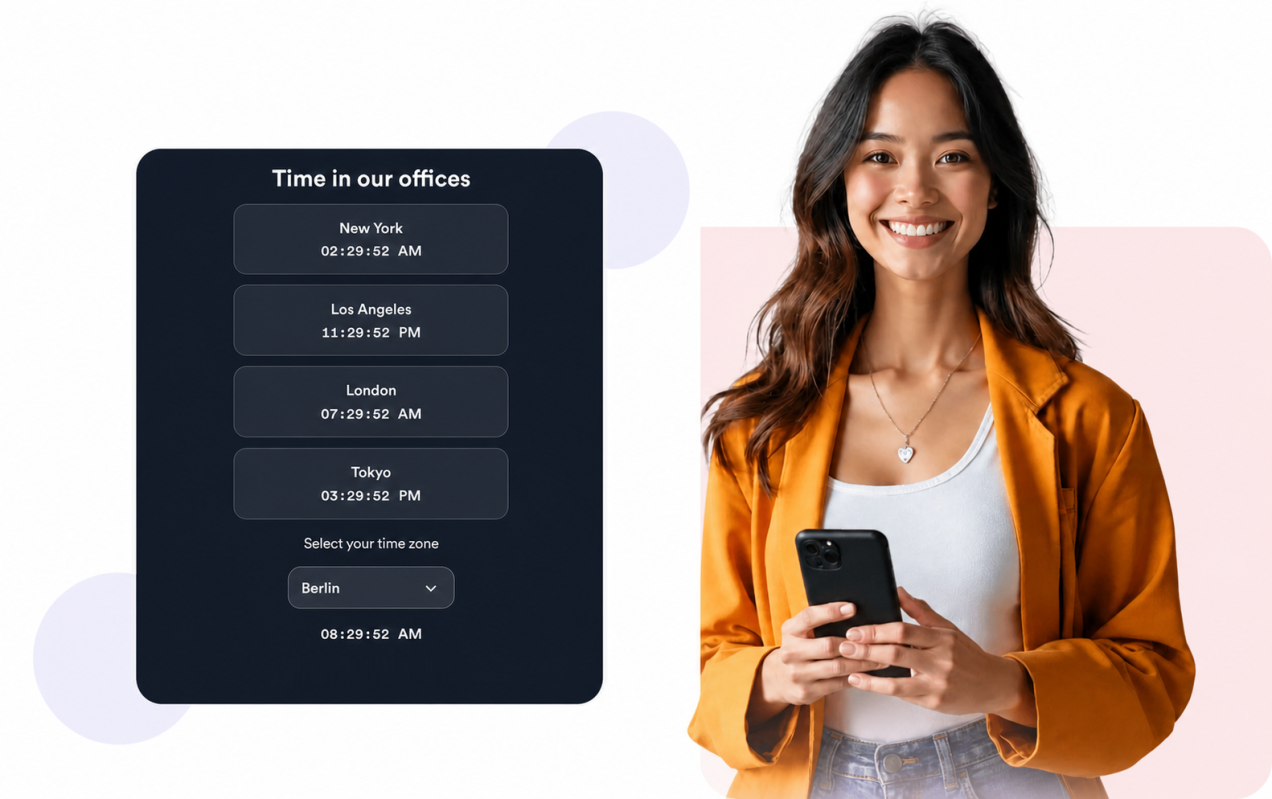
Choose the cities or time zones you want to display and edit each clock label.

Customize layout and style

Customize layout and style

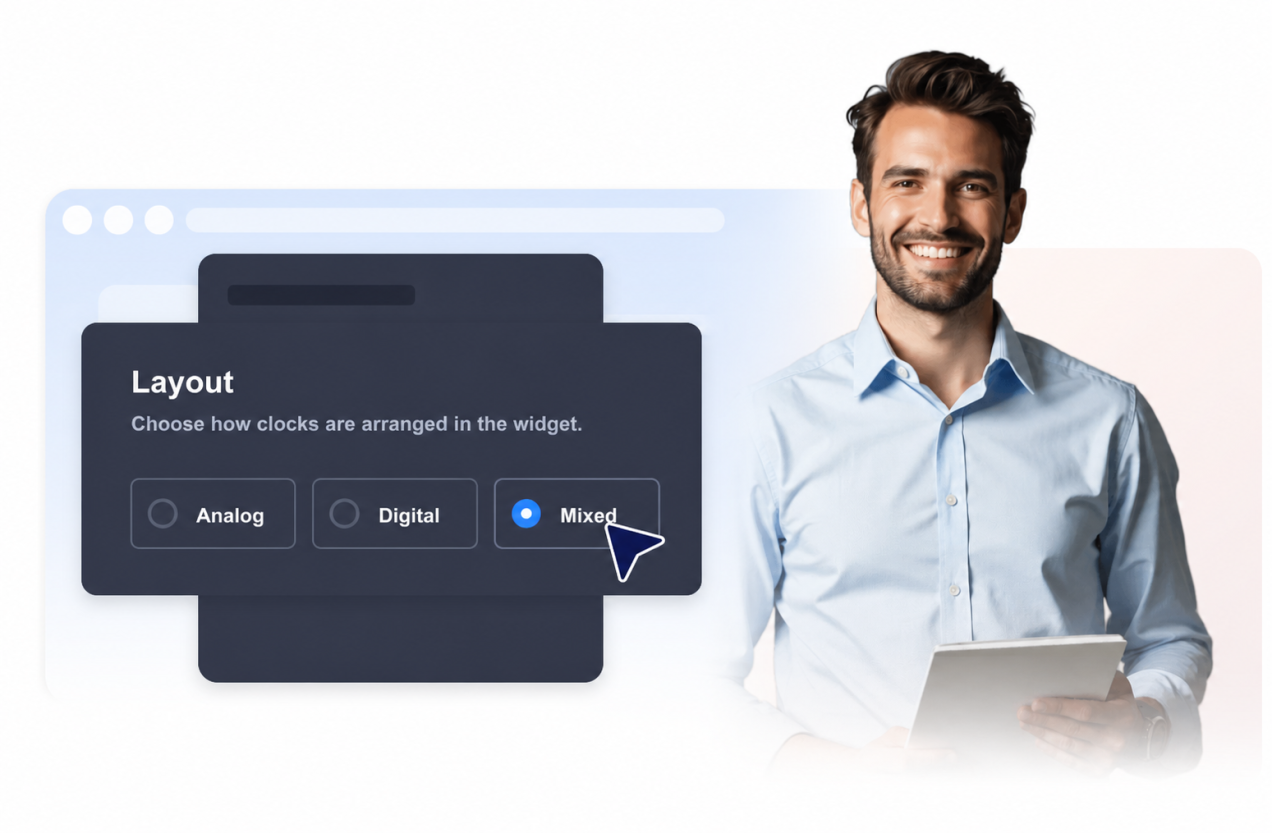
Pick an analog grid, digital list, or mixed layout, then adjust colors, width, time format, and seconds.

Embed it on your site

Embed it on your site

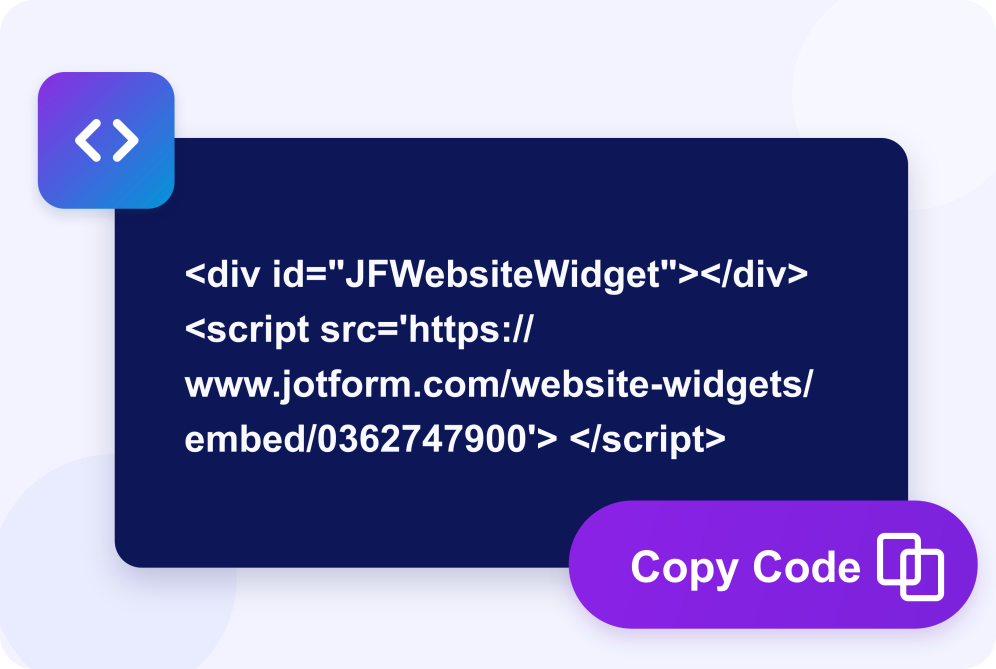
Preview your live clocks, save your widget, and add it to your website with the generated embed code.

Help visitors compare time zones at a glance

Show live times for multiple locations

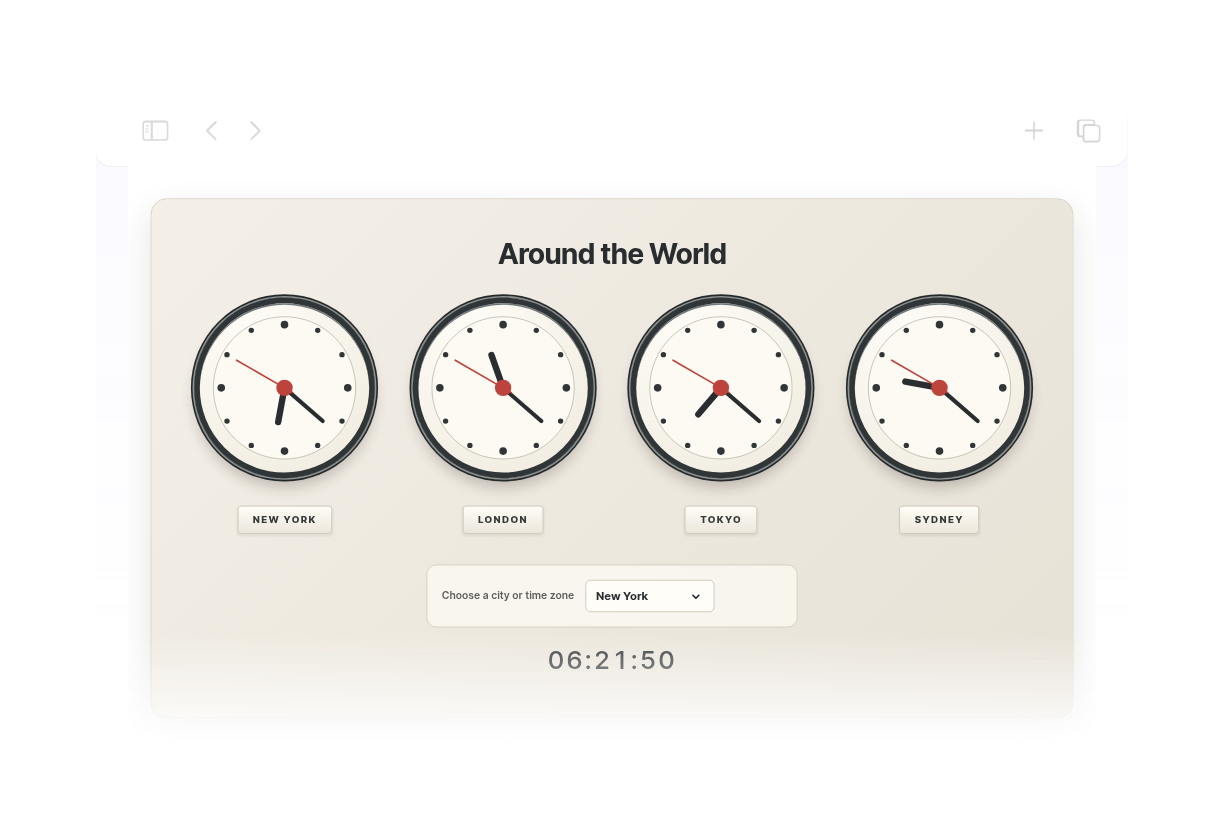
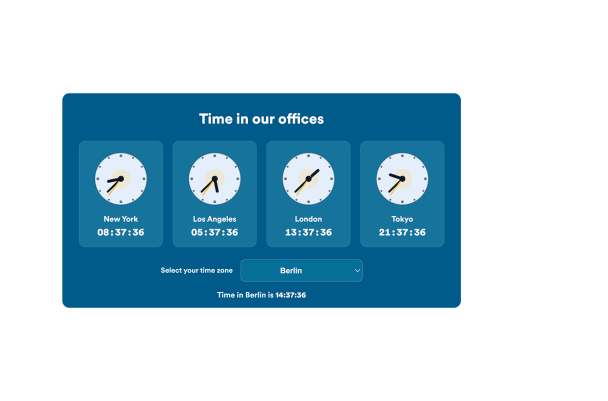
Add up to eight city or time-zone clocks so visitors can quickly compare office hours, regional availability, event timing, and global schedules.

Show live times for multiple locations

Choose analog, digital, or mixed layouts

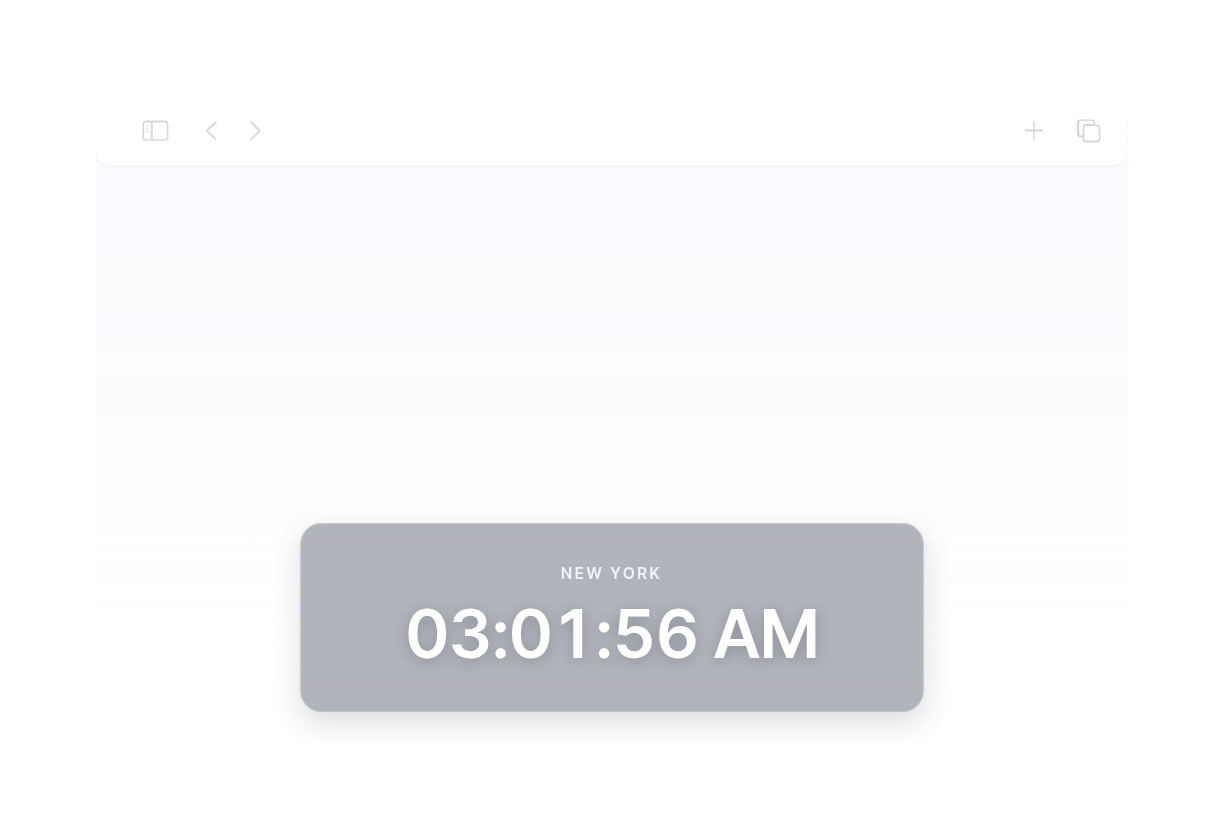
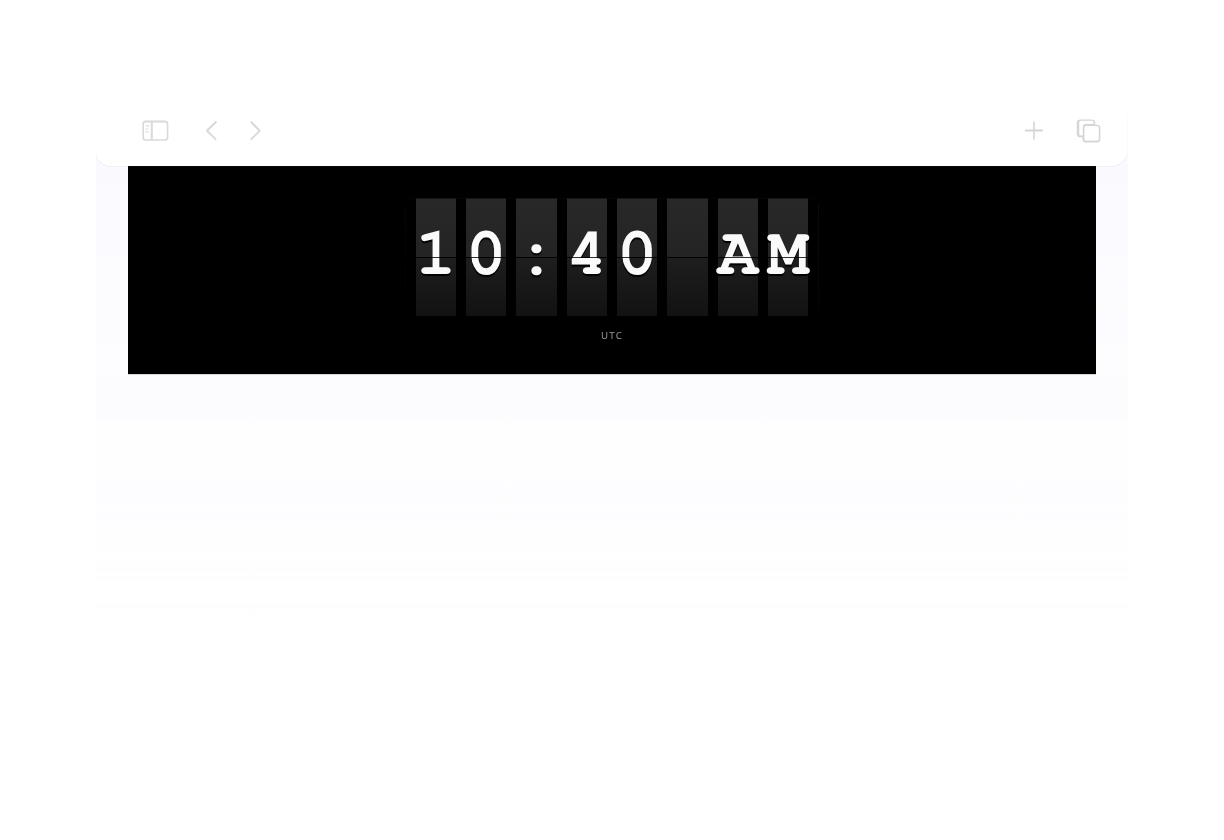
Use a visual analog clock grid, a compact digital list, or a mixed layout with clock cards and a selected time-zone readout.

Choose analog, digital, or mixed layouts

Let visitors compare a selected time zone

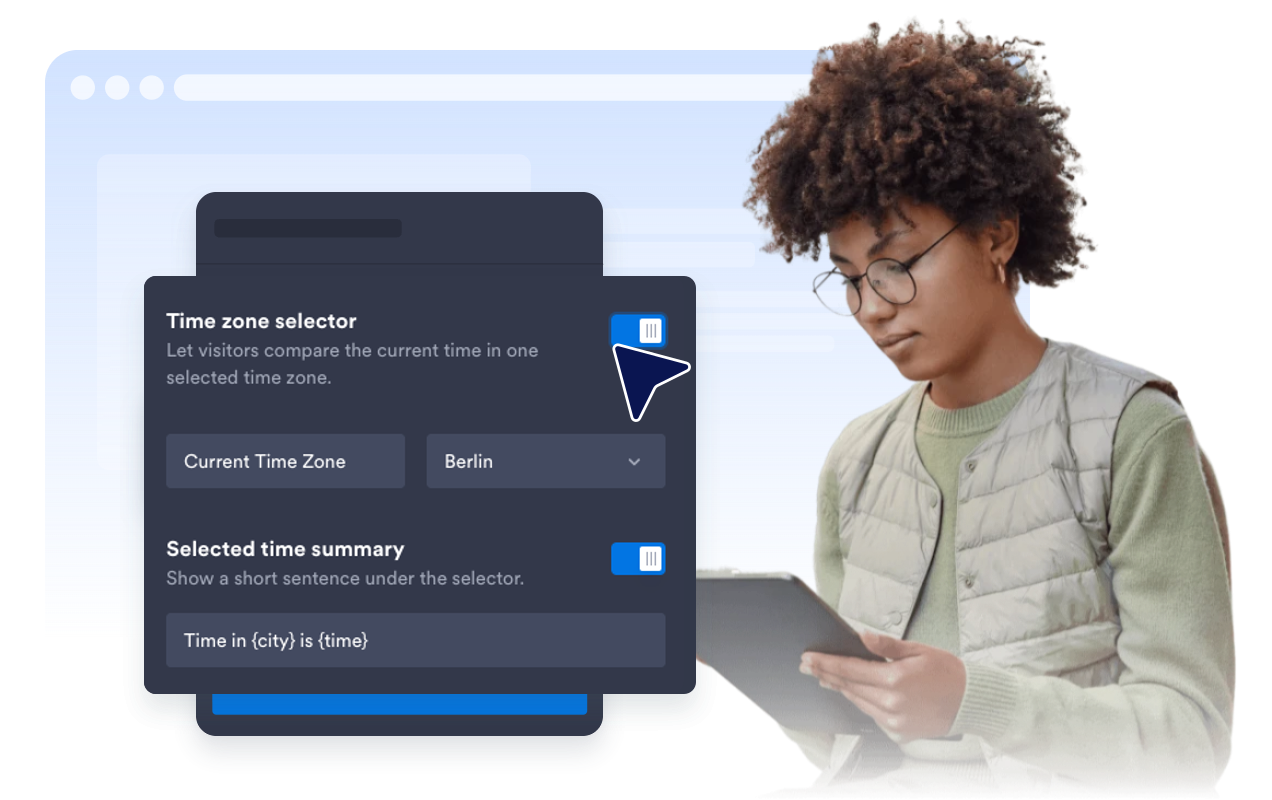
Show an optional selector and summary text so visitors can check the current time in one default or visitor-selected region.

Match the widget to your website

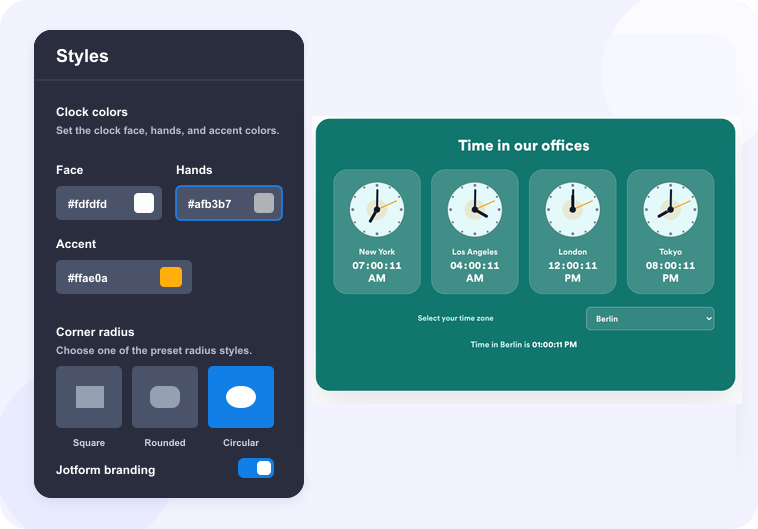
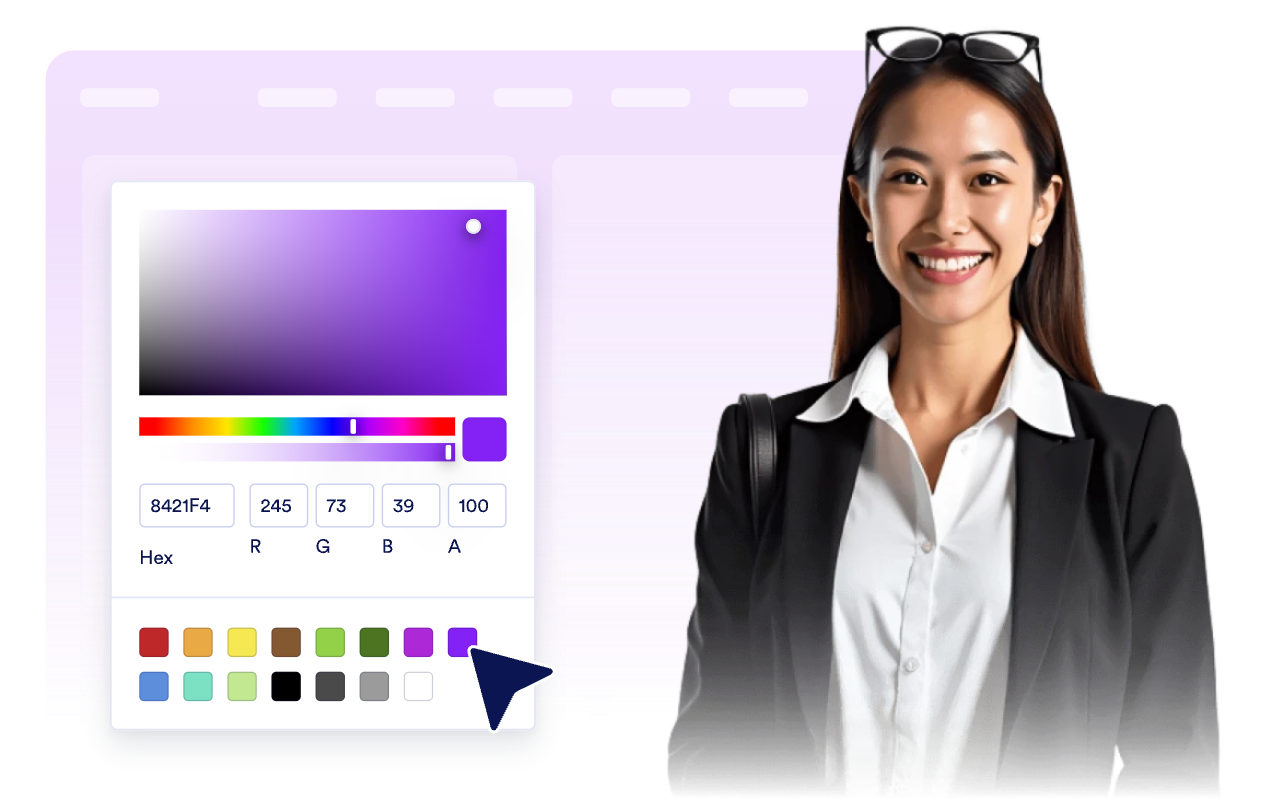
Start with light, dark, blue, teal, or custom colors, then adjust the surface, text, clock face, hand, and accent colors for your brand.

Match the widget to your website

Why Jotform Widgets stand out

Jotform’s widgets make your website more interactive and conversion-ready. From star ratings and testimonial sliders to social proof pop-ups and media embeds, you can combine tools inside your forms or landing pages to collect data, display proof, and capture leads without writing code.

Embed widgets without coding

Add Jotform widgets to your website with a simple embed code. Customize the widget, preview how it looks, and paste it into any page that supports custom HTML or embed blocks to all platforms, no developer required.

Build more interactive pages

Use Jotform Website Widgets to collect leads, show customer feedback, display social proof, embed media, or add helpful on-page tools. Each widget helps visitors interact with your business directly from the page.

Get support when you need it

If you need help setting up, customizing, embedding, or troubleshooting your widget, Jotform’s customer support team is available 24/7. You can move forward with confidence, knowing help is there when you need it.

Where to use your Clock Widget

Place the widget anywhere time-zone clarity helps visitors decide when to contact, visit, register, join, or take action.

Contact pages for companies with offices or support teams in multiple time zones.

Online stores that want to show shop, pickup, support, or launch times across regions.

Event pages where attendees need to compare local event time with their own region.

Global team pages that show working hours for distributed teammates and departments.

Travel and hospitality pages where local destination time helps guests plan calls, arrivals, or bookings.

Dashboards and portals where users need a quick world-clock reference without leaving the page.

Convert leads into paying customers with Jotform Form Builder

Turn engagement into action with Jotform. Create powerful forms that capture leads, collect payments, and automate responses, all in one place. Every submission lands in your Jotform Inbox, ready to follow up or connect with your favorite apps.

Get Started - It’s Free!
Convert leads into customers

FAQ

  • What is a Clock Widget?

    A Clock Widget displays live current time on your website. You can show one or more city or time-zone clocks in analog, digital, or mixed layouts.

  • Can I show multiple time zones?

  • Can visitors compare a selected time zone?

  • Can I use analog and digital clocks?

  • Can I use 12-hour or 24-hour time?

  • Can I customize the design?

  • Does the Clock Widget work on mobile?

  • Do I need to write code?