Code Snippets Widget for your website
Show code examples in a polished, embeddable block visitors can read and copy. Add snippets, choose languages, switch between tabbed and stacked layouts, style the code window, and publish your Jotform Code Snippets widget on any website without coding.
How to create a Code Snippets widget
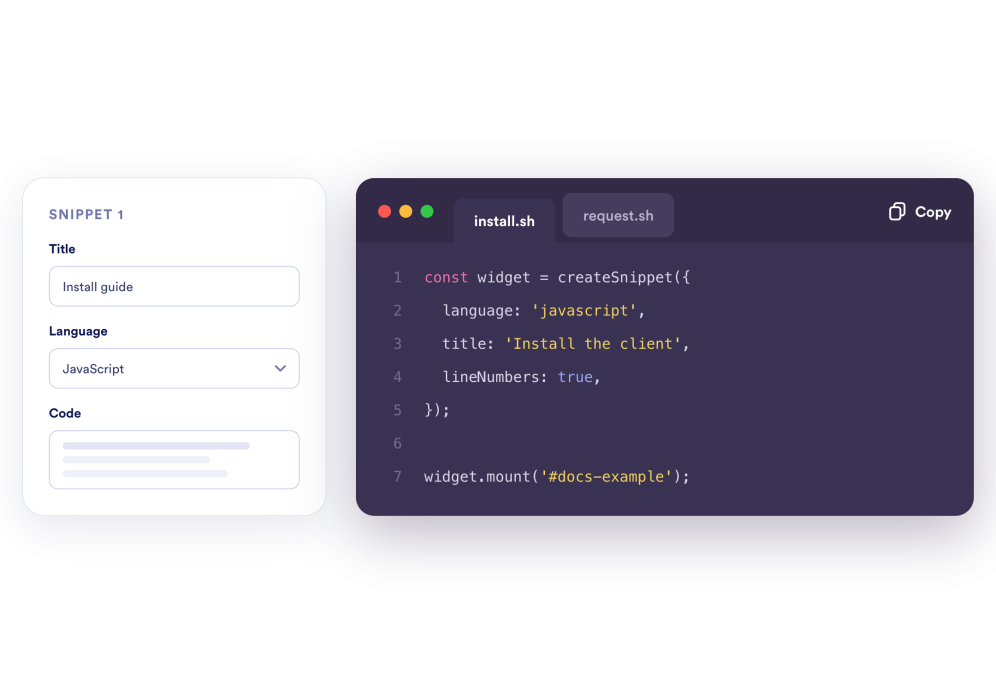
Add your code examples
Create snippets for real documentation needs, like install commands, API requests, response samples, CSS helpers, or tutorial code. Add a title, choose the language, and paste the code body for each example.
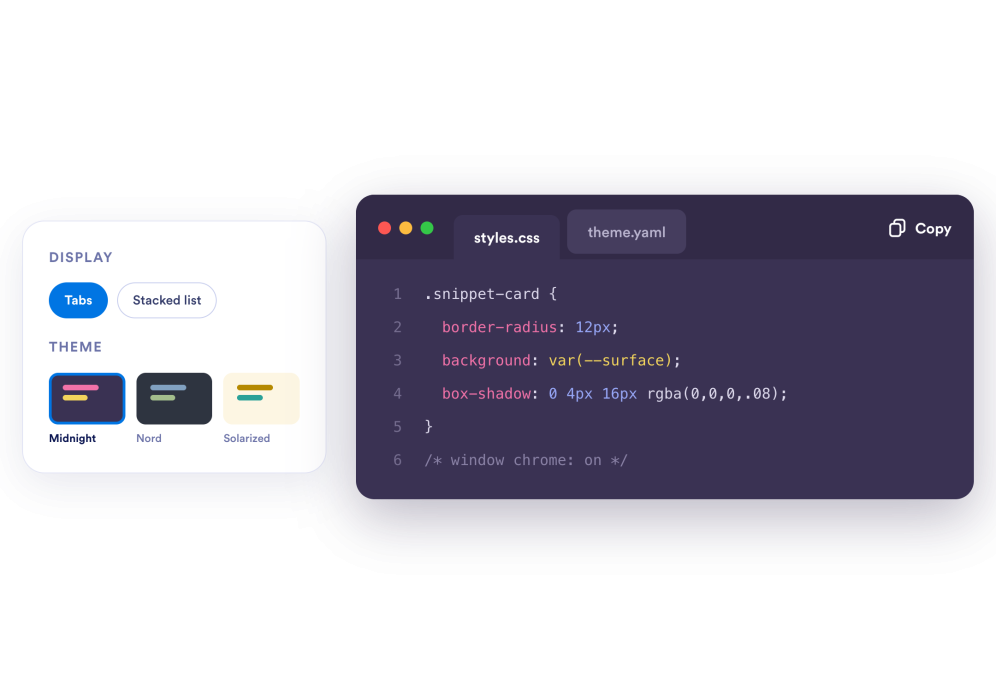
Choose how snippets display
Use tabs when readers need to switch between related examples, or use list layout for step-by-step tutorials. Select a code theme, window style, line numbers, copy labels, width, spacing, and radius.
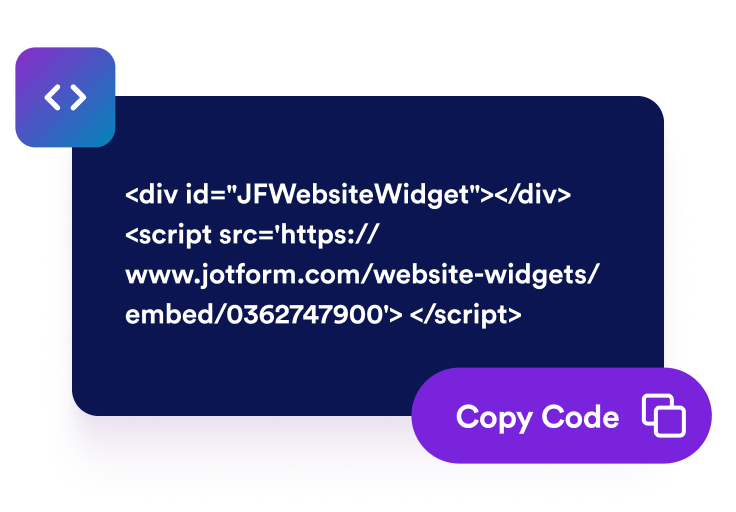
Embed it on your site
Preview the widget, copy the embed code, and place your code examples in docs, help centers, API pages, product tutorials, or setup guides where visitors need implementation details.
Share code examples that are easy to scan and copy
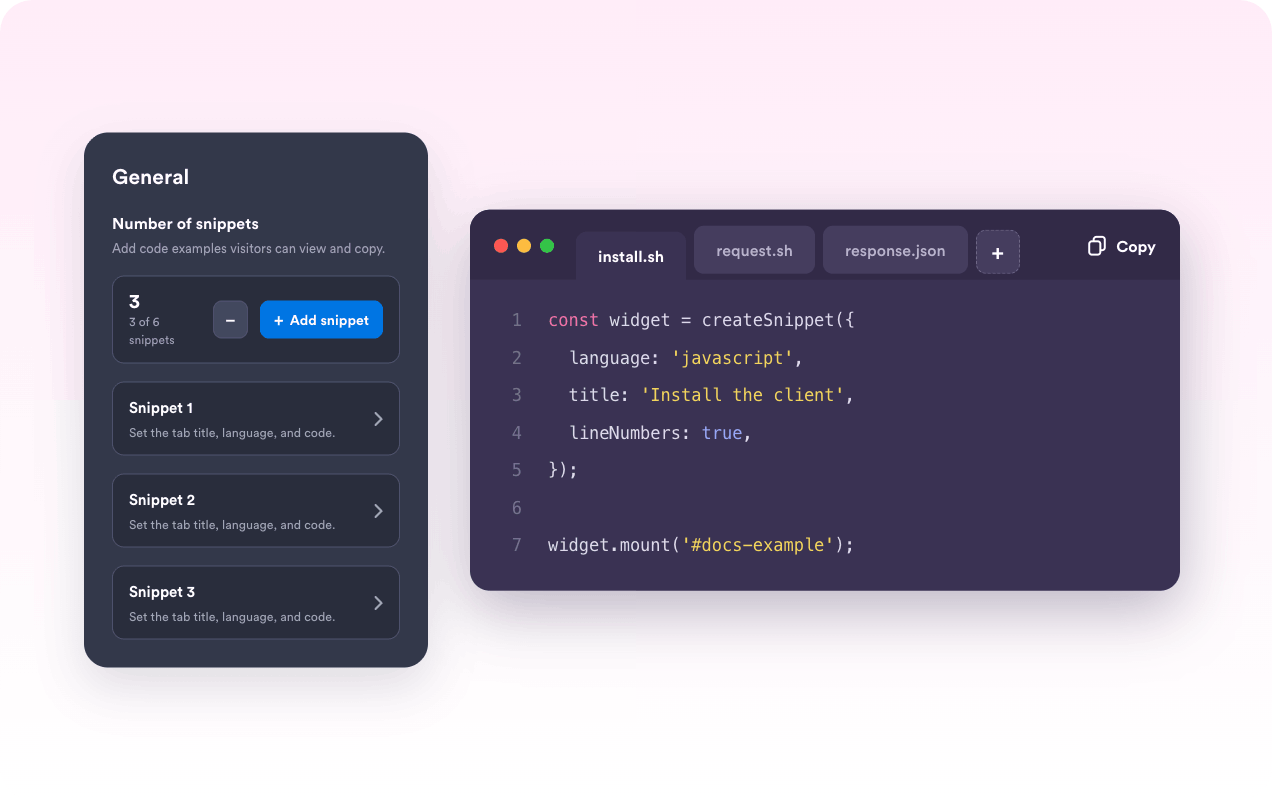
Add multiple snippets
Group related examples in one widget, such as install commands, API requests, JSON responses, CSS helpers, or tutorial code. Add file-style titles, language labels, and editable code blocks so readers know what each snippet is for.
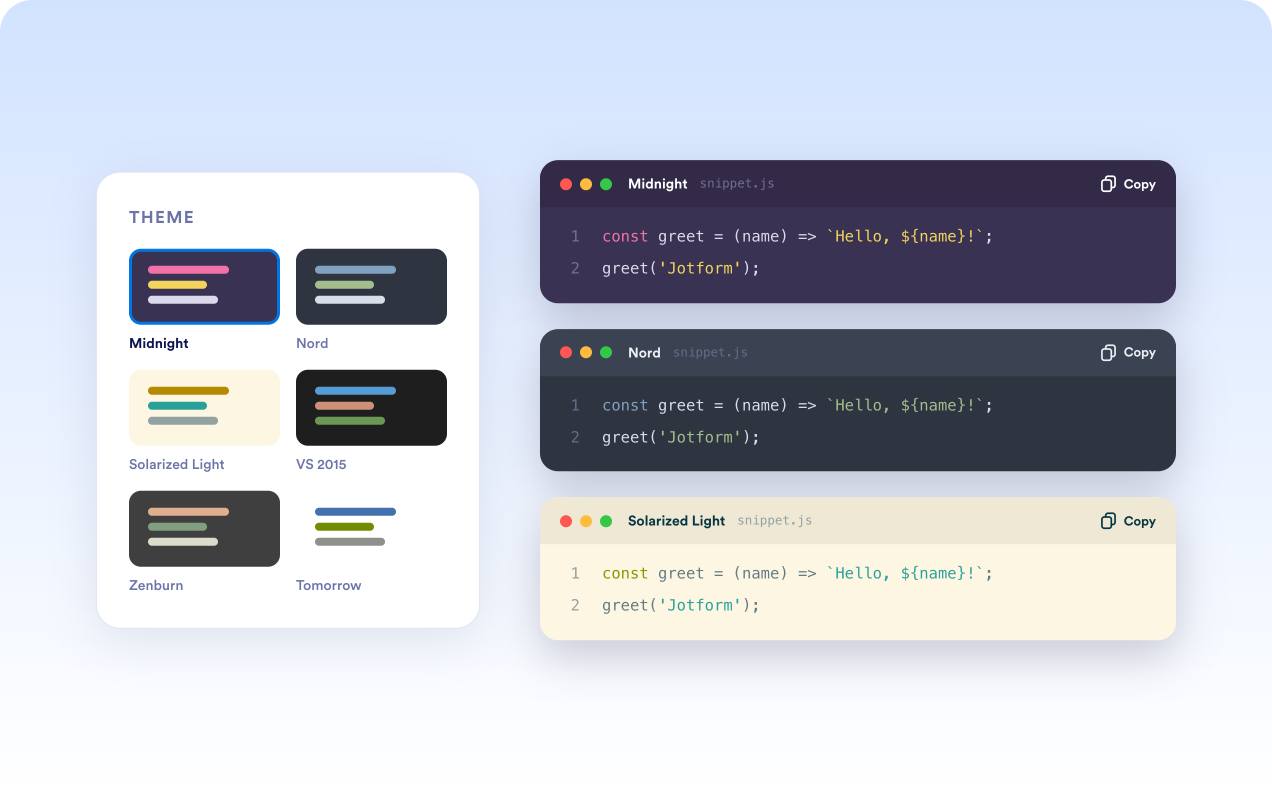
Choose familiar code themes
Make technical examples feel at home on docs, help centers, and product pages. Start with built-in themes like Midnight Glass, Nord, VS 2015, Zenburn, Railscast, Solarized Light, or Tomorrow, then adjust key colors to match your site.
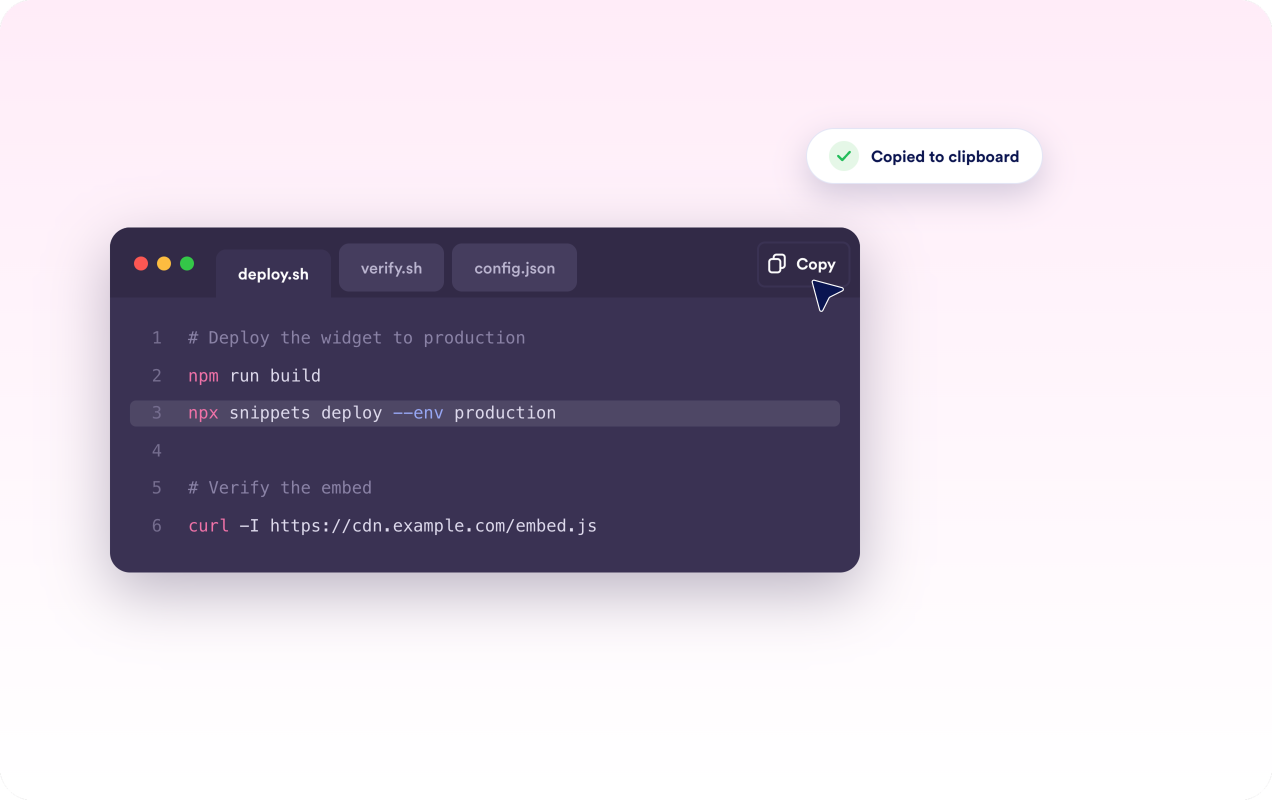
Help visitors copy code quickly
Let visitors copy the exact snippet they need without selecting text manually. Add copy buttons, copied-state labels, line numbers, and window chrome so setup commands and code samples are easier to follow and reuse.
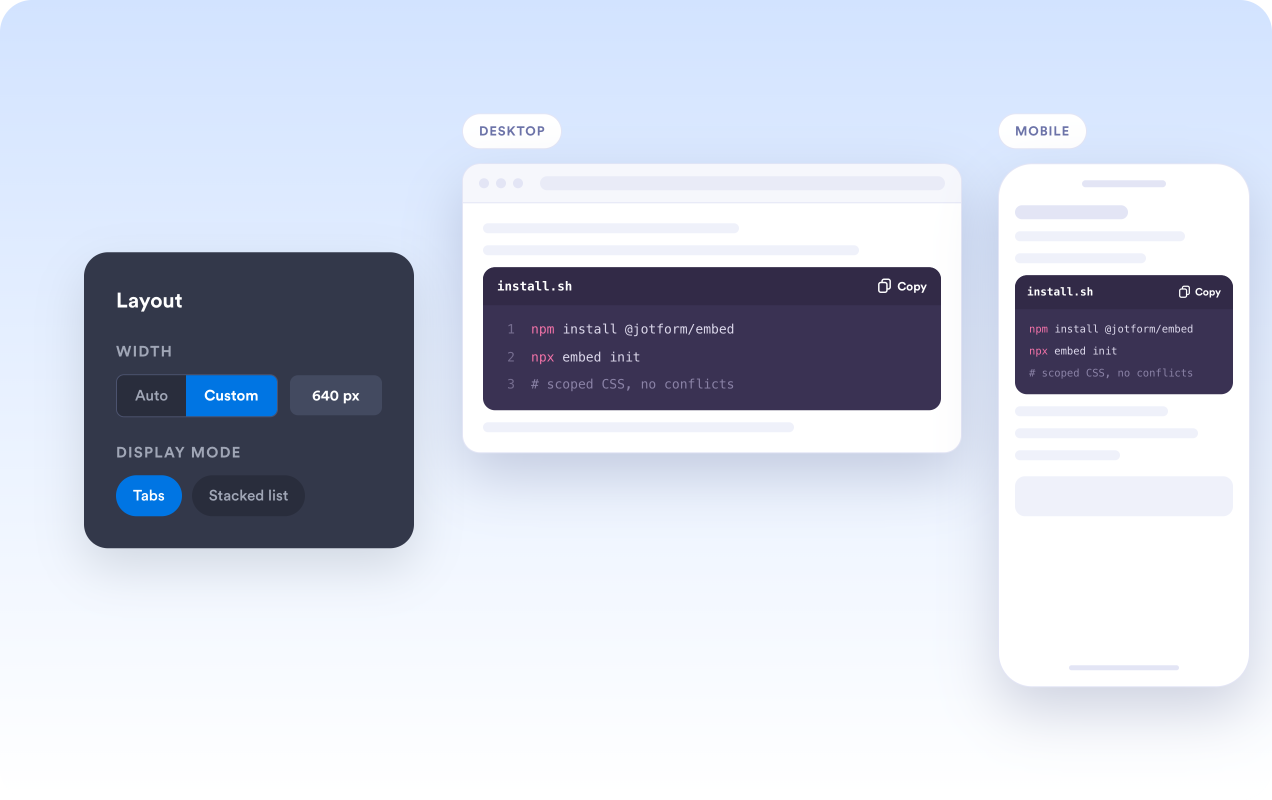
Control layout and embed behavior
Use tabs for compact documentation or list mode for step-by-step tutorials. Set automatic or custom width, spacing, shadows, branding visibility, desktop/mobile display, and scoped CSS so the widget fits your page layout.
Why Jotform Website Widgets stand out
Jotform’s widgets make your website more interactive and increase conversions. There are many tools available, from star ratings and testimonial sliders to social proof popups and media embeds. Add widgets to your forms or landing pages to collect data, display proof, and capture leads — no coding required.
Add Jotform widgets to your website with a simple embed code. Customize the widget, preview how it looks, and paste it into any page that supports custom HTML or embed blocks, all without a developer.
Use Jotform Website Widgets to collect leads, show customer feedback, display social proof, embed media, or add helpful web page tools. Each widget helps visitors interact with your business directly from your website.
If you need help setting up, customizing, embedding, or troubleshooting your widget, Jotform’s customer support team is available 24-7. You can move forward with confidence, knowing that help is there when you need it.
Where to use your Code Snippets widget
Add the widget wherever visitors need implementation examples without leaving the page.
Developer documentation that needs install commands, API requests, response examples, and configuration snippets.
Product tutorials that explain setup steps with HTML, CSS, JavaScript, SQL, shell, or JSON examples.
Help centers that show embed instructions, webhook payloads, template snippets, or troubleshooting commands.
SaaS landing pages that need compact technical examples next to feature explanations or integration details.
Education sites that publish lesson code, starter files, and before-and-after examples.
Agency and portfolio pages that want to show implementation samples beside project case studies.
Convert leads into paying customers with the Jotform Form Builder
Turn engagement into action with Jotform. Create powerful forms that capture leads, collect payments, and automate responses, all in one place. Every submission lands in your Jotform Inbox, where you can follow up or connect with your favorite apps.
Get Started — It’s Free!
FAQ
What is a Code Snippets widget?
A Code Snippets widget is an embeddable code display block for showing titled, syntax-styled examples on your website.
Can visitors copy code from the widget?
Which layouts are available?
Can I show line numbers?
Can I customize the code theme?
Which languages can I choose?
Does it work on mobile?
Do I need to code to use it?