5 Times Coin Flip Widget
We couldn't create your widget. Please try again.
Give visitors a fair heads-or-tails flip with smooth 3D animation. Customize labels, coin type, theme, button, and layout, then embed it inline or keep it floating in a chosen screen corner.
Create Now — It’s Free!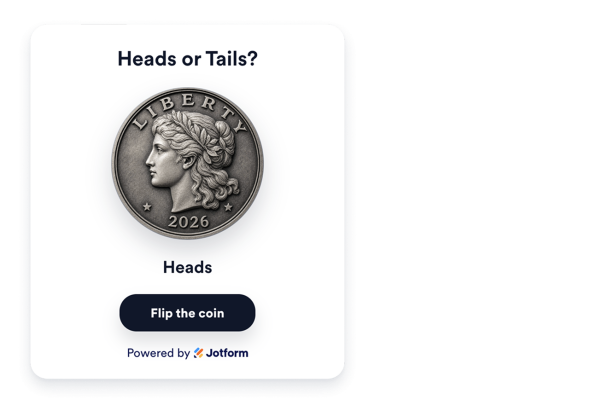

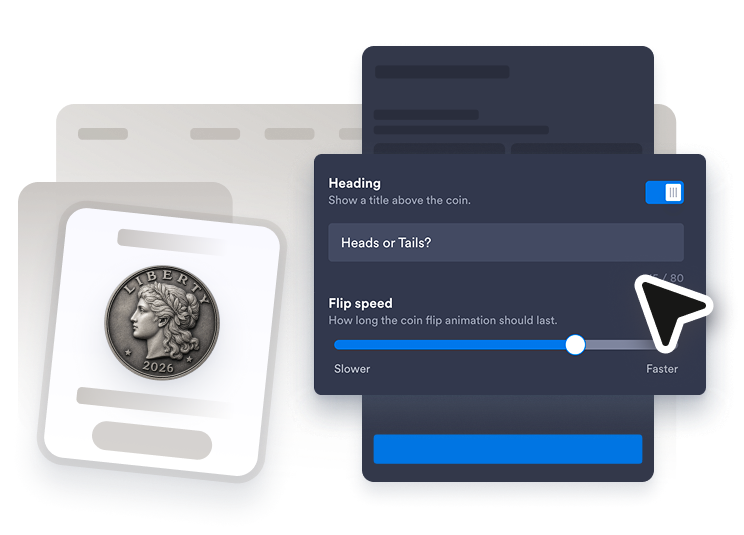
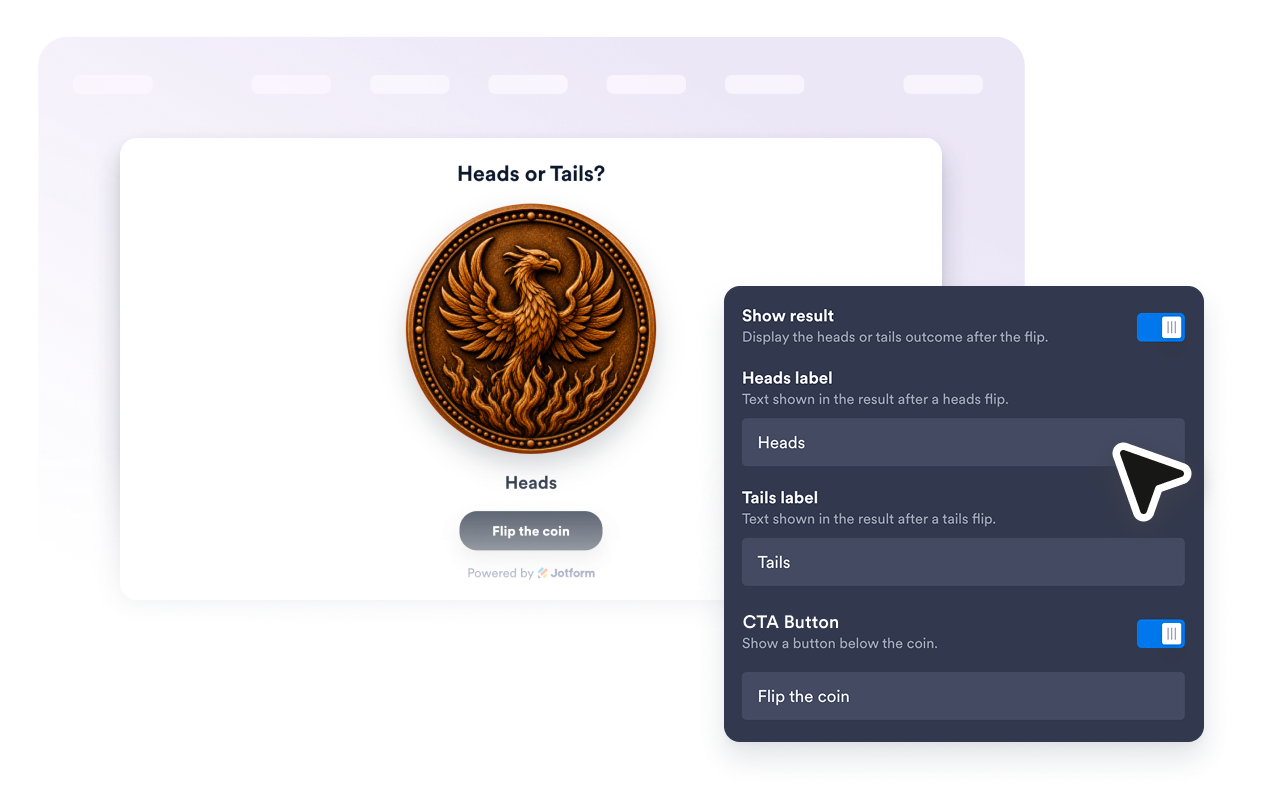
Set the heading, heads and tails labels, flip button text, and animation speed. Show or hide the heading, result, and flip button to match the interaction you want.
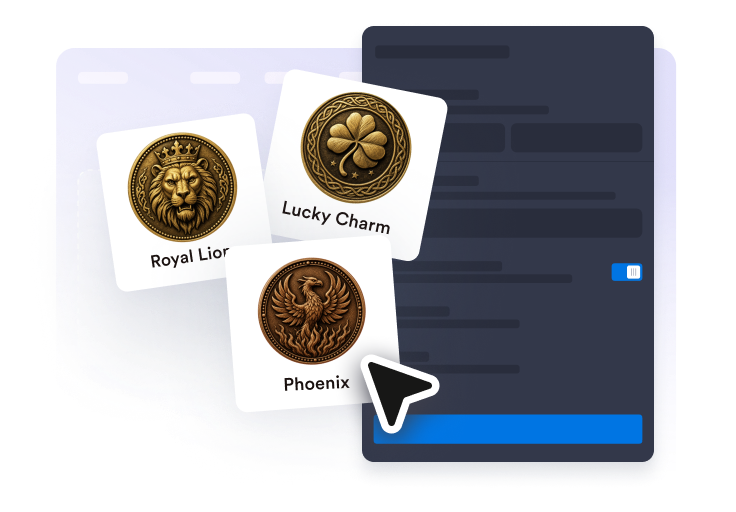
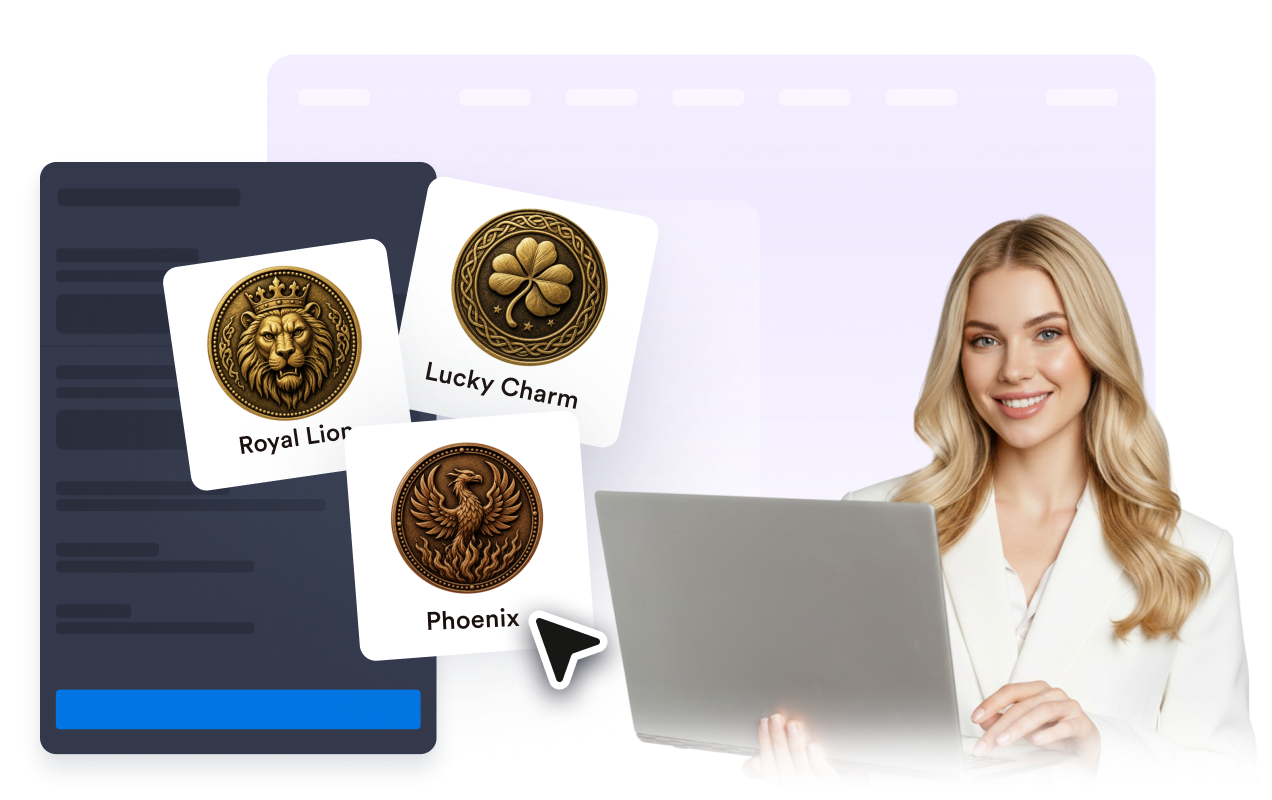
Pick Classic Liberty, Lucky Charm, Pirate Treasure, Decision, Explorer, Royal Lion, or Phoenix, choose a light, dark, or custom theme, then adjust coin size and corner radius.
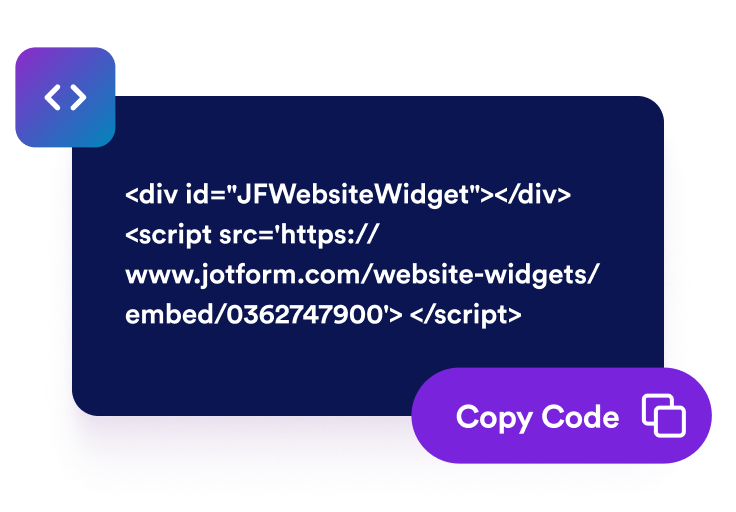
Preview the Coin Flip widget, copy the embed code from Jotform Website Widgets, and place it on your page in minutes.
Visitors tap the coin or use the optional flip button, watch a 3D CSS animation, and see a clear heads or tails outcome without leaving your page.

Rename heads and tails to Yes/No, Team A/Team B, or any short labels that fit your campaign, classroom, or community page.
Pick Classic Liberty, Lucky Charm, Pirate Treasure, Decision, Explorer, Royal Lion, or Phoenix—each with matching heads and tails faces—then apply a light, dark, or custom color theme.
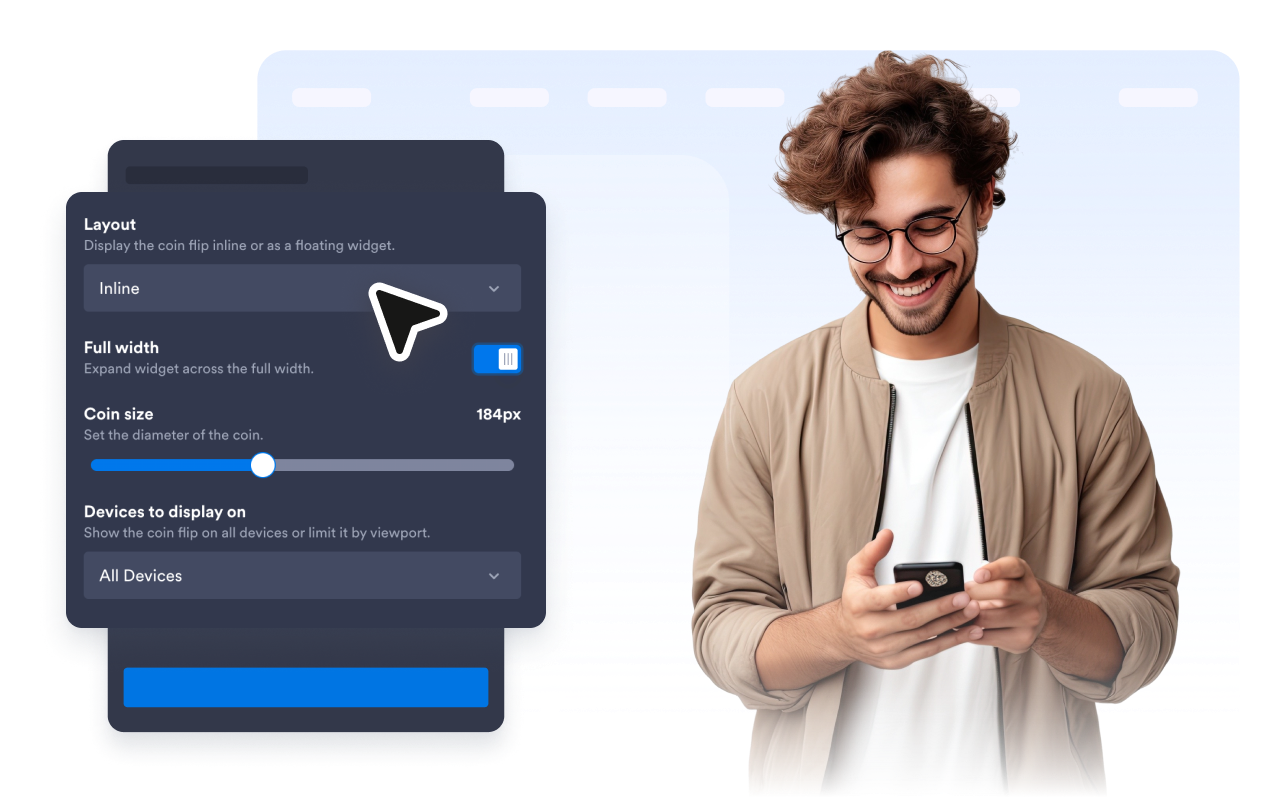
Embed the widget inline at full width or a set maximum width, or make it float in a screen corner with an optional close button and coin launcher. Choose whether it appears on all devices, desktop only, or mobile only.
Jotform’s widgets make your website more interactive and increase conversions. There are many tools available, from star ratings and testimonial sliders to social proof popups and media embeds. Add widgets to your forms or landing pages to collect data, display proof, and capture leads — no coding required.
Add Jotform widgets to your website with a simple embed code. Customize the widget, preview how it looks, and paste it into any page that supports custom HTML or embed blocks, all without a developer.
Use Jotform Website Widgets to collect leads, show customer feedback, display social proof, embed media, or add helpful web page tools. Each widget helps visitors interact with your business directly from your website.
If you need help setting up, customizing, embedding, or troubleshooting your widget, Jotform’s customer support team is available 24-7. You can move forward with confidence, knowing that help is there when you need it.
Add the Coin Flip widget anywhere a quick, fair decision or playful interaction keeps visitors engaged.
Classroom pages for random picks, speaking turns, and warm-up decisions.
Community and event pages for icebreakers, giveaways, and audience participation moments.
Campaign microsites for lightweight engagement hooks and promotional decision games.
Blogs and landing pages to add a playful break that encourages visitors to stay longer.
Team and sports pages for quick side picks, starter choices, and fun challenges.
Turn engagement into action with Jotform. Create powerful forms that capture leads, collect payments, and automate responses, all in one place. Every submission lands in your Jotform Inbox, where you can follow up or connect with your favorite apps.
Get Started — It’s Free!
The Coin Flip widget is an embeddable heads-or-tails tool for your website. Visitors flip the coin, watch a 3D animation, and see the result on the page.