Coin Flip
Build a Coin Flip widget that fits your page
Set up a Coin Flip widget for quick decisions, classroom picks, campaign engagement, and playful binary choices—customize labels, styles, and motion without writing code.
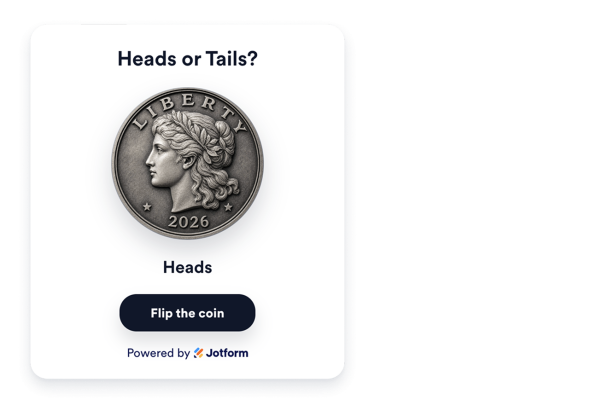

Flip with a clear 3D result
Visitors tap the coin or use the optional flip button, watch a 3D CSS animation, and see the outcome when result text is enabled. Adjust the flip speed to make the motion faster or slower.
Flip controls include:

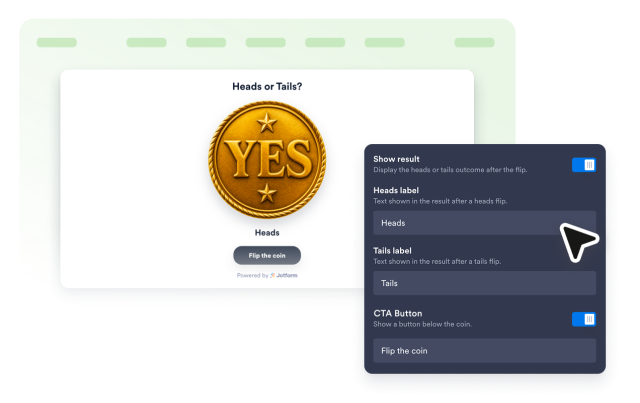
Rename heads and tails for any decision
Keep classic Heads/Tails labels or swap them for Yes/No, Option A/Option B, and other short decision pairs. Show or hide the heading to fit the space.
Label controls include:
Choose a coin type and theme
Start with Classic Liberty, Lucky Charm, Pirate Treasure, Decision, Explorer, Royal Lion, or Phoenix faces—each pair matches in metal and theme—then switch to light, dark, or custom colors—and add scoped custom CSS when you need finer control.
Style options include:

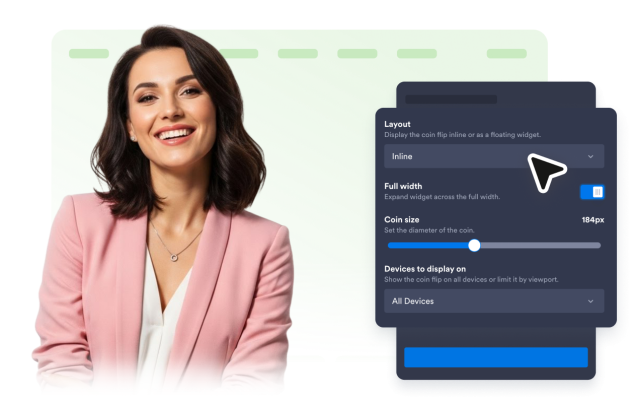
Choose an inline or floating layout
Use full width or set a maximum width for an inline widget. For a floating widget, choose a screen corner and let visitors close it to the selected coin launcher. You can also control coin size and device visibility.
Layout controls include: