Color Palette Widget for your website
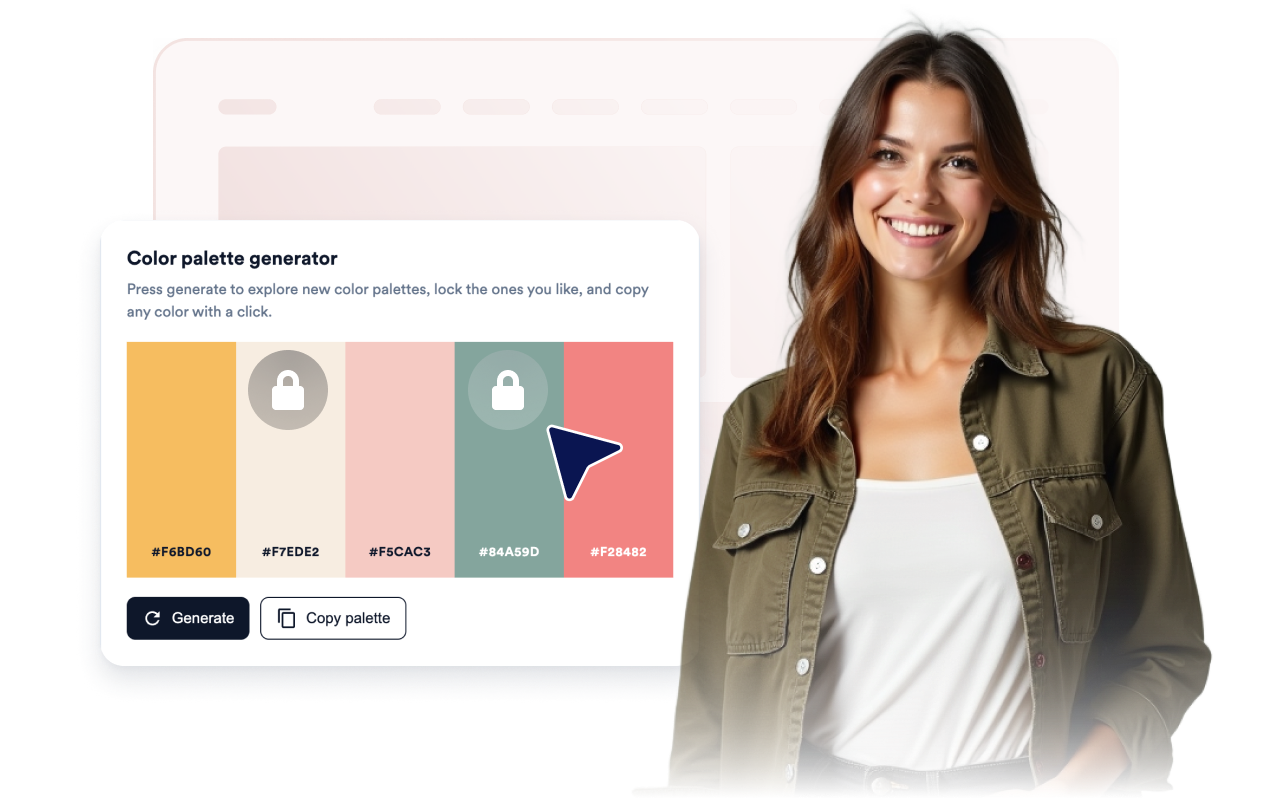
Give visitors a fun way to explore color. They can generate fresh palettes, lock the colors they want to keep, and copy any HEX value with one click. The Color Palette widget is a no-code tool you can style to match your site and embed anywhere.
How to create a Color Palette widget
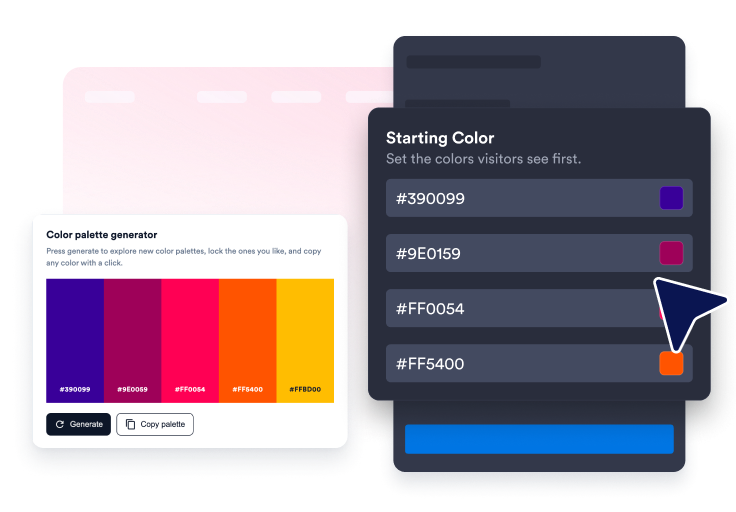
Set your starting colors
Pick how many colors to show and set the palette visitors see first.
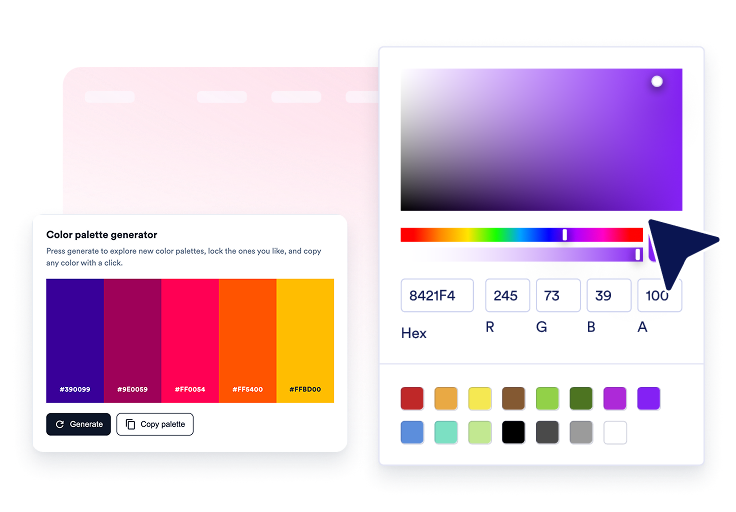
Style the widget
Match the theme, colors, palette style, and layout to your website.

Embed it on your website
Paste the embed code into a custom HTML or embed block, then publish your page to display the website widget.
Turn color into a simple, hands-on tool
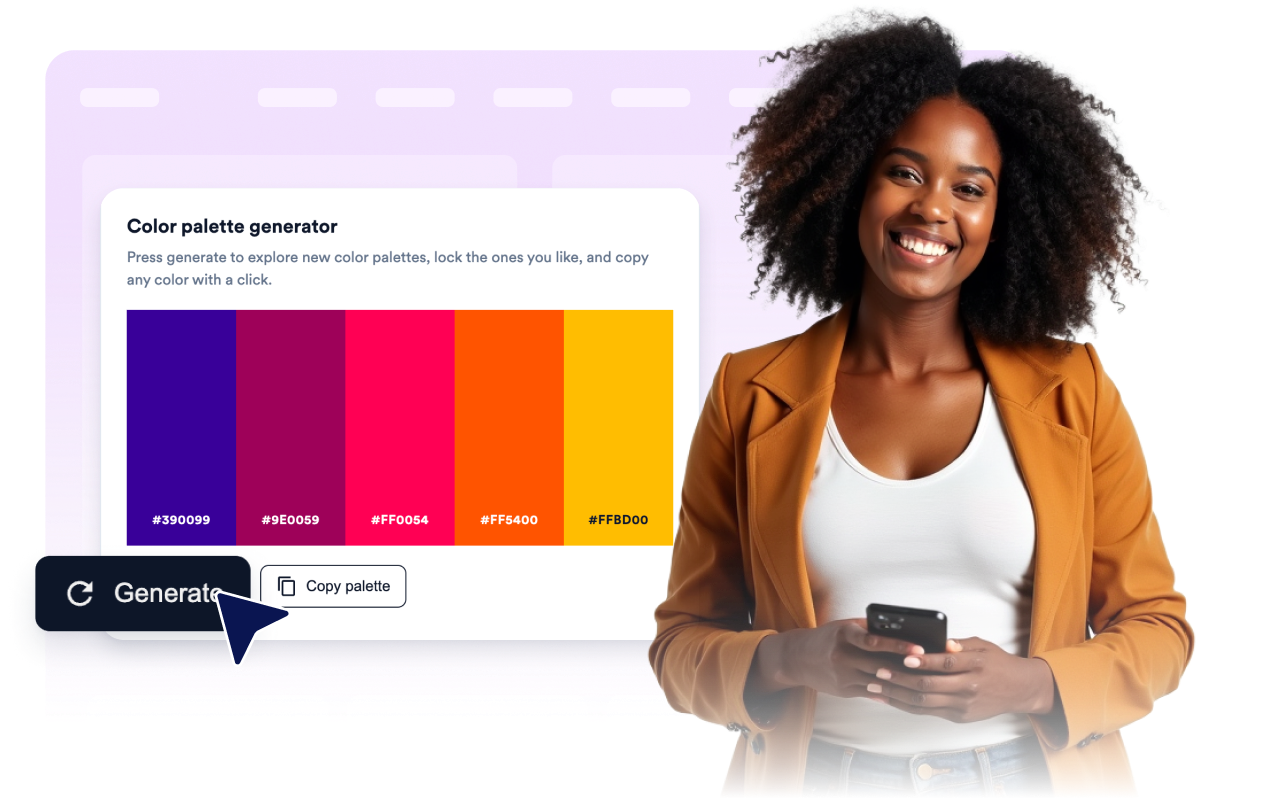
Generate new palettes in one click
Visitors press generate to see a fresh palette right away. Curated mode cycles through hand-picked trending palettes, and random mode mixes new colors each time.
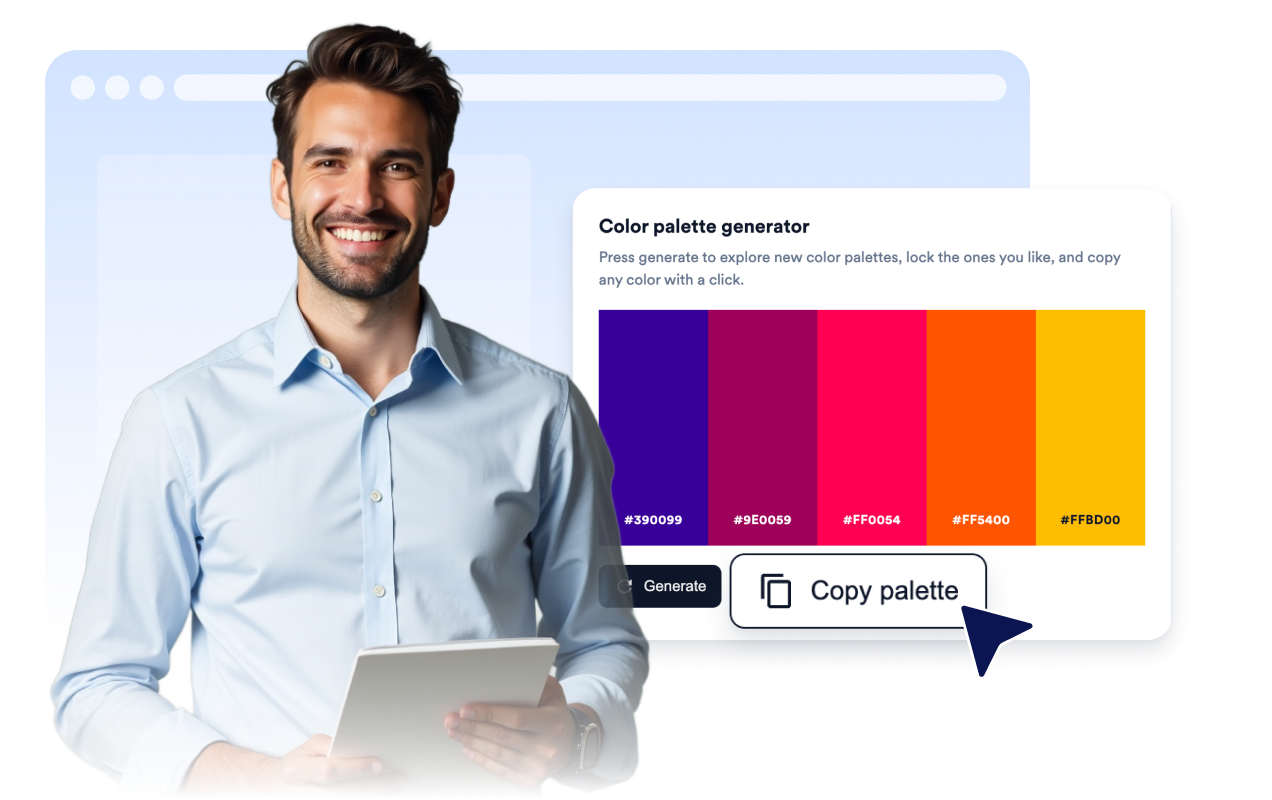
Copy any color with a click
Visitors click a color to copy its HEX value, or copy the whole palette at once. A short confirmation shows when the copy works.
Start from your own colors
Set the palette visitors see first and let them lock the colors they like so those stay put while the rest change.
Match the widget to your page
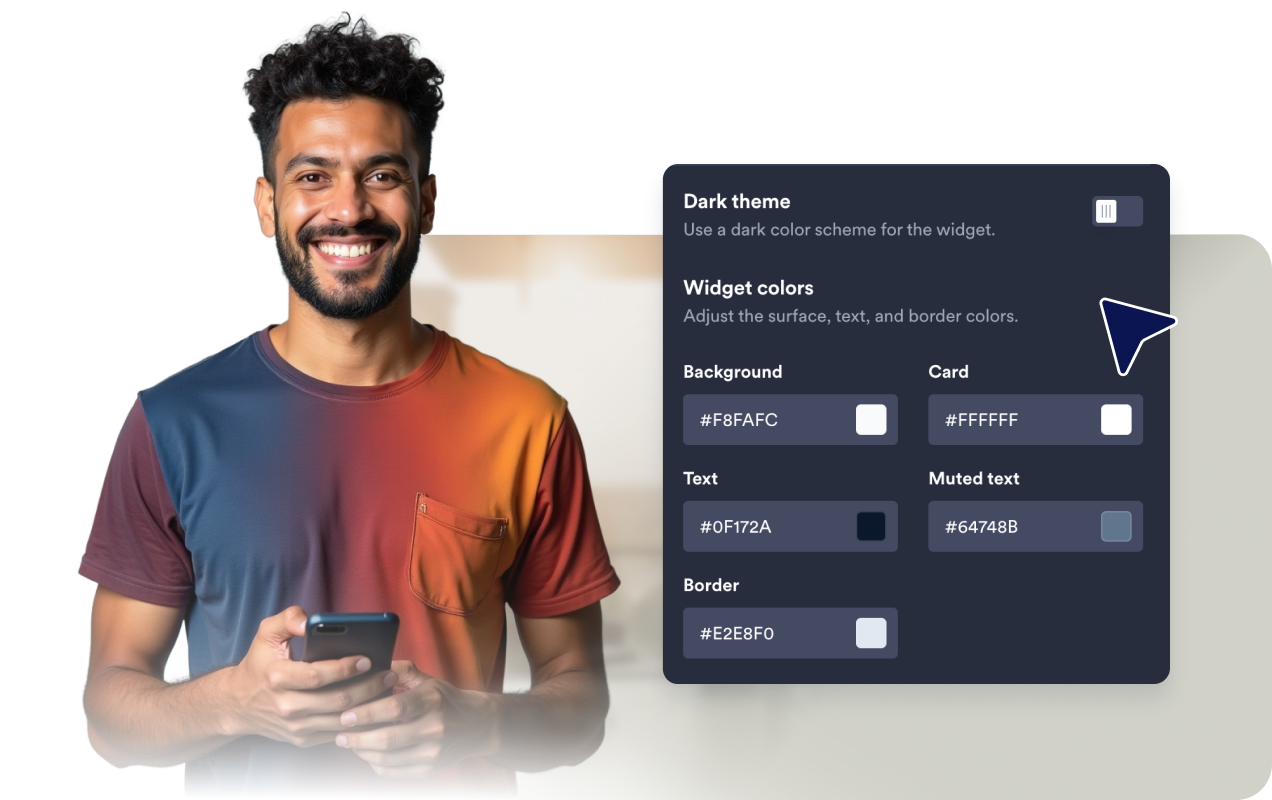
Choose a light or dark theme, pick a columns, cards, or bar style, set the card colors, radius, shadow, width, and alignment.
Why Jotform Website Widgets stand out
Jotform’s widgets make your website more interactive and increase conversions. There are many tools available, from star ratings and testimonial sliders to social proof popups and media embeds. Add widgets to your forms or landing pages to collect data, display proof, and capture leads — no coding required.
Add Jotform widgets to your website with a simple embed code. Customize the widget, preview how it looks, and paste it into any page that supports custom HTML or embed blocks, all without a developer.
Use Jotform Website Widgets to collect leads, show customer feedback, display social proof, embed media, or add helpful web page tools. Each widget helps visitors interact with your business directly from your website.
If you need help setting up, customizing, embedding, or troubleshooting your widget, Jotform’s customer support team is available 24-7. You can move forward with confidence, knowing that help is there when you need it.
Where to use your Color Palette widget
Use a Color Palette widget anywhere visitors want to explore, pick, or copy colors without leaving the page.
Design blogs and tutorials where readers can play with color ideas and copy the HEX values they like.
Brand and style guide pages that show approved colors visitors can copy for their own work.
Portfolio and agency sites that want a fun, interactive touch that shows off an eye for color.
Freebie and resource pages where visitors grab ready-made palettes for their projects.
Product and print pages where customers preview color combinations before they decide.
Education pages that teach color basics with a hands-on tool.
Convert leads into paying customers with the Jotform Form Builder
Turn engagement into action with Jotform. Create powerful forms that capture leads, collect payments, and automate responses, all in one place. Every submission lands in your Jotform Inbox, where you can follow up or connect with your favorite apps.
Get Started — It’s Free!
FAQ
What is a Color Palette widget?
A Color Palette widget is an embeddable tool that shows a set of colors on your website. Visitors can generate new palettes, lock the colors they like, and copy any HEX value with a click.
How do visitors generate a new palette?
Can I set the starting colors?
What does locking a color do?
Can visitors copy colors?
Can I customize the style?
Does it work on mobile?
Do I need to write code?