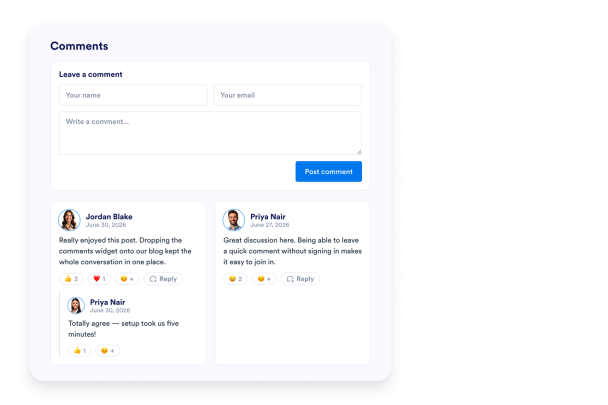

How to create a Comments widget
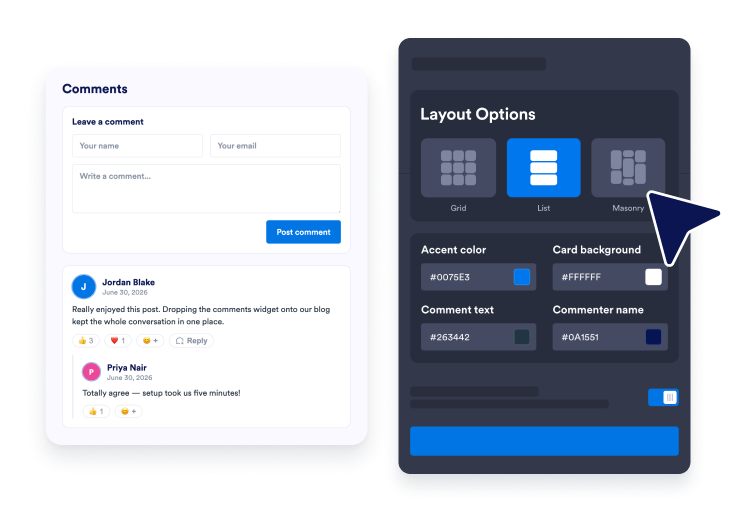
Set up your comments widget
Add your notification email, choose your colors and layout, and turn reactions, replies, and star ratings on or off, then copy the embed code to your site.
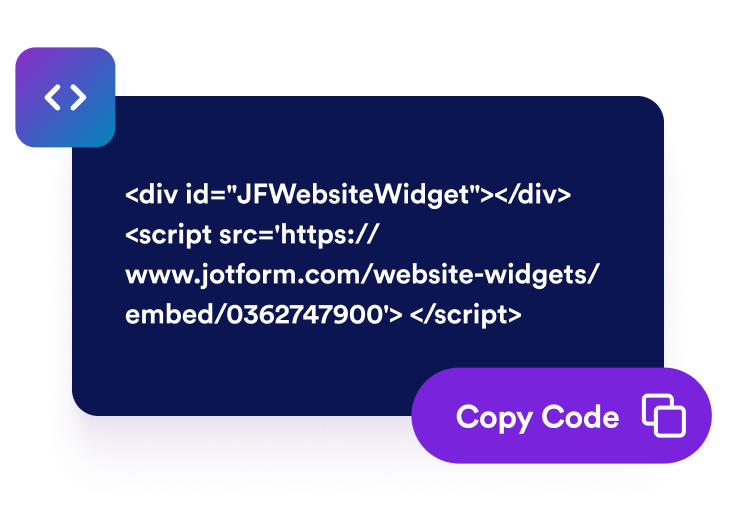
Visitors comment, react, and reply
Visitors post their name, email, and message right on your page — no sign-in needed. They react with emoji and reply in threads, and avatars come from Gravatar.
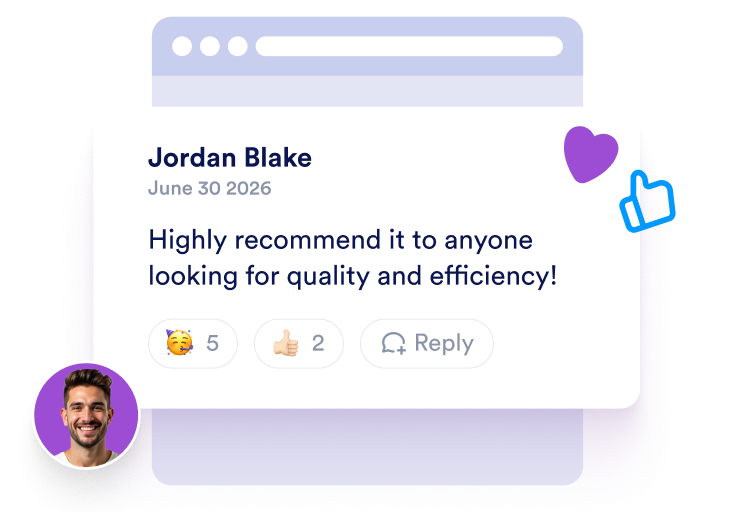
Get an email for every comment
Receive an email notification the moment someone comments, so you can reply quickly and keep the conversation going on your page.
Turn page visitors into an active conversation
Let visitors comment without signing in
Visitors add their name, email, and message right on your page and their comment appears instantly. No account, login, or social sign-in required.

React and reply in threads
Visitors react to comments with emoji and reply in nested threads, turning your page into a real conversation — all without signing in.

Get an email for every new comment
Set your notification email and get an alert the moment someone comments, so you never miss a new message on your page. Turn notifications on or off anytime.

Match your website style
Customize light or dark mode, accent color, card background, comment text color, name color, width, list/grid/masonry layout, and branding.

Why Jotform Website Widgets stand out
Jotform’s widgets make your website more interactive and increase conversions. There are many tools available, from star ratings and testimonial sliders to social proof popups and media embeds. Add widgets to your forms or landing pages to collect data, display proof, and capture leads — no coding required.
Add Jotform widgets to your website with a simple embed code. Customize the widget, preview how it looks, and paste it into any page that supports custom HTML or embed blocks, all without a developer.
Use Jotform Website Widgets to collect leads, show customer feedback, display social proof, embed media, or add helpful web page tools. Each widget helps visitors interact with your business directly from your website.
If you need help setting up, customizing, embedding, or troubleshooting your widget, Jotform’s customer support team is available 24-7. You can move forward with confidence, knowing that help is there when you need it.
Where to use your Comments Widget
Add a comments section wherever you want visitors to react, discuss, and stay on the page longer.
Blog posts and articles to let readers react and continue the discussion.
News and magazine pages to build an active community around your stories.
Product and landing pages to collect visitor feedback and answer questions.
Documentation and help pages to gather follow-up questions and suggestions.
Event and campaign pages to gather reactions before and after the event.
Portfolio and case study pages to let visitors leave kind words and feedback.
Convert leads into paying customers with the Jotform Form Builder
Turn engagement into action with Jotform. Create powerful forms that capture leads, collect payments, and automate responses, all in one place. Every submission lands in your Jotform Inbox, where you can follow up or connect with your favorite apps.
Get Started — It’s Free!
FAQ
What is a Comments Widget?
A Comments Widget lets visitors leave comments on your page. Each comment includes the visitor's name, message, an automatic Gravatar avatar, and an optional star rating, all in a customizable, embeddable widget.
Do visitors need to sign in to comment?
Where do the avatars come from?
Will I be notified about new comments?
Can visitors react and reply to comments?
Can visitors add star ratings?
Can I customize the design?
Can I embed comments on WordPress, Shopify, or Webflow?