Contact Us Widget

Create Your Own Contact Us Widget in Seconds for Your Website

Build a responsive Contact Us form for questions, support requests, lead inquiries, and callback requests. Customize fields, labels, layout, colors, success copy, and device display without code.
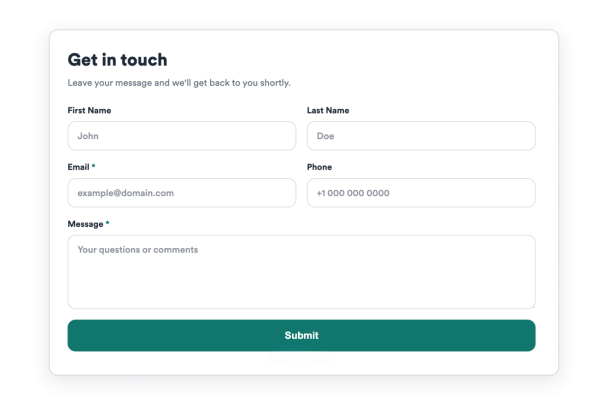

Create Your Contact Us Widget - It's Free!
Create Your Own Contact Us Widget in Seconds for Your Website Hero Bg Image

How to embed Contact Us Widget to WordPress

1Get your embed code

After customizing your Jotform website widget, click Try it on your website for free, and copy the generated embed code.

2Open the page editor

Go to the WordPress post or page where you want to display the widget, then add a new block.

3Add a Custom HTML block

Select Custom HTML and paste your Jotform Website widget embed code into the HTML field.

4Update and view

Click Update or Publish, then open the page to check your embedded widget.

Customize Contact Fields and Labels

Collect the details your team needs with editable first name, last name, email, phone, subject, and message fields.

Field controls include:
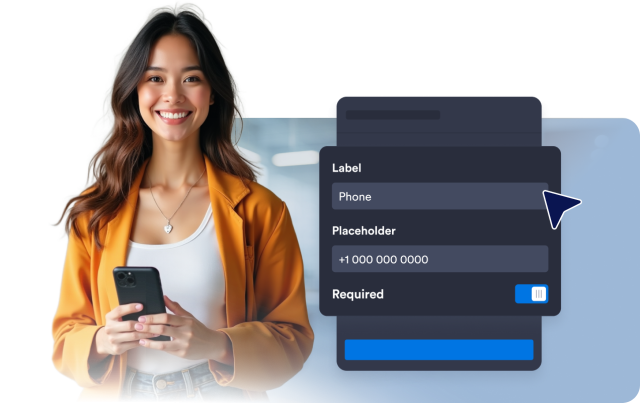
Show or hide fieldsRequired fieldsLabelsPlaceholdersAttachment note
Customize Fields
Customize Contact Fields and Labels

Validate and Confirm Every Request

Guide visitors through required fields, email validation, custom submit text, and a branded success message after submission.

Submission options:
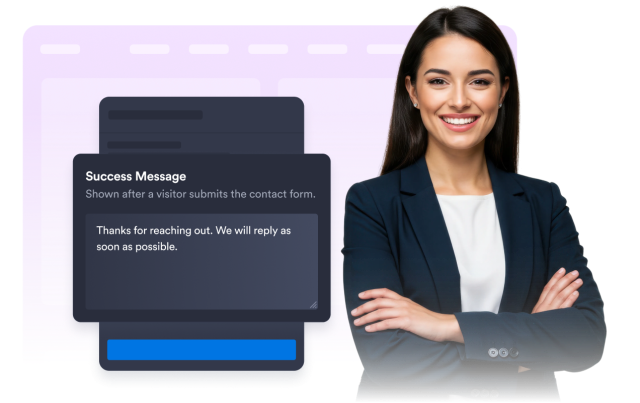
Required validationEmail validationSubmit textSuccess titleSuccess message
Set Submission Copy
Validate and Confirm Every Request

Save Requests to a Connected Jotform Form

Each widget creates and stores submissions in a connected Jotform form so teams can review incoming contact requests.

Useful for:

MessagesSupport requestsCallback leadsQuote detailsFollow-up lists
Create Your Widget
Save Requests to a Connected Jotform Form

Style the Form to Match Your Brand

Tune presets, surfaces, field colors, focus color, button color, success color, branding, and custom CSS from the builder.

Style controls include:
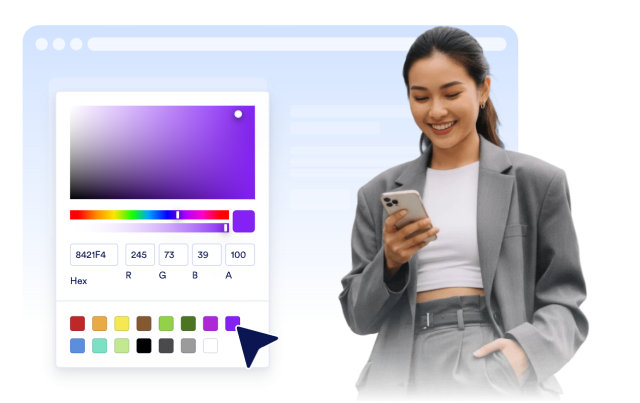
PresetsColorsCorner radiusBrandingCustom CSS
Style Your Form
Style the Form to Match Your Brand

Choose Inline, Boxed, or Floating Layouts

Embed the form in page content or keep a floating launcher visible with desktop and mobile display controls.

Layout controls include:
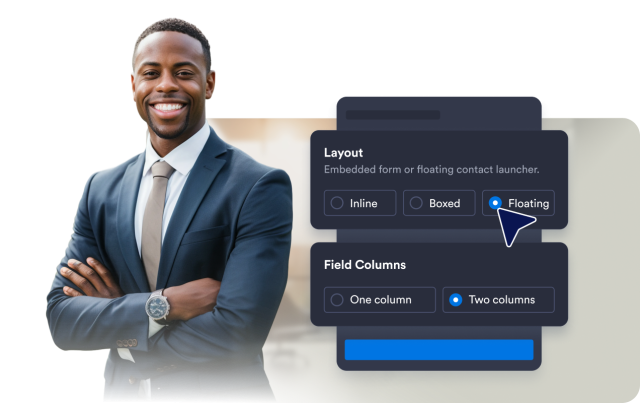
InlineBoxedFloatingOne or two columnsDevice visibility
Choose Layout
Choose Inline, Boxed, or Floating Layouts