
Amber Desk Tech Support Contact Form
We couldn't create your widget. Please try again.
We couldn't create your widget. Please try again.

We couldn't create your widget. Please try again.

We couldn't create your widget. Please try again.

We couldn't create your widget. Please try again.
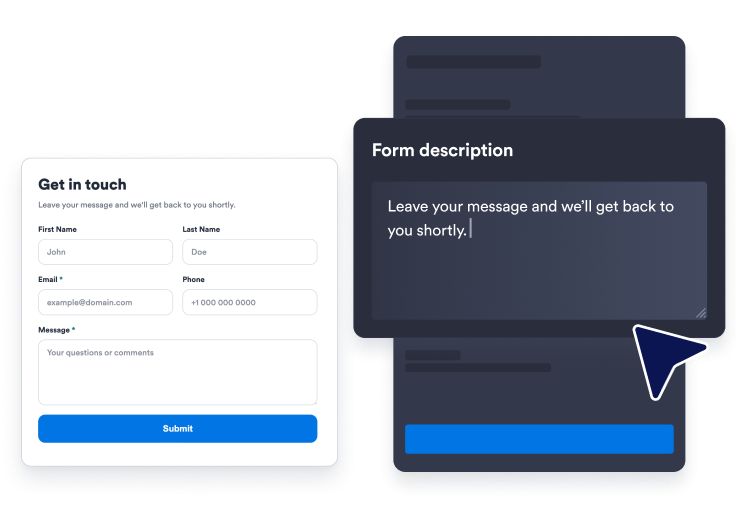
Start with a ready-made Contact Us form and decide which name, email, phone, subject, and message fields visitors should see.
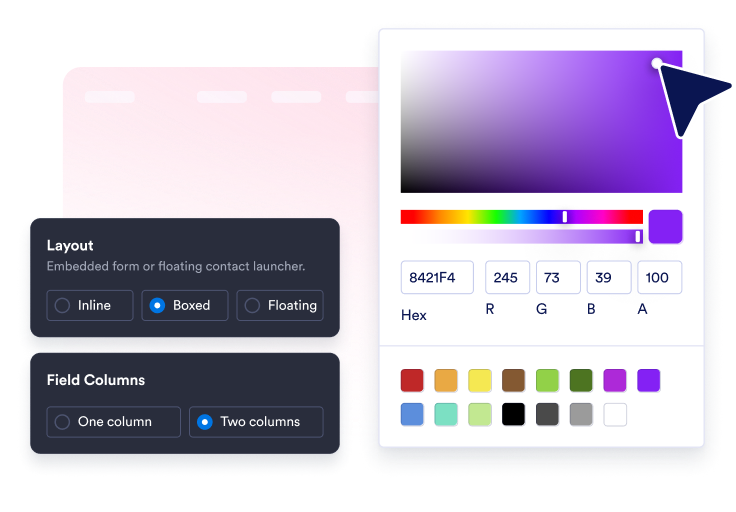
Adjust the title, description, layout, colors, corner radius, button text, success message, and optional floating launcher.
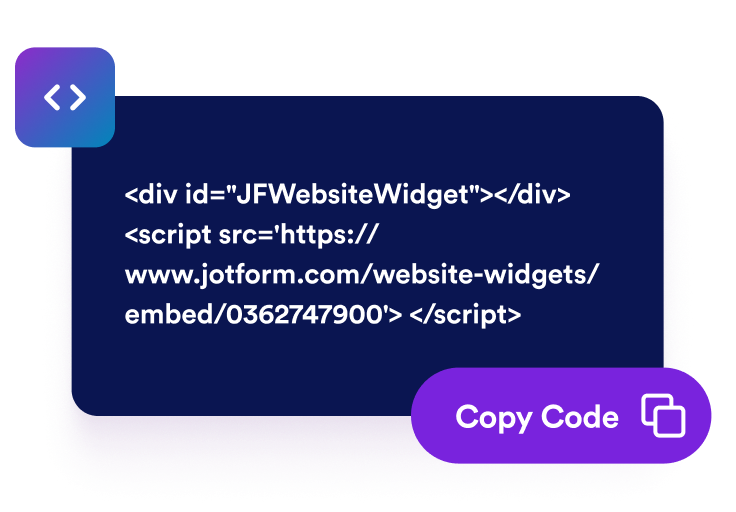
Preview the Contact Us section, copy the generated embed code, and publish the Contact Us form wherever visitors are ready to reach out.
Show or hide first name, last name, phone, subject, and message fields, then edit labels, placeholders, and required settings.

Use a custom submit button, required-field validation, email validation, and a thank-you message after visitors send their request.

Choose a style preset, adjust field colors, button colors, borders, corner radius, branding, and scoped custom CSS.
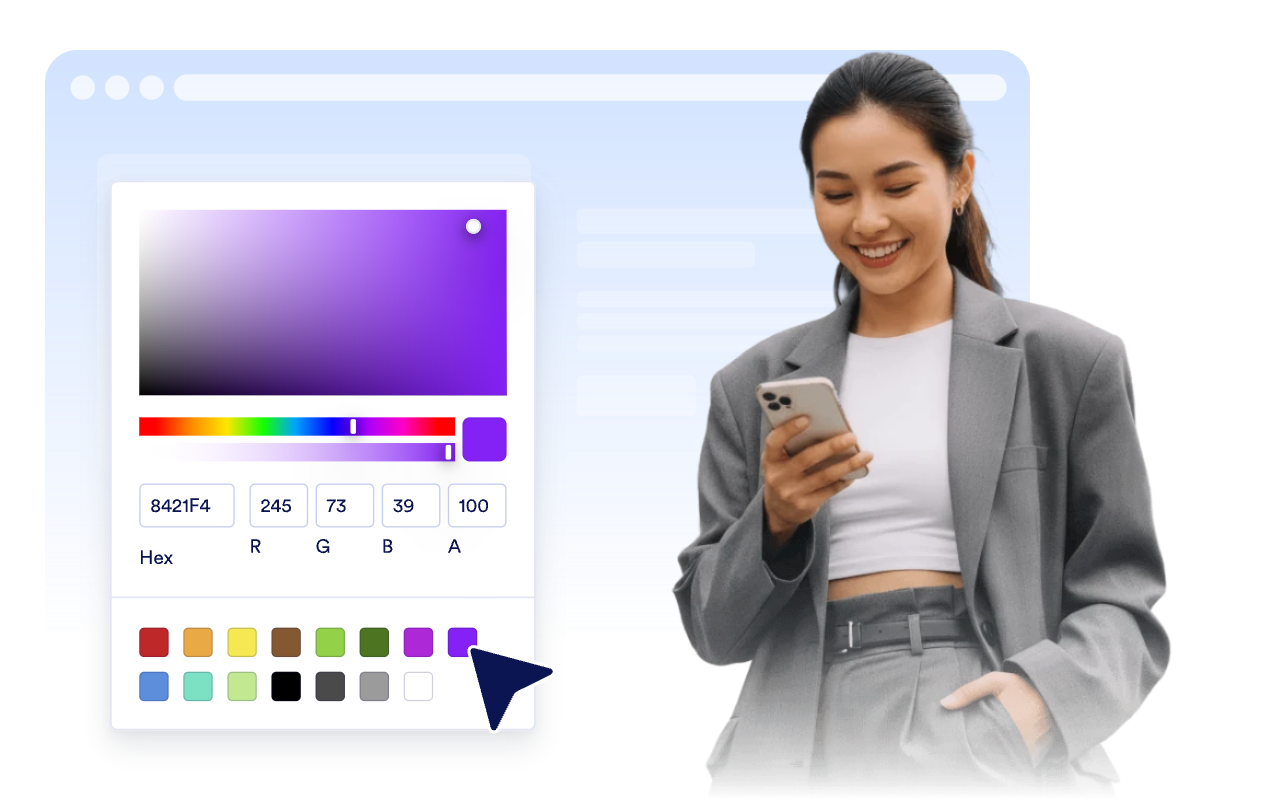
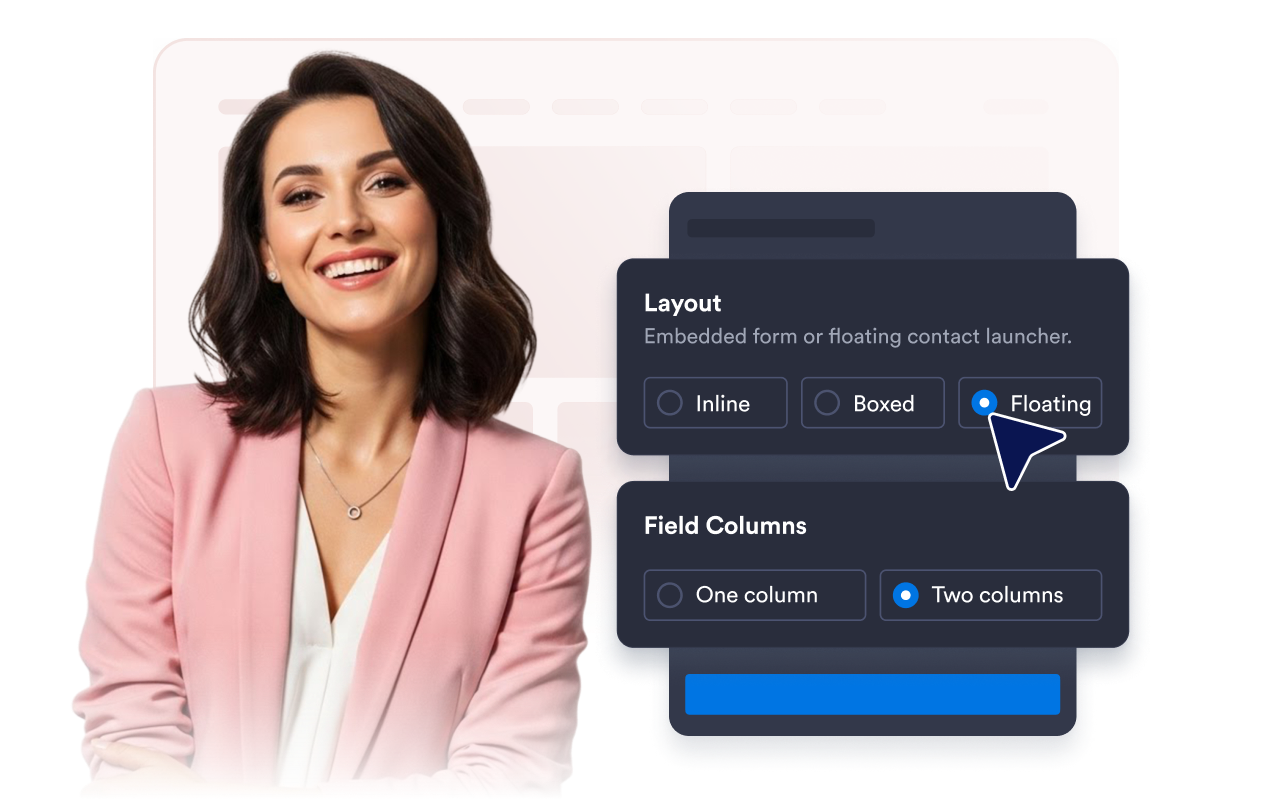
Use inline, boxed, or floating layouts with one- or two-column fields, launcher placement, and desktop/mobile visibility controls.
Jotform’s widgets make your website more interactive and increase conversions. There are many tools available, from star ratings and testimonial sliders to social proof popups and media embeds. Add widgets to your forms or landing pages to collect data, display proof, and capture leads — no coding required.
Add Jotform widgets to your website with a simple embed code. Customize the widget, preview how it looks, and paste it into any page that supports custom HTML or embed blocks, all without a developer.
Use Jotform Website Widgets to collect leads, show customer feedback, display social proof, embed media, or add helpful web page tools. Each widget helps visitors interact with your business directly from your website.
If you need help setting up, customizing, embedding, or troubleshooting your widget, Jotform’s customer support team is available 24-7. You can move forward with confidence, knowing that help is there when you need it.
Place the widget wherever visitors need a direct way to ask questions, request help, or start a conversation with your team.
Contact pages to collect general questions, quote requests, and follow-up details in one place.
Service pages so prospects can ask about availability, pricing, and next steps while they compare options.
Support pages to route issue details, subject lines, and reply information into a clear request flow.
Product pages where buyers may need more information before booking, ordering, or requesting a demo.
Landing pages to turn campaign traffic into messages without sending visitors to a separate form page.
Mobile websites where a floating contact launcher can keep help one tap away.
Turn engagement into action with Jotform. Create powerful forms that capture leads, collect payments, and automate responses, all in one place. Every submission lands in your Jotform Inbox, where you can follow up or connect with your favorite apps.
Get Started — It’s Free!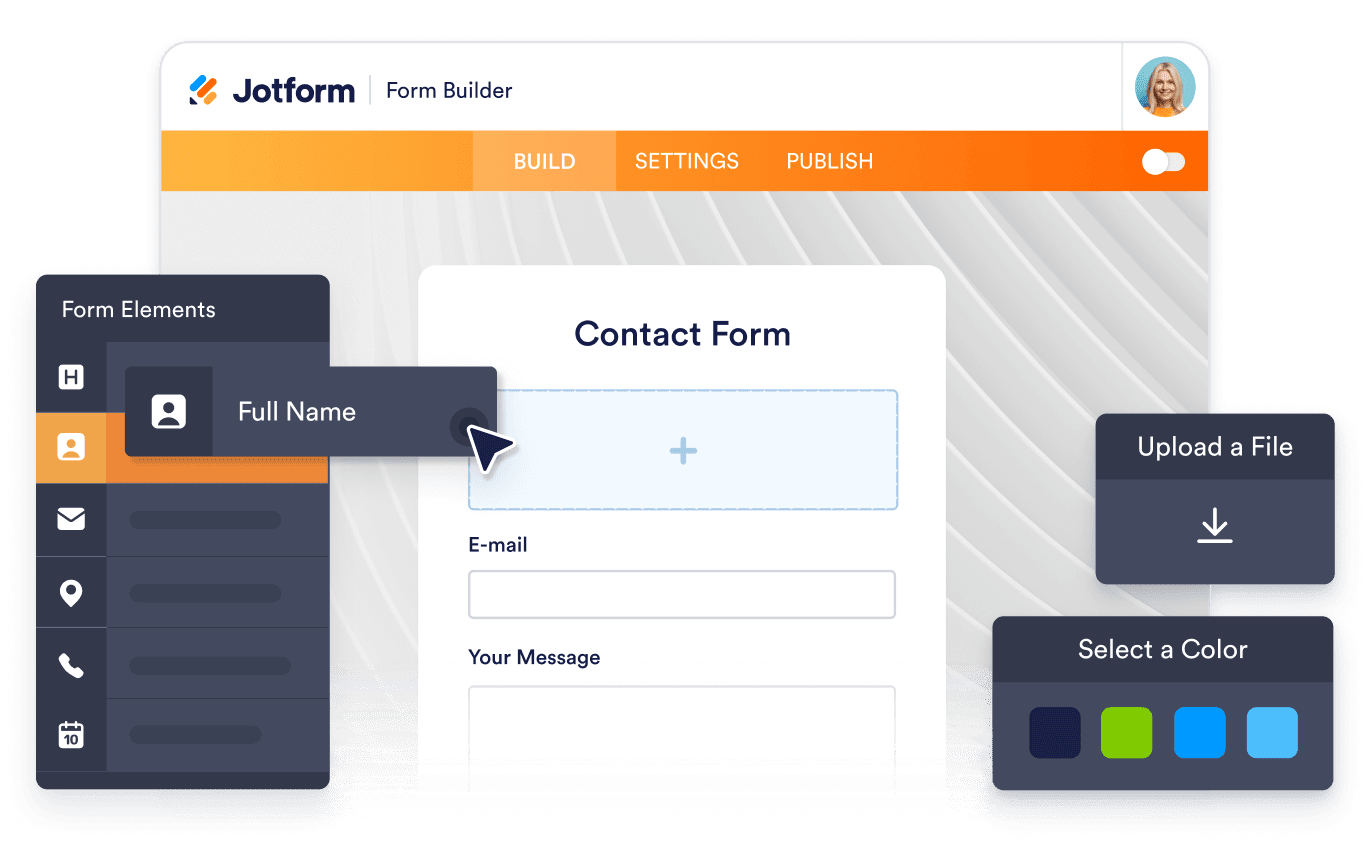
A Contact Us widget is an embeddable website form that lets visitors send messages, contact details, support requests, and callback inquiries directly from your site.