Content Locker Widget
Create Your Own Content Locker Widget in Seconds for Your Website
Build a no-code content lock for premium resources, member pages, gated downloads, and early-access campaigns. Lock the full page or a selected section, choose the unlock method, customize the card, and remember successful unlocks.
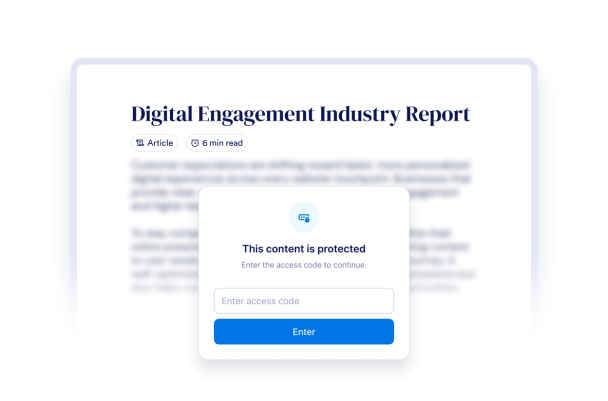

Use Access Code, Email, Age, or Q&A Unlocks
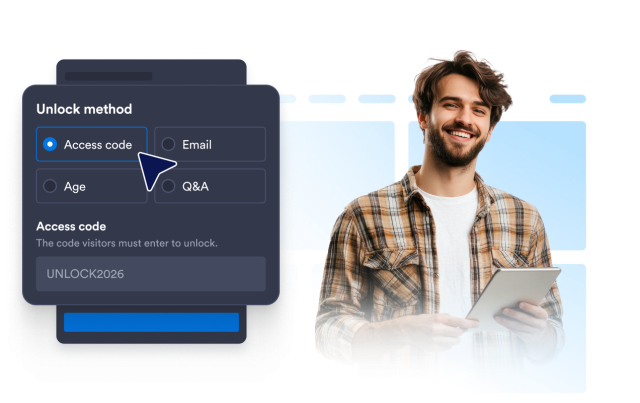
Pick the access step that fits your page. Share an access code, ask for a valid email, require a minimum age from a birth date picker, or validate a custom question answer.
Unlock options include:
Lock the Full Page or a Selected Section
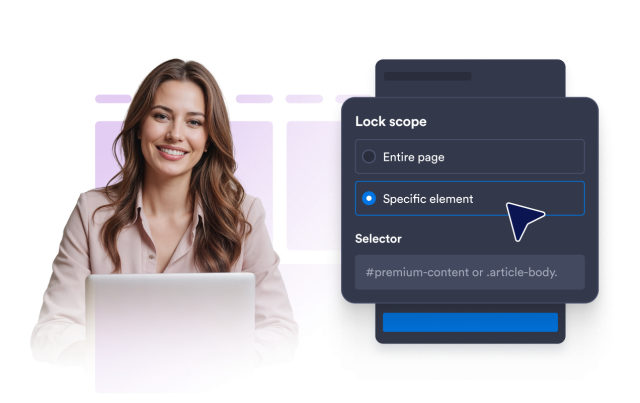
Keep your content on the page and decide what the locker should cover. Use the entire-page scope or enter a CSS or ID selector for one section.
Content controls include:
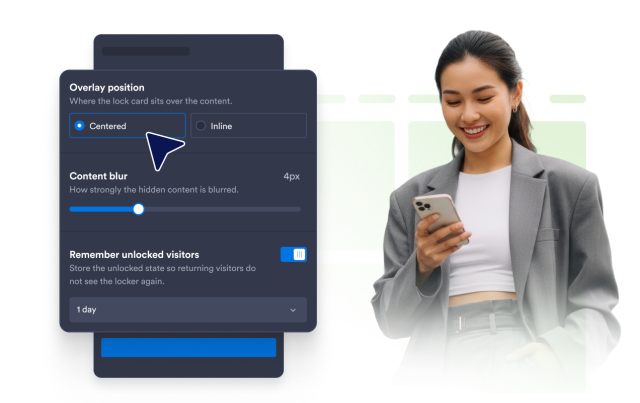
Control Blur, Placement, and Remembered Access
Set how much locked content is blurred, choose centered or inline overlay placement, and remember successful unlocks so returning visitors do not repeat the step too often.
Behavior controls include:
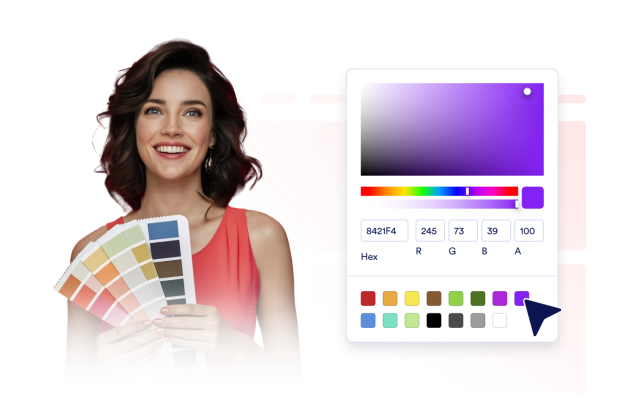
Match the Locker to Your Brand
Enable dark theme, show or hide the lock icon, change CTA button text and colors, tune card width and radius, show or hide Jotform branding, and apply scoped custom CSS.
Style controls include: