Content Locker Widget for your website
Add a no-code Content Locker to protect downloads, member resources, private sections, or age-sensitive pages. Let visitors unlock content with an access code, email, age check, or Q&A prompt, then match the lock screen to your brand.
Create Now — It’s Free!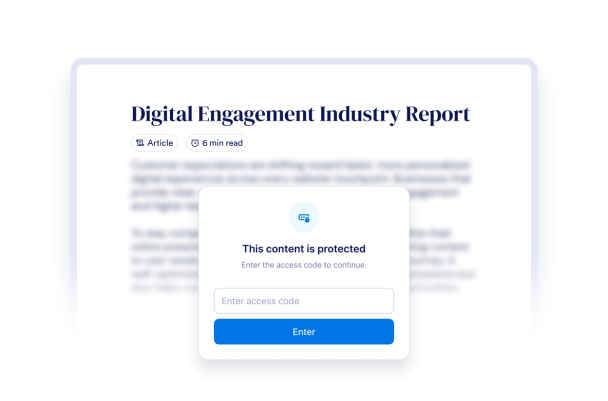

How to create a Content Locker widget
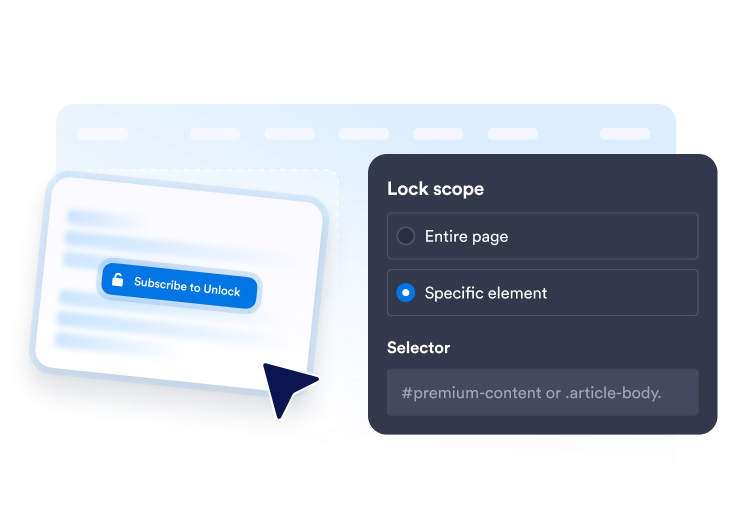
Select the content to protect
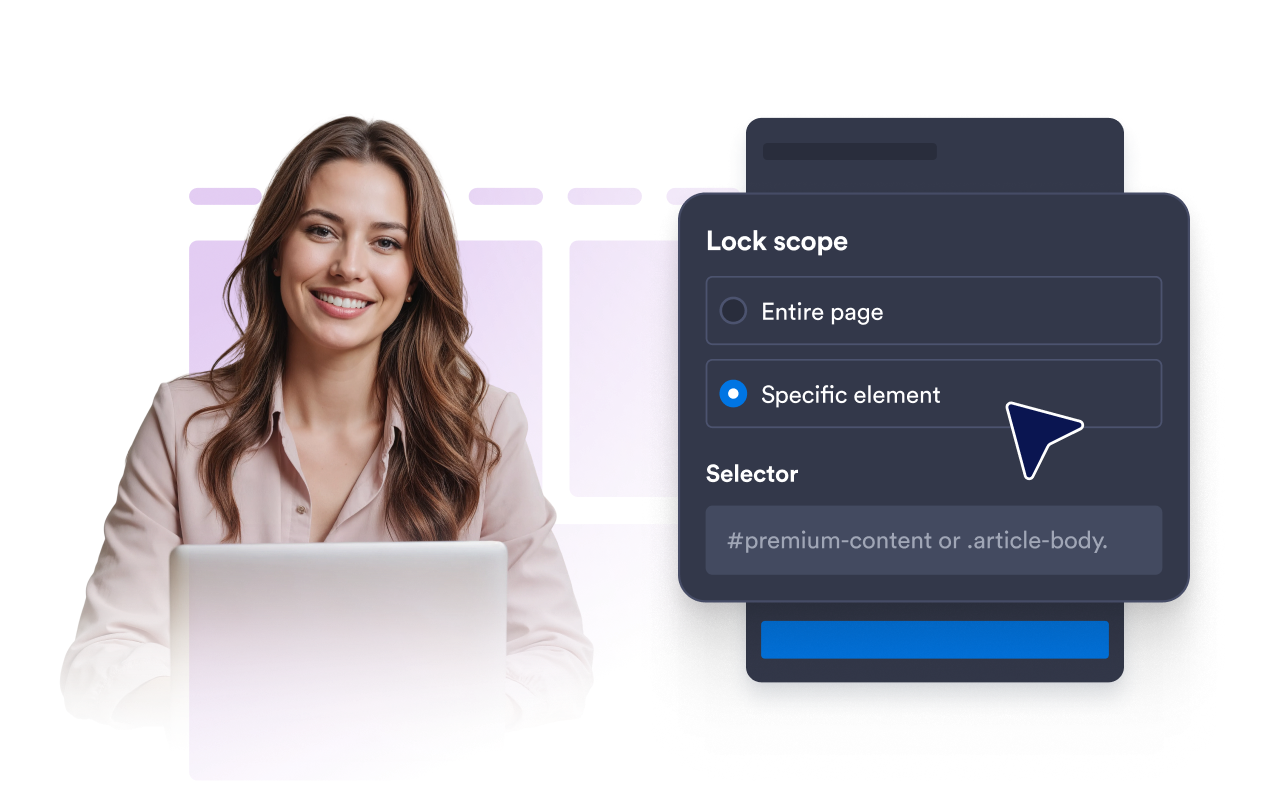
Lock an entire page or target one section with a CSS selector, such as a resource block or members-only area.
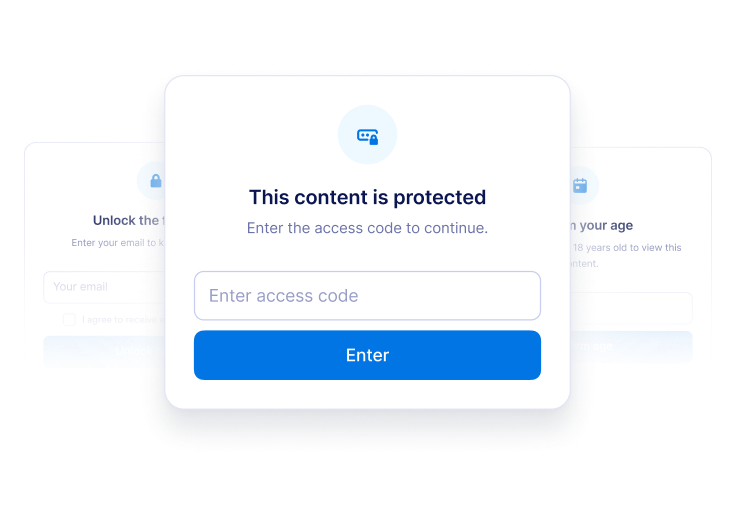
Pick an unlock step
Ask for an access code, email address, age confirmation, or custom answer before showing the protected content.

Style, publish, and update
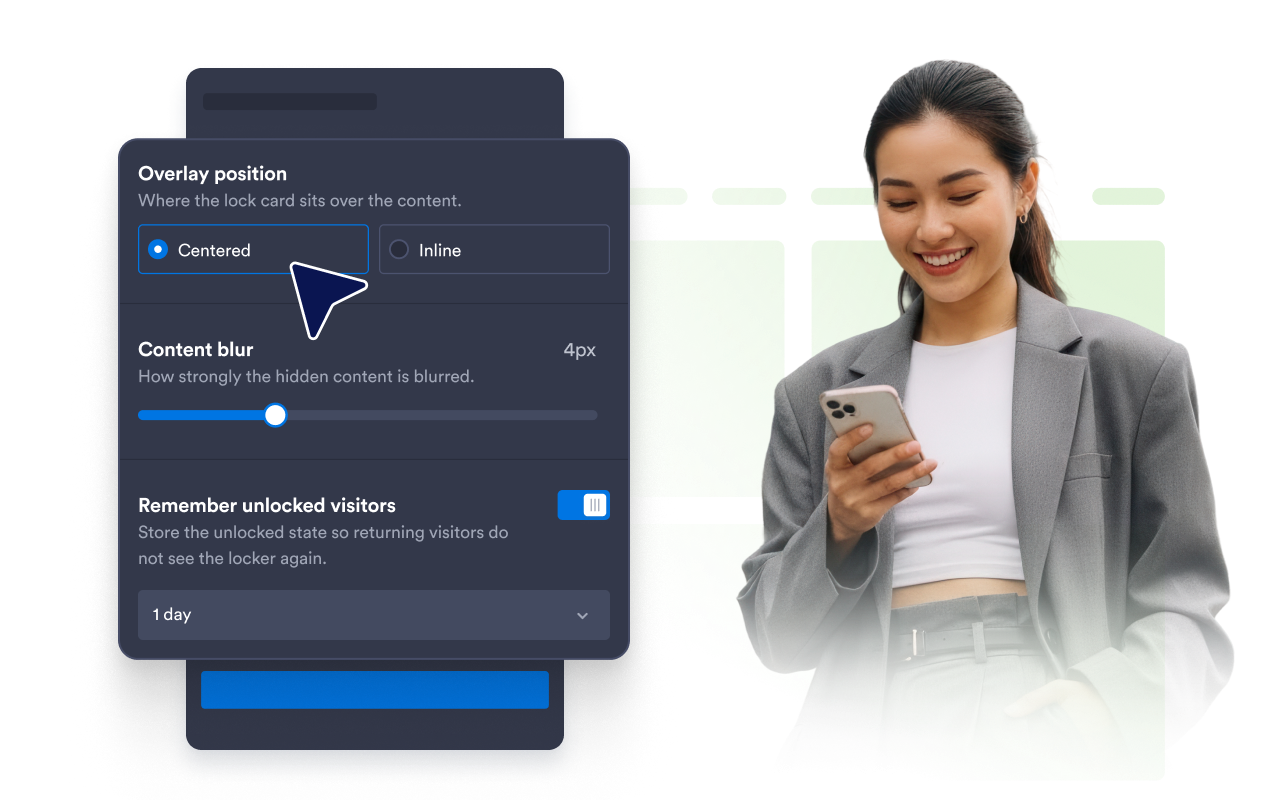
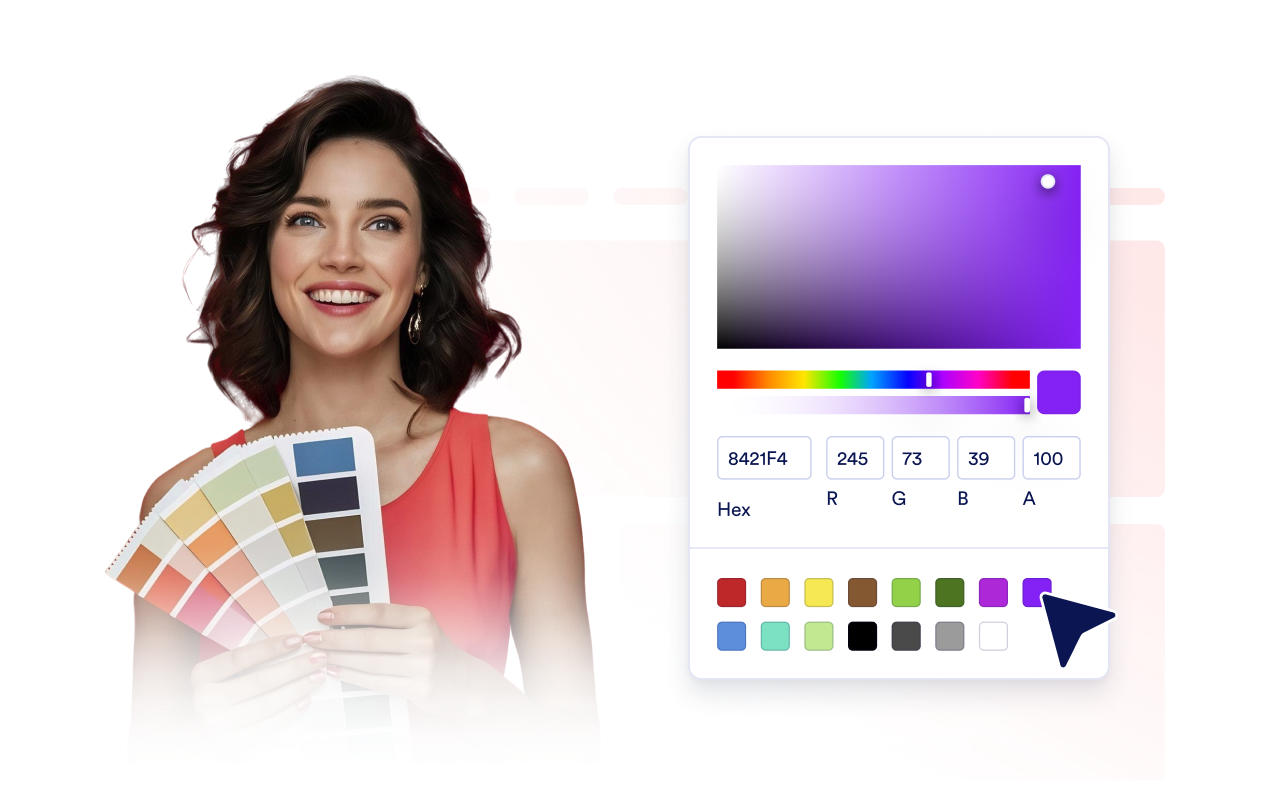
Customize messages, colors, blur, overlay position, and remembered access, then paste the generated embed code.
Turn gated content into a smoother visitor journey
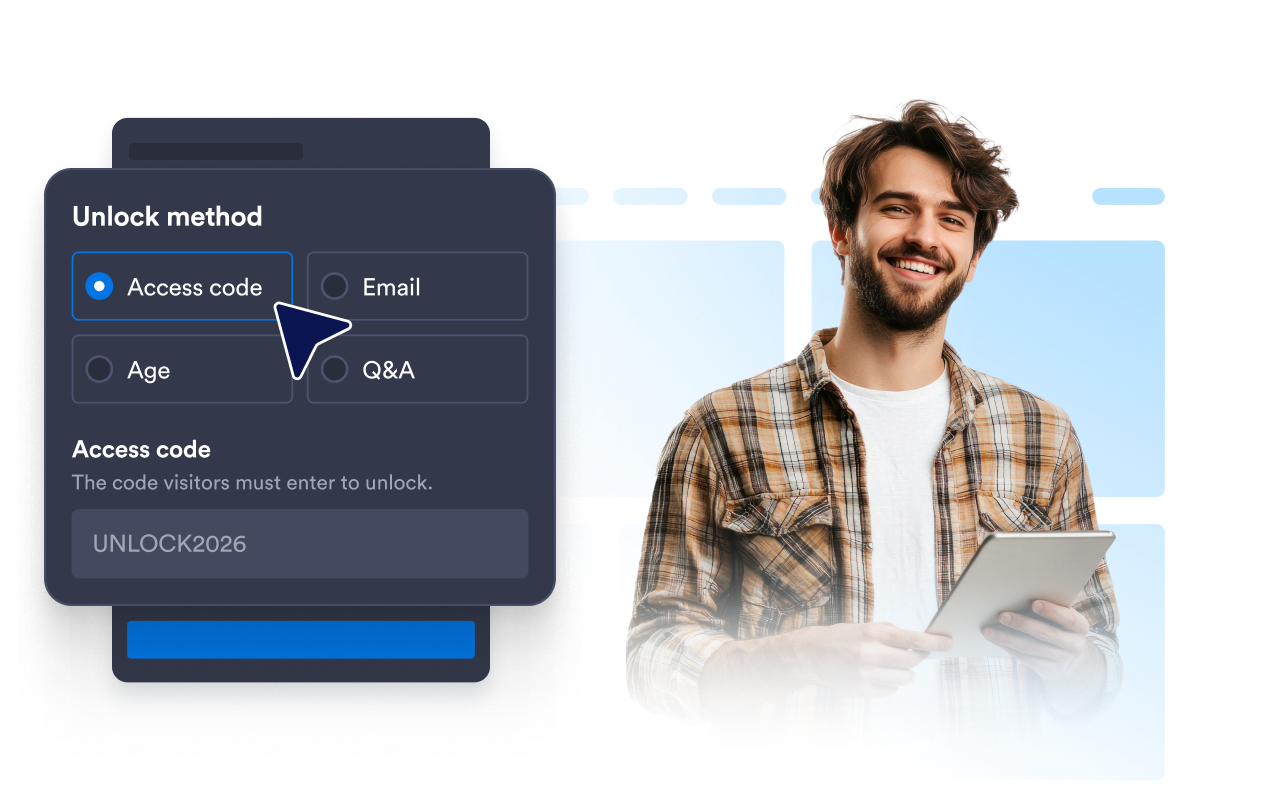
Collect the right access signal
Use a code for private links, an email prompt for lead capture, an age gate for restricted material, or Q&A for simple qualification.
Protect the exact content that matters
Gate a full page or one selected section while keeping the rest of the experience open and easy to browse.
Reduce friction on every screen
Responsive lock cards, blur controls, remembered unlocks, and centered or inline placement help visitors complete the step quickly.
Match the lock screen to your brand
Adjust copy, helper text, error messages, colors, card width, dark theme, branding, and scoped CSS without rebuilding the page.
Why Jotform Website Widgets stand out
Jotform’s widgets make your website more interactive and increase conversions. There are many tools available, from star ratings and testimonial sliders to social proof popups and media embeds. Add widgets to your forms or landing pages to collect data, display proof, and capture leads — no coding required.
Add Jotform widgets to your website with a simple embed code. Customize the widget, preview how it looks, and paste it into any page that supports custom HTML or embed blocks, all without a developer.
Use Jotform Website Widgets to collect leads, show customer feedback, display social proof, embed media, or add helpful web page tools. Each widget helps visitors interact with your business directly from your website.
If you need help setting up, customizing, embedding, or troubleshooting your widget, Jotform’s customer support team is available 24-7. You can move forward with confidence, knowing that help is there when you need it.
Where to use your Content Locker widget
Use a content locker when specific material should be available only after a clear access step. It works well for resources, private sections, launch pages, and mobile pages where the unlock flow should stay simple.
Premium resource pages to gate guides, templates, checklists, or downloads behind one unlock step.
Lead magnet pages to ask for an email before revealing a worksheet, report, or bonus file.
Member pages to protect private updates, lessons, or account-only content.
Launch campaigns to share early access with visitors who received a private code.
Age-sensitive pages to confirm visitor age before showing restricted content.
Public pages with private sections to lock one area while the rest stays open.
Convert leads into paying customers with the Jotform Form Builder
Turn engagement into action with Jotform. Create powerful forms that capture leads, collect payments, and automate responses, all in one place. Every submission lands in your Jotform Inbox, where you can follow up or connect with your favorite apps.
Get Started — It’s Free!
FAQ
How does a Content Locker widget work?
A Content Locker widget places an unlock card over the page or section you choose. Visitors complete the selected access step, then the protected content becomes visible.
How do I add a Content Locker to my website?
Which unlock methods can I use?
Can I lock only one section of a page?
Can I collect emails with the Content Locker?
Can I customize the design and messages?
Will visitors need to unlock content every time?
Is the Content Locker widget mobile-friendly and no-code?
Is the Jotform Content Locker Widget free?