Count-Up Widget for your website
Show how much time has passed since a meaningful start date. Jotform's Count-Up widget lets you set the starting date and time, choose visible units, customize labels and styles, add a call-to-action, and embed the live elapsed-time clock without code.
How to create a Countup widget
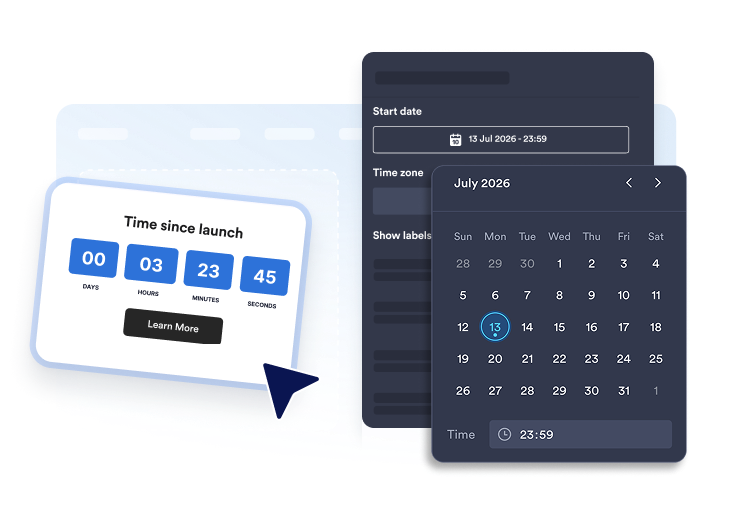
Set the start date
Choose the date, time, and time zone your count-up should measure from.
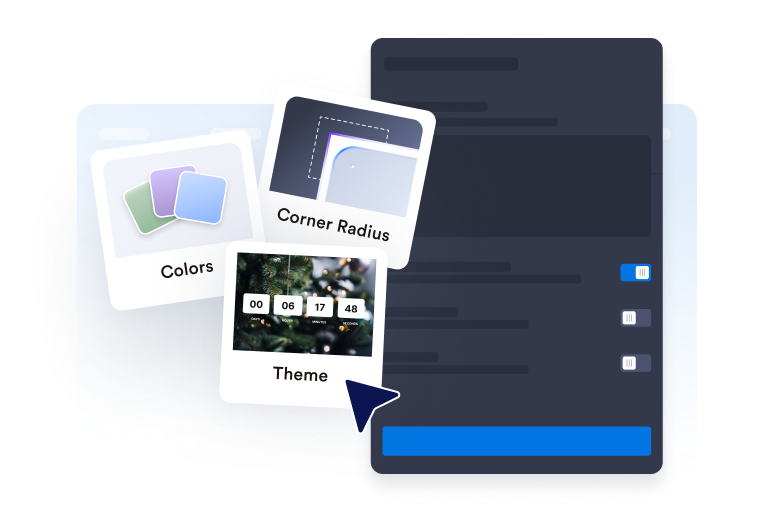
Customize the display
Pick the units, labels, layout, colors, digit boxes, separators, and corner radius that fit your page.
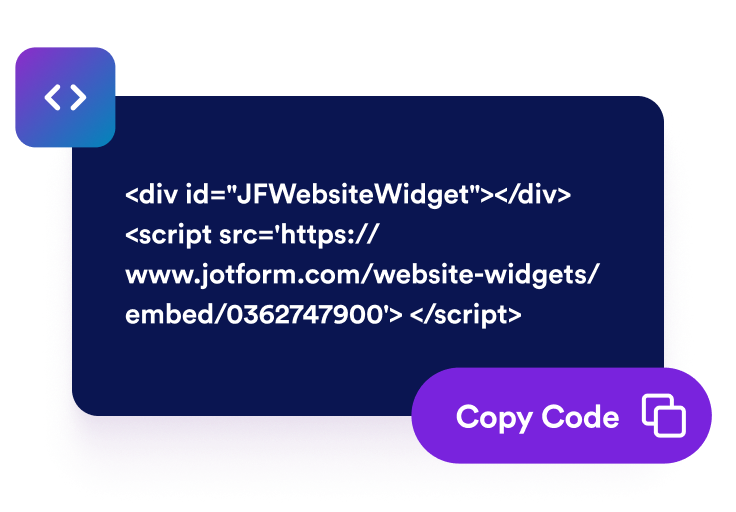
Embed it on your website
Preview the elapsed-time clock, add an optional call-to-action, and copy the embed code to publish it anywhere.
Show elapsed time in a format that fits your page
Count up from any start date and time
Track launches, anniversaries, streaks, uptime, habit starts, or service milestones from a precise start date. Time zone support keeps the elapsed-time display consistent.
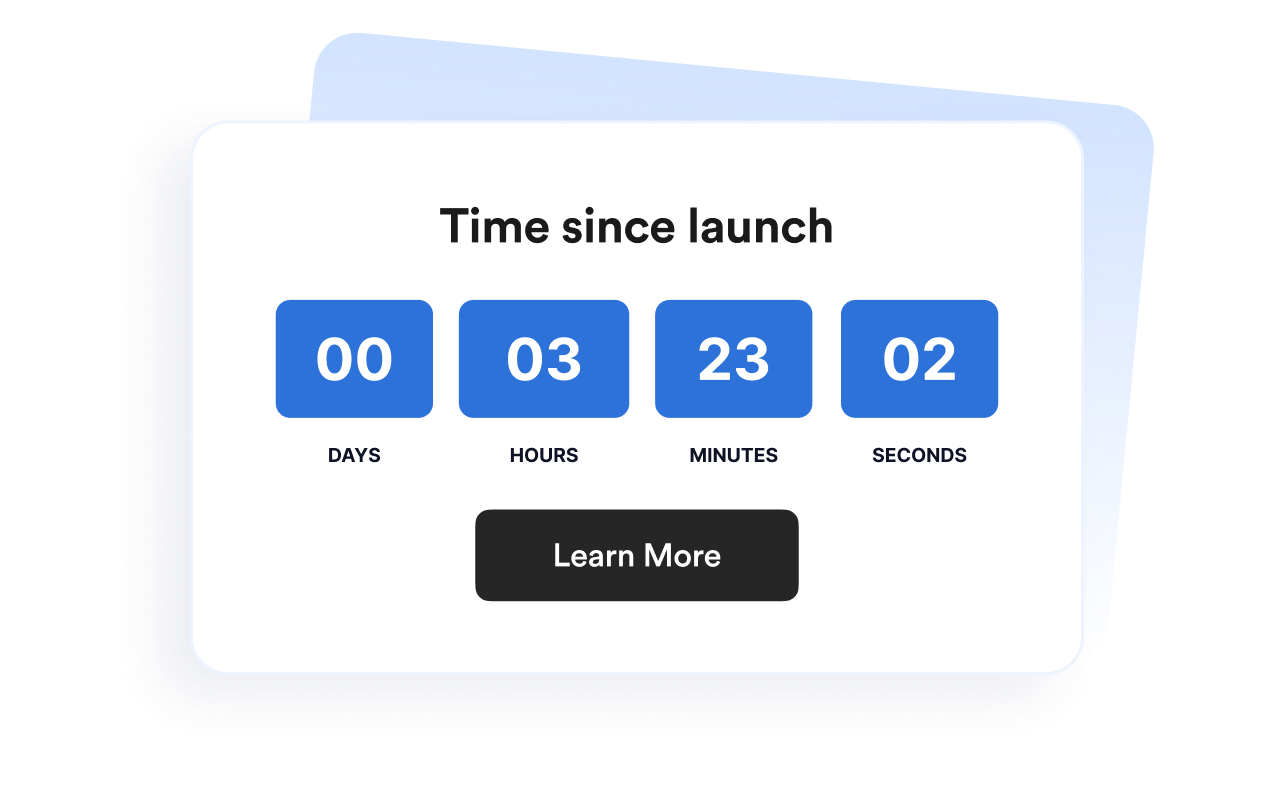
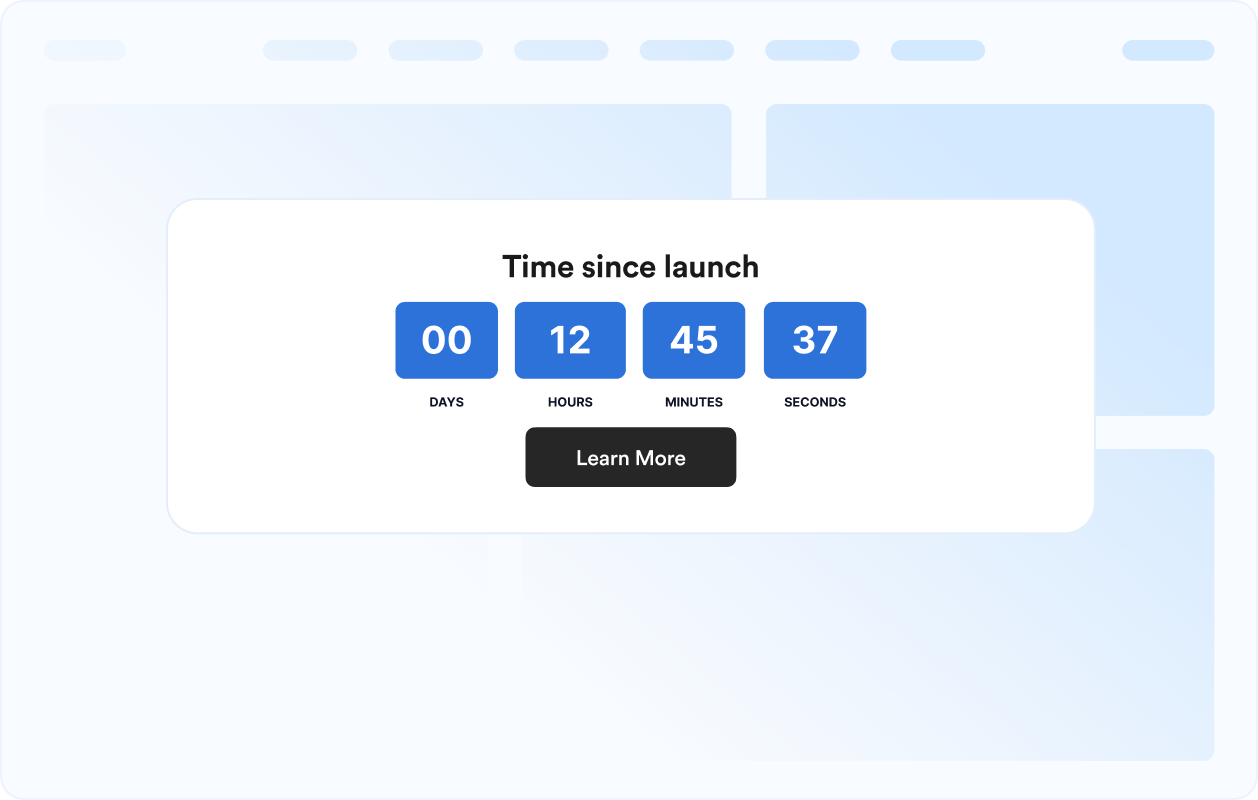
Choose units and labels
Show days, hours, minutes, and seconds, use compact formats, or customize labels so the counter says exactly what your milestone needs.
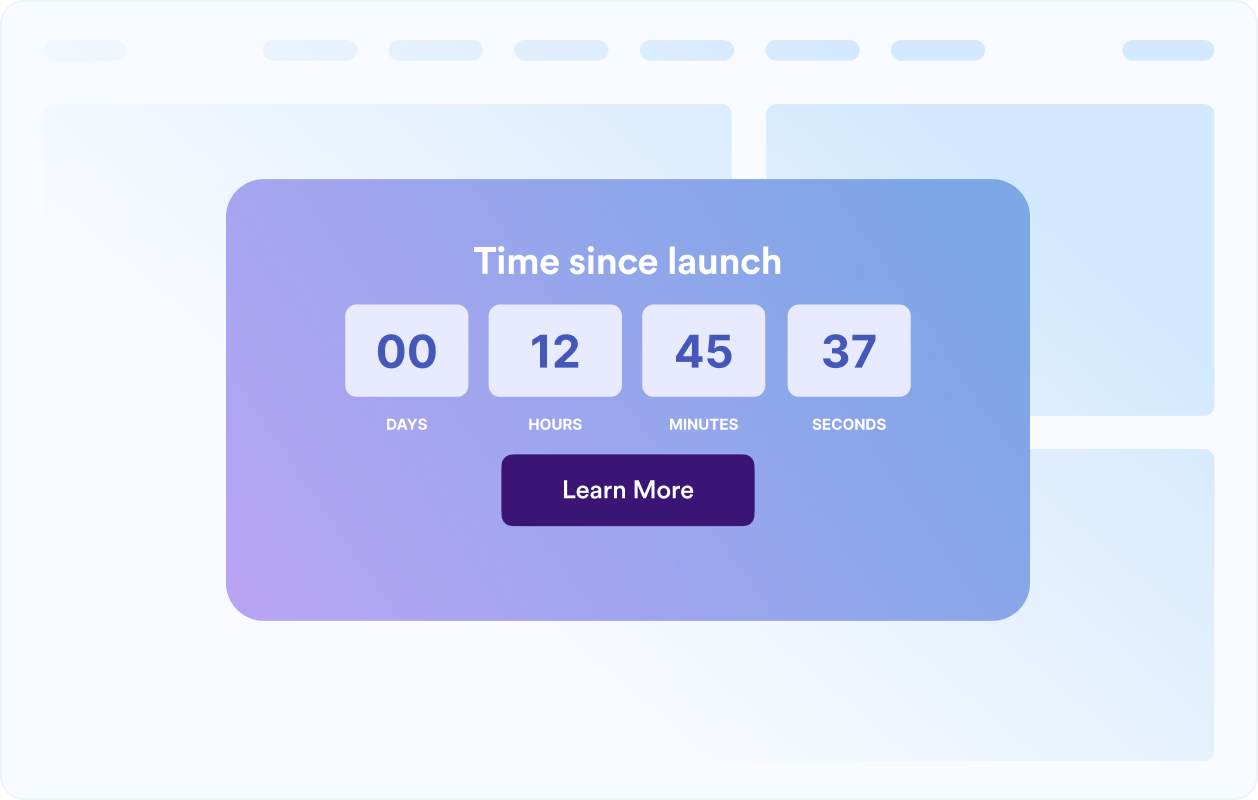
Customize the count-up design
Adjust themes, colors, digit boxes, separators, alignment, width, and corner radius so the counter feels native to your website.
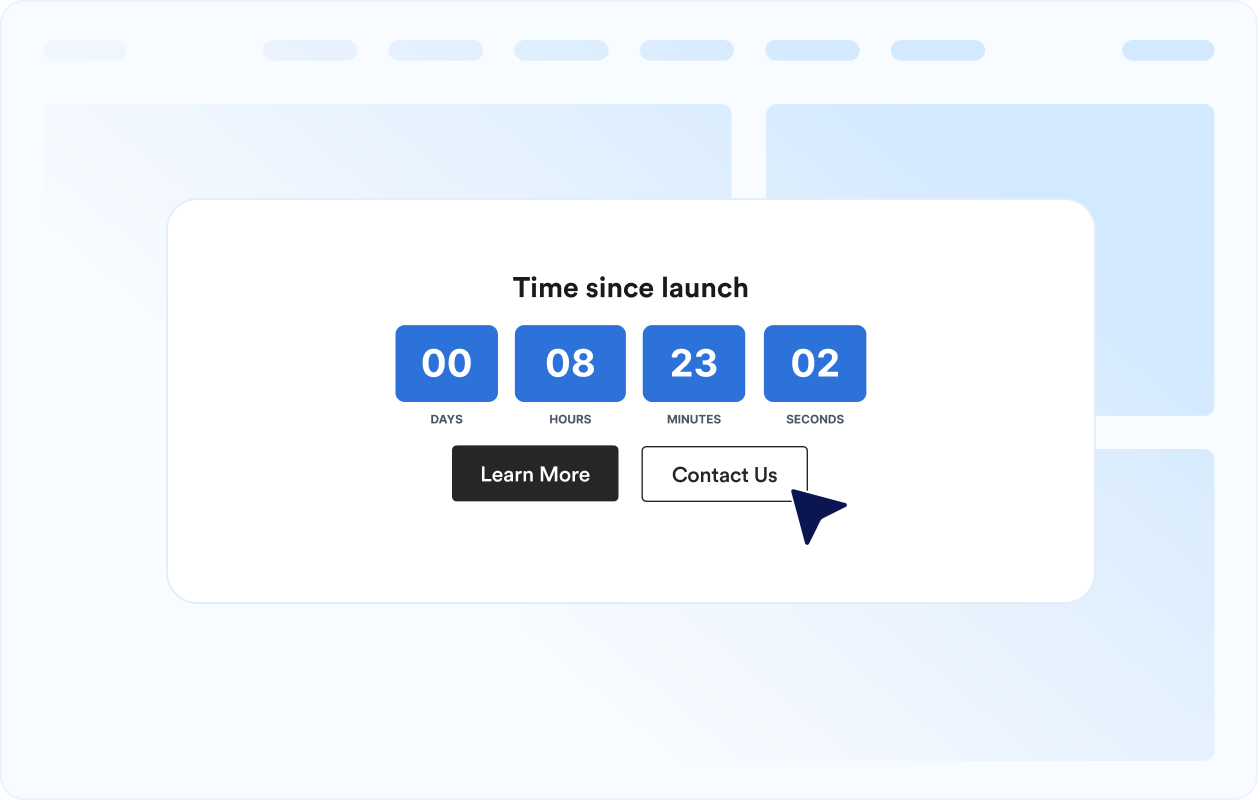
Add a clear next step
Place an optional call-to-action button below the elapsed-time display to point visitors toward a story, signup, booking page, or related milestone content.
Why Jotform Website Widgets stand out
Jotform’s widgets make your website more interactive and increase conversions. There are many tools available, from star ratings and testimonial sliders to social proof popups and media embeds. Add widgets to your forms or landing pages to collect data, display proof, and capture leads — no coding required.
Add Jotform widgets to your website with a simple embed code. Customize the widget, preview how it looks, and paste it into any page that supports custom HTML or embed blocks, all without a developer.
Use Jotform Website Widgets to collect leads, show customer feedback, display social proof, embed media, or add helpful web page tools. Each widget helps visitors interact with your business directly from your website.
If you need help setting up, customizing, embedding, or troubleshooting your widget, Jotform’s customer support team is available 24-7. You can move forward with confidence, knowing that help is there when you need it.
Where to use your Count-Up widget
Add the widget anywhere elapsed time helps visitors understand history, momentum, consistency, or progress.
About pages to show how long your company, project, or community has been active.
Launch pages to highlight how long a product has been live or a campaign has been running.
Personal dashboards to track habits, sobriety, fitness, learning, or other streaks.
Status pages to show uptime, incident-free periods, or operational milestones.
Event recap pages to show time passed since a conference, fundraiser, or celebration began.
Portfolio pages to turn experience, tenure, or creative milestones into a live display.
Convert leads into paying customers with the Jotform Form Builder
Turn engagement into action with Jotform. Create powerful forms that capture leads, collect payments, and automate responses, all in one place. Every submission lands in your Jotform Inbox, where you can follow up or connect with your favorite apps.
Get Started — It’s Free!
FAQ
What is a Count-Up widget?
A Count-Up widget displays the time elapsed since a chosen start date and time. It is useful for milestones, streaks, anniversaries, launches, and uptime-style counters.
Can I customize the layout?
Can I change the colors and layout?
Which time units can I show?
Can I customize the labels?
Can I add a button to the count-up?
Does it work on mobile?
Do I need to write code?