Custom Cursor Widget Features
Custom Cursor Widget for Your Website
Make every move on your website feel more like your brand. Choose a cursor style, customize how it looks and moves, add interactive effects, and embed it on your website without coding.

Choose Your Cursor Style
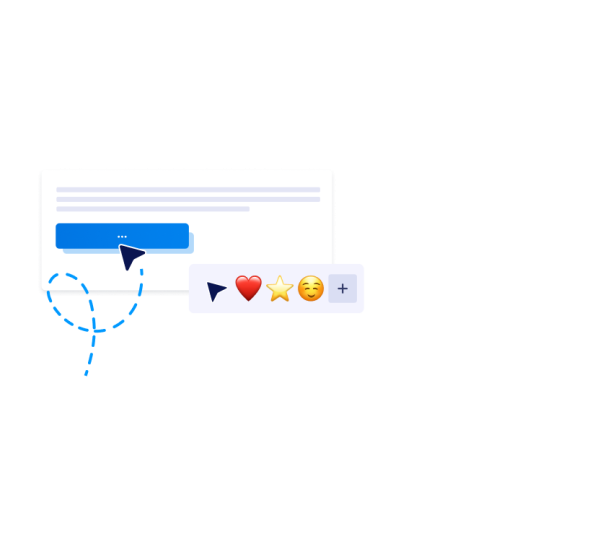
Give your website a cursor that feels like part of your brand from the very first move. Start with a ready-made preset, pick a playful emoji, try a seasonal style, or upload your own icon.
Cursor style options include
Make It Your Own
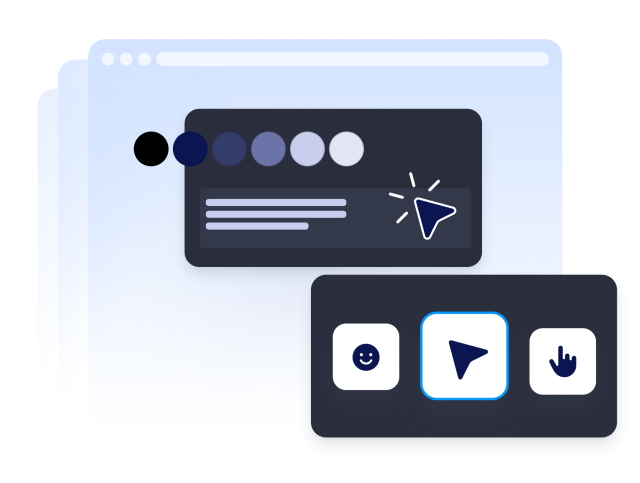
Fine-tune your cursor until it matches your site's look and feel. Adjust the size, color, and outline, add a glow, and control how it moves as visitors browse.
Customization options include

Add Responsive Cursor Effects
Add hover behavior, click feedback, and motion effects that react to what visitors actually do. Tie different effects to different elements so the cursor feels alive on every part of the page.
Interaction options include

Control Where the Cursor Runs
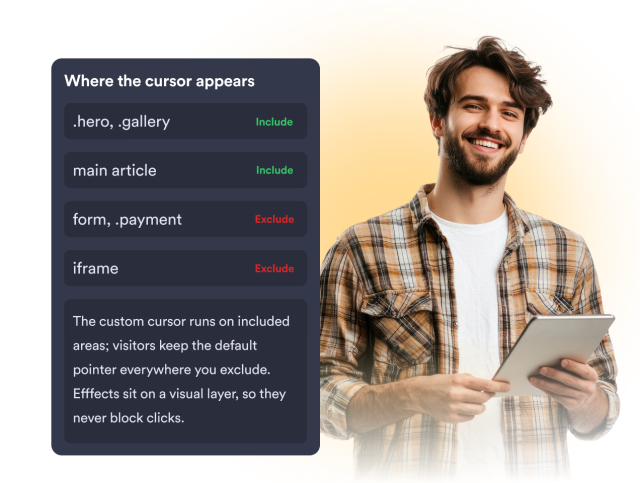
Decide exactly where the custom cursor appears. Use include and exclude selectors to target specific sections and keep the default cursor in areas like forms, payment sections, and iframes without affecting how visitors click.
Experience controls include