Custom Scrollbar Widget
Create Your Own Custom Scrollbar Widget in Seconds for Your Website
Build scrollable content areas for long text, policies, release notes, and documentation. Customize scrollbar behavior, side, width, colors, radius, container size, borders, and background styling.
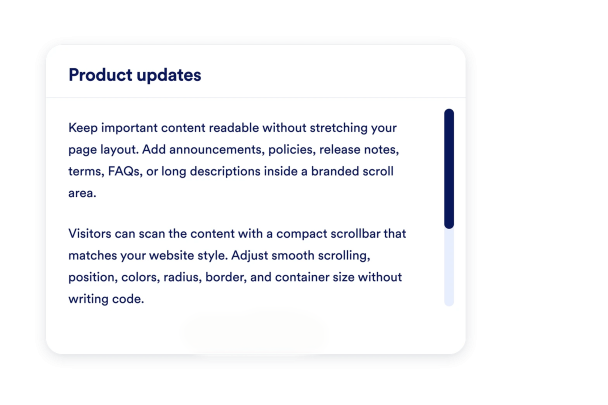

Create Scrollable Areas for Long Content
Paste long text into a compact scroll area so visitors can read everything without your page becoming oversized.

Customize Scroll Behavior and Position
Choose left or right scrollbar placement and enable smooth scrolling for a polished reading flow.

Style the Track, Thumb, and Hover State
Set scrollbar width, radius, track color, thumb color, and hover color to match your brand.

Match the Scroll Container to Your Page
Control width, height, background, text color, border, corner radius, and shadow so the scroll area fits your layout.
