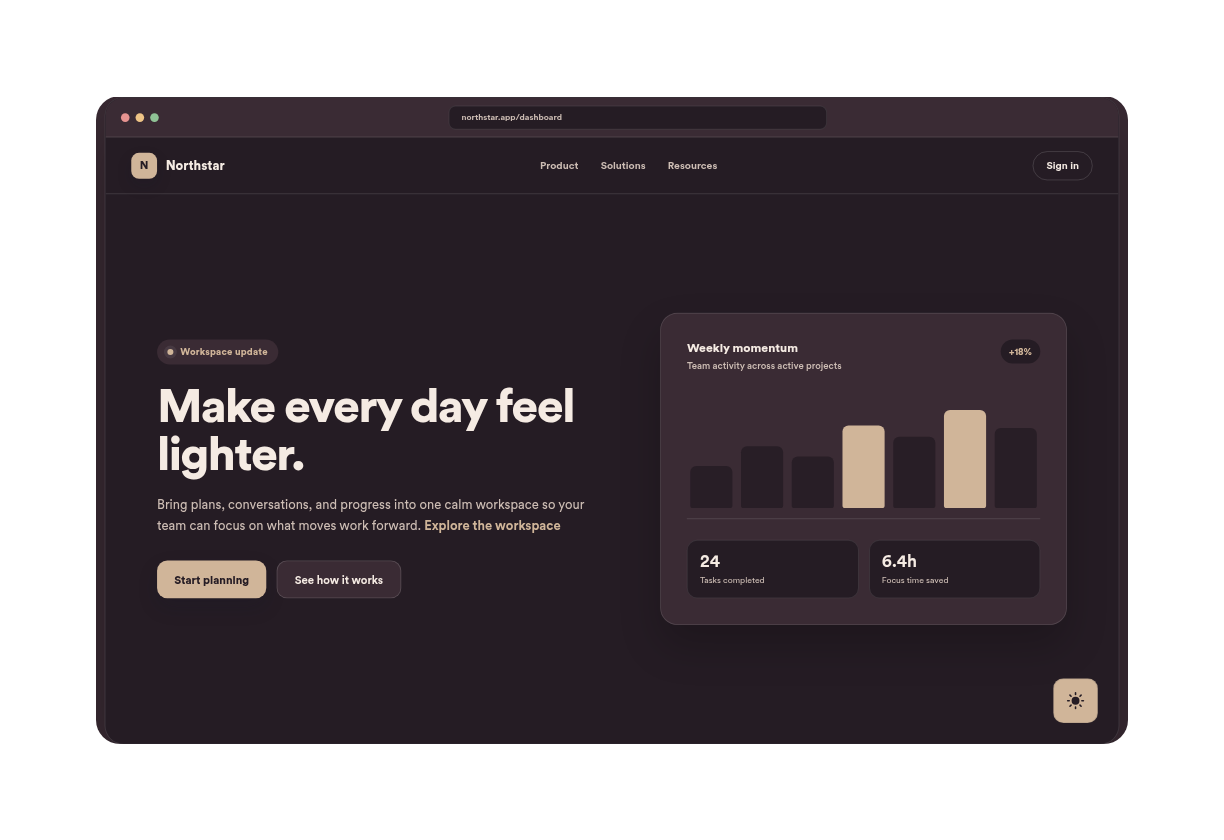
Luxury Jewelry Dark Mode
We couldn't create your widget. Please try again.

We couldn't create your widget. Please try again.
We couldn't create your widget. Please try again.
We couldn't create your widget. Please try again.
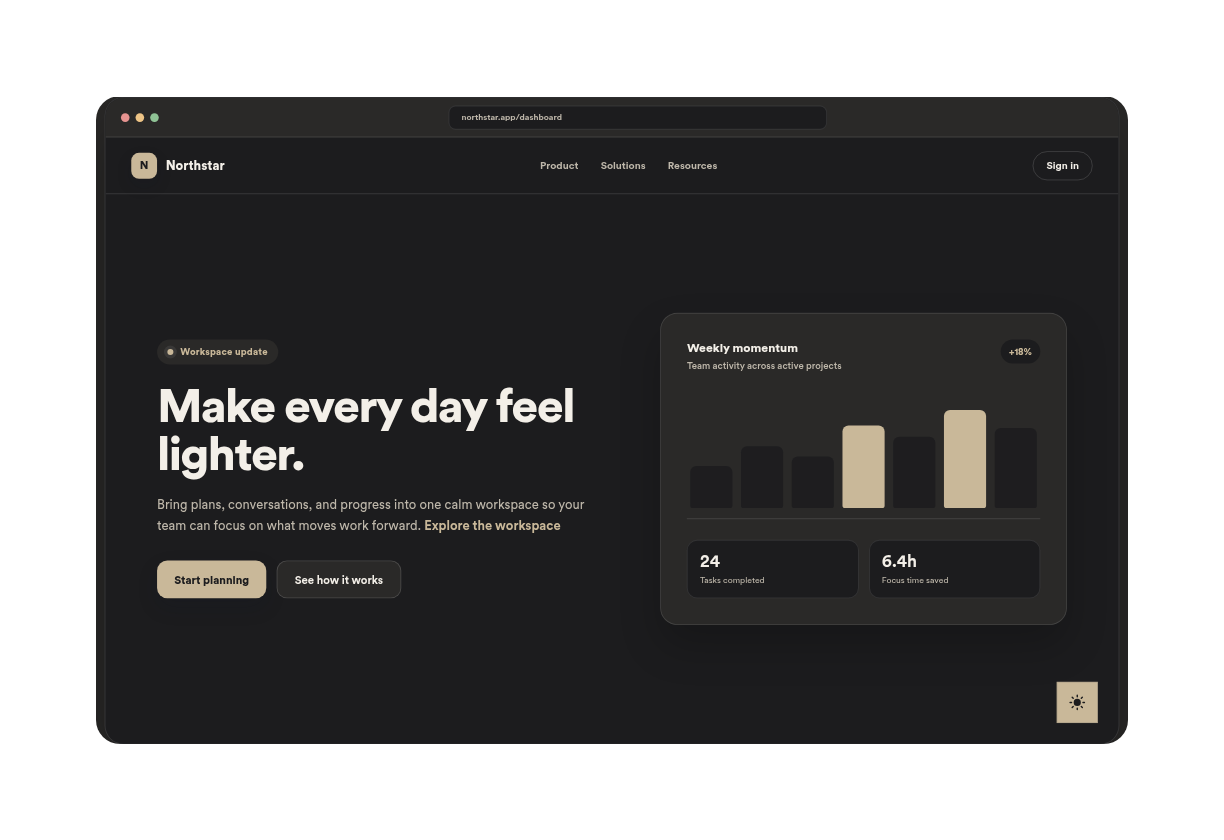
We couldn't create your widget. Please try again.
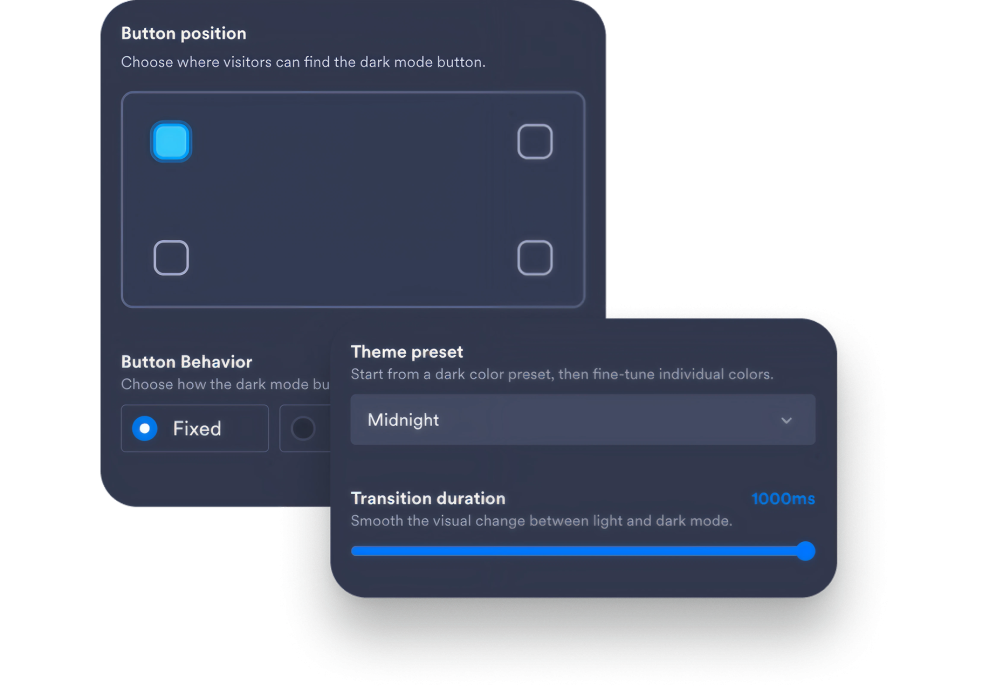
Choose your button's position, select a theme preset, and adjust the smooth transition duration across your site.
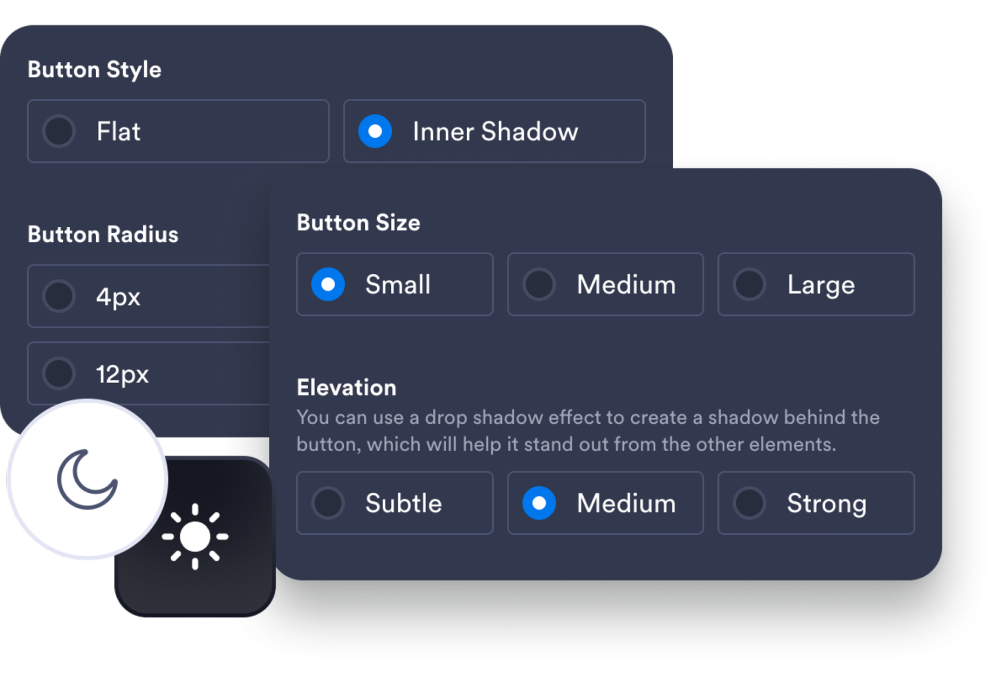
Fine-tune the button’s appearance by adjusting its size, corner radius, shadow elevation, and choosing between flat or inner-shadow designs.
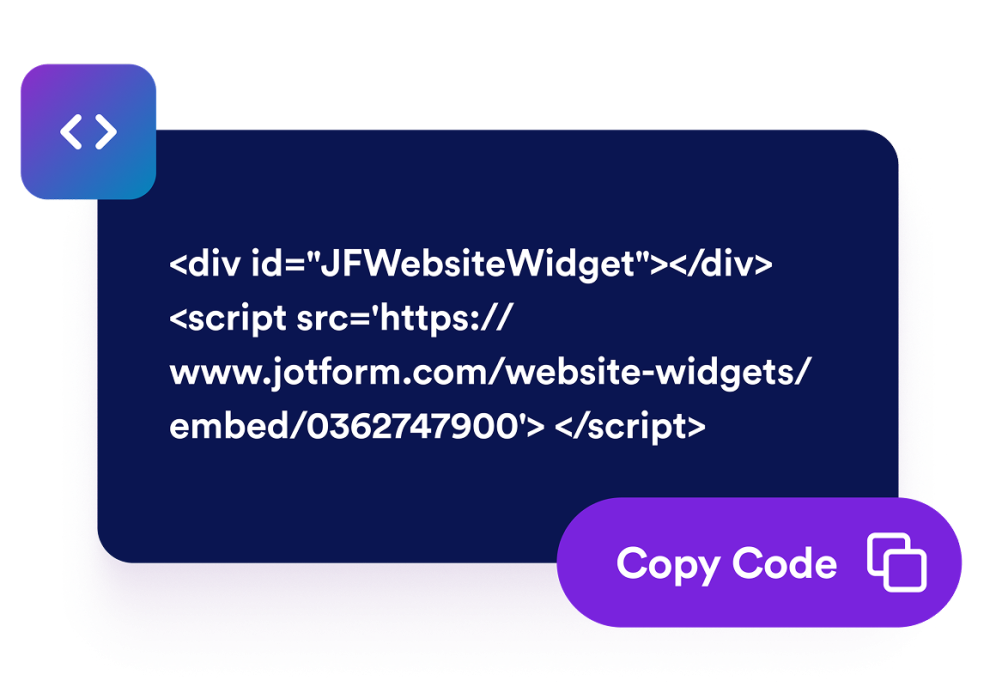
Paste the embed code into a custom HTML or embed block, then publish your page to display the website widget.
Darken page backgrounds and text colors so visitors can browse long pages more comfortably in low-light settings.
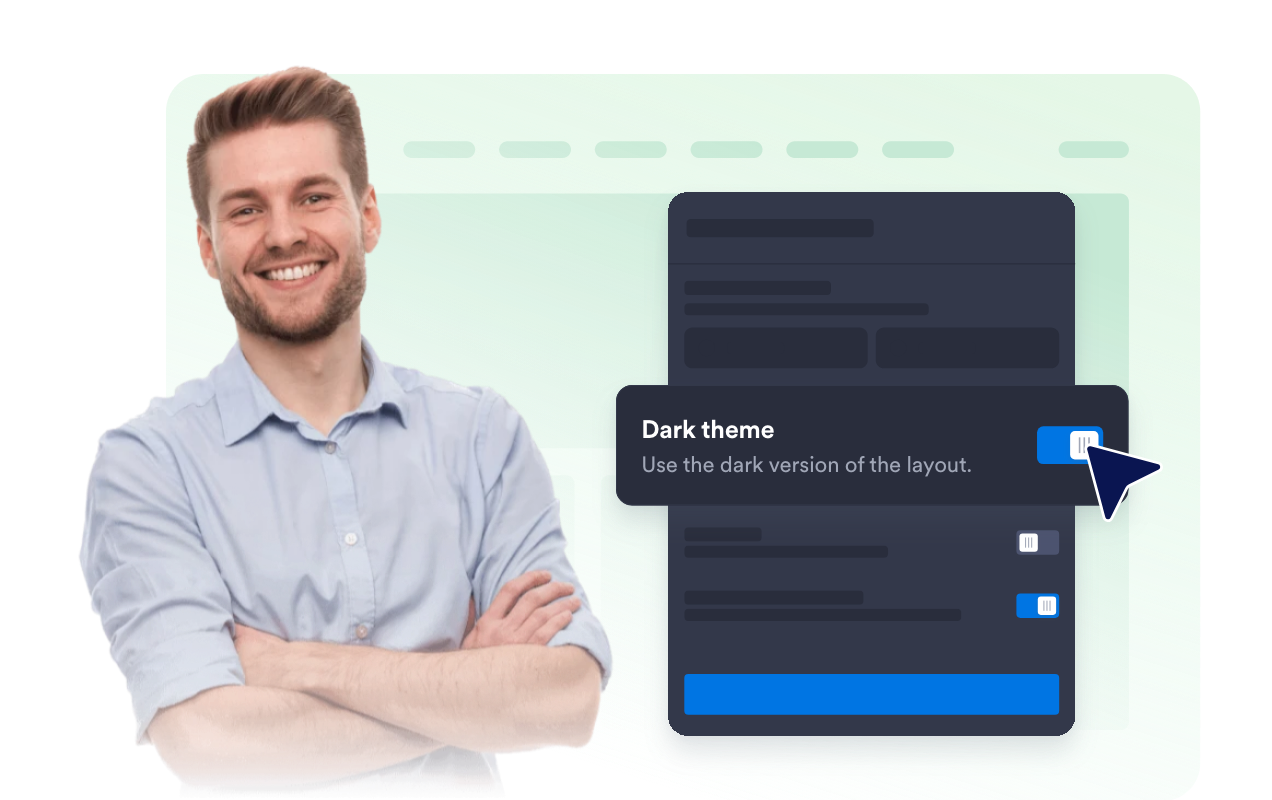
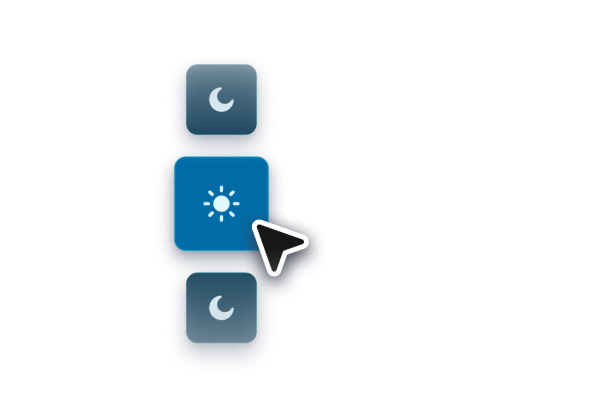
Add a fixed or inline switch with editable labels, position, size, shape, and colors so each visitor can choose the mode they prefer.

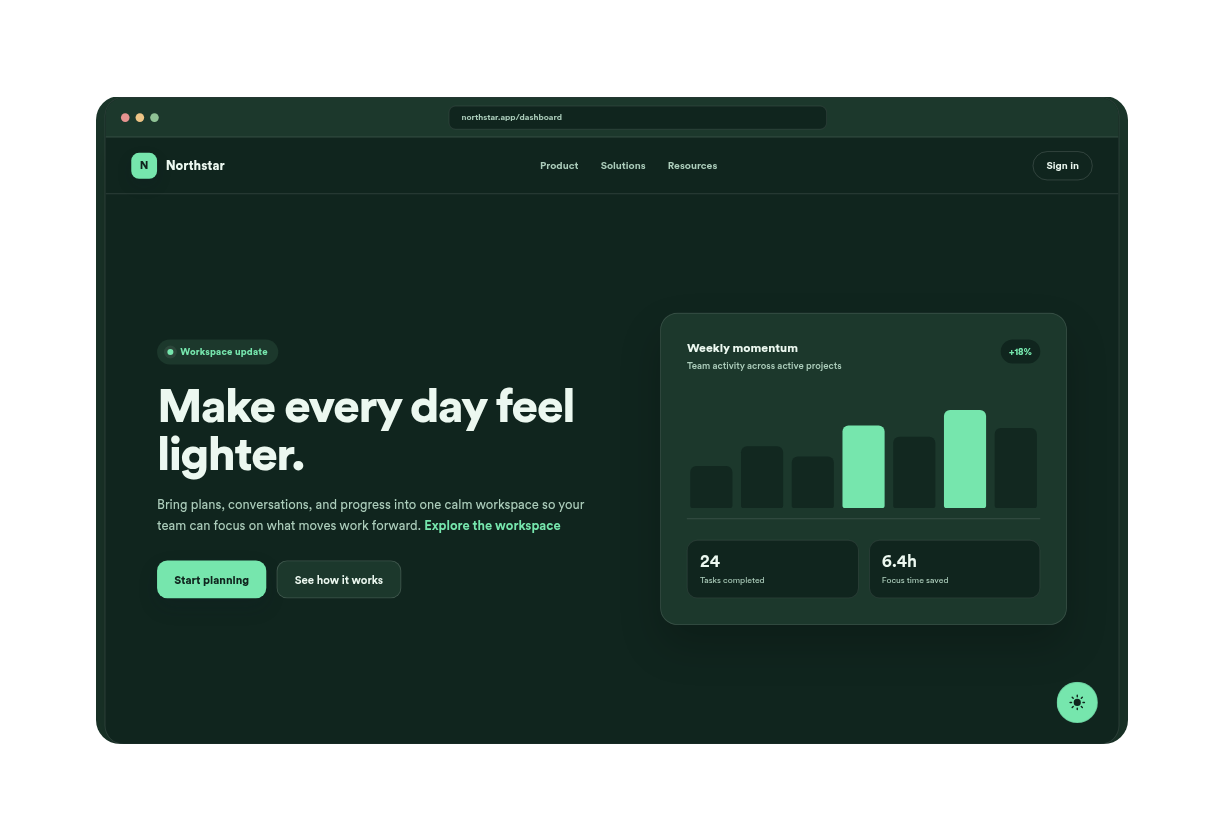
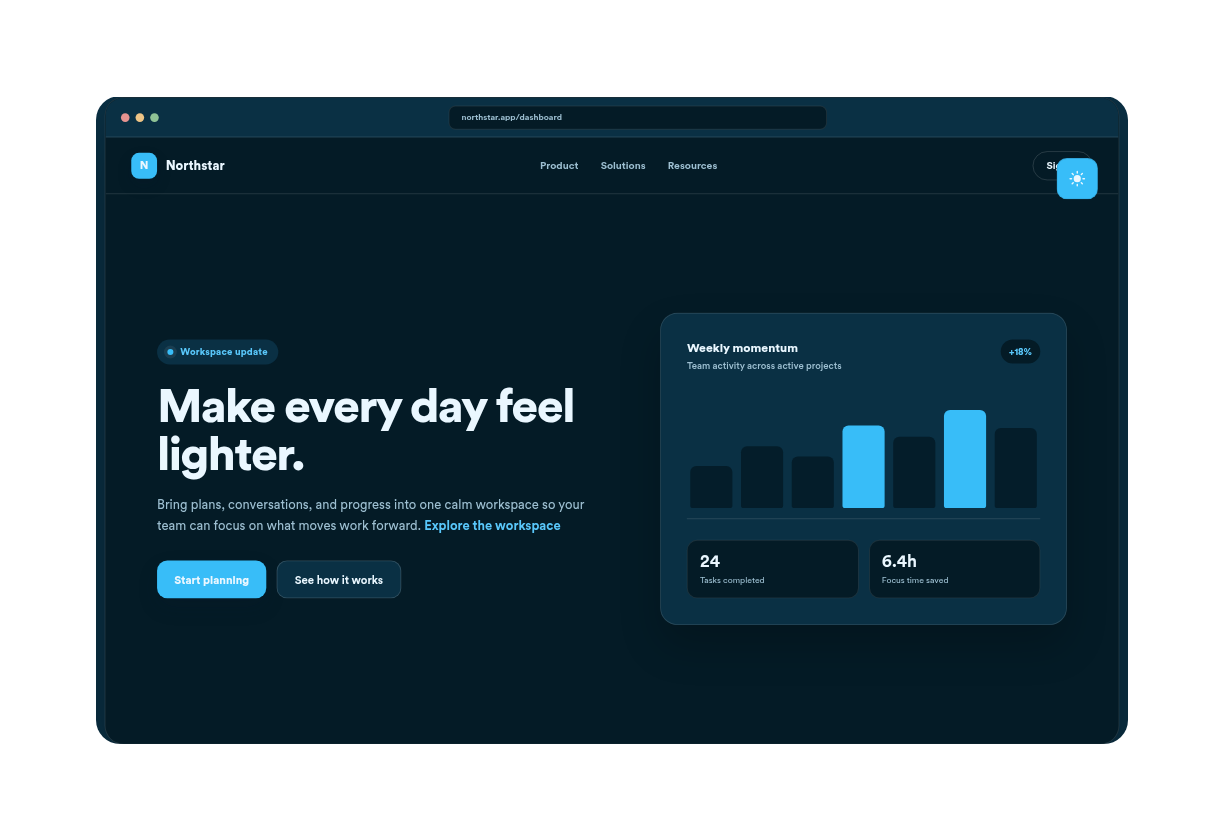
Switch between tailored dark styles like Warm Reading for warm nighttime focus, Midnight Blue for maximum black depth, High Contrast for enhanced visual distinction, or Graphite for a sleek, modern aesthetic.
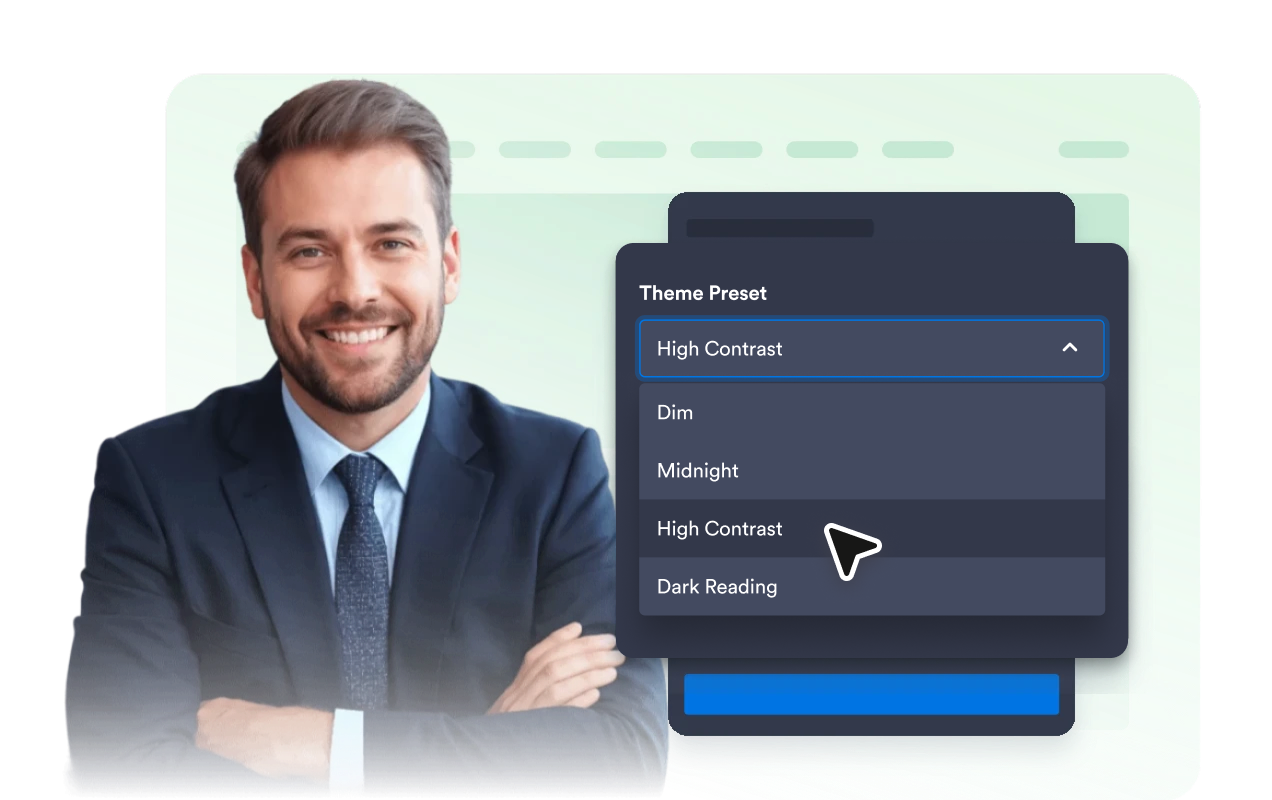
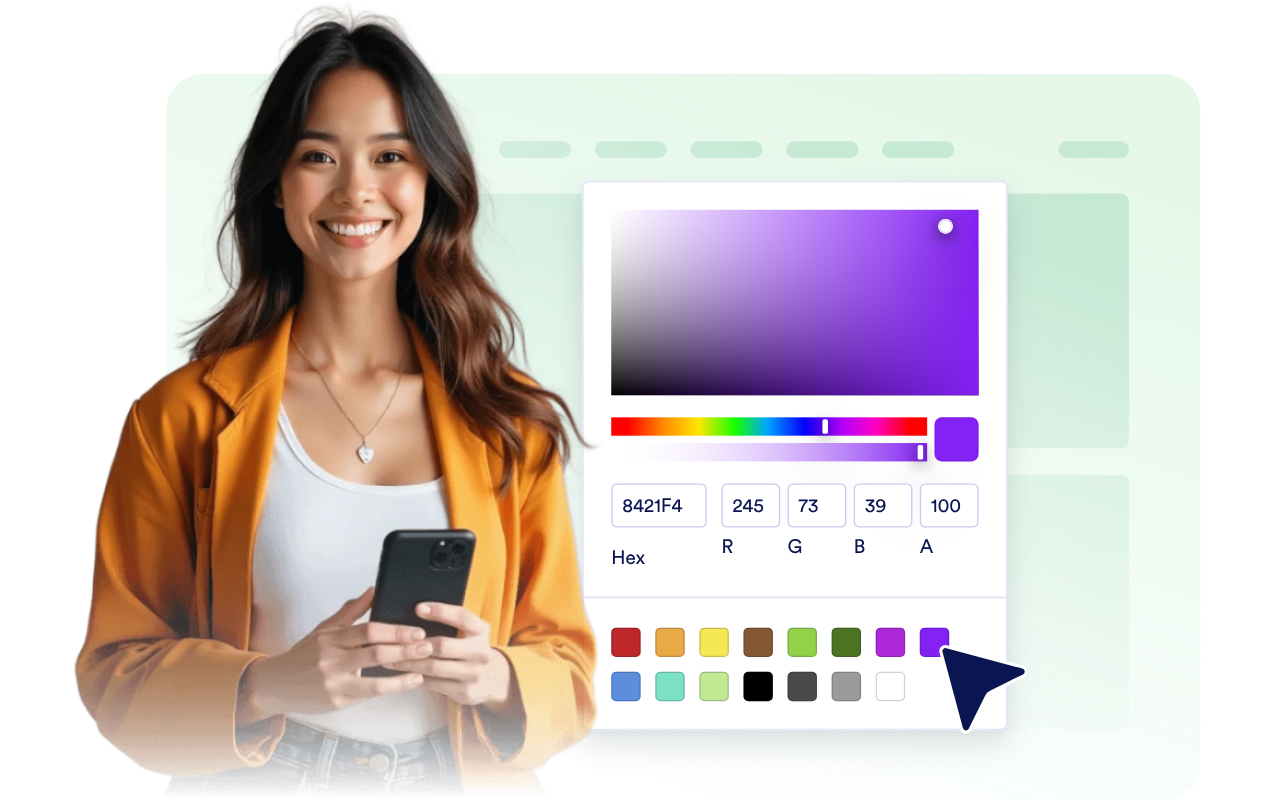
Start from a theme preset, adjust page and switch colors, add a subtle overlay, and use scoped custom CSS for final polish.
Jotform’s widgets make your website more interactive and increase conversions. There are many tools available, from star ratings and testimonial sliders to social proof popups and media embeds. Add widgets to your forms or landing pages to collect data, display proof, and capture leads — no coding required.
Add Jotform widgets to your website with a simple embed code. Customize the widget, preview how it looks, and paste it into any page that supports custom HTML or embed blocks, all without a developer.
Use Jotform Website Widgets to collect leads, show customer feedback, display social proof, embed media, or add helpful web page tools. Each widget helps visitors interact with your business directly from your website.
If you need help setting up, customizing, embedding, or troubleshooting your widget, Jotform’s customer support team is available 24-7. You can move forward with confidence, knowing that help is there when you need it.
Add the widget anywhere visitors spend time reading, comparing, shopping, or browsing after dark.
Blogs and knowledge bases where long reading sessions benefit from a softer low-light view.
SaaS and dashboard pages where visitors expect a modern dark theme option.
Portfolio and media pages where dark backgrounds can help images and visuals stand out.
Product and pricing pages where late-night visitors should still be able to compare details comfortably.
Community and documentation sites where returning visitors may want their display choice remembered.
Mobile-first websites where a compact switch can help visitors choose a more comfortable viewing mode quickly.
Turn engagement into action with Jotform. Create powerful forms that capture leads, collect payments, and automate responses, all in one place. Every submission lands in your Jotform Inbox, where you can follow up or connect with your favorite apps.
Get Started — It’s Free!
A Dark Mode widget is an embeddable website utility that lets visitors switch a page into a darker color theme.